Check the acquisition promise
Read the store headline, screenshots and description. What problem is the app promising to solve?
Study the storefront ↗
Astro HQ · iOS
Explore the ad evidence, study the storefront, and build your next acquisition hypothesis.
01 / Creative research
Read the store headline, screenshots and description. What problem is the app promising to solve?
Study the storefront ↗Explore apps with direct store-link matches. Compare their hooks and formats without assuming the same approach works here.
Browse observed advertisers ↗Store rankings and revenue estimates describe market context. They do not establish ad spend, conversions or ROAS.
Review the market context ↗02 / Storefront & product
Study the product story and store experience behind the acquisition funnel.



03 / Market context
Keep revenue, downloads and store rankings separate from advertising performance.
I’m so grateful that this finally exists. I’ve long had an iPad and a Mac desktop and have been annoyed every time I needed to work on something serious away from my desk. I didn’t want to buy a laptop just for those situations. I’m so happy to be able to now use my iPad like a powerful laptop with this app! One bug I do wish they would fix is the tendency for Workbench to lock up when I am copy/pasting. When this happens I just exit it and reopen it on my iPad, and then I can paste, but it’s a tad annoying.
I love absolutely every single aspect about this app. It’s exactly what I’ve been searching for for many years. It’s fast, it seamless. Unified display is a game changer. The only thing I wish it had was a different app icon lol, it just does not fit my home screen haha! Maybe multiple icon options for the people who pay!
App worked amazingly on my iPhone so I decided to subscribe to continue using on iPhone and iPad, and now I can’t get a connection established to my MacStudio, even though it is showing online. There is no error message or trouble shooting steps for me to reset the connection so I am essentially dead in the water until I can get all devices in the same room.
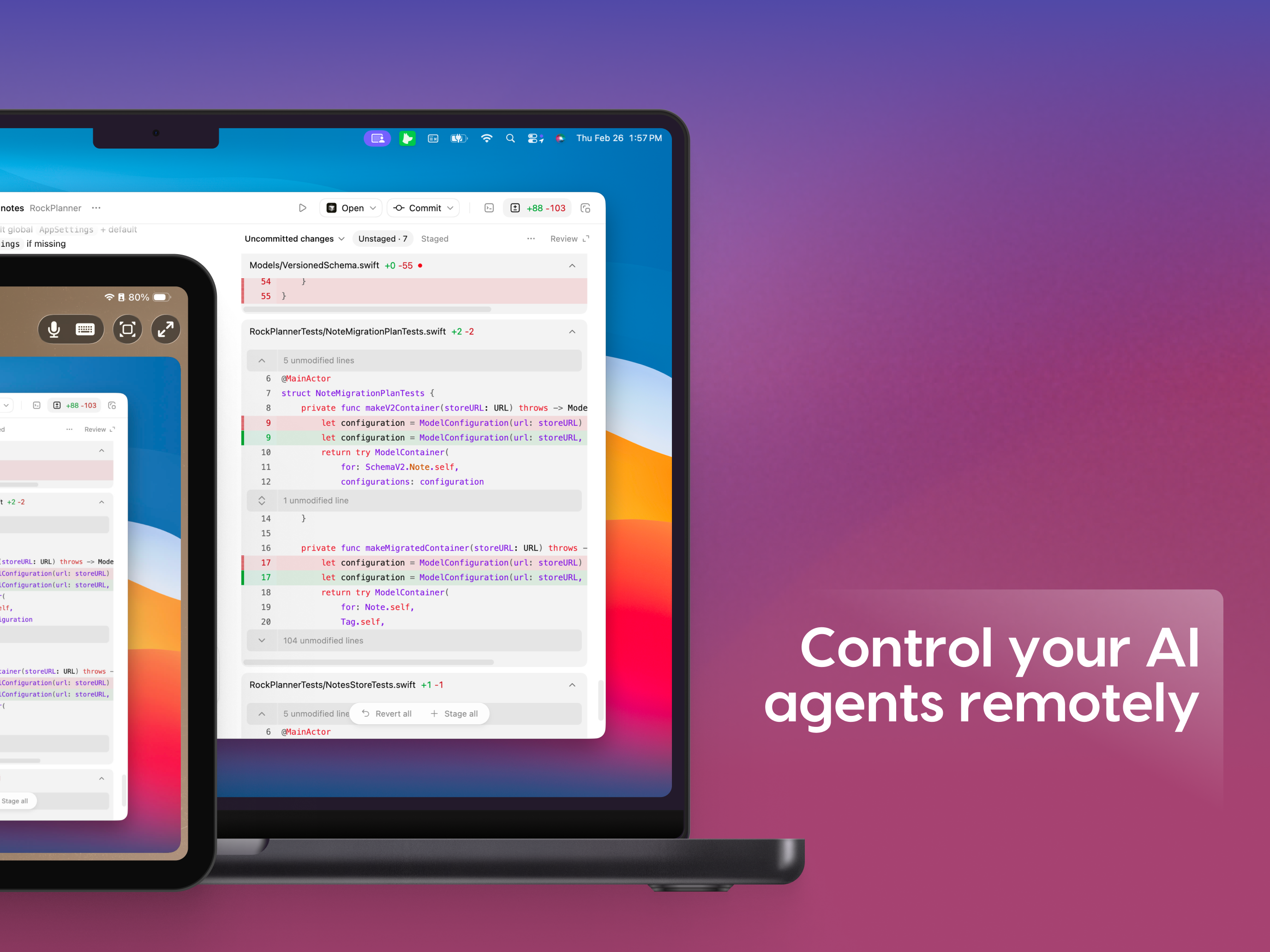
Access and control your Mac from anywhere. Workbench is a high-performance remote desktop that lets you connect to your Mac from your iPhone or iPad....