Check the acquisition promise
Read the store headline, screenshots and description. What problem is the app promising to solve?
Study the storefront ↗
Astro HQ · iOS
Explore the ad evidence, study the storefront, and build your next acquisition hypothesis.
01 / Creative research
Read the store headline, screenshots and description. What problem is the app promising to solve?
Study the storefront ↗Explore apps with direct store-link matches. Compare their hooks and formats without assuming the same approach works here.
Browse observed advertisers ↗Store rankings and revenue estimates describe market context. They do not establish ad spend, conversions or ROAS.
Review the market context ↗02 / Storefront & product
Study the product story and store experience behind the acquisition funnel.


03 / Market context
Keep revenue, downloads and store rankings separate from advertising performance.
On my iPad Air 5th gen, and combined with screen mirroring, this makes my iPad into a visual graphic tablet. You’ll definitely want to connect via usb—it’s lagless at that point. P2P has a slight lag, WiFi is quite clunky. The app says it doesn’t work on ARM’s, but when I borrowed an i9 laptop to get the Mac app and moved it to my M2 Studio, it was just great. The website wouldn’t let my Studio download the Mac app for some reason. Tsk, tsk, Astro.🤣 A rousing success! Did I mention no subscription?
Virtually no lag when connected via usb, and works as expected. I only wish it had some extra features closer to what Wacom offers. Things like customizable shortcuts per app...sort of like the studios on astropad studio, quick keys, and added support for the Apple Pencil Pro's Tap & squeeze gestures. On the downside, it's practically unusable when connected via wifi. But overall, a good replacement for pen tablets.
ive wanted something like this for. awhile now since i use astropad studio in a similar way, so im super happy to have something like this that does exactly what i need! the only things i think could be improved are adding double tap shortcuts, and theres a small but noticeable lag when first beginning a stroke. for slower strokes its not that big a deal but its extremely noticeable when making lots of quick strokes. thank you team for making this!
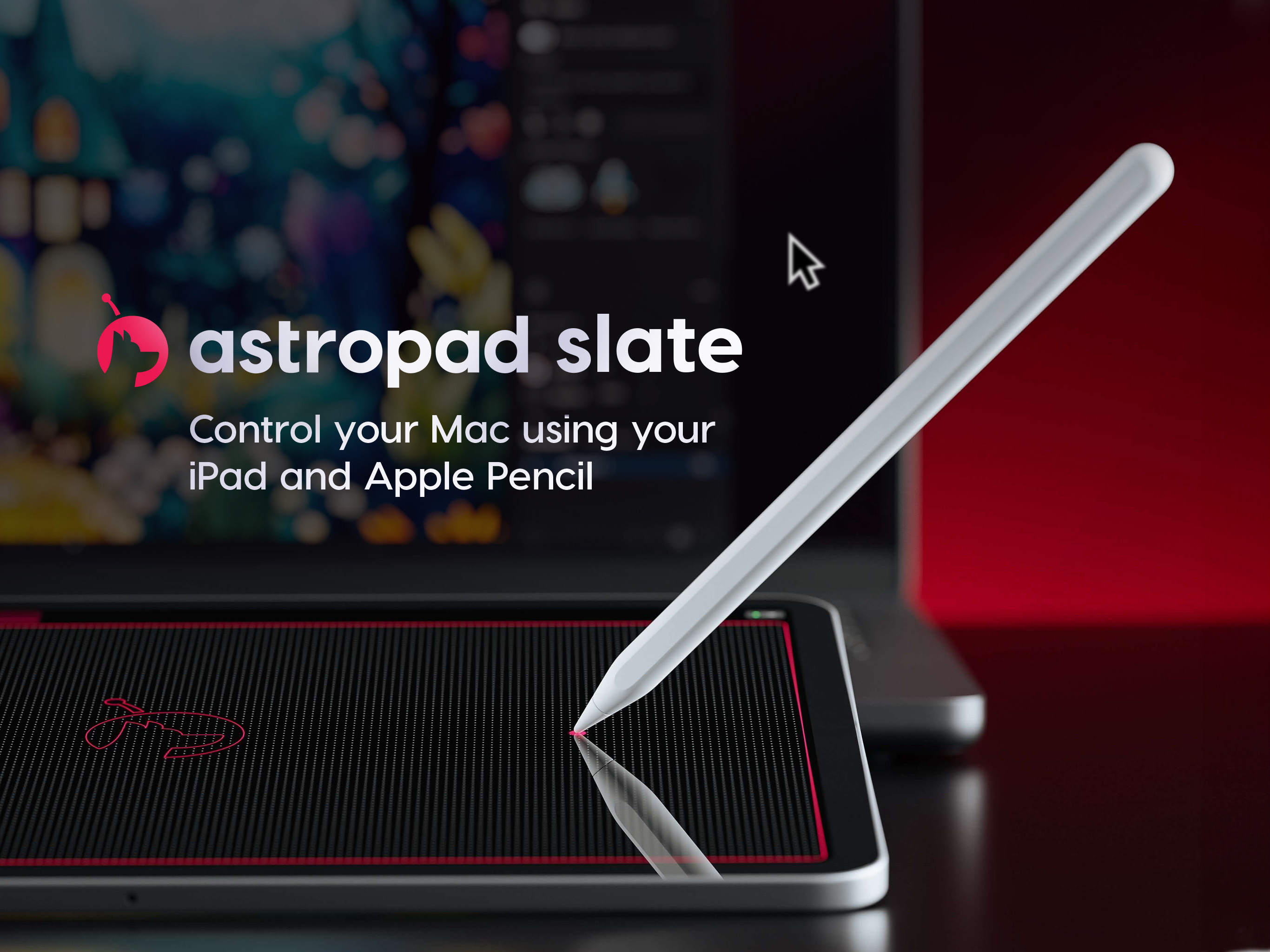
Control your Mac using your iPad and Apple Pencil Astropad Slate turns your iPad into an input device for Mac. Draw, write, and interact seamlessly b...