
Check the acquisition promise
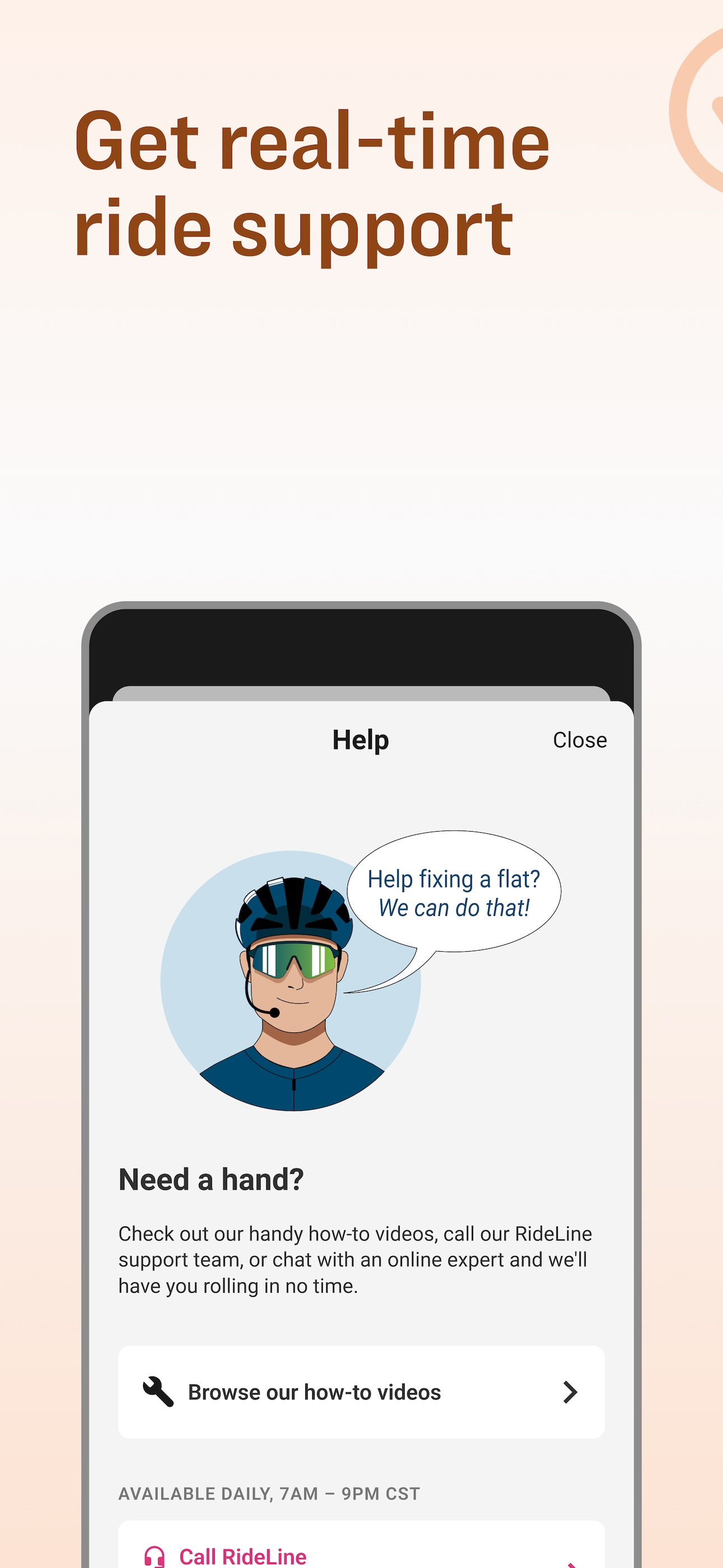
Read the store headline, screenshots and description. What problem is the app promising to solve?
Study the storefront ↗
Trek Bicycle · iOS
Explore the ad evidence, study the storefront, and build your next acquisition hypothesis.
01 / Creative research
Read the store headline, screenshots and description. What problem is the app promising to solve?
Study the storefront ↗Explore apps with direct store-link matches. Compare their hooks and formats without assuming the same approach works here.
Browse observed advertisers ↗Store rankings and revenue estimates describe market context. They do not establish ad spend, conversions or ROAS.
Review the market context ↗02 / Storefront & product
Study the product story and store experience behind the acquisition funnel.


03 / Market context
Keep revenue, downloads and store rankings separate from advertising performance.
I received a $50 “coupon” for meeting the goal of riding 50 miles in celebration of Trek’s 50 years. That was pretty much a gimme. But when I tried using the coupon, the Trek website cannot accept any method of payment — either a specific card or using Apple Pay — because I was told (through the chat) there is a higher level of security. The initial check for payment passes, but then when the transaction is submitted to the card company, it is rejected. Pretty much defeats the purpose of setting and achieving goals. UPDATE 1: Twice I tried contacting customer care. The first time was outside of their window of operation by 10 minutes. The next day I tried again, but all customer care representatives were out on training. UPDATE 2: Part of the issue was the CC provider denying the charge because they thought it was fraud. A call fixed that. However, the Lizard Skin handlebar tape I selected was causing the website to fail when submitting the transaction. Two of the three products I ordered went through, but the handlebar tape caused the entire order to fail. I tried a different type handlebar tape and the order was placed.
This app is great. It pairs with your trek account so you can create routes and make sure that your valuable rewards for completing one of their many challenges is never lost. Some of the rewards on this app are crazy, with a few getting you hundreds of dollars off certain products! The app tracks your current speed, average speed, distance traveled and elevation climbed to give you a really nice and complete ride summary. I’ve tracked hundreds of rides and it hasn’t let me down once. Even if your phone dies or you close the app, the ride is recoverable and you still get the credit for it. Would highly recommend downloading this app if you have a bike
I would give 5 stars as I use for my Verve 3 Gen 5 and my FX-1S. However, it keeps dimming after 10 seconds. I know that it’s a safety and power saver feature but it would be nice to have a choice. I found a workaround and that is to put the app in ride mode but not start. Then pull down the control center and brighten the display to full. Close that and tap run when ready to ride. It will stay on but only until you touch the screen. Then it reverts. UPDATE: The developer has since added a switch to correct this. I noticed that this has been added to the settings page recently. However, there are two switches, one to enable auto dim and a second switch to leave the screen permanently on, which seems to me, redundant. Just one switch to disable auto-dim is needed. If you leave both to the ON position, the screen will still dim. In any event, thanks for fixing this. I can now get a text or a call without having the screen revert to darkness after 10 seconds!
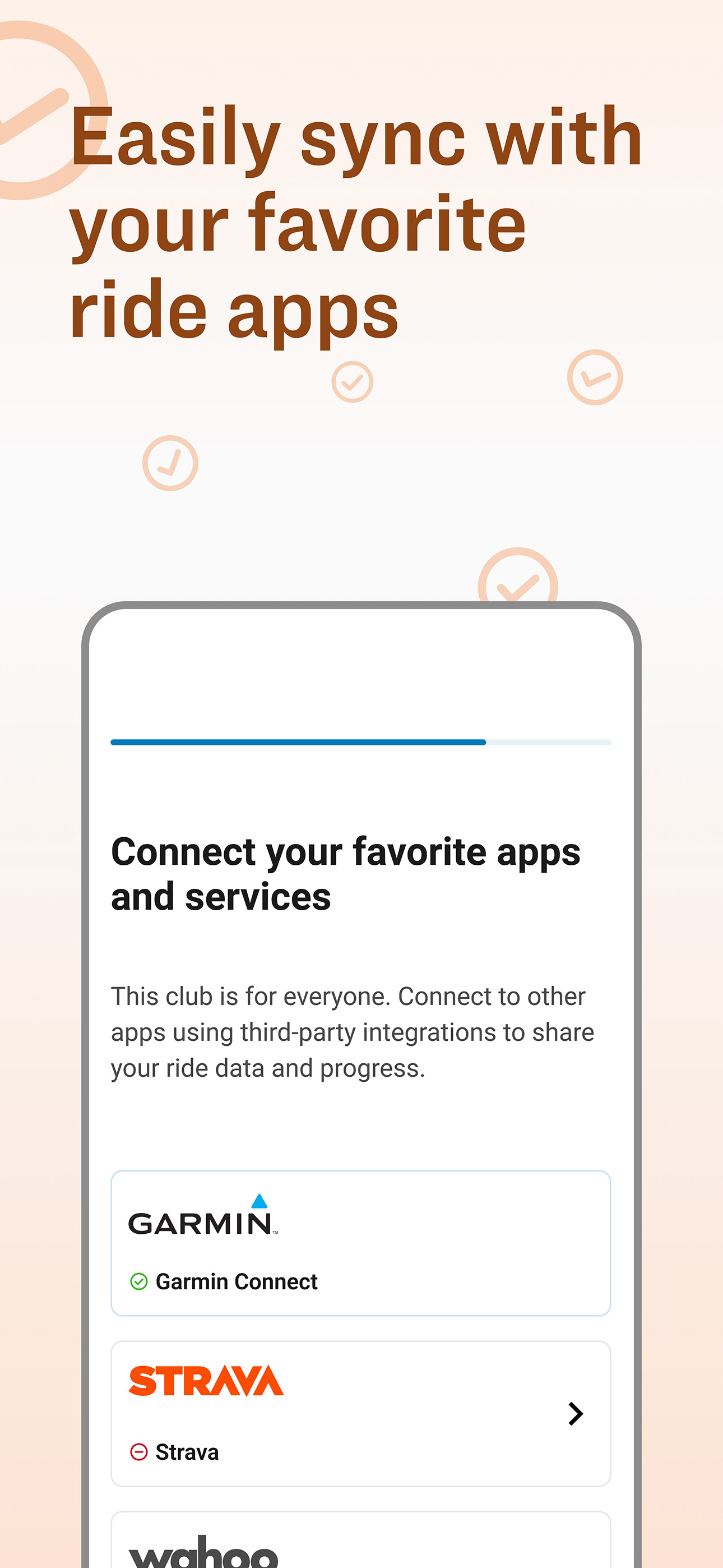
Make every ride count with the Trek Ride Club app. Whether you’re looking for curated local routes, ride data to track your progress, fun challenges t...


