
Check the acquisition promise
Read the store headline, screenshots and description. What problem is the app promising to solve?
Study the storefront ↗
Seven Bold · iOS
Explore the ad evidence, study the storefront, and build your next acquisition hypothesis.
01 / Creative research
Read the store headline, screenshots and description. What problem is the app promising to solve?
Study the storefront ↗Explore apps with direct store-link matches. Compare their hooks and formats without assuming the same approach works here.
Browse observed advertisers ↗Store rankings and revenue estimates describe market context. They do not establish ad spend, conversions or ROAS.
Review the market context ↗02 / Storefront & product
Study the product story and store experience behind the acquisition funnel.


03 / Market context
Keep revenue, downloads and store rankings separate from advertising performance.
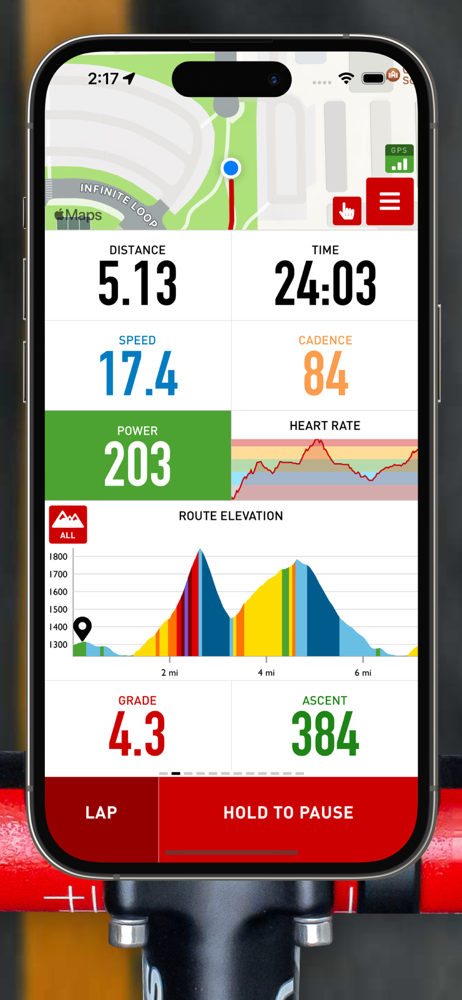
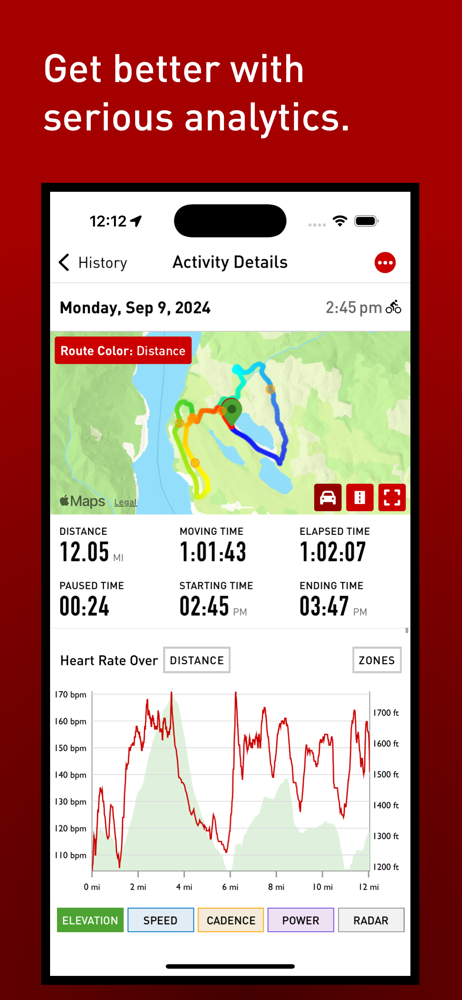
This app is fantastic. Tracks speed and location, connects to my Apple Watch for HR data, my cadence sensor for cadence data, and plots my path and realtime location on a fully interactive map. You can upload GPX routes for navigation, including optional turn by turn directions. The elevation data shows realtime data about both grade and current elevation as well as a visualization of elevation for your full route. Incredibly, it also pairs with my Garmin Varia taillight radar. The data is plotted on the screen and audio alerts warn you of cars coming from behind. It even integrates smoothly with Strava for me to quickly upload and share my workouts. It has its own history feature, and so much more! I’m so glad I didn’t fork out hundreds of dollars for a dedicated cycling computer. Cadence would be great even at the free tier. However, I pay for the top tier of features and it will be many YEARS before that fee comes anywhere close to the upfront cost of a dedicated computer with similar features. Meanwhile, Cadence keeps getting upgrades! Five stars and an indispensable piece of kit for my rides.
For starters and to be fair, I have been a Garmin user for over 10 years. I currently have the 1030 model. There are many things to like about it, but it has a lot of shortcomings. I was very skeptical that I might enjoy this Cadence app. However it does quite a bit more than I was expecting. It is very easy to use and is shockingly customizable. One of the things about the Garmin head units that I don’t like is that the screens are very small, low resolution and hard to navigate (laggy). They are nothing like a modern day smart phone. I am now using this app on my iPhone 14 Pro it is so easy to navigate and to see. However, the only real downside is battery life. I will be using a top tube bag that has a battery in it if I need to plug it in. I have several bikes inside that all have Garmin mounts. I bought a cheap phone case and added a Garmin mount to it and will just throw my phone in that case when I ride. In the end, I’m really enjoying this app and better experience for tracking my rise. Oh, and I still can’t import those rides to Garmin so I can add that to all the history that I currently have.
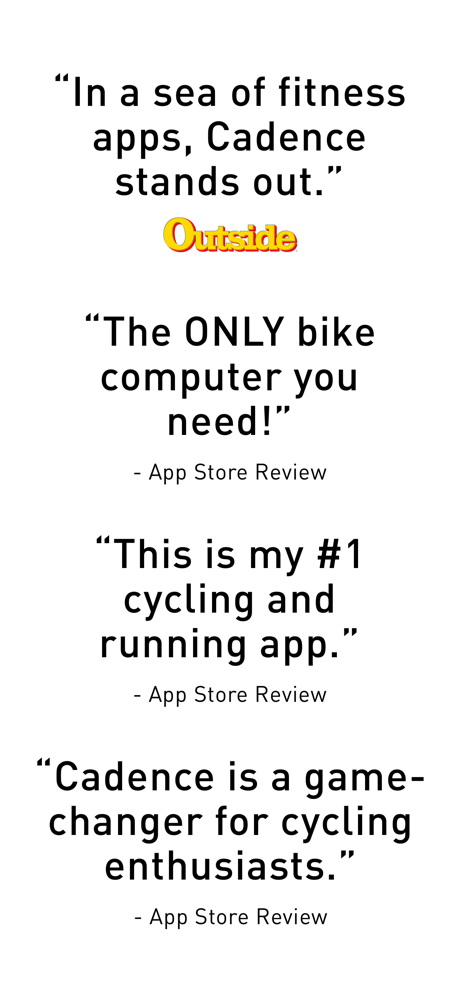
I’ve used this app for over 2 years now and needed to write this… This app is amazing, connects to all my cadence, speed, power, heart rate, and varia sensors perfectly, I never have an issue. I started out trying every cycling app I could find in the App Store, and battled them all out to find the best. Cadence was far ahead of the rest, which either lacked features or were hard to read during rides. I’ve since tried all those apps again recently this summer and again confirmed how much better cadence is over anything else. Compared to the best dedicated bike computers, my iphone screen is brighter and bigger than any device from garmin, hammerhead, or wahoo, and the cadence app utilizes it fully to be a bike computer years ahead of anything else on the market. Get the pro version and save yourself the money you would have spent on even a base model bike computer. Full integration with apple health and Strava syncs my rides, navigation for new routes is helpful and very visible. The only thing that would be cool to start seeing is Dexcom and/or Libre integration to track blood sugar and nutrition during rides as this is starting to become a helpful feature in the cycling market. HELPFUL TIP: When you switch to this app, definitely get a Mous cell phone case with the bike mount, and a matte glass screen protector (I got mine from Zagg) for an amazing bike computer experience with minimal glare and a secure fit to your bike.
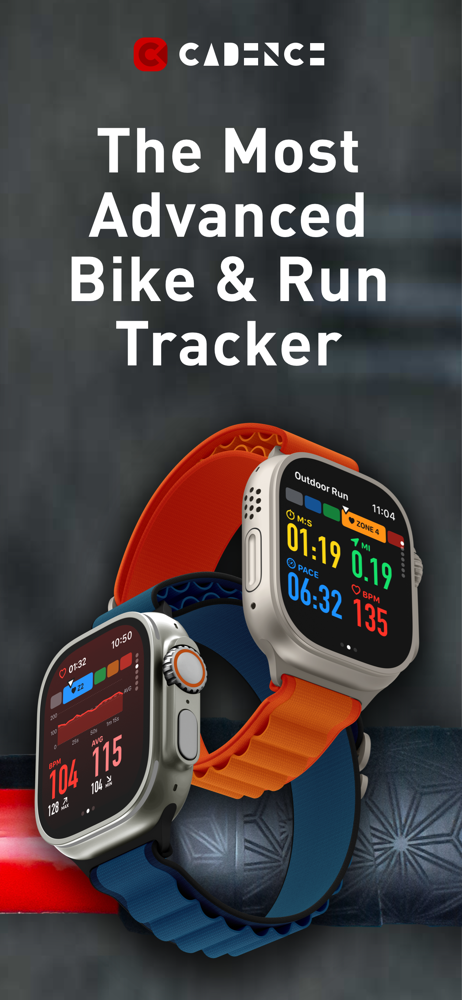
Why spend $300+ on a dedicated Garmin, Wahoo, or Hammerhead device when Cadence brings those features to your iPhone and Apple Watch? Record workouts,...
| Name | Price | Type |
|---|---|---|
| Pro - 1 Month - Legacy | $2.99 | Monthly |
| Pro - 1 Month | $2.99 | Monthly |
| Elite - 1 Month | $5.99 | Monthly |
| Remove Ads - 1 Year - Legacy | $6.99 | Yearly |
| Pro - 1 Year | $19.99 | Yearly |
| Pro - 1 Year - Legacy | $19.99 | Yearly |
| Elite - 1 Year | $39.99 | Yearly |


