Check the acquisition promise
Read the store headline, screenshots and description. What problem is the app promising to solve?
Study the storefront ↗
Vindhya Koneru · iOS
Explore the ad evidence, study the storefront, and build your next acquisition hypothesis.
01 / Creative research
Read the store headline, screenshots and description. What problem is the app promising to solve?
Study the storefront ↗Explore apps with direct store-link matches. Compare their hooks and formats without assuming the same approach works here.
Browse observed advertisers ↗Store rankings and revenue estimates describe market context. They do not establish ad spend, conversions or ROAS.
Review the market context ↗02 / Storefront & product
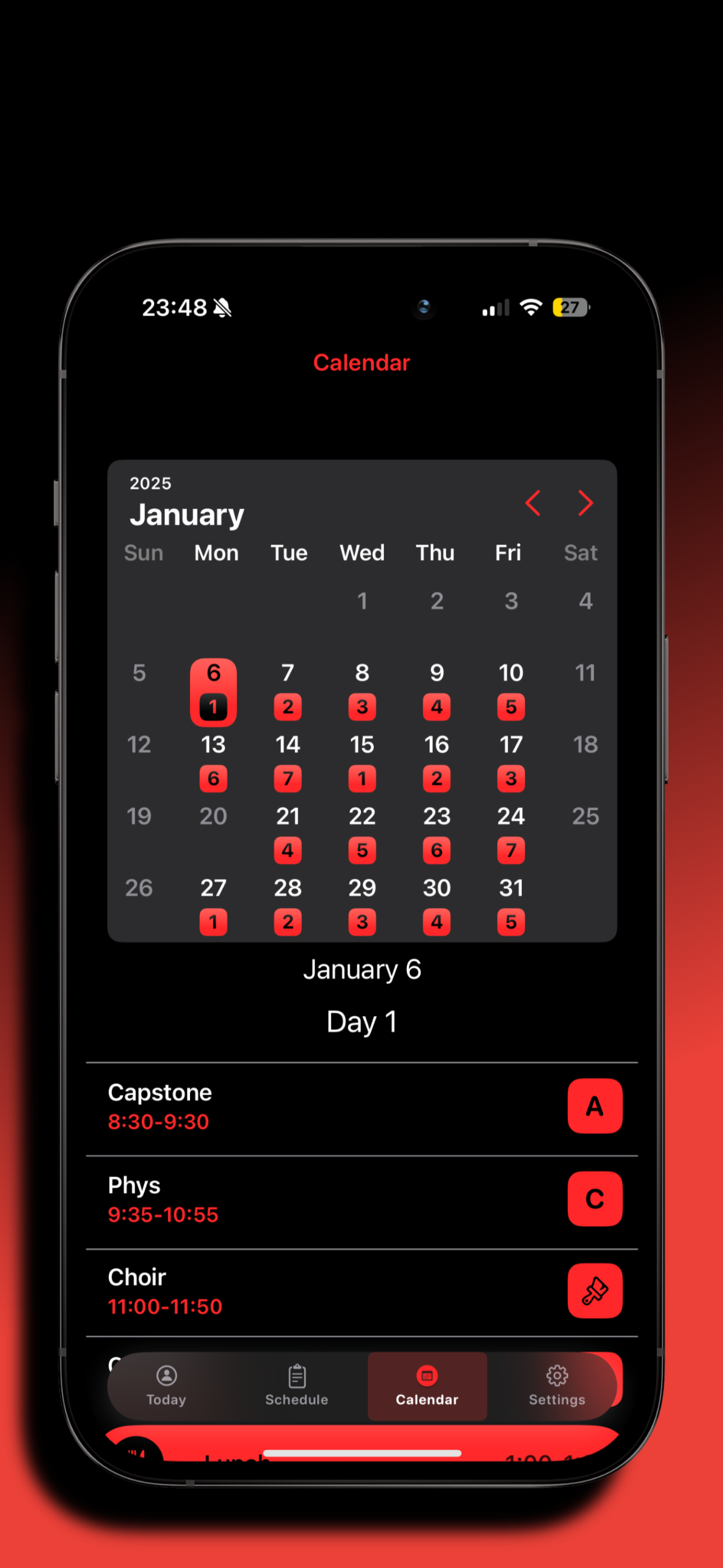
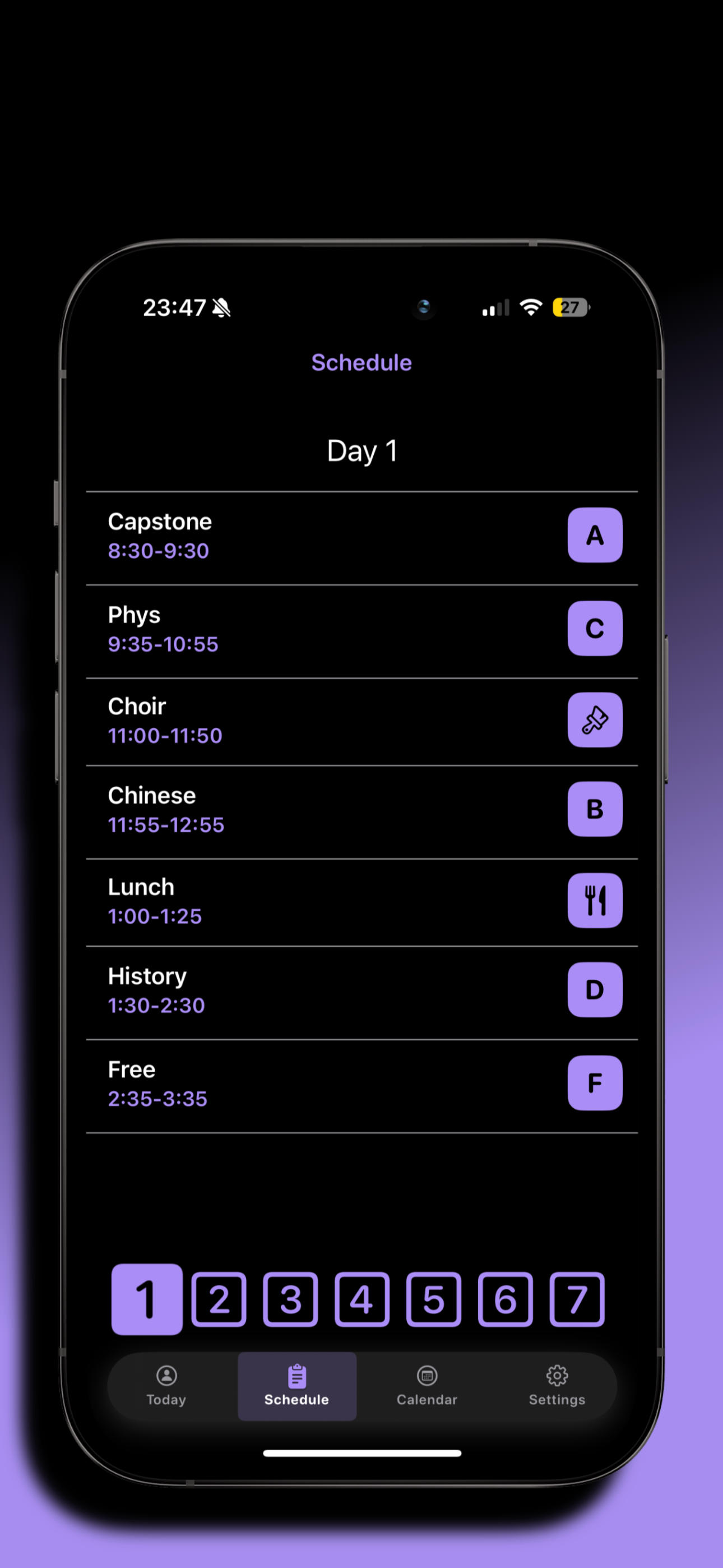
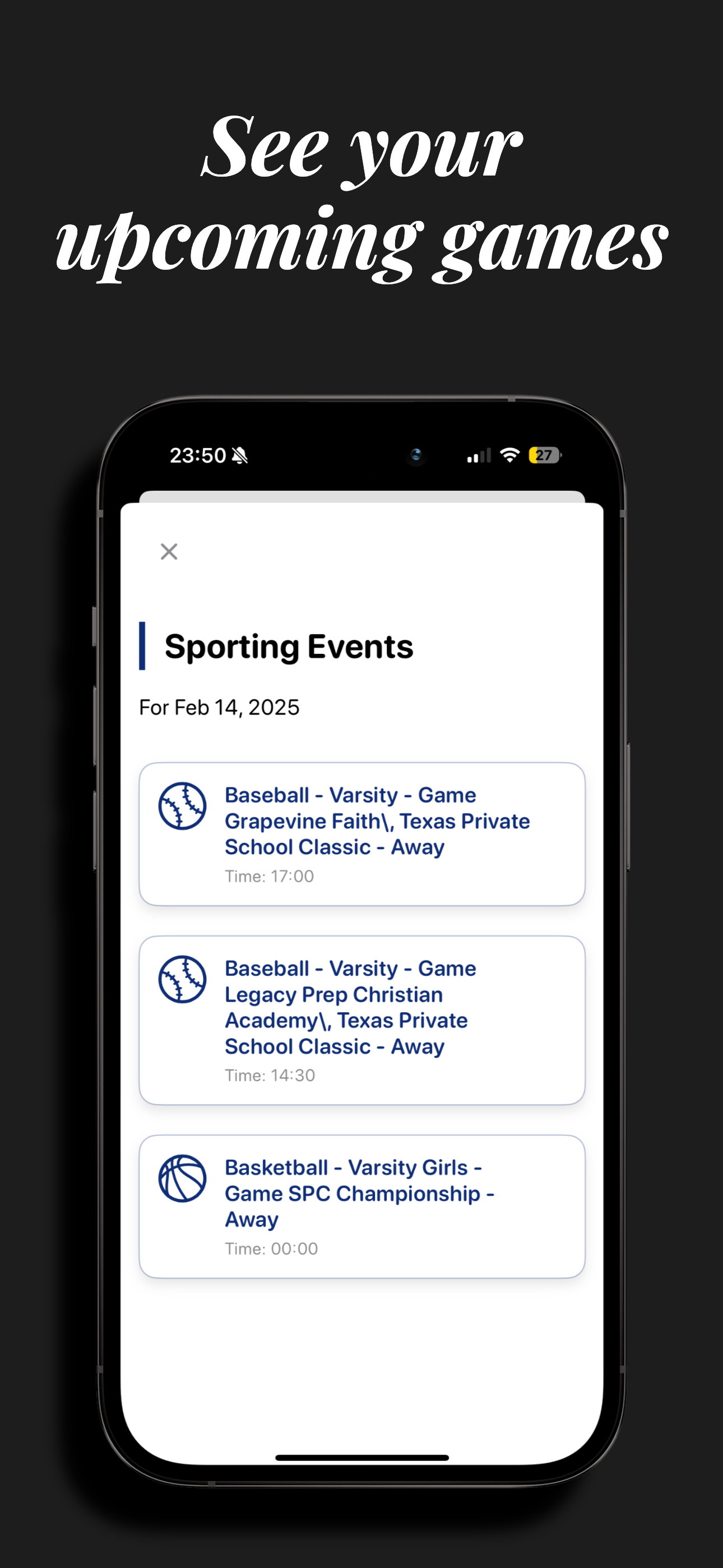
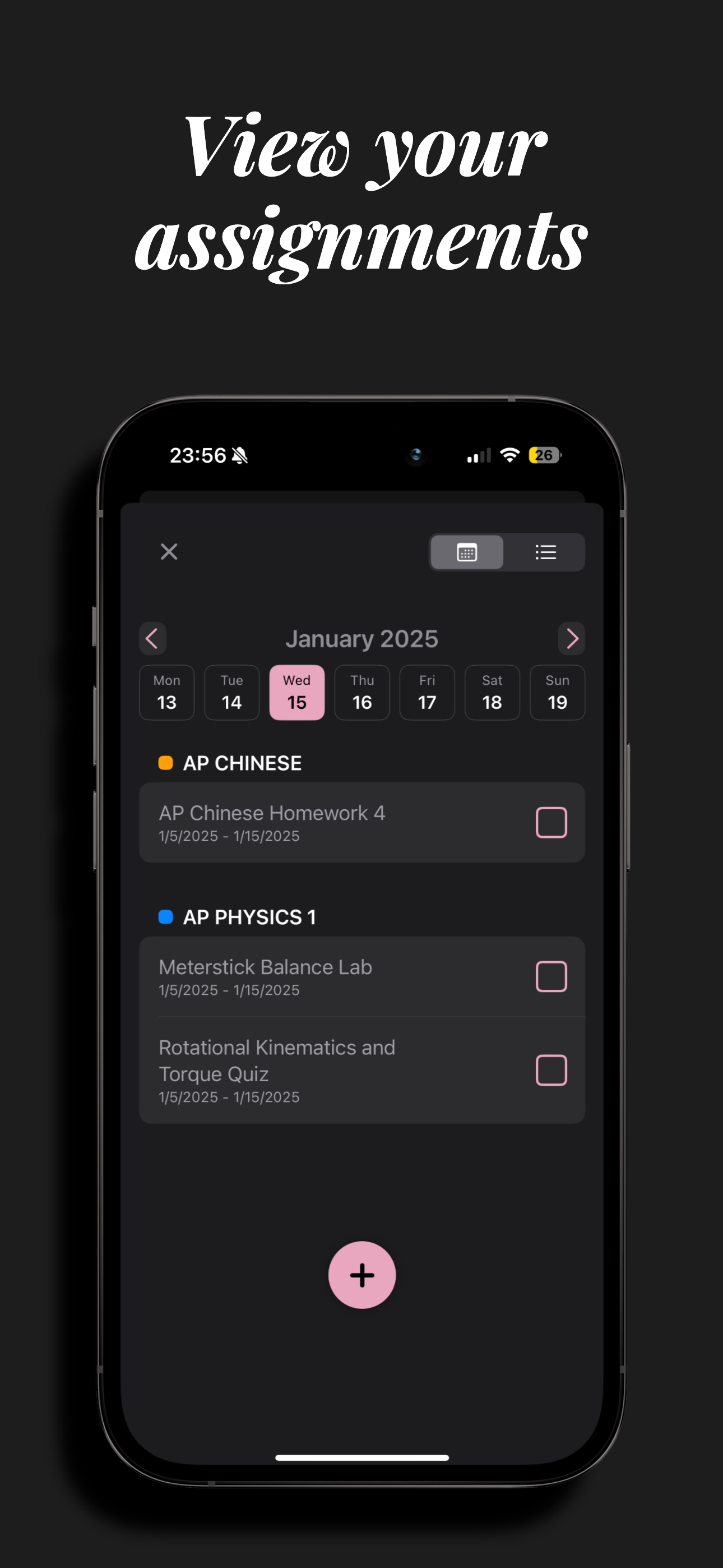
Study the product story and store experience behind the acquisition funnel.




03 / Market context
Keep revenue, downloads and store rankings separate from advertising performance.
I think this app is wonderful! There’s just one thing making a little bit difficult to use. I have two kids at SJS and it’s really hard for me in the calendar view to go back and switch between the students. It would be nice if on the calendar page I could click on Which student I need to see their schedule. Is there something that you can do? Pretty please!!!!!!
Love this app, and so appreciate having it on my phone for schedules. Just wish it could toggle between 2 kids (high school and 6th gr)…maybe for next update?
Appreciate the timeliness of this app! Only wish for two more features: 1, allow more than one schedules on the same account since we have twins; 2, show school start & end dates and student holidays.
Add, manage, and view your schedules. Preview upcoming days with the calendar. Look at daily sports, lunch, and house leaderboards. Access your assign...