Check the acquisition promise
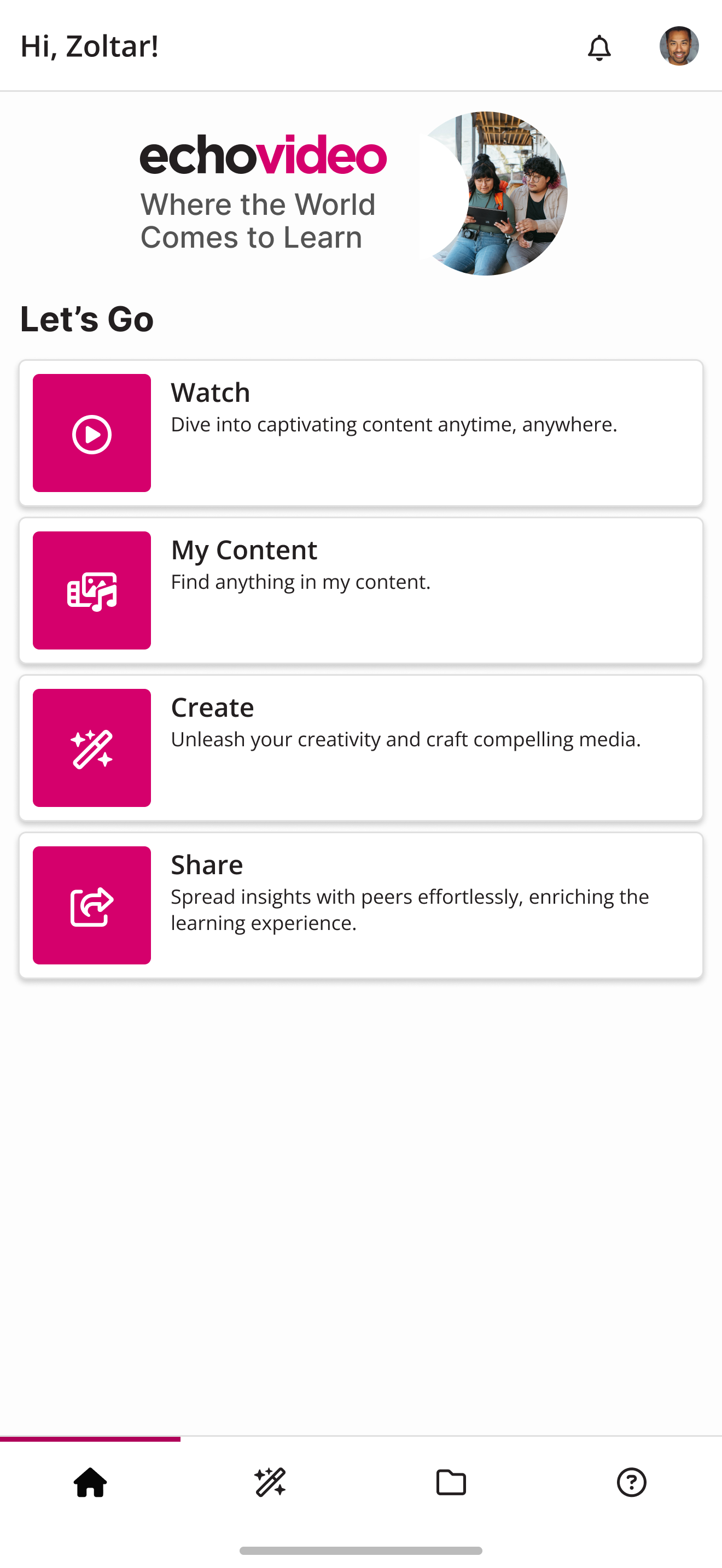
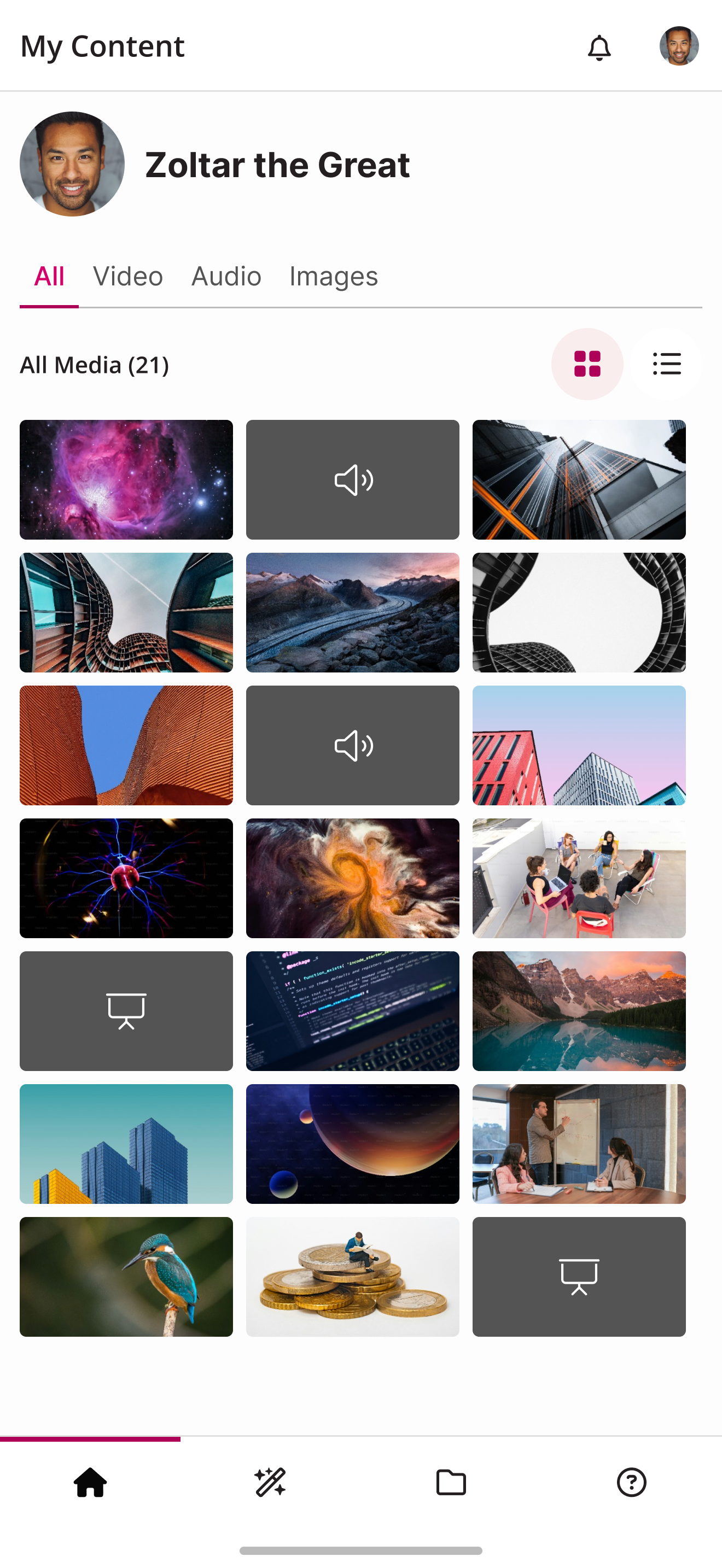
Read the store headline, screenshots and description. What problem is the app promising to solve?
Study the storefront ↗
Echo360 · iOS
Explore the ad evidence, study the storefront, and build your next acquisition hypothesis.
01 / Creative research
Read the store headline, screenshots and description. What problem is the app promising to solve?
Study the storefront ↗Explore apps with direct store-link matches. Compare their hooks and formats without assuming the same approach works here.
Browse observed advertisers ↗Store rankings and revenue estimates describe market context. They do not establish ad spend, conversions or ROAS.
Review the market context ↗02 / Storefront & product
Study the product story and store experience behind the acquisition funnel.

03 / Market context
Keep revenue, downloads and store rankings separate from advertising performance.
Doesn’t let you go past the privacy page. Fix it as it is otherwise useless.
I attempted to log into the app after installing it. I entered my company email address, was redirected to the company login page, signed in successfully, and completed two-factor authentication. The issue occurs immediately after this step, when the app opens the Echo360 privacy agreement page. I am unable to proceed beyond that page. I have tried pressing Close, refreshing the page, fully closing and reopening the app, and checking whether there might be an invisible Accept button, but nothing works. The only visible option is a blue Close button, which briefly shows a loading icon when pressed before returning to the same privacy agreement screen. As a result, I am unable to log in to the app.
Instructors and students using EchoVideo can now use our streamlined design and intuitive interface to view lecture slides, watch course videos on-dem...