
Check the acquisition promise
Read the store headline, screenshots and description. What problem is the app promising to solve?
Study the storefront ↗
Visa · iOS
Explore the ad evidence, study the storefront, and build your next acquisition hypothesis.
01 / Creative research
Read the store headline, screenshots and description. What problem is the app promising to solve?
Study the storefront ↗Explore apps with direct store-link matches. Compare their hooks and formats without assuming the same approach works here.
Browse observed advertisers ↗Store rankings and revenue estimates describe market context. They do not establish ad spend, conversions or ROAS.
Review the market context ↗02 / Storefront & product
Study the product story and store experience behind the acquisition funnel.


03 / Market context
Keep revenue, downloads and store rankings separate from advertising performance.
I love my flat rate at Authorize over their competitors, but you have to take some pointers from them on the user interface of the software. It would make things a lot easier to use. Maybe add a barcode scanner function to this app like the PC version at least?
So I rarely use this except for conferences. I was hopeful with this new revision but when we charge a card there’s no way to put someone’s name or any contact info on a transaction so we get blank transactions in our end of day reports. Not good! So I’ll have to keep a paper handy to write down who paid for what. Definitely time not well spent. Maybe there’s something I’m missing..?
One of the worst credit card payment systems. Once you download this new app, nothing transfers over from the old one. Every sales category and feature must be manually put back in. Absolute worst. And every time this app updates you have to reset your stupid password every time.
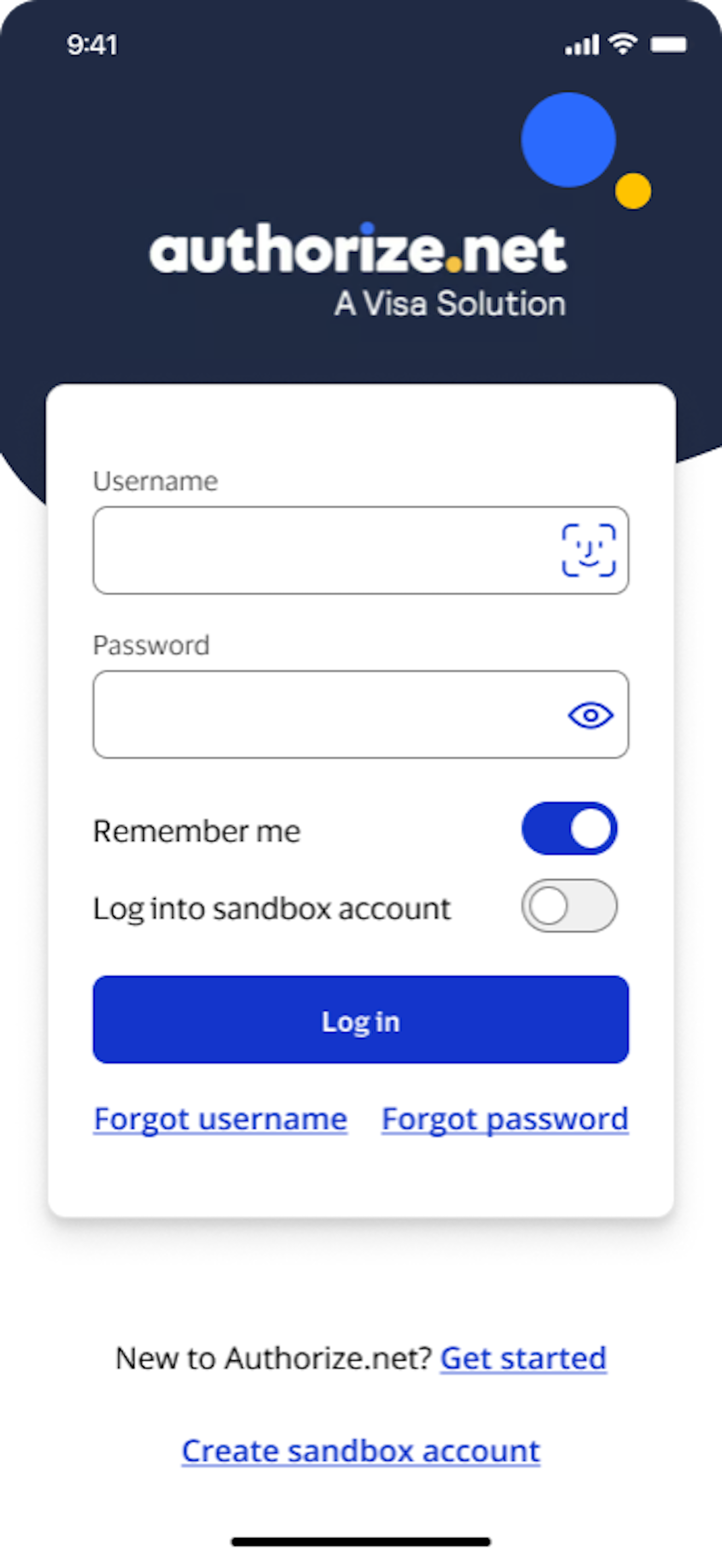
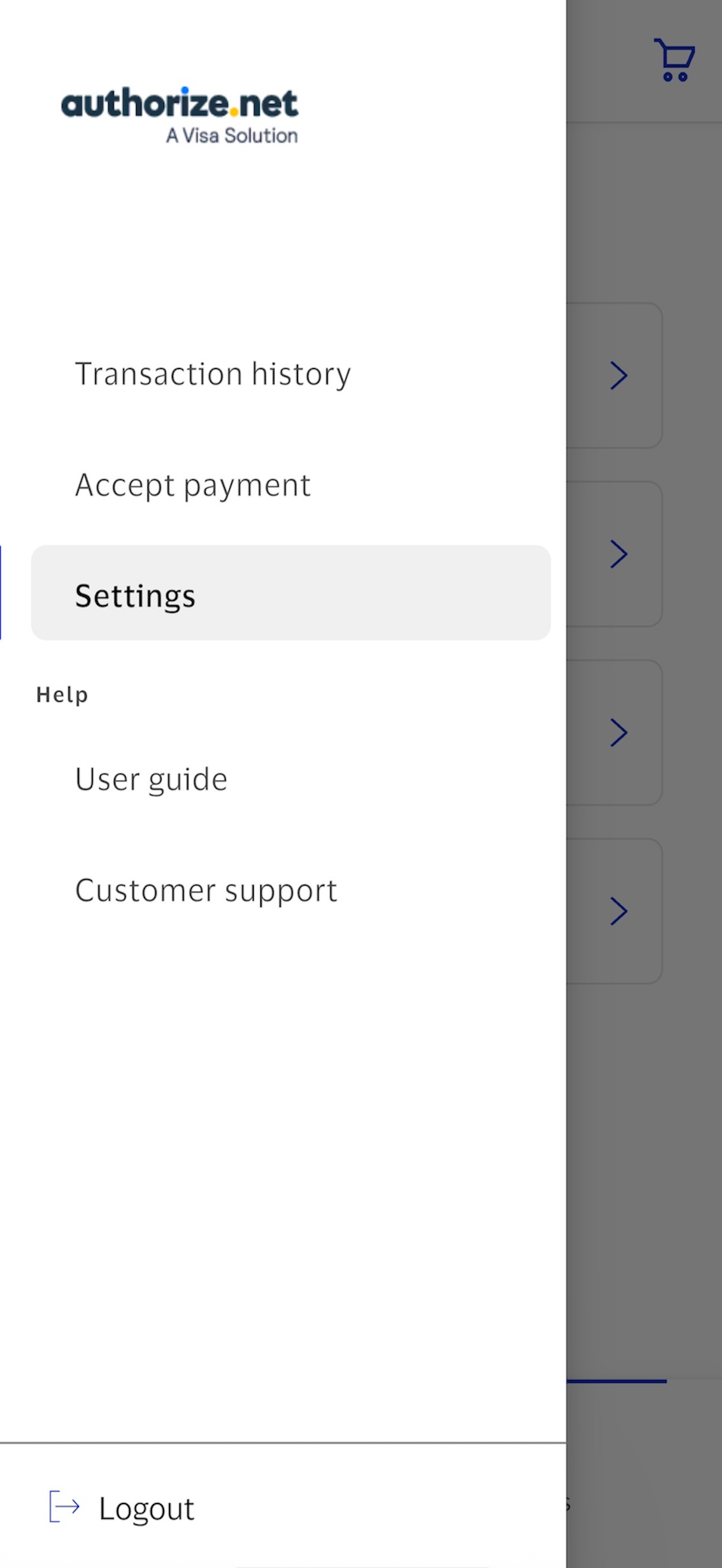
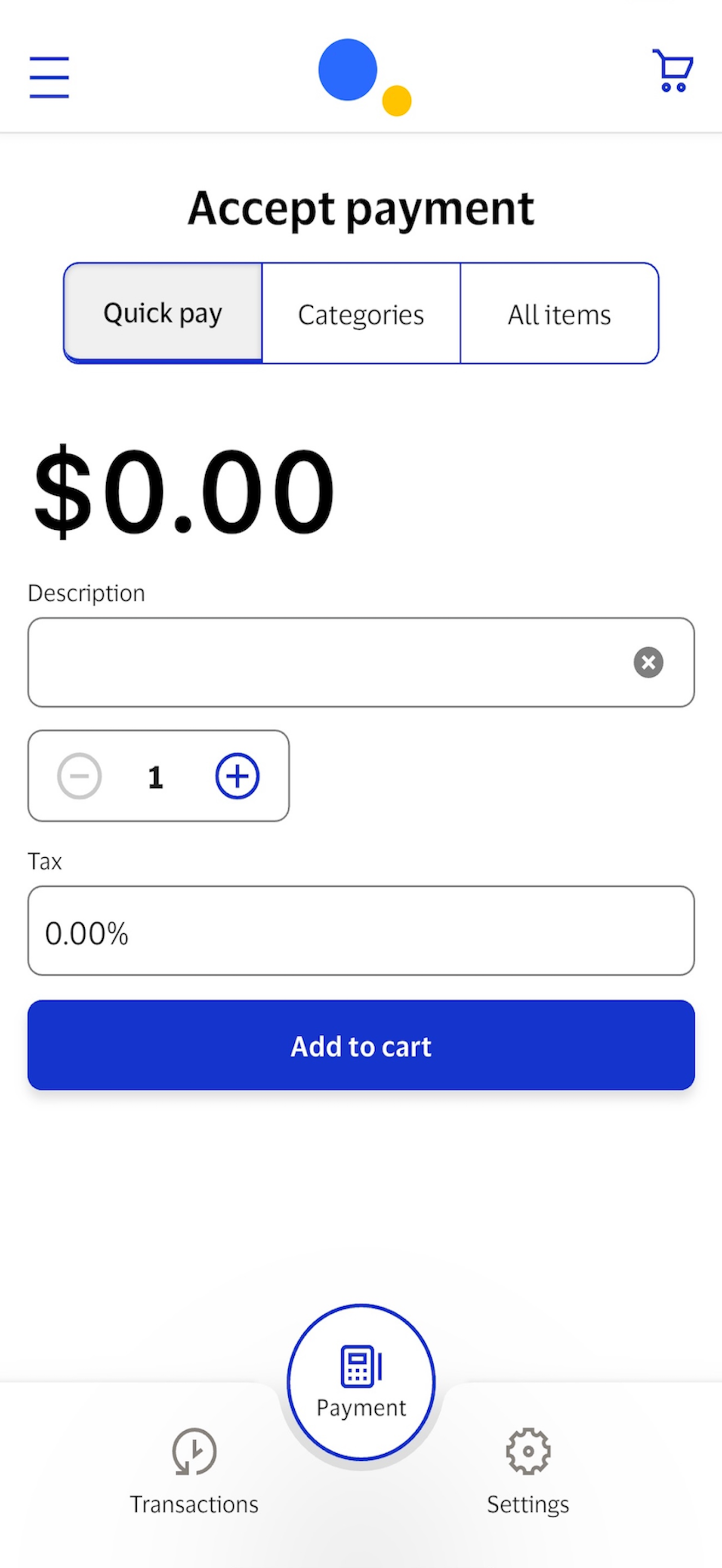
With the Authorize.net Mobile Point of Sale (mPOS) app, you can securely handle credit and debit card transactions on your IOS devices using QuickPay...


