
Check the acquisition promise
Read the store headline, screenshots and description. What problem is the app promising to solve?
Study the storefront ↗
SureSwift Worldwide Inc. · iOS
Explore the ad evidence, study the storefront, and build your next acquisition hypothesis.
01 / Creative research
Read the store headline, screenshots and description. What problem is the app promising to solve?
Study the storefront ↗Explore apps with direct store-link matches. Compare their hooks and formats without assuming the same approach works here.
Browse observed advertisers ↗Store rankings and revenue estimates describe market context. They do not establish ad spend, conversions or ROAS.
Review the market context ↗02 / Storefront & product
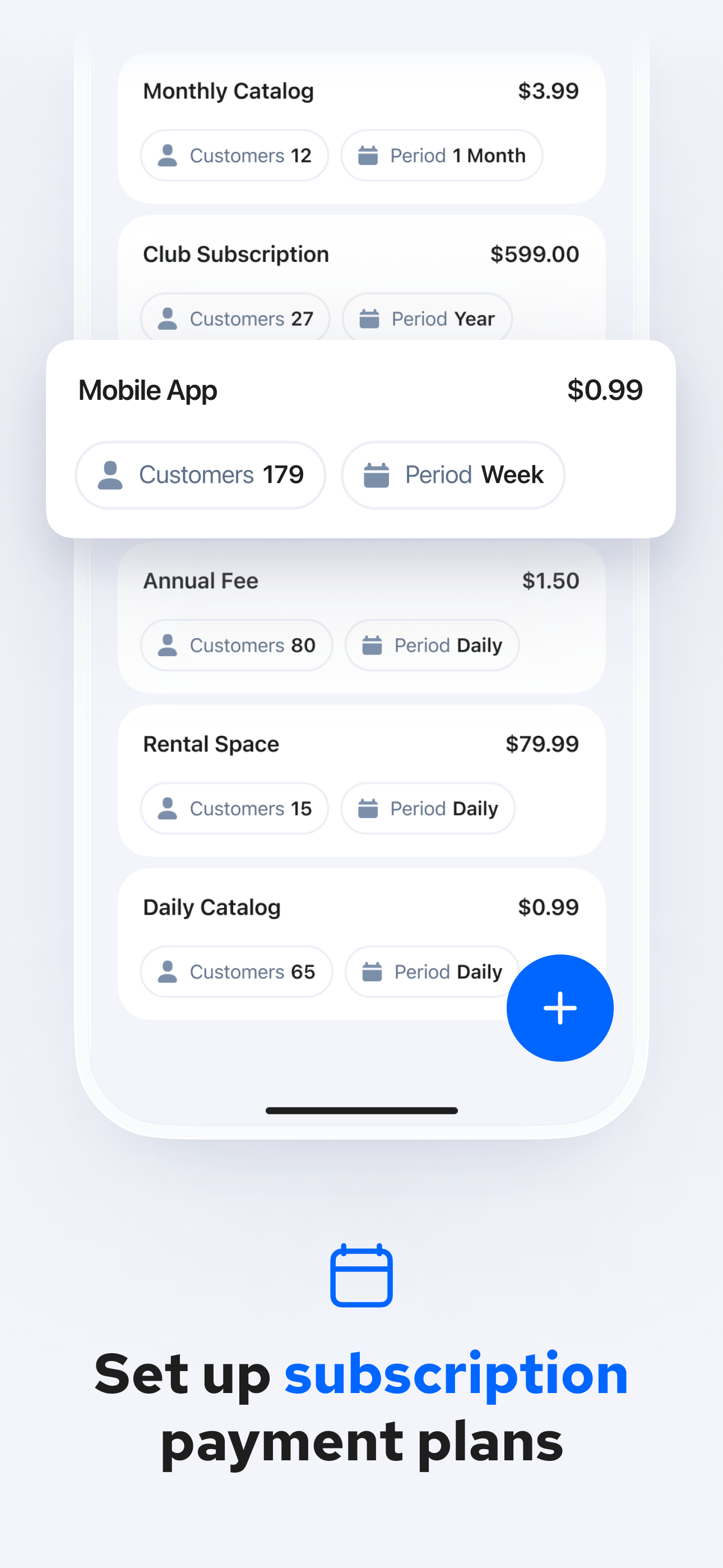
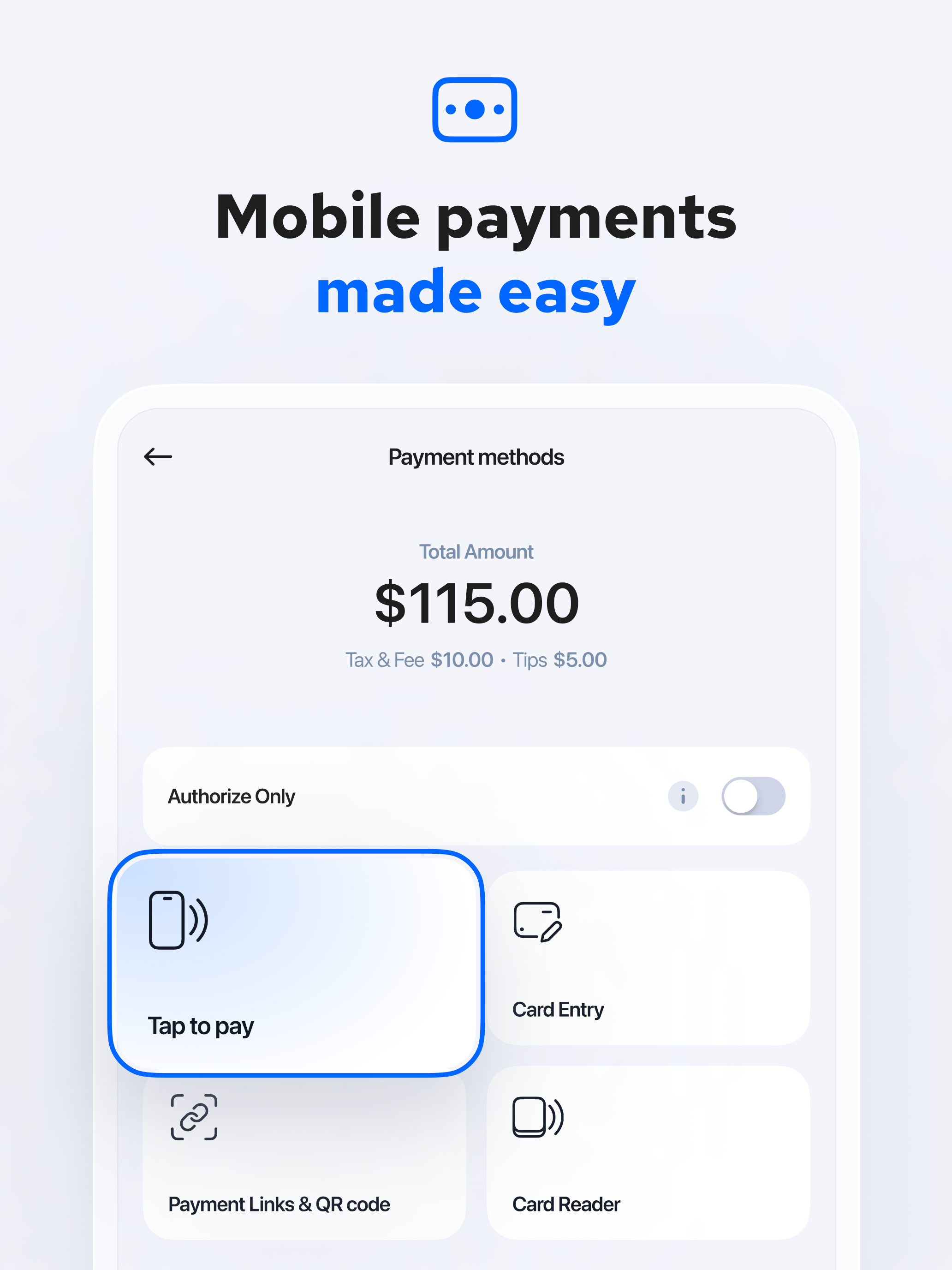
Study the product story and store experience behind the acquisition funnel.




03 / Market context
Keep revenue, downloads and store rankings separate from advertising performance.
I downloaded the app not sure what to expect. I was in need of a quick way to accept payments. This app is easy to use for anyone. My husband figured out how to process them on the first try. I like that I can add a fee and it processes it so I don’t have to add it every time. I wish it could text a receipt but at least you can email if you choose. Payment got into my account as promised and emails kept me in the loop on where the payment processing was at. I would recommend for a small business.
I just signed up with them and had a few minor bumps getting started, but they were available immediately via online chat, and when they needed to dig deeper to fix the issue they immediately connected me with email support which resolved the issue asap. All my questions have been answered, my issues fixed and all is running smoothly. I am impressed with their level of customer service, which is a breath of fresh after the year we’ve all had. Highly recommended!! And thank you for the awesomeness.
The Charge App is easy to use and fast when accepting mobile payments! There are a few app options that are literally the same as Charge, but the one thing that made Charge stand out and be chosen was the option to add pre-existing inventory items and they’re prices, so I could just click in the quantity. However, I only rated 3 stars, because as convenient as this is, there is no inventory history at the end of the day, so it’s really just preset descriptions of items :( This really messed up our sales days trying to figure out what was sold. Stripe saves the descriptions, but if you sell 3 of Item A and 1 of Item B for $10/ea on the same order, Stripe just registers the sale as: $40, Item A, Item B. At the end of a busy day, I can’t remember if sale #76 was 2 and 2, 3 and 1, or 1 and 3, of Item A & B. Something that took hours to sort out, not realizing on first use that wouldn’t be information easily found with a pre-existing “inventory” list. Definitely just need the ability to go back on the App and see the total quantities for each preset item sold for the end of a day, then, 5 Star stand out app! Otherwise, I can just type the Quantity/Item quick on any payment app, making this the same as a few others.
ACCEPT CREDIT CARD PAYMENTS ANYTIME, ANYWHERE Turn your iPhone into a Stripe POS credit card reader. Accept payments instantly with Tap to Pay. No har...


