
Check the acquisition promise
Read the store headline, screenshots and description. What problem is the app promising to solve?
Study the storefront ↗
PHOTO LAB AL LTD · iOS
Explore the ad evidence, study the storefront, and build your next acquisition hypothesis.
01 / Creative research
Read the store headline, screenshots and description. What problem is the app promising to solve?
Study the storefront ↗Explore apps with direct store-link matches. Compare their hooks and formats without assuming the same approach works here.
Browse observed advertisers ↗Store rankings and revenue estimates describe market context. They do not establish ad spend, conversions or ROAS.
Review the market context ↗02 / Storefront & product
Study the product story and store experience behind the acquisition funnel.


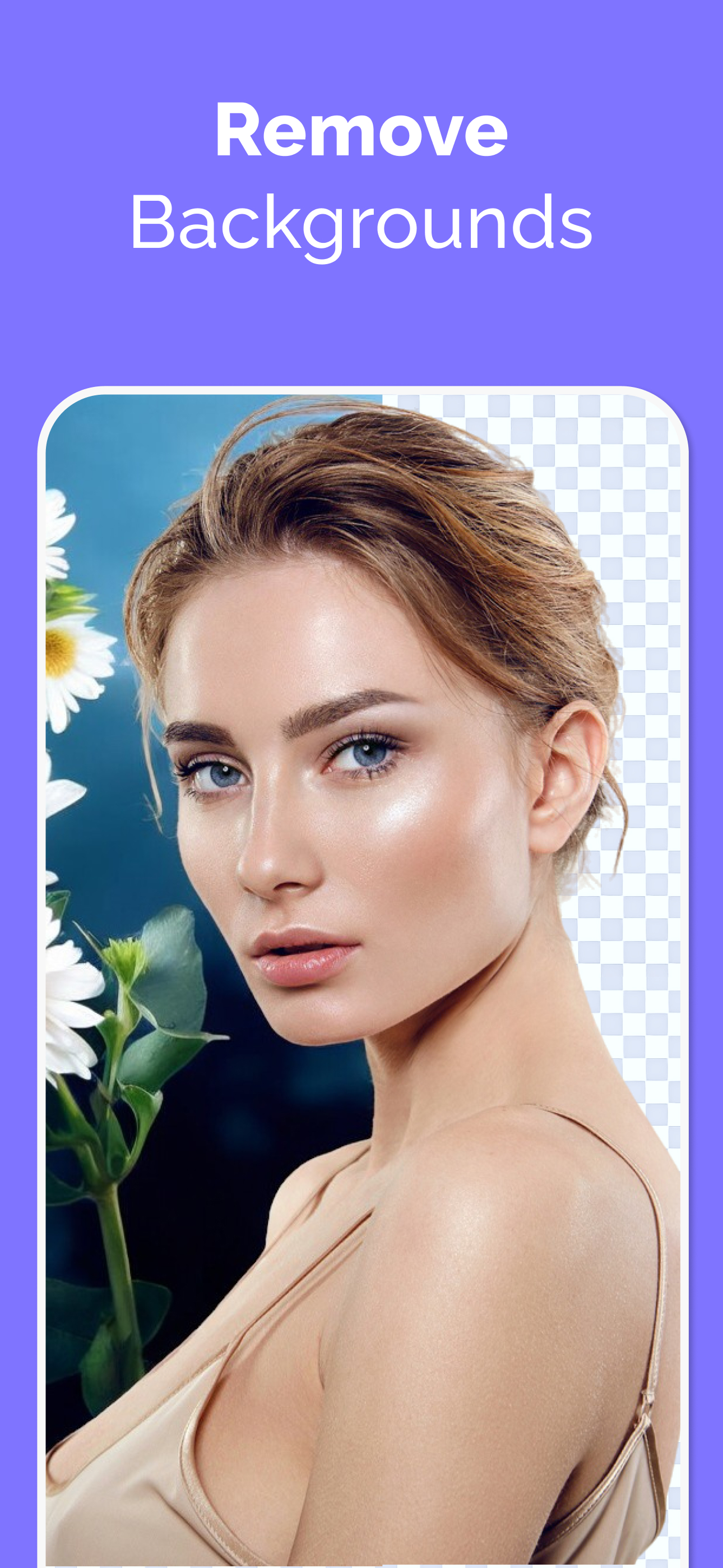
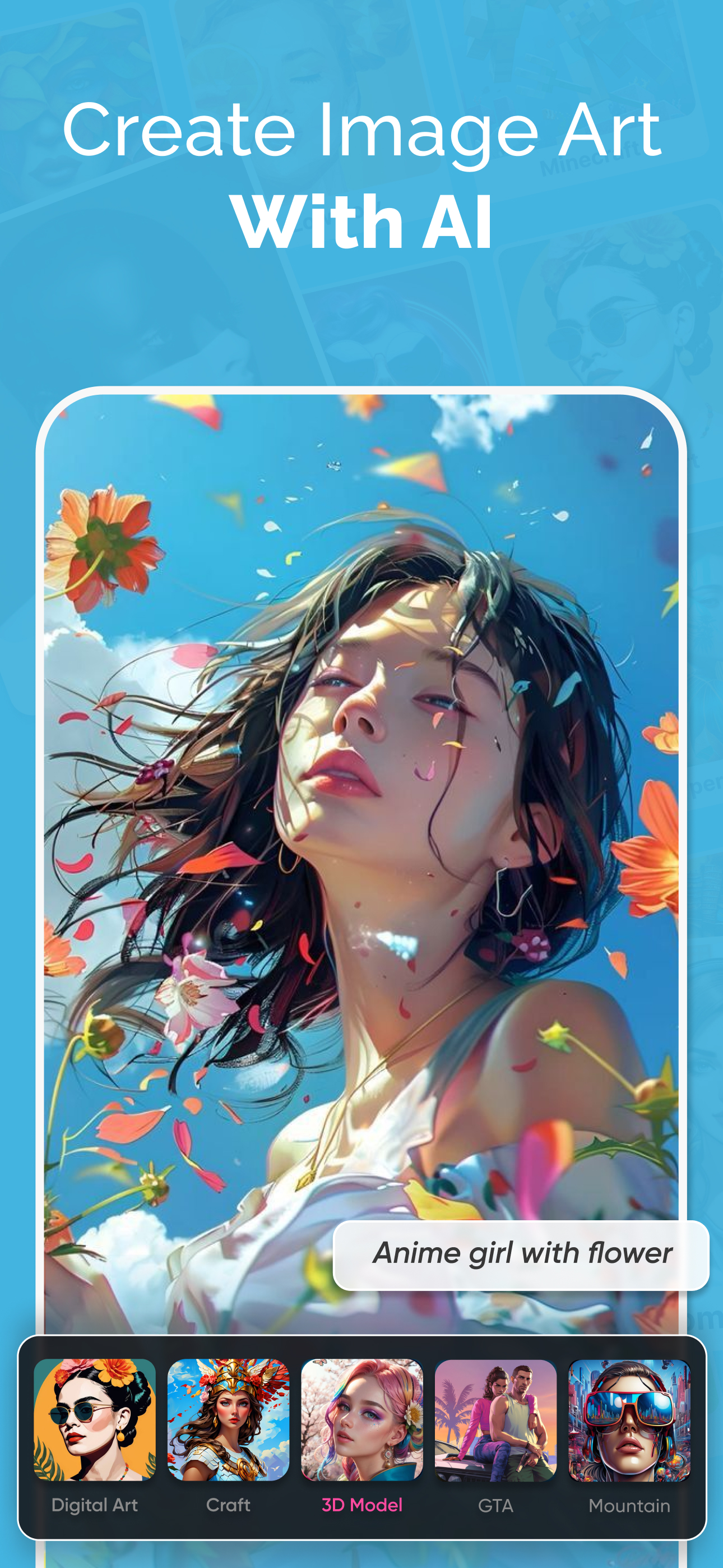
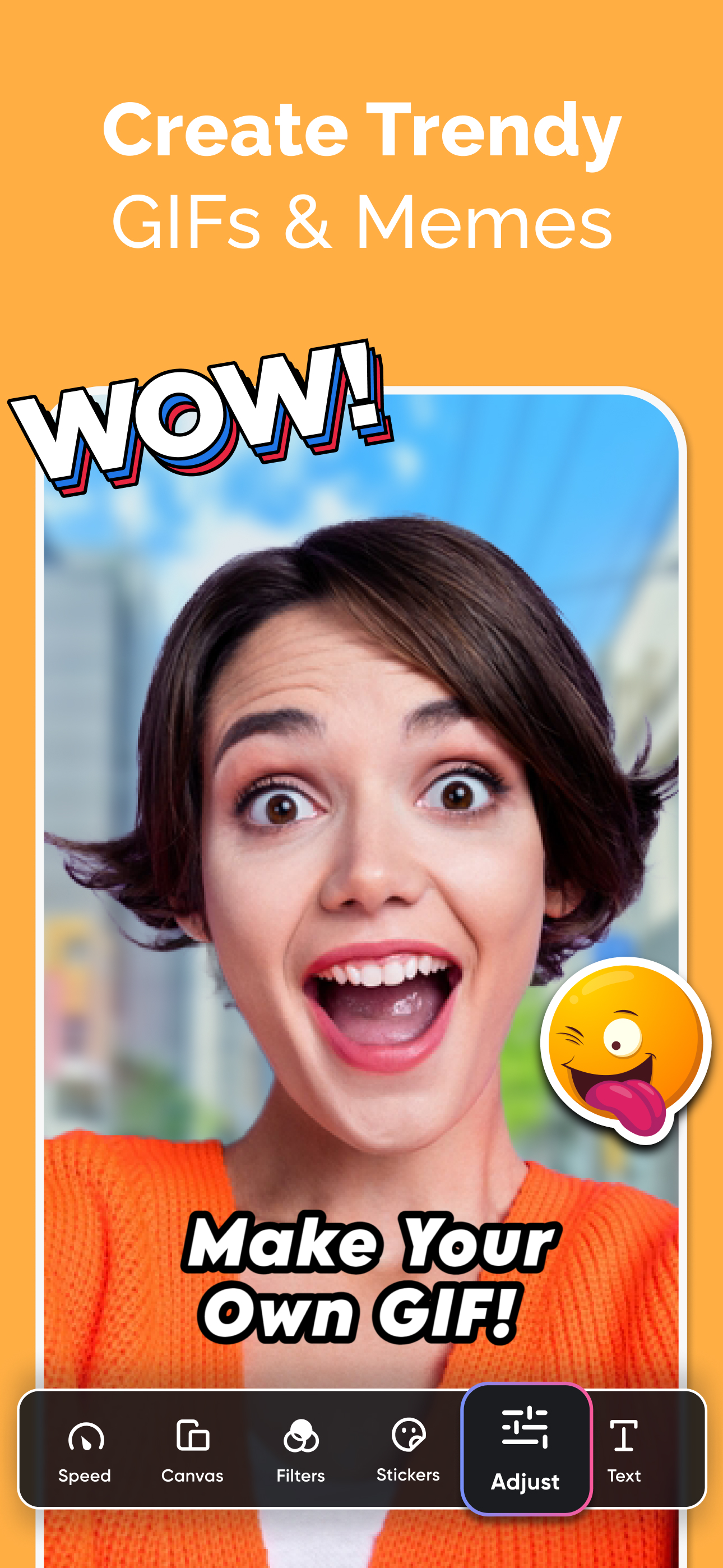
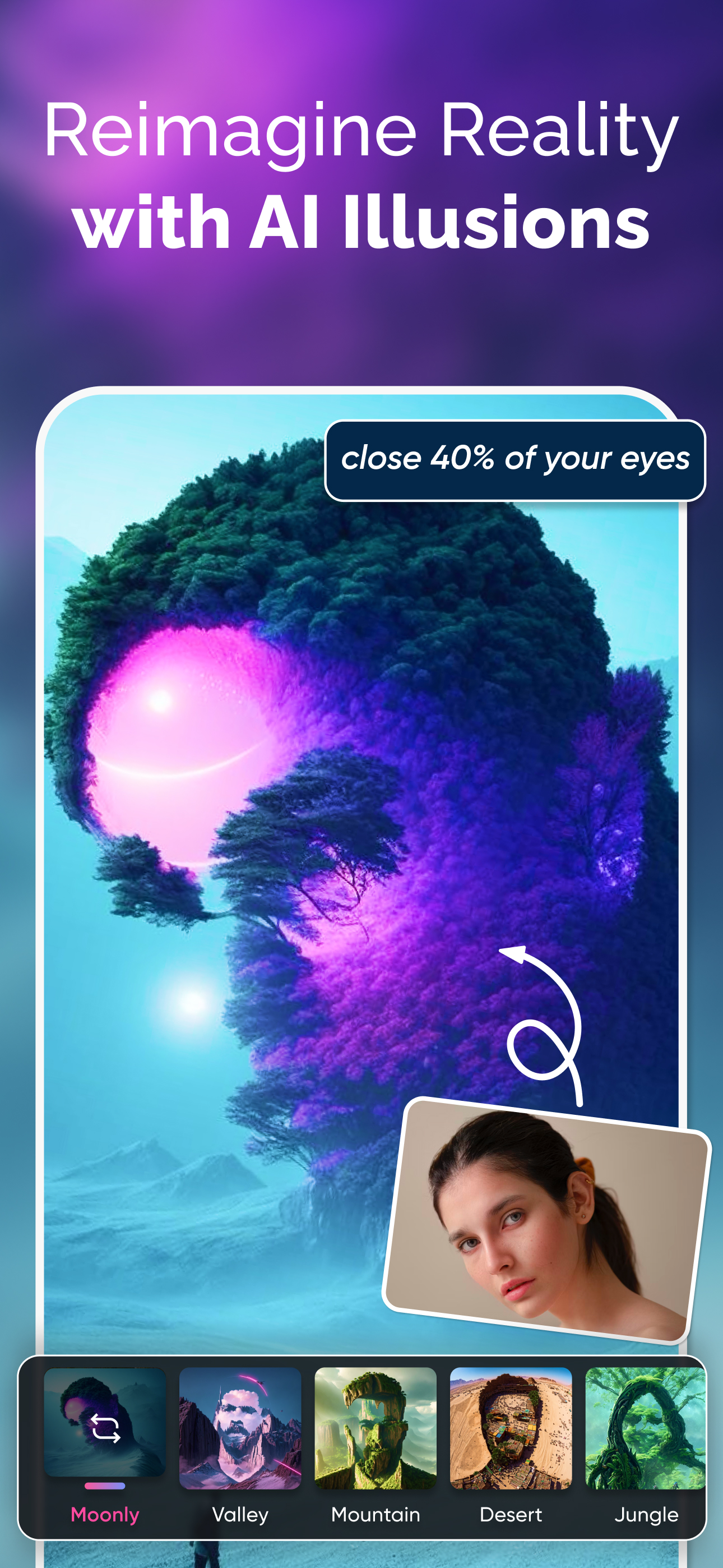

03 / Market context
Keep revenue, downloads and store rankings separate from advertising performance.
A friend I had met while stationed in Germany in the 1970s recently texted me some faded photos he had taken at the time. I decided to put the rather inelegantly named AI Art Photo Editor, GIF Maker app to the test without much hope for success. The results were astonishing—especially the enhance, colorize and scratch removal features. Not only were the original photographs in poor condition, the texted pictures consisted of snapshots of the photos. Once I applied the renewal processes, the pictures—I’m not exaggerating here—looked better than the originals must have looked the day they were first developed. My successful application of the Photo Editor made me consider another project. I had loved a particular political cartoon I had seen during that same era and searched the Internet for years until I found a grainy copy of it—again a photo of a photo. I continued to search for a better version, but my efforts remained unrewarded. I ran my blurry copy of the cartoon through the enhancer without any expectation of success and was staggered by the outcome—the rendered picture looked like the first time I laid eyes on the original cartoon. Its lines were sharp and clear. The app is fast and easy to use and quite remarkable. I personally have no use for its fantasy makeover abilities, but highly recommend the app for its remarkable picture renewal proficiency.
I want to say thank you for working hard to make this application better (+ adding new features). My request/question: 1. How to know if I have lifetime membership? 2. Please add an overlay feature for both video and photo. Make sure it accepts transparent images as well. 3. Back button “<“ not responsive (after saving video or giff). Please fix it. 4. Text doesn’t look sharp enough on giff (on photo library, after exporting) My device: iPhone 14 Pro Max (latest iOS), iPad Pro 12.9” (3rd generation, 2018, latest iPadOS) With Kindest Regards-BR
This app is amazing! The AI does a fantastic job of turning my photos into smooth, high-quality GIFs with just a few taps. The animations look natural, and the customization options make it even better. The interface is user-friendly, and the processing speed is fast. I love how I can bring old pictures to life effortlessly. Highly recommended for anyone who enjoys creating dynamic images!
Use AI to create stunning GIFs, videos, and memes. Simply choose a style, input a thorough prompt, and AI GIF Photo will produce awesome photos and vi...
| Name | Price | Type |
|---|---|---|
| Lifetime Free | $0.00 | One-time |
| Weekly tier | $4.99 | Weekly |
| Weekly with 7 day free trial | $4.99 | Weekly |
| Monthly with free trial | $9.99 | Monthly |
| Yearly tire | $39.99 | Yearly |


