Check the acquisition promise
Read the store headline, screenshots and description. What problem is the app promising to solve?
Study the storefront ↗
Zhejiang Qidi Technology Co., Ltd. · iOS
Explore the ad evidence, study the storefront, and build your next acquisition hypothesis.
01 / Creative research
Read the store headline, screenshots and description. What problem is the app promising to solve?
Study the storefront ↗Explore apps with direct store-link matches. Compare their hooks and formats without assuming the same approach works here.
Browse observed advertisers ↗Store rankings and revenue estimates describe market context. They do not establish ad spend, conversions or ROAS.
Review the market context ↗02 / Storefront & product
Study the product story and store experience behind the acquisition funnel.


03 / Market context
Keep revenue, downloads and store rankings separate from advertising performance.
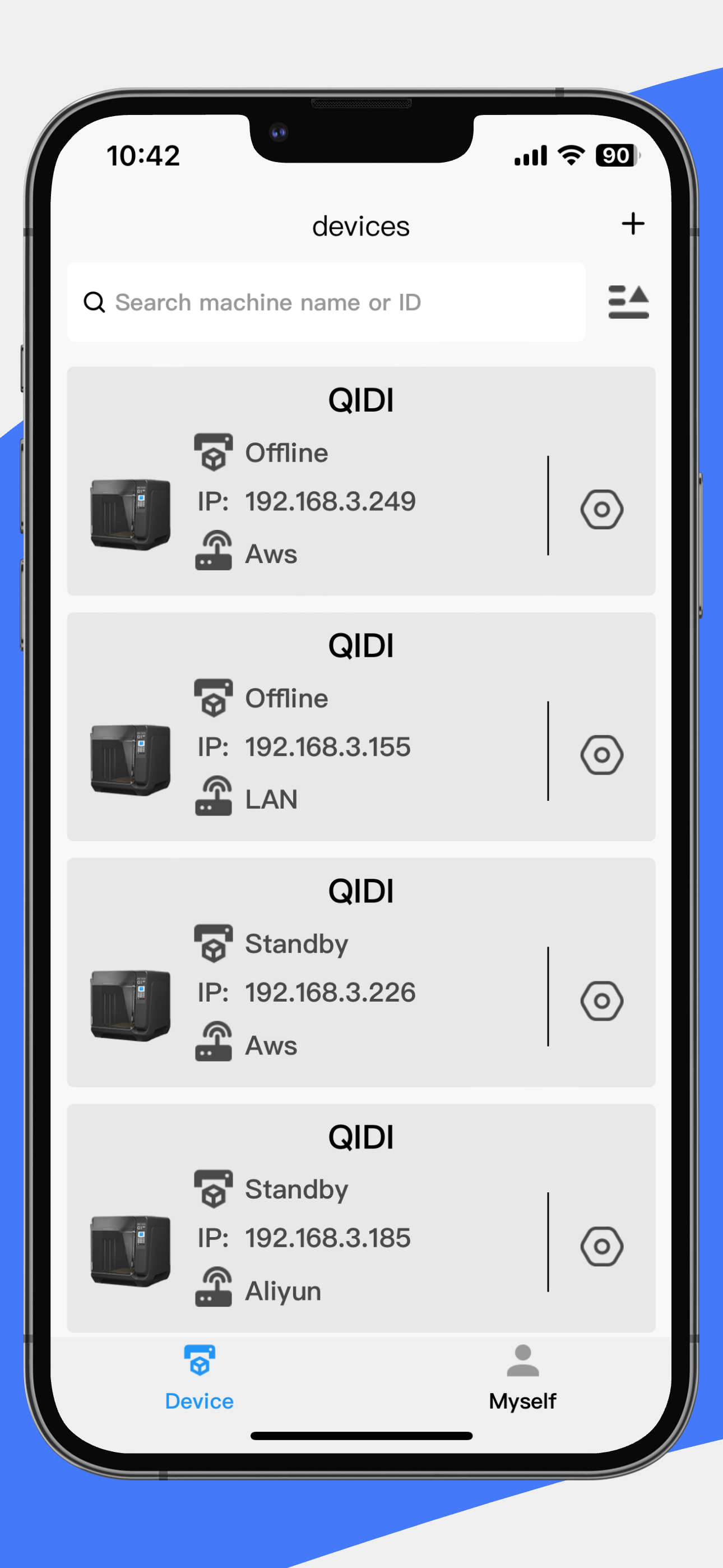
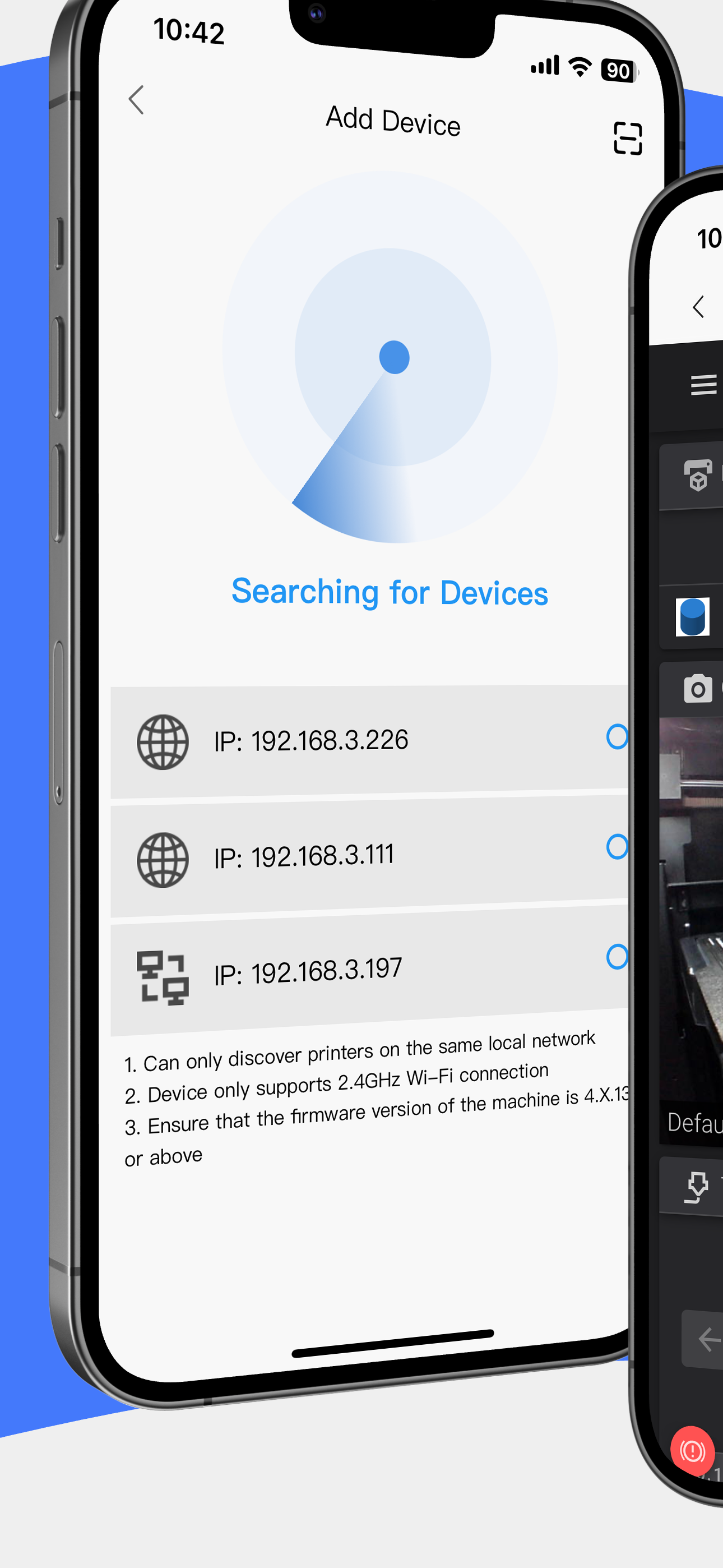
The app fails to show the live video feed and 90% of the time it shows a black screen. The status is also old and while it reflects the correct name of the item that is printing, it shows very outdated print times, printer state, and so on. As an example it shows the state of a previous print job and the printer controls don't work in the app. This happens even when connected on the same network as the printer.
This app lets me control and monitor my Q1 Pro which is great. It has a few issues though. First complaint is that it keeps logging me out. I don’t want to keep having to sign in every couple weeks. Password autofill doesn’t seem to work for this app either so I’m entering credentials manually. Second complaint is that it will show my printer as offline even if it’s online. Selecting the printer even when it’s showing offline allows me to connect to it. Third complaint is that initiating a connection with the printer doesn’t always work. Sometimes I have to restart the app to get it to connect. Overall it works but it feels clunky.
For those worried about the app opening in Chinese: To change it to English, hit the profile button on the bottom right, followed by the 4th button down, and then on the next page the 4th button down again. That will bring you to the language select, English is the second option. Hope this helps!
QIDI Link is a free, versatile 3D printing platform that remotely connects and monitors QIDI TECH's 3D printers. With QIDI Link, you can know the mode...