Check the acquisition promise
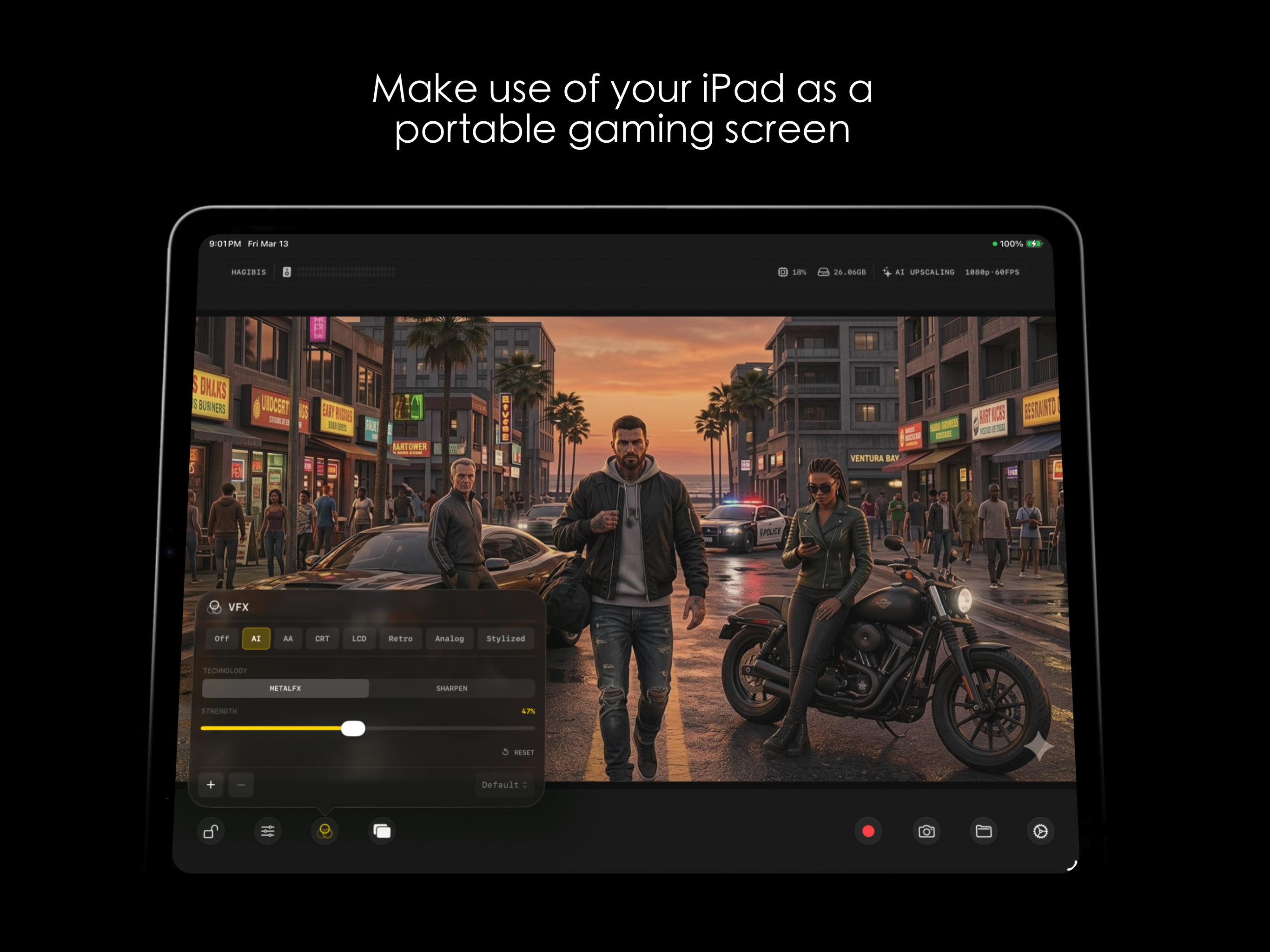
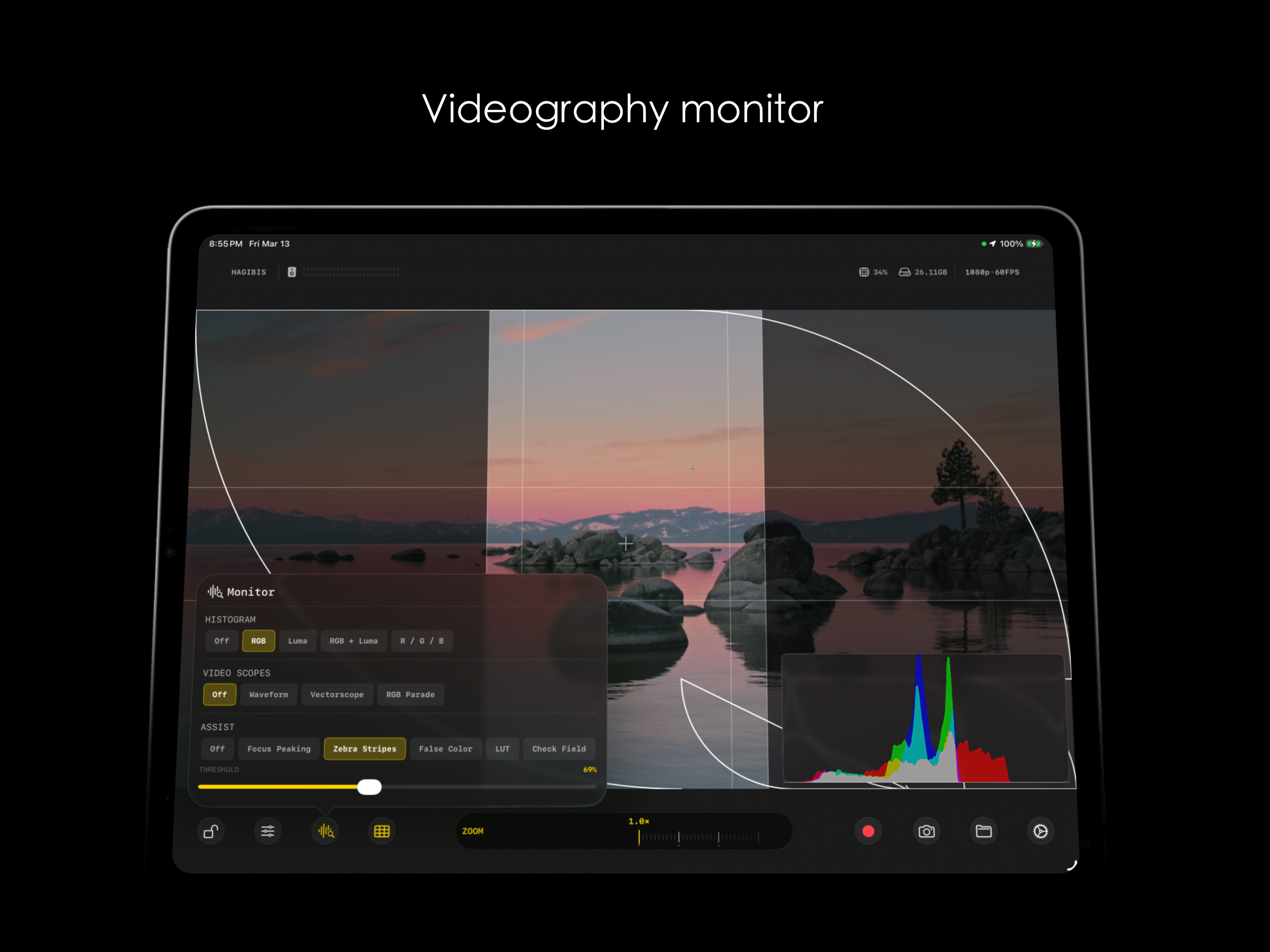
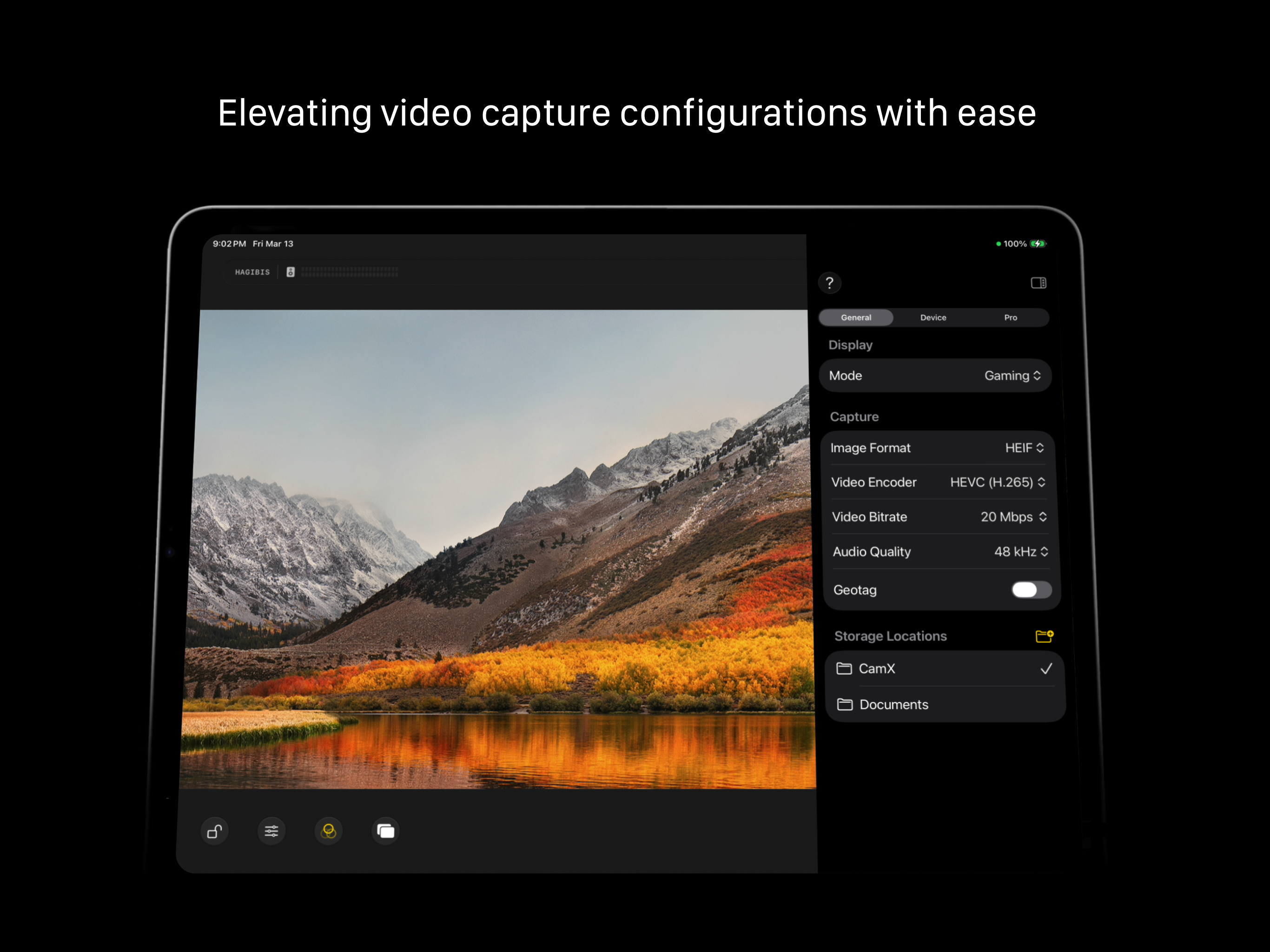
Read the store headline, screenshots and description. What problem is the app promising to solve?
Study the storefront ↗
Touchbits Inc. · iOS
Explore the ad evidence, study the storefront, and build your next acquisition hypothesis.
01 / Creative research
Read the store headline, screenshots and description. What problem is the app promising to solve?
Study the storefront ↗Explore apps with direct store-link matches. Compare their hooks and formats without assuming the same approach works here.
Browse observed advertisers ↗Store rankings and revenue estimates describe market context. They do not establish ad spend, conversions or ROAS.
Review the market context ↗02 / Storefront & product
Study the product story and store experience behind the acquisition funnel.



03 / Market context
Keep revenue, downloads and store rankings separate from advertising performance.
Was working great with a USB borescope. Not sure if it was an iPadOS update or what, but now will not detect the camera connected to the iPad. Response to developer response: I was using this for a USB borescope camera, which plugged directly into the iPad and everything worked great. Now it will not recognize the camera attached (even after disconnecting and reconnecting). Hopefully this can be worked out as it was exactly as I needed. Incidentally, I attempted to download some other apps that supposedly do the same, and none of them function or recognize the camera. Apparently Apple has restricted some USB features…
I use this to view through my “pluggable” brand microscope. Works very well at this admittedly simple task. My only reservation is that it’s free, and the old adage says “when the program is free, you are the product”. OTOH, if I can make some Chinese spy agency waste its time trying to identify what insect is attacking a leaf, or whether my 2 cent carmine postage stamp is genuine, I guess I’m doing my part to protect our country.
I wasn’t expecting much from a free app, but this one surprised me. I’m using my iPad with a capture card as a camera monitor for my Fujifilm X-S20 and while it may have a few quirks it does what I needed to do. I’m able to record my camera screen easily for tutorials and also monitor focus when shooting talking videos. Wish list: record in 4K Cons: sometimes I have to restart the app to get it to work. Especially to hear with audio playback.
CamX turns your iPhone into a professional camera and your iPad into a portable capture monitor. On iPhone, CamX delivers full manual camera controls...
| Name | Price | Type |
|---|---|---|
| Small Tip | $1.99 | One-time |
| CamX Pro (Annual) | $2.99 | Yearly |
| Nice Tip | $4.99 | One-time |
| Big Tip | $9.99 | One-time |