
Check the acquisition promise
Read the store headline, screenshots and description. What problem is the app promising to solve?
Study the storefront ↗
DP Media Group · iOS
Explore the ad evidence, study the storefront, and build your next acquisition hypothesis.
01 / Creative research
Read the store headline, screenshots and description. What problem is the app promising to solve?
Study the storefront ↗Explore apps with direct store-link matches. Compare their hooks and formats without assuming the same approach works here.
Browse observed advertisers ↗Store rankings and revenue estimates describe market context. They do not establish ad spend, conversions or ROAS.
Review the market context ↗02 / Storefront & product
Study the product story and store experience behind the acquisition funnel.



03 / Market context
Keep revenue, downloads and store rankings separate from advertising performance.
Latest release has the text box (which I never use) at the top. On my iPhone, I am using the zoomed font mode to help me read the screen. This makes the text box cover the top of the pitch pipe. I can't use below D or above B
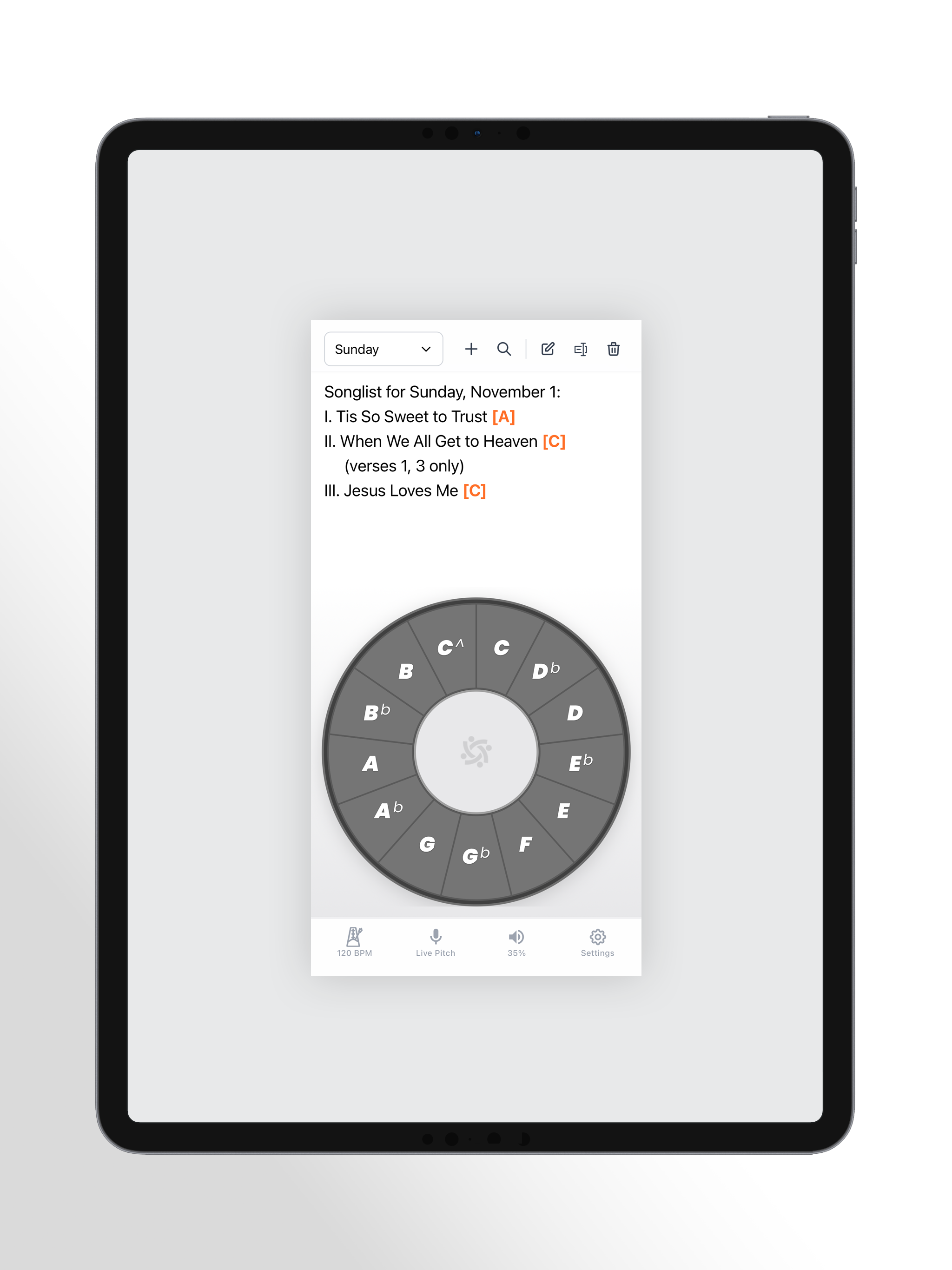
The iPhone app does everything I want.The iPad app won’t even show me all of the note options. The scaling seems to be bugged. I can see the top half of the pitch pipe but the bottom is stuck behind the volume bar. No landscape support. I also cannot use it in split or slide over modes. I cannot recommend this app for IPad (the primary tool I use to lead singing), but I can recommend for iPhone.
This pitch pipe is awesome! It is very clean and easy to use. I love the volume on the screen, it’s easy to visually see the volume level before you hit a note. The list feature is awesome as well, I’ve always struggled with my song list in the notes app separate from my pitch pipe. With this, it’s all in one place. Makes it very simple! Thank you Congregate!
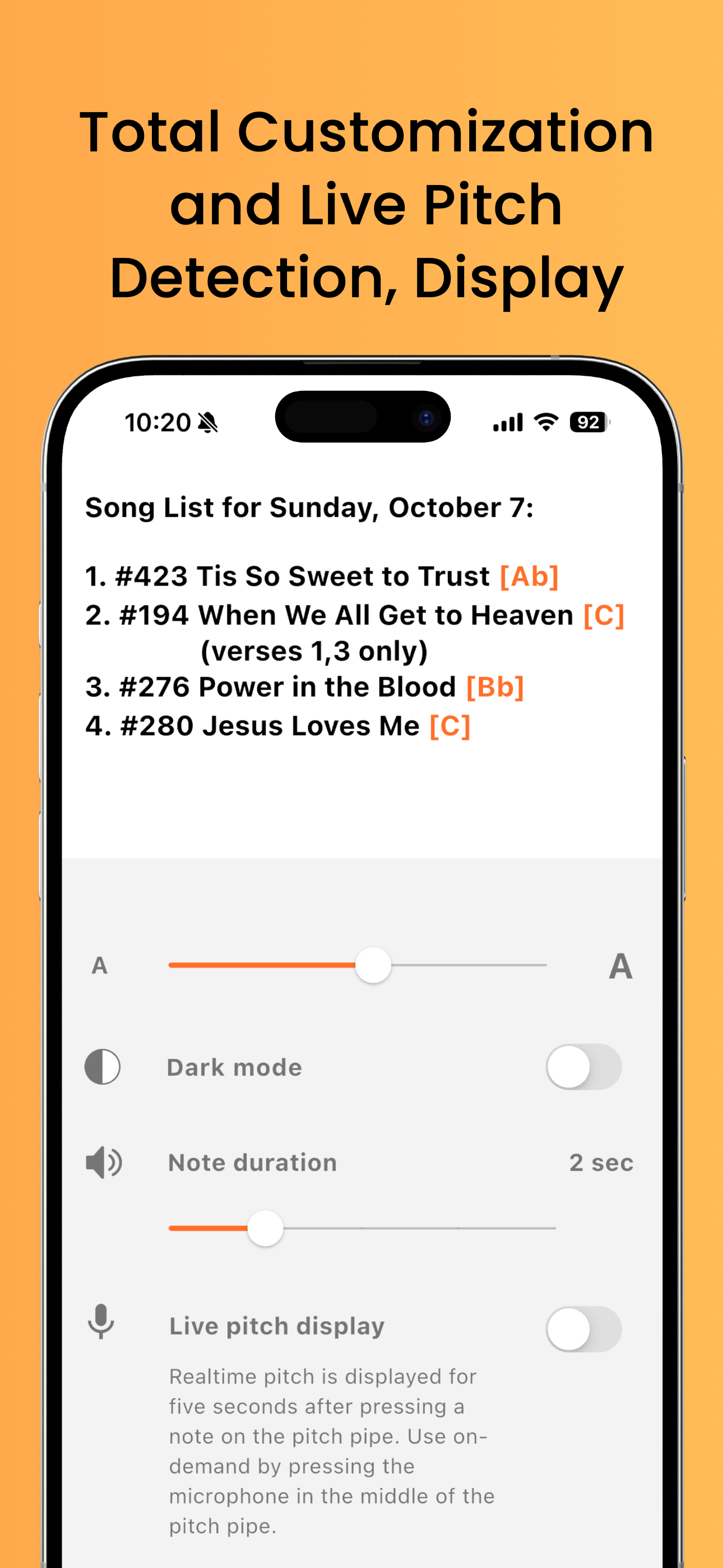
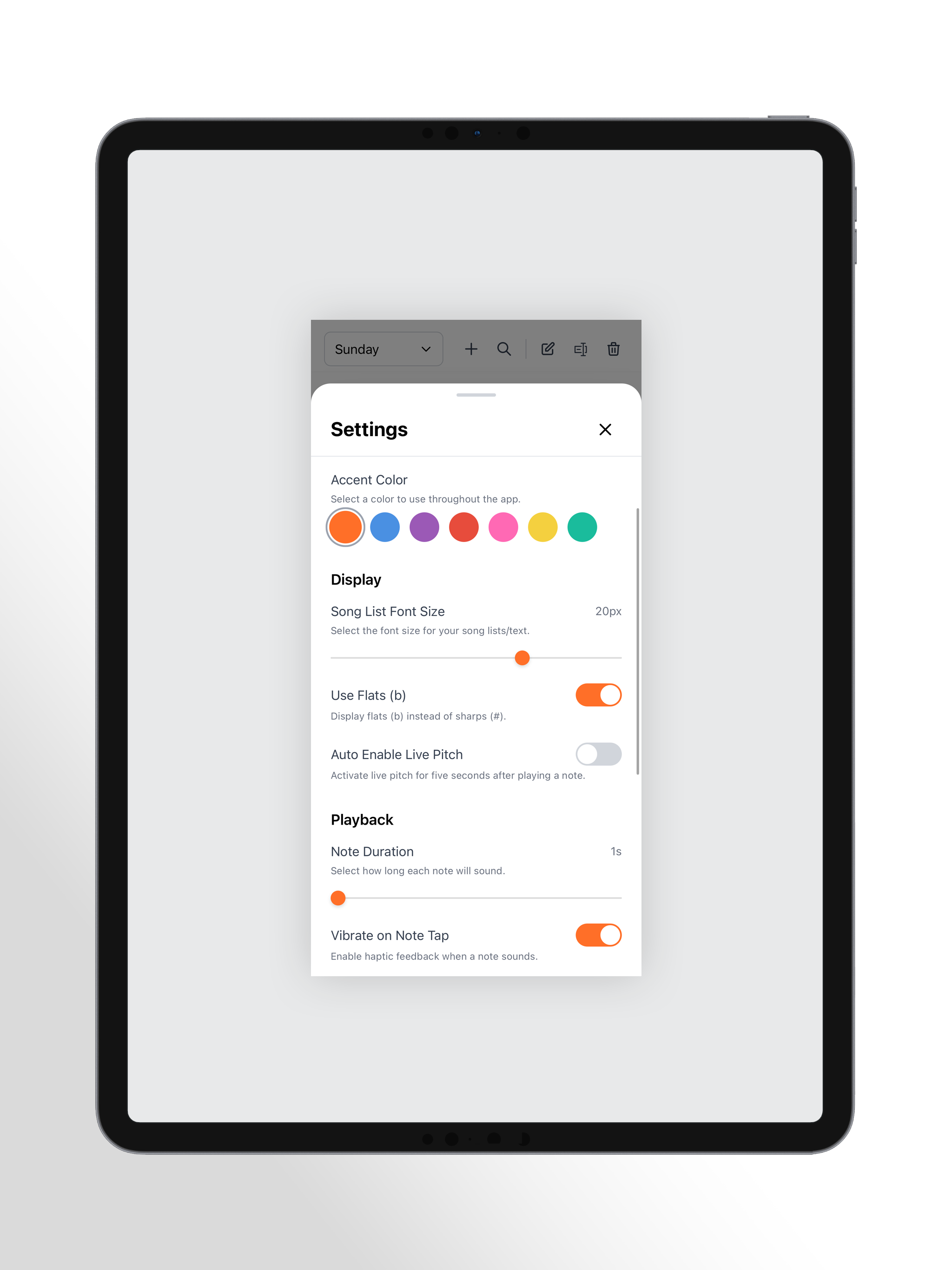
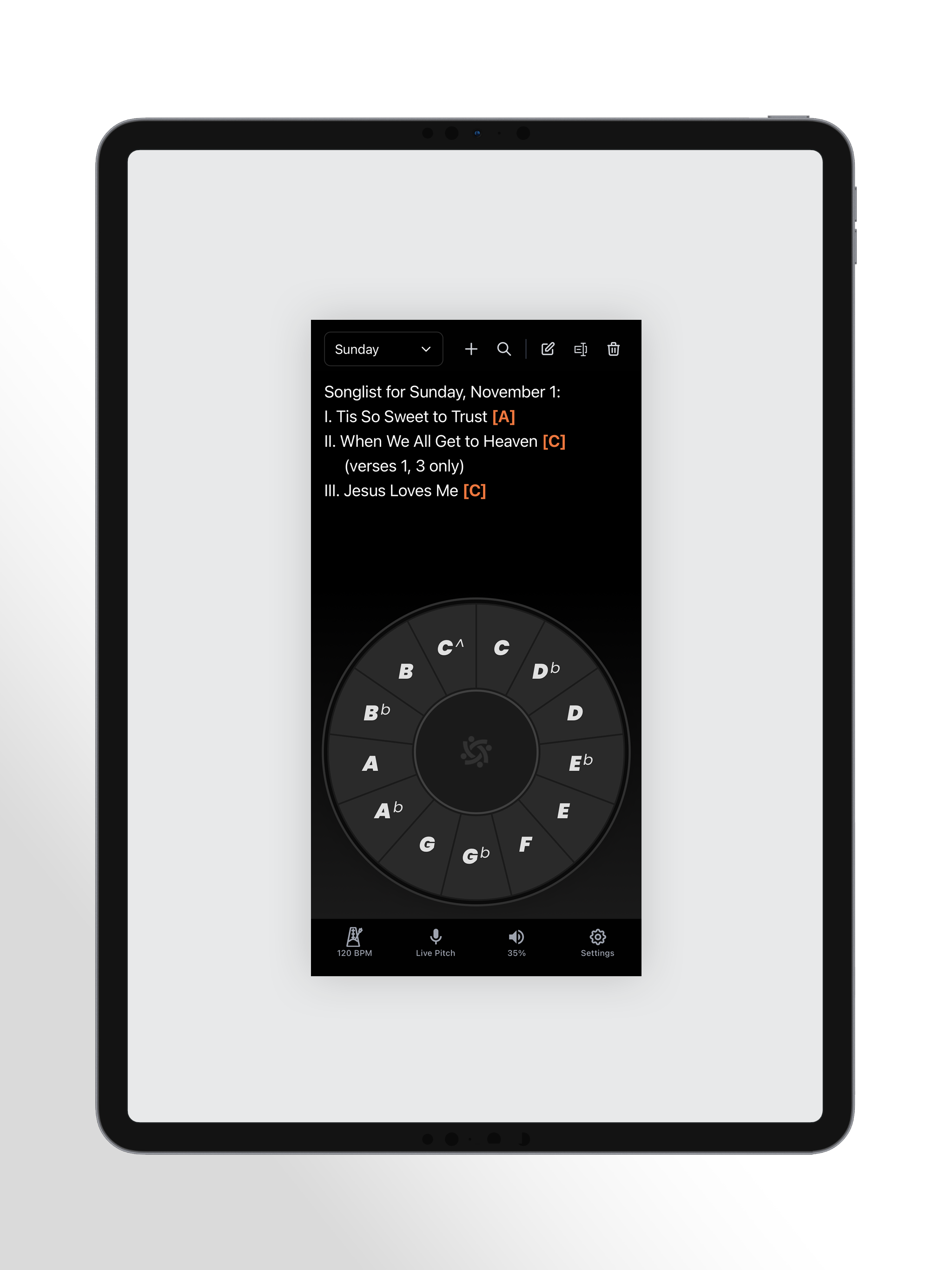
The Congregate Pitch Pipe app brings your pitch pipe, metronome, and song list straight to your mobile device! Enter playable/tappable notes directly...


