
Check the acquisition promise
Read the store headline, screenshots and description. What problem is the app promising to solve?
Study the storefront ↗
Aionic Labs · iOS
Explore the ad evidence, study the storefront, and build your next acquisition hypothesis.
01 / Creative research
Read the store headline, screenshots and description. What problem is the app promising to solve?
Study the storefront ↗Explore apps with direct store-link matches. Compare their hooks and formats without assuming the same approach works here.
Browse observed advertisers ↗Store rankings and revenue estimates describe market context. They do not establish ad spend, conversions or ROAS.
Review the market context ↗02 / Storefront & product
Study the product story and store experience behind the acquisition funnel.



03 / Market context
Keep revenue, downloads and store rankings separate from advertising performance.
App seems decent enough to navigate until you look for help, trying to add my device to the “collection” and continues to give me an error message saying please turn on Bluetooth to tap device. Bluetooth is clearly on, this maybe due to the phone is new? Guess IPhone 16 isn’t supported?
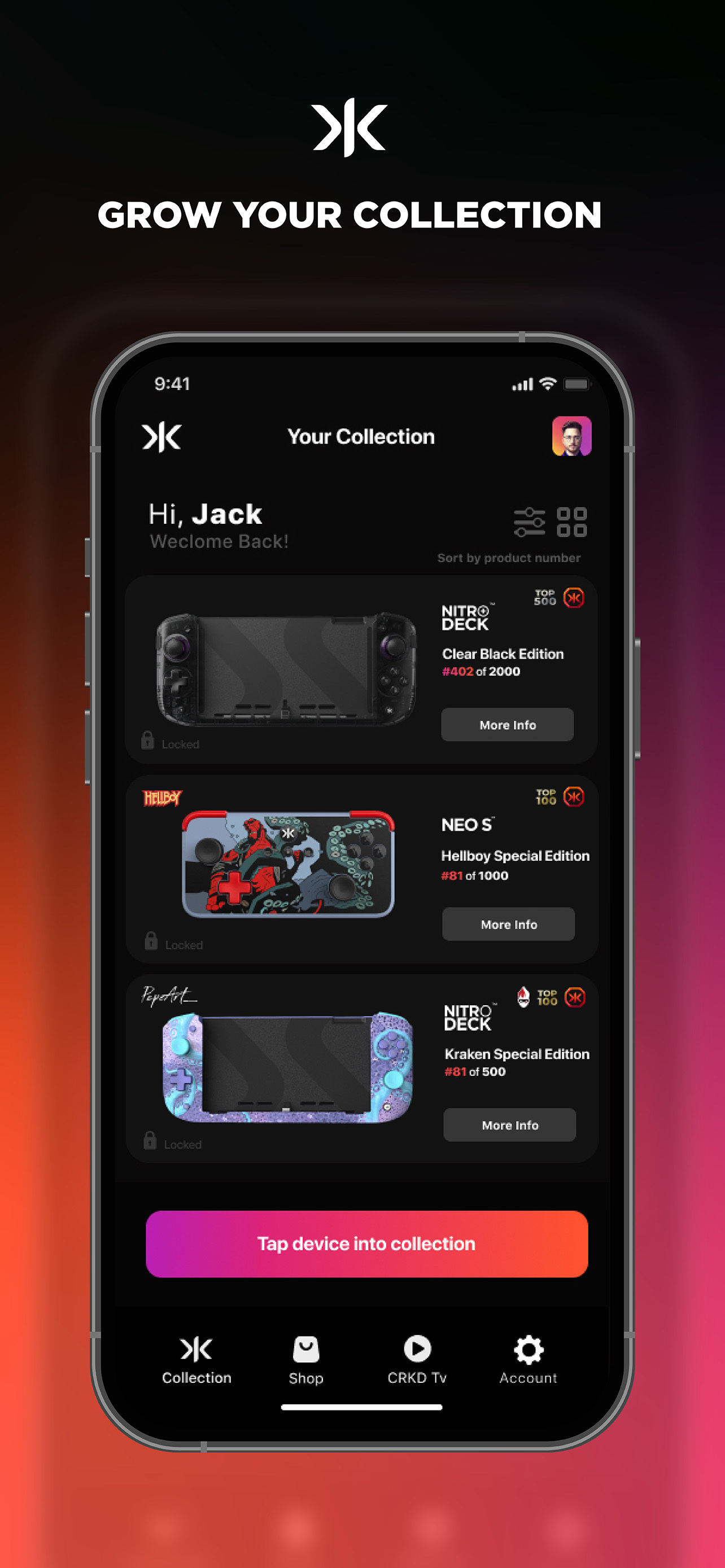
This app’s priorities are messed up in the absolute most hilarious loser techbro way. If you’ve ever thought, “man, I wish physical game controllers could adopt the same manufactured-rarity pyramid scheme economics of the extremely brief NFT boom” then this is the only app for you. If you don’t care about any of that nonsense and just want to remap the buttons on your CRKD controller, this unfortunately is also the only app for you. Other things of note: 1. it’s just a dumb BT controller. It shouldn’t be this hard to connect it to an app. Usually takes me four or five attempts to get it to stick. 2. The first time I got it to connect, it ran a firmware update and then crashed directly to the springboard in the middle of said firmware update. Thankfully everything is fine, but for a brief moment I was super worried about having to return it and lose my extremely coveted diamond rarity status. 3. What’s up with this logo? This has some serious “The CTO’s nephew is going to State University for graphic design next year” energy. 4. I’m sorry. I can’t get over the NFT thing so I’m going to keep roasting it: The thing is, the controller is actually really nice so the company itself isn’t an outright scam. Was this a situation where all you wanted to do was make quality hardware, but none of the VC ghouls would fund a single idea unless it had a Silicon Valley grift attached to it? Hopefully y’all hit that ROI before you’re forced to cram “AI” into your next product. 5. Screw it. I’ll just say what everyone’s thinking. It’s the Dead Kennedys logo. I’m sorry but your CTO’s nephew just made the Dead Kennedys logo.
I’m here to bring some joy into this review group. I purchased a Neo S controller and the app works seamlessly. It kind weird it wants access to your video, camera, and photos so that it can make interaction video while you look up your devices rarity but… you don’t have to do any of that and can skip it if you want. Through the app, I’m able to tweak and tune my controllers vibration, trigger sensitivity, button layouts, firmware update, and more. It’s nice having deep links to the product manual and store page. I’ll be using this app much more because while you can do most of these actions using a combo of button presses… the amount of button press combos is absolutely insane and tuning your controller via the app is so much easier.
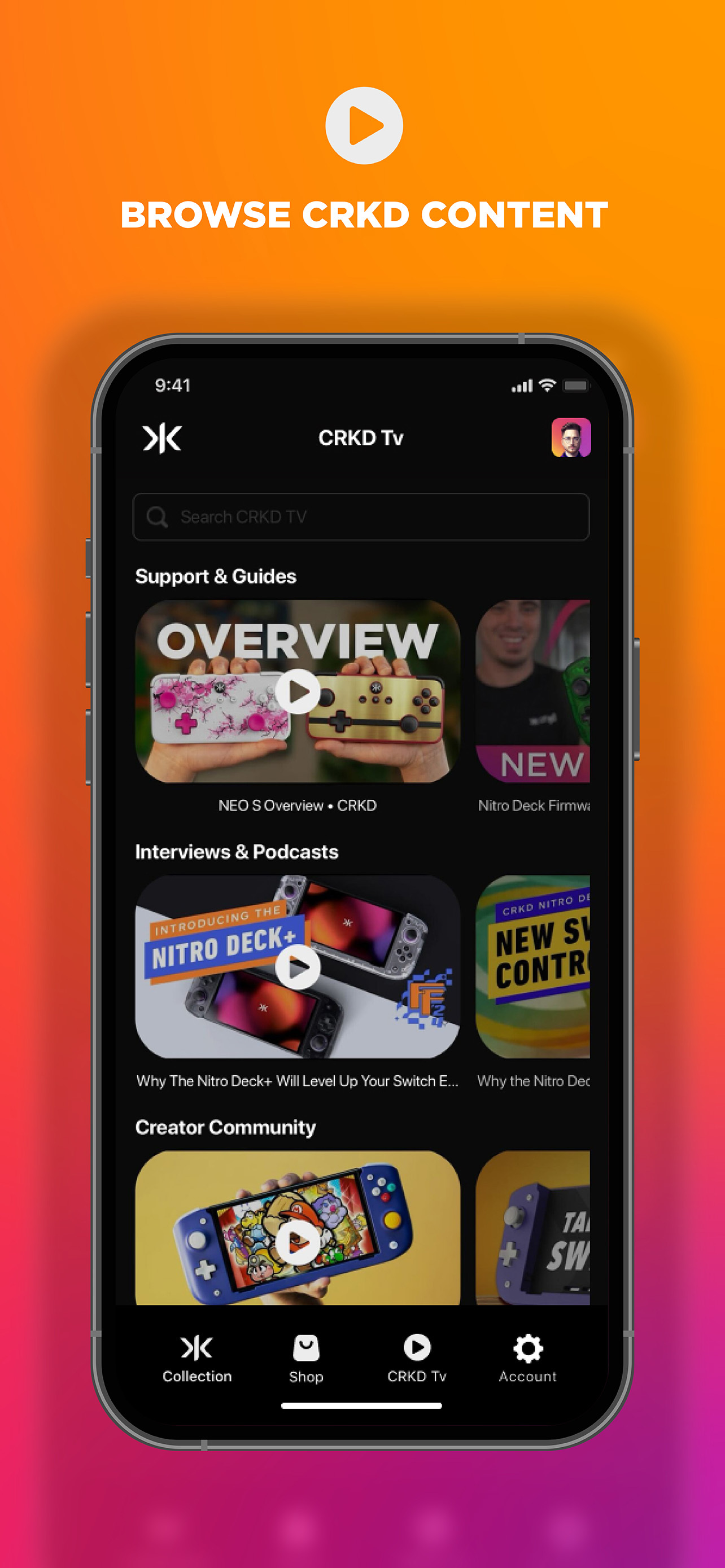
Welcome to the CRKD app, the companion for CRKD premium gaming gear. Reveal: With just a tap, you reveal your unique product number and discover i...


