Check the acquisition promise
Read the store headline, screenshots and description. What problem is the app promising to solve?
Study the storefront ↗
App ahead GmbH · iOS
Explore the ad evidence, study the storefront, and build your next acquisition hypothesis.
01 / Creative research
Read the store headline, screenshots and description. What problem is the app promising to solve?
Study the storefront ↗Explore apps with direct store-link matches. Compare their hooks and formats without assuming the same approach works here.
Browse observed advertisers ↗Store rankings and revenue estimates describe market context. They do not establish ad spend, conversions or ROAS.
Review the market context ↗02 / Storefront & product
Study the product story and store experience behind the acquisition funnel.

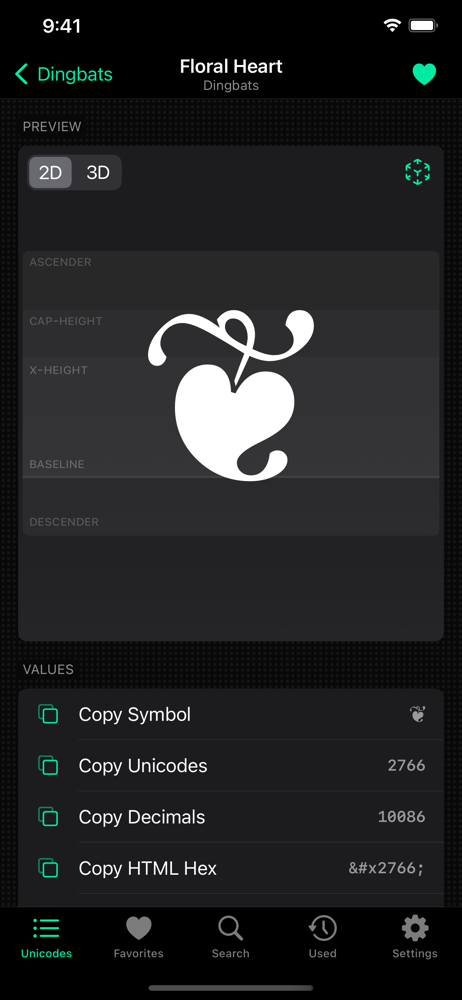

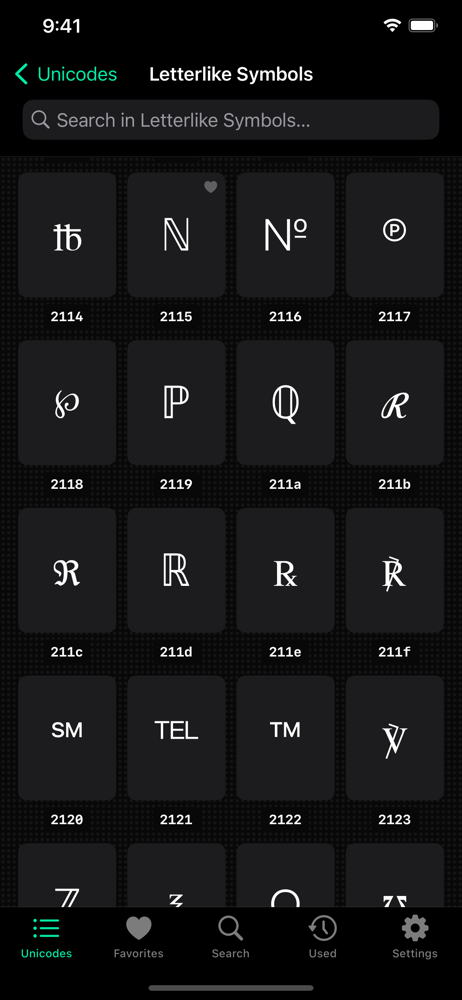


03 / Market context
Keep revenue, downloads and store rankings separate from advertising performance.
This app does a decent job over Apple’s Keyboard Viewer. It could use some improvements: 1. On first launch, the lefthand sidebar is not sized correctly to accommodate the lengths of the character set names. 2. Scrolling performance is choppy on an M2 MacBook Air. 3. Scrolling doesn’t work by hitting spacebar or page down. 4. The text identifiers immediately below the symbol in the righthand sidebar are truncated and do not wrap. 5. If I switch character sets with a search term, and there’s no results, there’s no message to show that there’s more without the search term. 6. The count of characters in a set does not change when a search term is specified. 7. There’s no button to favorite a character. This would be a nice addition to the top or righthand sidebar. 8. The main character panel does not display the character name. 9. Cmd-T does not open a new tab. 10. Drag-and-drop from a character onto a text field would be nice. 11. Selecting a character set without a selected character could display some information on that character set in the righthand panel. Anyway, that looks like a long list, but I think these are minor things that could be implemented quickly. Otherwise, I like this app and believe it looks like a good, modern Mac app.
This app is well-designed with various features but lacks one key aspect that would elevate it to perfection - keyboard support. It would be fantastic if we could access all the symbols directly from our keyboard to insert, copy, or share them from anywhere. Hopefully, this will be a feature that will be considered and implemented in the future to make it 5 stars ;)
I manage a growing UX Design System for a team that's expanding internationally in the next year. As we define our cross platform approach, I've been looking for a lightweight tool to intelligently browse, understand, and work with Unicode. Inclusion of multiple entities for mockups and testing is a great bonus.
Codepoint contains more than 73,000 Unicodes, including SF Symbols and Emojis. The sophisticated search feature delivers results within a fraction of...