Check the acquisition promise
Read the store headline, screenshots and description. What problem is the app promising to solve?
Study the storefront ↗
AMZN Mobile LLC · iOS
Explore the ad evidence, study the storefront, and build your next acquisition hypothesis.
01 / Creative research
Read the store headline, screenshots and description. What problem is the app promising to solve?
Study the storefront ↗Explore apps with direct store-link matches. Compare their hooks and formats without assuming the same approach works here.
Browse observed advertisers ↗Store rankings and revenue estimates describe market context. They do not establish ad spend, conversions or ROAS.
Review the market context ↗02 / Storefront & product
Study the product story and store experience behind the acquisition funnel.





03 / Market context
Keep revenue, downloads and store rankings separate from advertising performance.
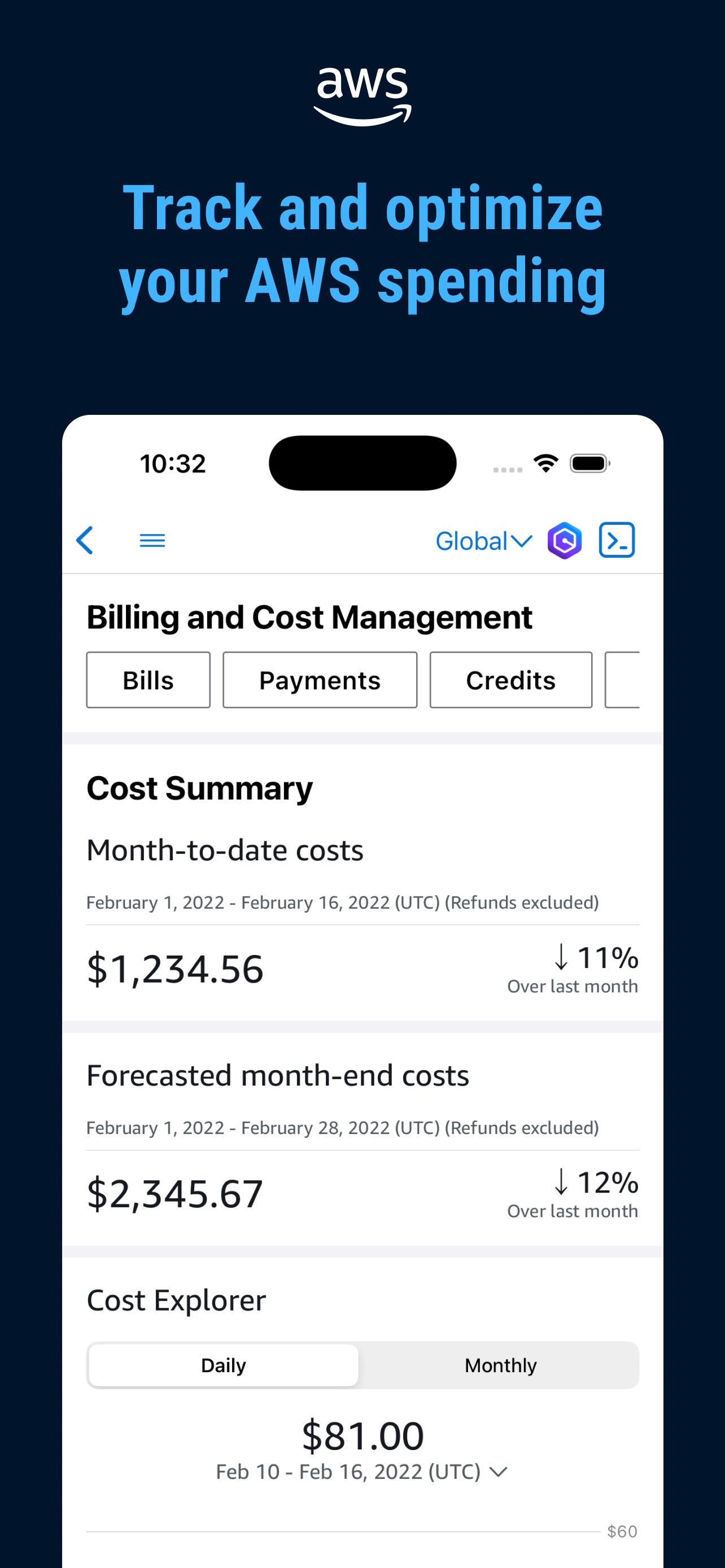
I primarily use this to monitor billing, and the ability to set Notification threshold is a great reassurance that I’m not going to get a giant bill someday. It’s also helpful when there are outages, like they happen to be right while I’m writing this review, because it brings all the event report Into one place.
The Cloudshell terminal doesn’t handle the virtual keyboard properly. As you type and enter commands, the input and cursor are often hidden behind the keyboard, and the terminal doesn’t adjust the visible buffer or viewport to accommodate the keyboard’s presence. This means you’re constantly scrolling up to see what you’re typing, which is disruptive. It would be ideal if after a command is entered, the last bit of the output stopped above the keyboard and not the bottom of the screen (hidden by the keyboard). This behavior seems to stem from a not dynamically adjusting the terminal viewport or row count when the keyboard is displayed—something that most modern terminal emulators handle correctly. The lack of synchronization between the input area and the visible buffer is a major flaw, especially for users trying to work efficiently on the go.
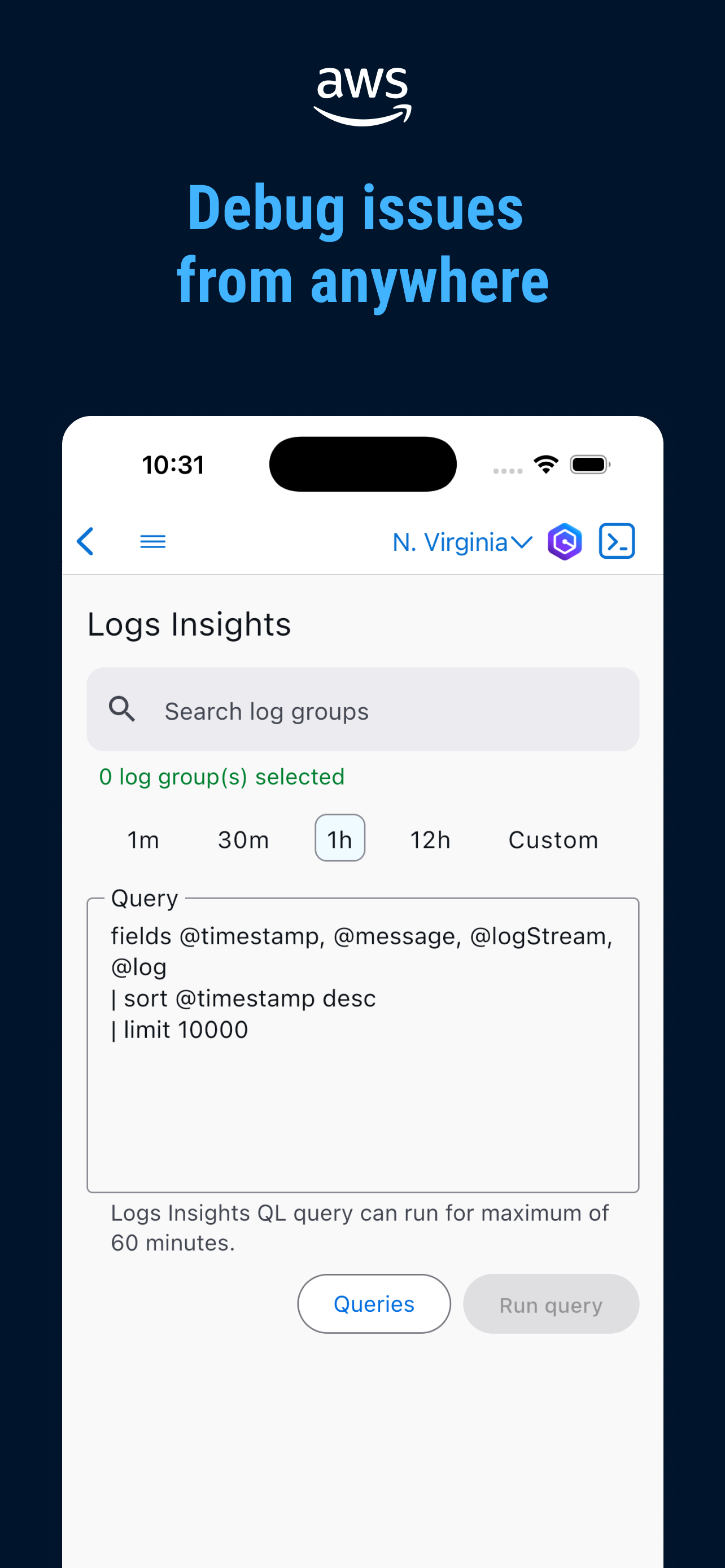
Helpful but missing a lot of functionality. Understandably so though. Aws is huge and putting the time into flushing out a service would be difficult to maintain. When looking to be able to do aws config fully on iOS, the biggest gaps have to be filled by using the browser for lambda and api gateway which I don’t mind since I need all the features available. so I am not opposed to using the browser for that. What I would like to see is cloudwatch insight logs integration for the app. This would be a game changer to have an interface for my saved log filters and queries to do quick debugging.
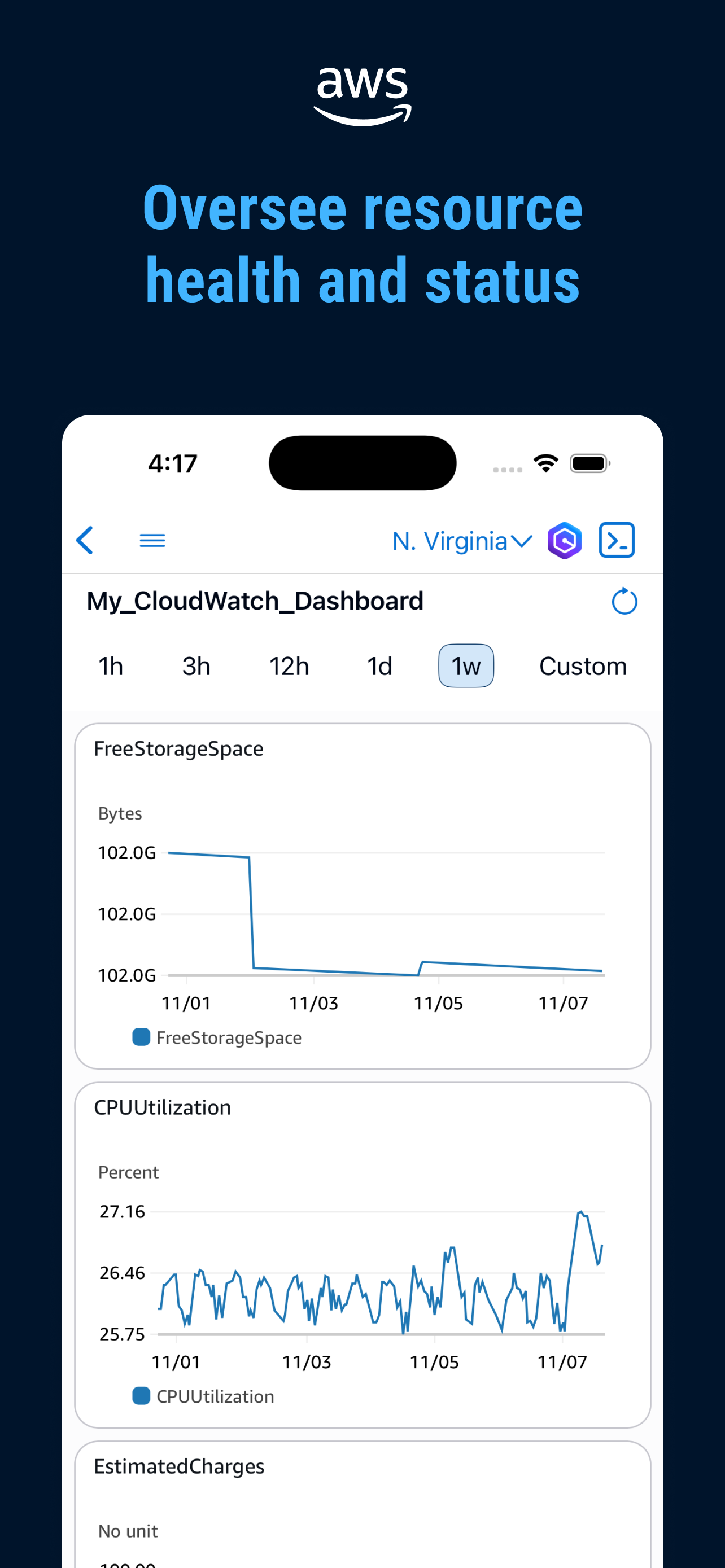
The AWS Console Mobile Application, provided by Amazon Web Services, lets you view and manage a select set of resources and receive push notifications...