
Check the acquisition promise
Read the store headline, screenshots and description. What problem is the app promising to solve?
Study the storefront ↗
Weatherology Mobile, LLC · iOS
Explore the ad evidence, study the storefront, and build your next acquisition hypothesis.
01 / Creative research
Read the store headline, screenshots and description. What problem is the app promising to solve?
Study the storefront ↗Explore apps with direct store-link matches. Compare their hooks and formats without assuming the same approach works here.
Browse observed advertisers ↗Store rankings and revenue estimates describe market context. They do not establish ad spend, conversions or ROAS.
Review the market context ↗02 / Storefront & product
Study the product story and store experience behind the acquisition funnel.
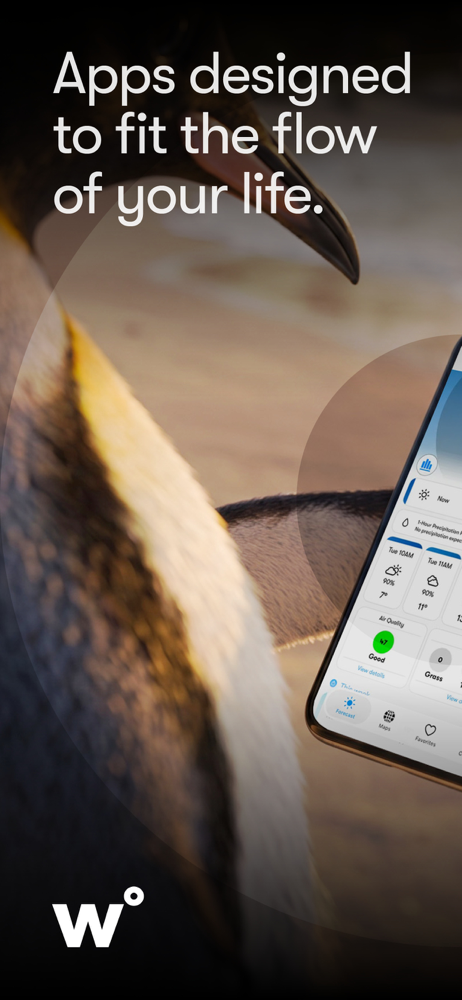


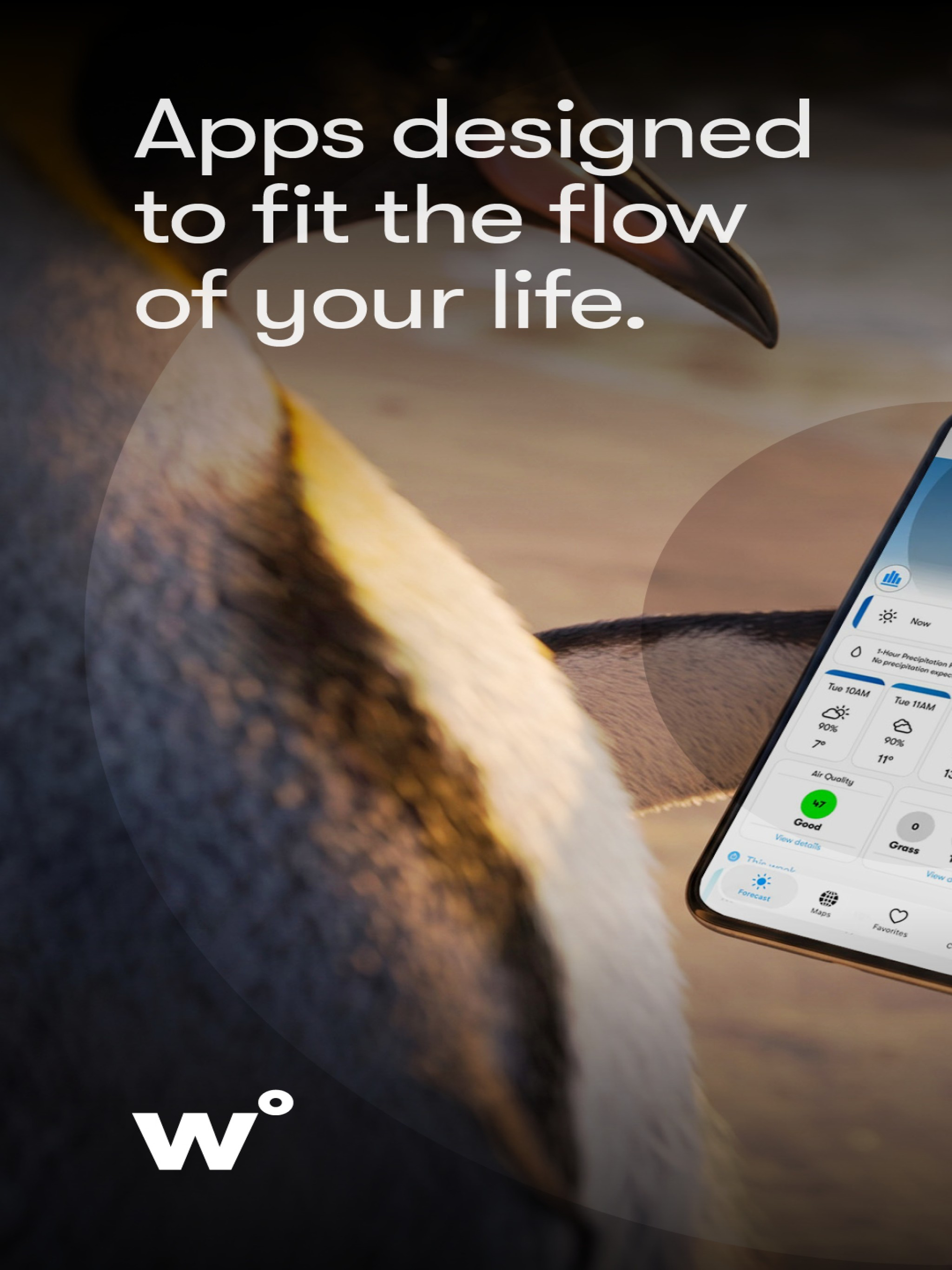
03 / Market context
Keep revenue, downloads and store rankings separate from advertising performance.
This is by far the best weather app I’ve found. After trying what feels like dozens of other apps, I stumbled upon Weatherology and haven’t looked back since. The UI is clean and easy to navigate; customizing favorite locations is simple and useful as someone who has to travel every few weeks; And, the radar has multiple options for layers so you can geek out at whatever type of elements you’re wanting to follow on the map. Best of all, you don’t have to worry about ads popping up on your screen while you’re trying to stay updated on the weather! I can’t believe it took me so long to find this app, but now that I have I tell everyone I know about it.
I installed this app a month or so ago, to replace one which had a subscription that was a bit steep. I’m able to use it somewhat, but find the Help articles not to be very clear. Now, it isn’t working at all, except for Settings. When I go to my favorites, I get a warning that data for this location may be incomplete. Boy, is it ever! In fact, there is no data at all as far as the forecast. When I go to Help now, and hit Contact Us (or, alternatively, hit App Support on this information page, I get a warning that this website may be impersonating Weatherology in order to rob me of personal or financial information. Of course, I did what it said to do and closed the page. Since there currently seems to be no way to ask a question, would someone please explain the seven modules under Forecast Appearance. I am a totally blind VoiceOver user. Are the modules simply images, or do they actually show more detailed forecast information? Do the seven modules represent seven days, or are they related to various aspects of weather, e.g. one for rainfall, one for wind, etc.? I look forward to the day when more of this app is more VoiceOver accessible. Much guesswork is required at present to set it up. Update: Yes, I am really glad that it is working again. I still look forward to the day when everything in the app is VoiceOver accessible, and a lot of guesswork will no longer be required to set it up. Some of the settings are still a bit confusing. There is the simple layout, the detailed layout, and custom. The thing that isn’t very clear is the modules, whatever _they are. It appears that the modules (all seven of them)are always open when in detailed layout; but, even then, it shows settings for the various modules, as if one could close some of them even in detailed layout. Very confusing! Also, it would be nice to have such features as a pollen count/allergy alert. Was 3 stars; now 4. Latest update: It’s working much better with VoiceOver now. Thank you. 5 stars.
I really enjoyed the version 6 interface which made this app stand out. Now it looks just like the other 5 weather apps I have and I will probably delete it if this is the future direction that they have decided to go. I understand that they want to expand the features, but I was in it for the look and feel. I have several other apps that were designed around the concept of a circle or pie that can expand which piece you are interested in, and what can I say, I just prefer it to a tabbed interface. Edit: I have upgraded my review to 5 stars because the developers have taken the time to reply. It it the same reply they have given others who do not like the new look, but hey, they replied. As far as not being able to expand and add new features with the old interface, they should look at how some of the other apps have done it. I’m sorry, but I really was in it for the look, and if it looks just like the other apps now, I think I will use the other apps.
The first weather app that fully integrates into your home and car with real-time audio weather reports and emergency weather notifications; personali...


