
Check the acquisition promise
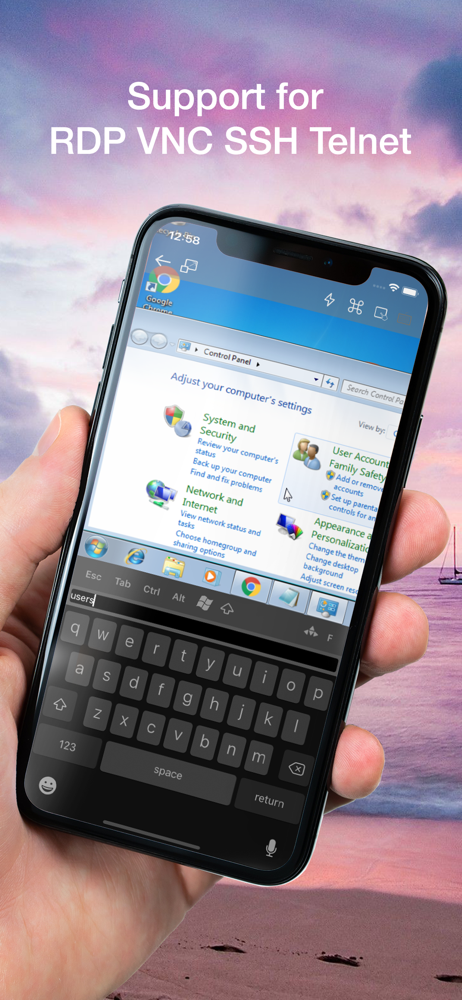
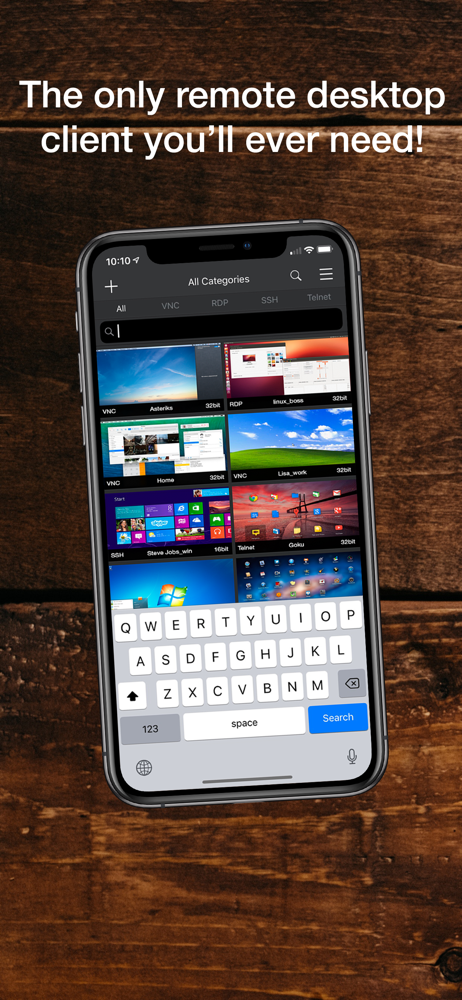
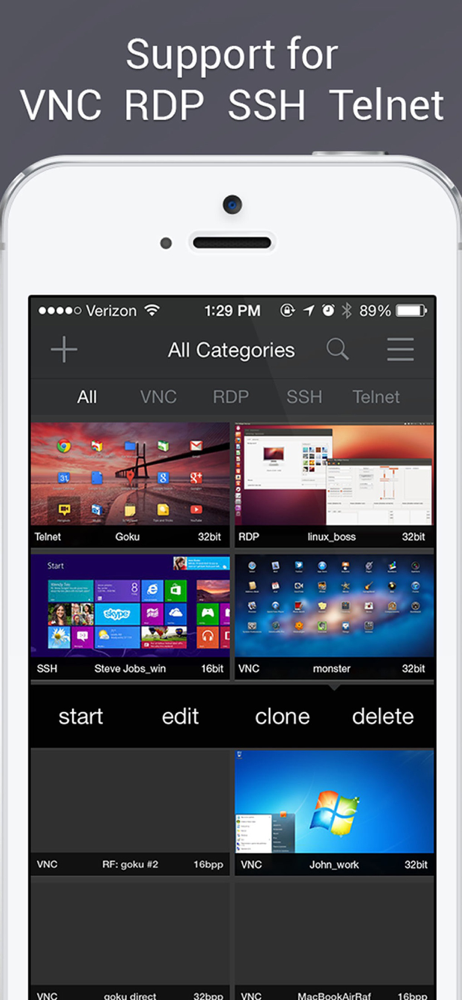
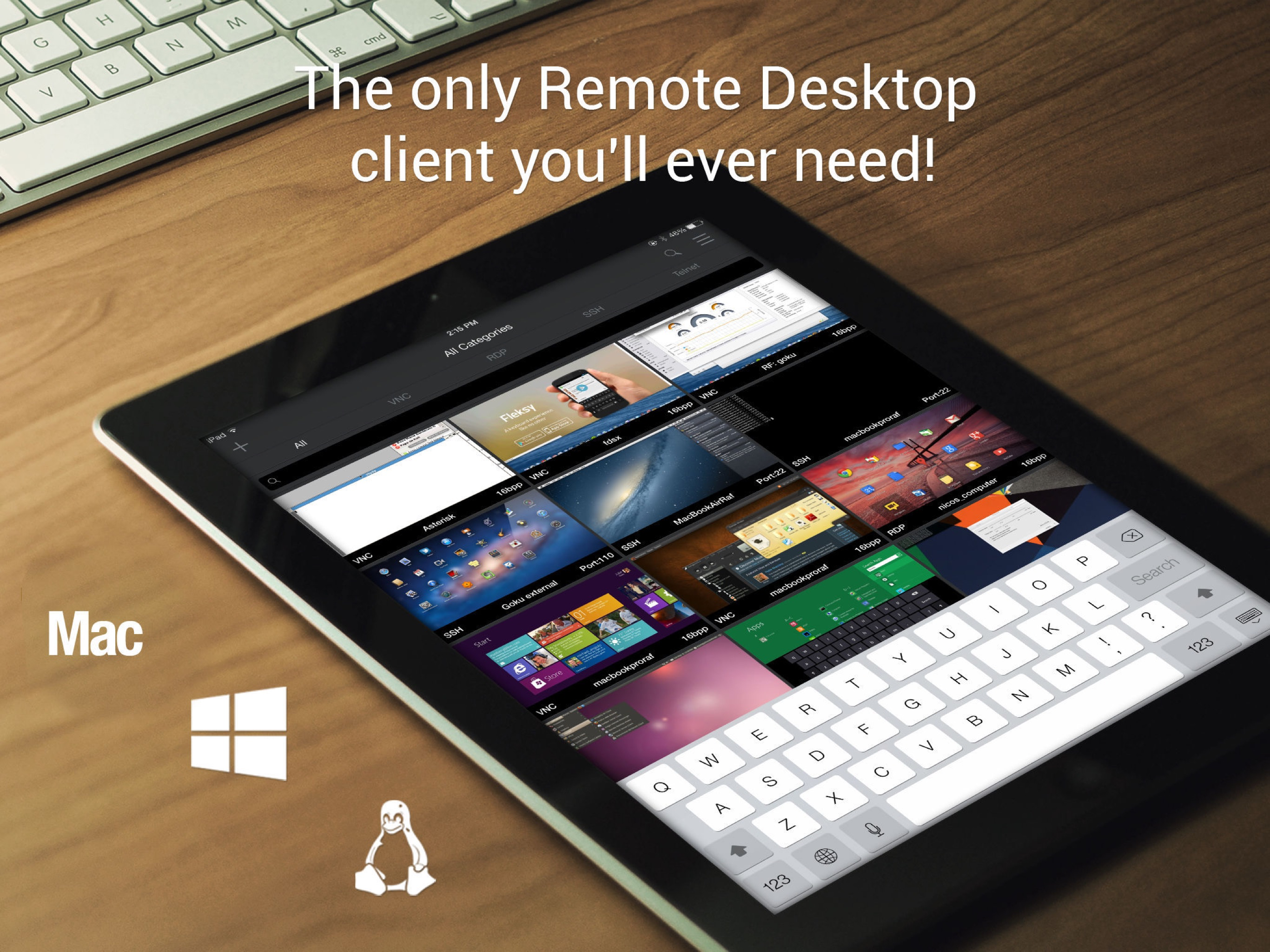
Read the store headline, screenshots and description. What problem is the app promising to solve?
Study the storefront ↗
Remoter Labs LLC · iOS
Explore the ad evidence, study the storefront, and build your next acquisition hypothesis.
01 / Creative research
Read the store headline, screenshots and description. What problem is the app promising to solve?
Study the storefront ↗Explore apps with direct store-link matches. Compare their hooks and formats without assuming the same approach works here.
Browse observed advertisers ↗Store rankings and revenue estimates describe market context. They do not establish ad spend, conversions or ROAS.
Review the market context ↗02 / Storefront & product
Study the product story and store experience behind the acquisition funnel.
03 / Market context
Keep revenue, downloads and store rankings separate from advertising performance.
I set up all the settings very similar to how I did in aRDP Pro, an app that DOES support Ubuntu 24 RDP cross-platform. I got to the point where I was able to receive an Unknown Certificate from my server and I would hit “Yes” to trust the connection but instead of connecting I would just kept saying “Disconnected. ERRCONNECT_UNKNOWN Do you want to reconnect?” And just keep failing over and over with no explanation or logs to explain the error. Leading me to assume the developer has not kept up with compatibility & interoperability with Linux/Ubuntu unlike other apps. I also found VNC screen sharing to be very glitchy with MacOS especially with an extra monitor. My cursor did not line up with where my mouse was actually on the screen at all. Overall I really wanted to love this app but today I was just nothing but disappointed. I thought about getting the MacOS version but after my experience with the iOS/iPad version I think I am going to pass on the Mac version now. 😢
My server is pretty locked down. The only thing open is port 22 with passwords disabled. I needed a VNC client that could connect to my Mac server’s screen sharing over an ssh tunnel using a private key. Was up and running in 10 minutes. Wish all software worked this well!
There seems to be no way to contact support. The support feature brings up their website in the app but (both in the app and on a browser) there is no way to contact them other than the forums. The forum registration feature doesn't work (which explains why there are no posts since 2016) so I can't post. This app does appear to work after a few problems: 1. Entering a custom connection, both ssh and vnc, when in landscape mode it seems to frequently crash out of the connection edit feature when doinh text entry in some of the text boxes near the bottom of the form. It took me many, many tries to get the connection configuration entered. Once it was entered, it worked fine. 2. It allows you to be prompted for your password when connecting. It supports ssh keys. However, it doesn't support prompting for the key password. You have to have it remember the key password which is less secure than prompting. If you don't have it enter the password then it connects but just sits there in the ssh authentication phase until it times out. I've finally got things working and it does seem to function, though I haven't stressed it. I'm sorry to air the dirty laundry in a review but as I said there's no other way to contact the developer.
Remoter Pro is the complete Remoter remote access toolkit for iPhone and iPad, with VNC, RDP, SSH, Telnet, RemoterFusion, tunneling, audio streaming,...


