Check the acquisition promise
Read the store headline, screenshots and description. What problem is the app promising to solve?
Study the storefront ↗
NoMachine S.à r.l. · iOS
Explore the ad evidence, study the storefront, and build your next acquisition hypothesis.
01 / Creative research
Read the store headline, screenshots and description. What problem is the app promising to solve?
Study the storefront ↗Explore apps with direct store-link matches. Compare their hooks and formats without assuming the same approach works here.
Browse observed advertisers ↗Store rankings and revenue estimates describe market context. They do not establish ad spend, conversions or ROAS.
Review the market context ↗02 / Storefront & product
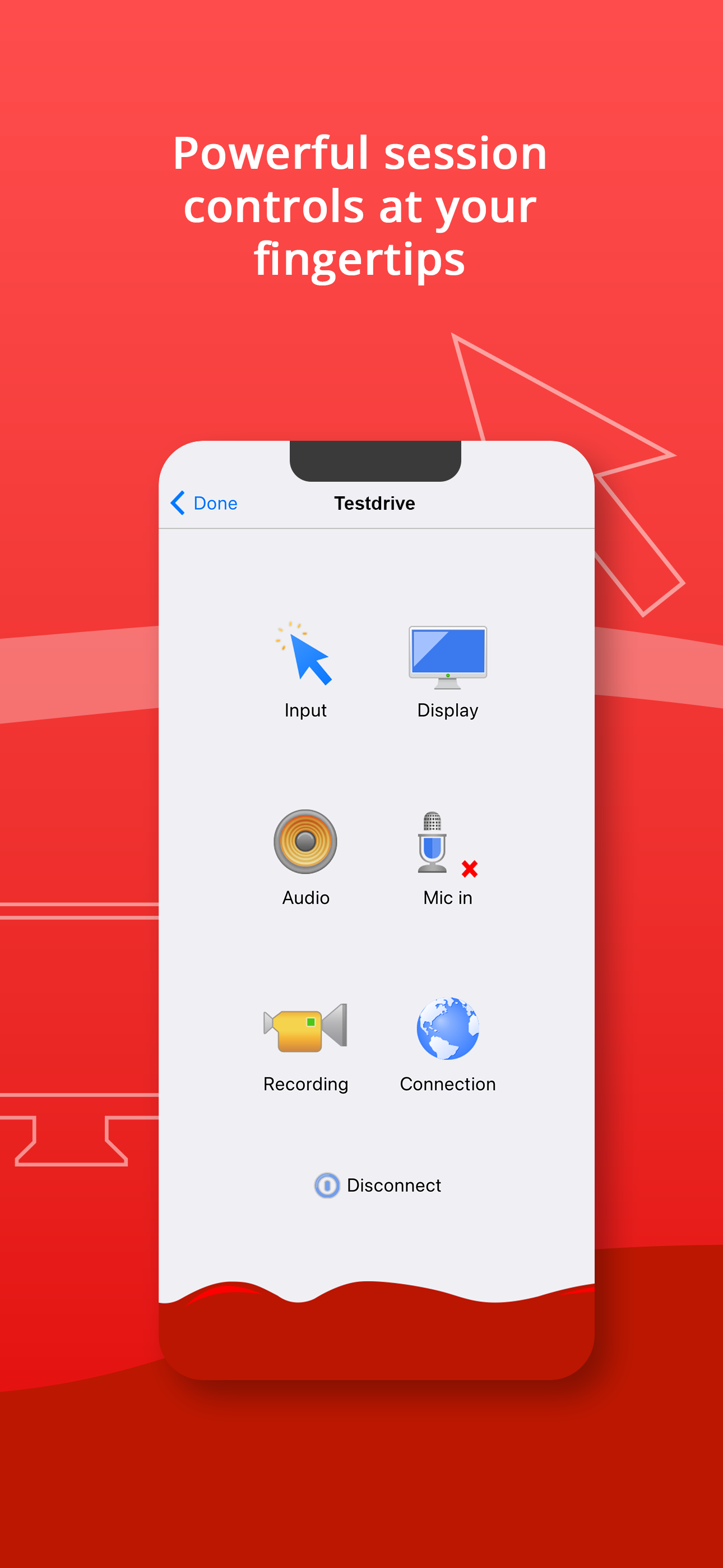
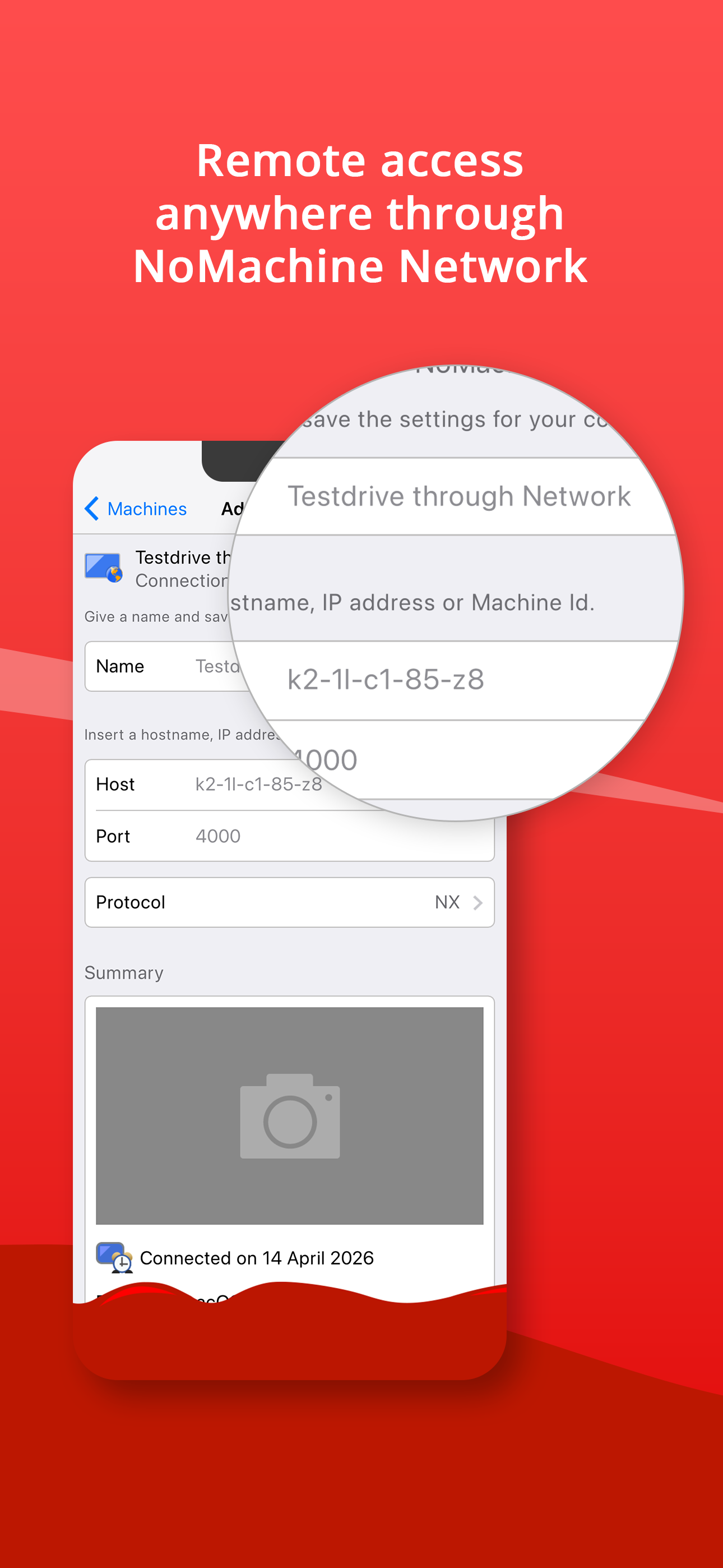
Study the product story and store experience behind the acquisition funnel.


03 / Market context
Keep revenue, downloads and store rankings separate from advertising performance.
I’m not sure if people were experiencing old bugs which have been patched, or if consumerism really has addled the minds of all. This app is FREE and works VERY well for what it is. If it works with iOS 26 upon release then I might even consider donating to the dev. I’m not sure why people are giving negative reviews. Once you learn the ins and outs of how to interact with the app(might already be obvious to you if you’re in networking, I am not and relied heavily on GPT to set up a Linux vm on a VPS etc) I use my iPad to access VM through this app predominantly, and I’m super pleased with it as a whole. I connected a K10HE wireless keyboard and an M7 wireless mouse to the iPad Air (M2 chipset) and they work beautifully inside of NoMachine as well. I haven’t yet noticed any dead clicks or keystrokes. The only negative thing I could possibly say if I really wanted to nitpick, is that on a headless Linux vm the free version is locked to 800x600. There’s even a workaround for that as well so it’s honestly more of a nitpick than a negative. I mean, they have to incentivize you to buy the app somehow 😂
This is pretty well implemented, with the consideration that doing remote desktop work on a system in a completely difficult paradigm is quite difficult! I've used it successfully on an iPad Pro 10" with a Smart Keyboard Cover and now an iPad Pro 11" with external keyboard and magic trackpad, and most things have worked as expected. I'm accessing a Linux NoMachine Terminal Server, so I'm obviously spending a lot of time in gnome-terminal. Copying and pasting into and out of that to the iPad works great. With the new 11" Pro, I've noticed that the Nomachine app does not support the new screen aspect ratio; it's still displaying as 4:3, which is disappointing. Additionally, two finger click on the trackpad is not recognized; click and hold is still the right click equivalent. It would be cool to have the trackpad functions fully integrated if a trackpad is present. I noticed in another remote access application (VMware Horizon), that if an external monitor is connected, the app recognizes it and shows the remote desktop on that at full resolution, while the iPad screen becomes a trackpad. I'm not so keen on the latter part of that, but being able to put an unscaled resolution on the external monitor would also be really handy. TL;DR this is a super useful app, with the suggestions I made above, it would be even better!
I use this app daily on an iPhone. I see two major issues, both related to the keyboard. 1) The row of extra keys at the top of the keyboard does not work correctly on the iPhone. You are supposed to be able to slide it left and right to access all of the keys. However, about 80% of the time performing the sliding action causes the keyboard to disappear. You have to re-open the keyboard and try it again. This makes typing a *very* frustrating exercise. The sliding action needs to be removed. I would rather have two rows of extra keys. Even better, one row with a configuration option to choose the keys you want. the keys also could be made smaller. Look how small the letter keys are on the iOS keyboard. 2) The second major issue I have with this app is the keyboard appears directly over the screen content you are viewing. I have used other remote apps that use some intelligence to “zoom” the content out or slide the content up when the keyboard appears. I find myself re-adjusting and re-zooming the screen content every simgle time before I can type, then when I type I run into issue #1 above. Seriously guys, the keyboard needs work.
Your computer, anywhere. With NoMachine, secure, fast remote access is always available no matter where you are, putting your files, documents, videos...