Check the acquisition promise
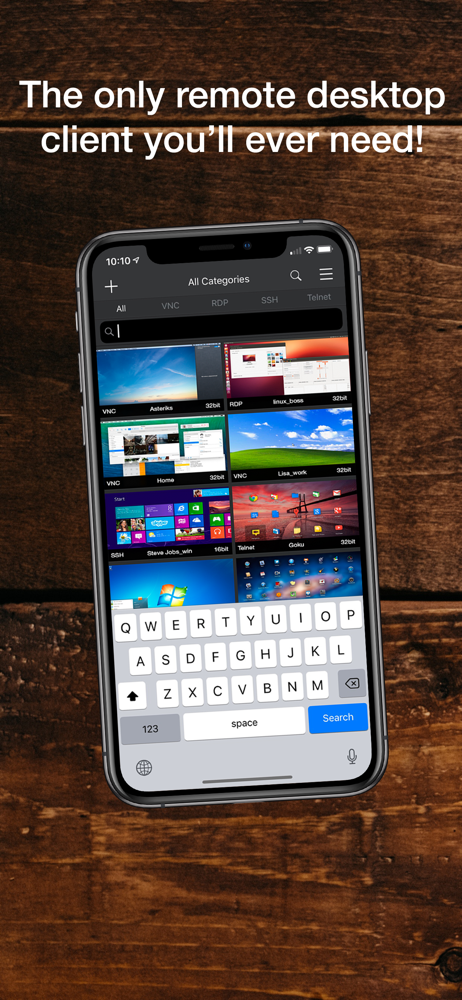
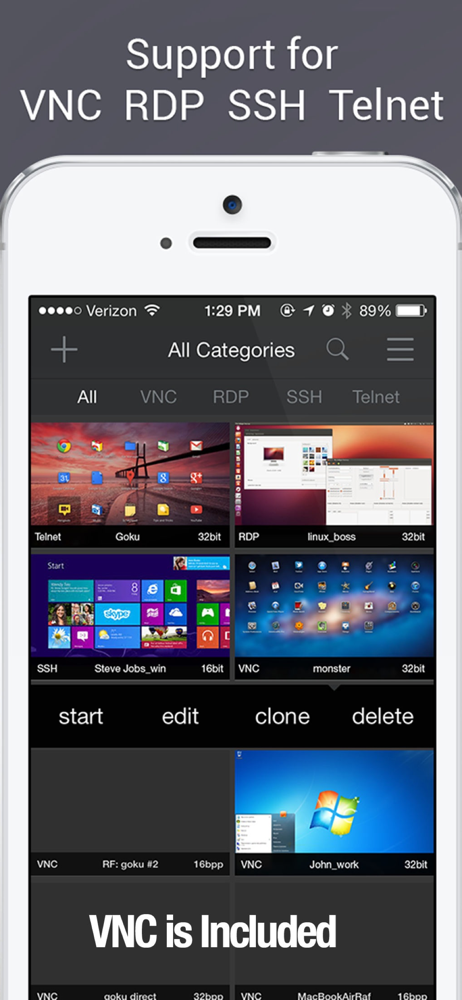
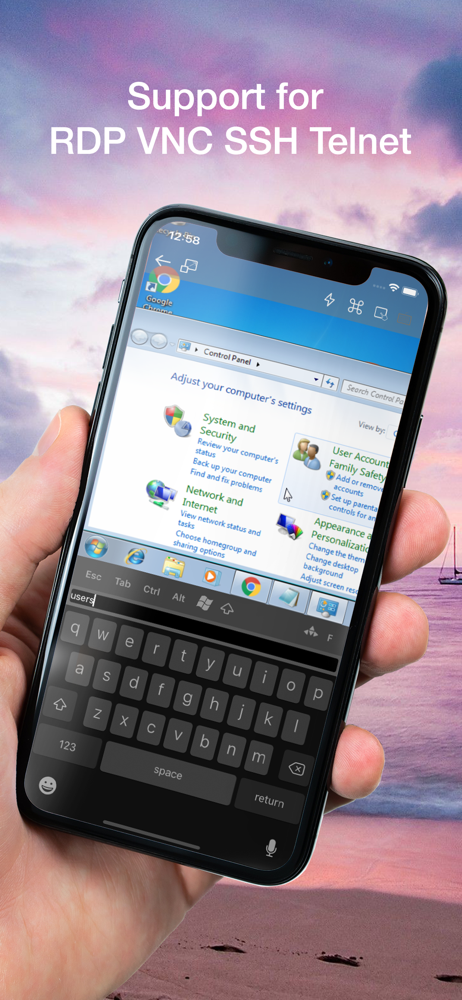
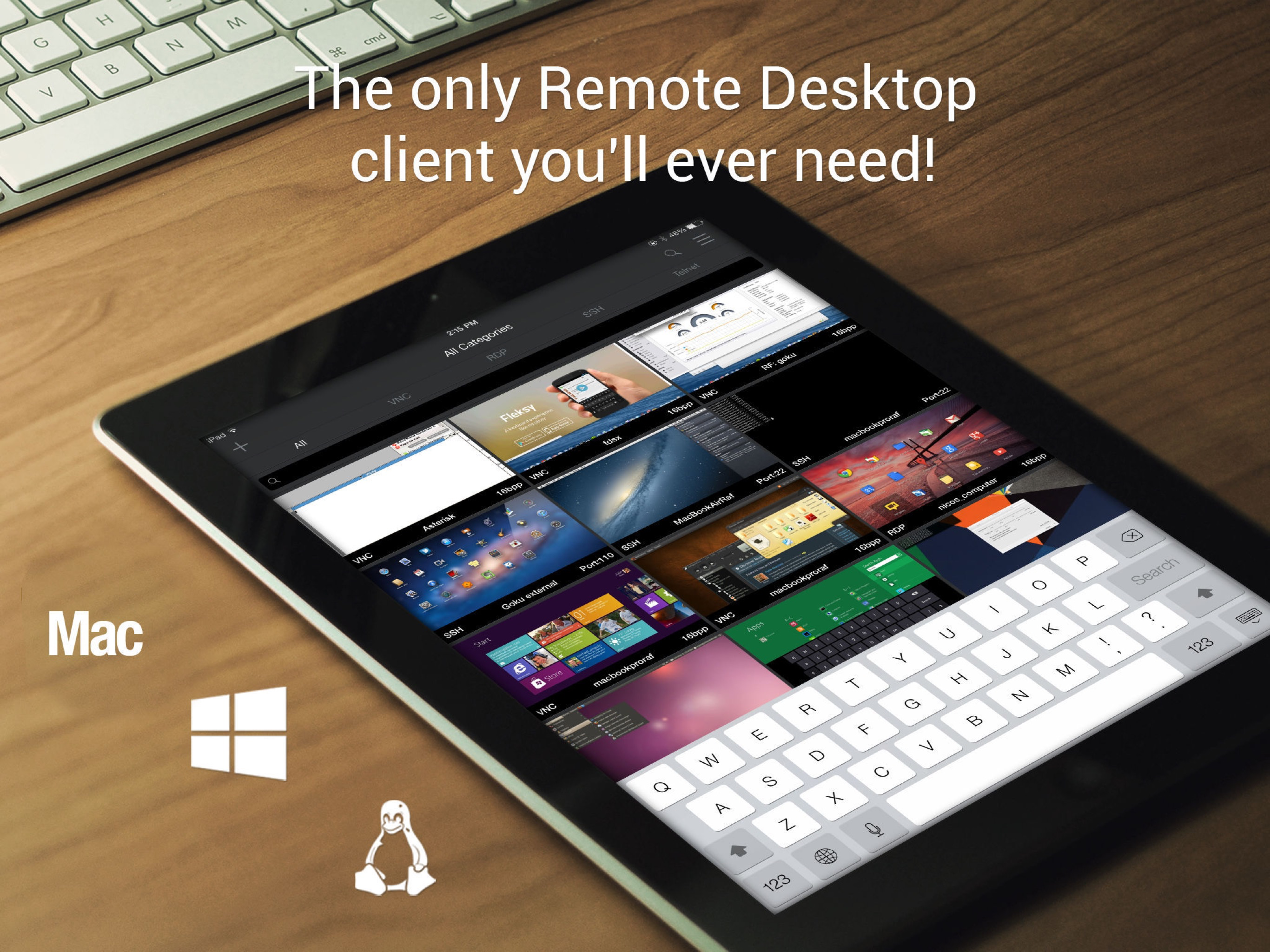
Read the store headline, screenshots and description. What problem is the app promising to solve?
Study the storefront ↗
Remoter Labs LLC · iOS
Explore the ad evidence, study the storefront, and build your next acquisition hypothesis.
01 / Creative research
Read the store headline, screenshots and description. What problem is the app promising to solve?
Study the storefront ↗Explore apps with direct store-link matches. Compare their hooks and formats without assuming the same approach works here.
Browse observed advertisers ↗Store rankings and revenue estimates describe market context. They do not establish ad spend, conversions or ROAS.
Review the market context ↗02 / Storefront & product
Study the product story and store experience behind the acquisition funnel.
03 / Market context
Keep revenue, downloads and store rankings separate from advertising performance.
I tried Mocha VNC before this app, and this beats it in every way. Navigation, trackpad, and keyboard options work perfectly. I’ve used this app for years now, and it’s solid as a rock. I’ve used it to connect to my Mac on the local lan or via the internet using a dynamic host name. It’s saved me a lot of times!
I use my iPad with an external display (HDMI out) and I've recently set up a bluetooth mouse (which you can now do as of iOS 13). The other VNC apps do some kind of special handling for external displays, and the iPad's mouse cursor is not visible. *This app is the only one that simply mirrors the iPad (like the system default) including the mouse cursor!* One small improvement might be that a long press could become a right-click, because I can activate a long press with the right mouse button because that's how I mapped the mouse buttons when I first set it up.
As per my original review, this app was GREAT! Today, not so much. I haven’t used it in some time, but just tried to remote in to my iMac upstairs. It failed. Since I recently replaced my routers and updated my fixed ip addresses, I thought maybe that was an issue. It wasn’t, or shouldn’t have been (using Bonjour addressing, which was unchanged). So I decided to try editing the password, even though that had not changed. I can’t. The keyboard won’t stay on the screen. I tried re-adding the server (Remoter sees everything on my network just fine), but again.... the keyboard is borked. I had to resort to my MacBook Air to remote in and do a quick task. So the problem here obviously is Remoter. Original review: Once you get used to it, Remoter works outstandingly well with OS X's built-in VNC server. It has different "modes" for the mouse cursor (move, drag, scroll, etc) and you can zoom in and out easily. I have found it works poorly with alternative VNC servers like RealVNC, but that may be more a problem with them, not Remoter.
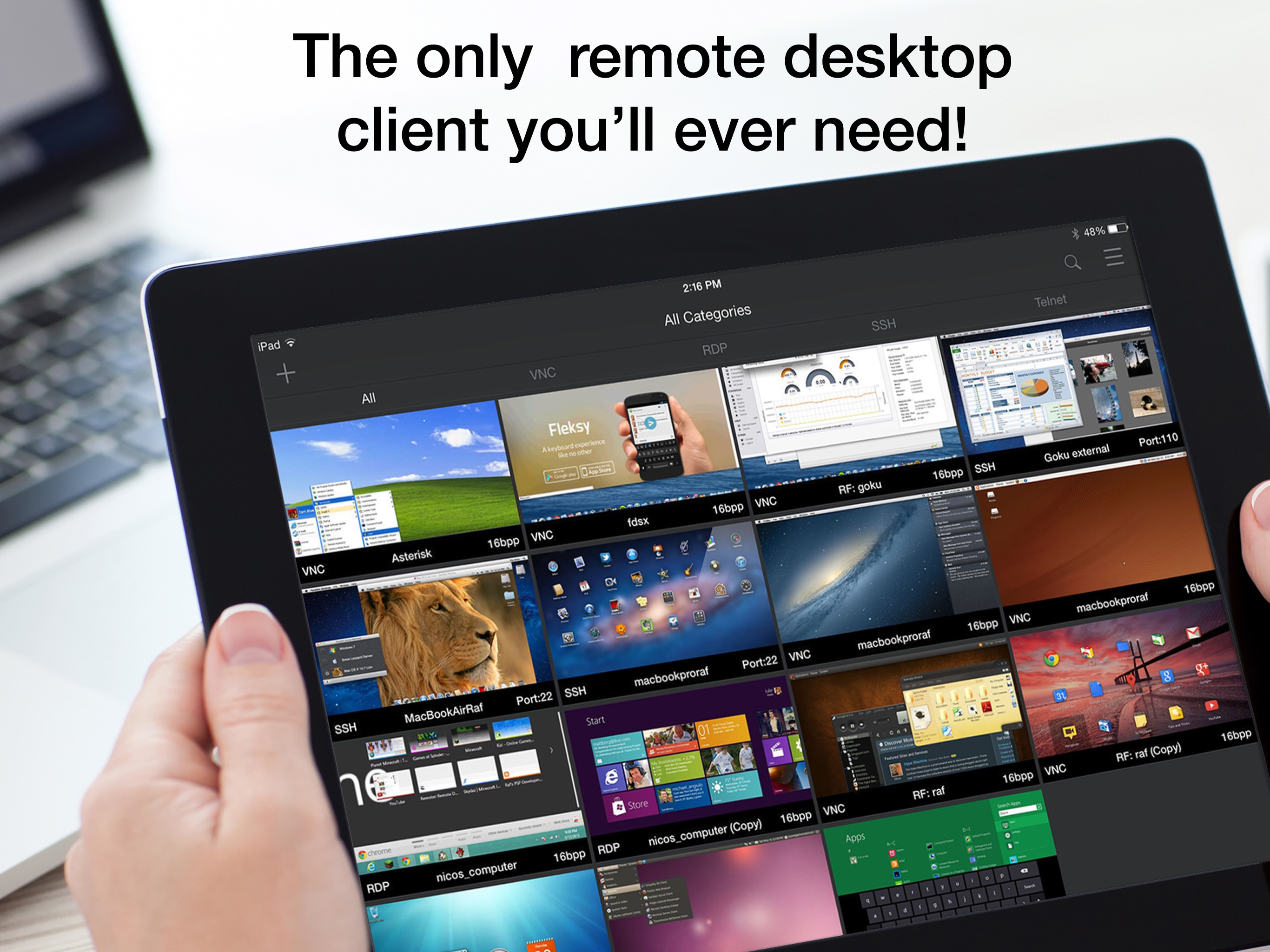
••• Optimized for the latest iOS! Trackpad / Mouse and Apple Pencil support! ••• •• The only Remote Desktop client you'll ever need! •• •NOTE:• This...
| Name | Price | Type |
|---|---|---|
| Enhanced Grid Server Selector | $0.00 | One-time |
| Password Manager | $0.99 | One-time |
| RemoterFusion Add On | $0.99 | One-time |
| Remoter Complete | $5.99 | One-time |
| SSH Secure Shell Add On | $7.99 | One-time |
| Telnet Shell Add On | $8.99 | One-time |
| RDP Add On | $8.99 | One-time |