Check the acquisition promise
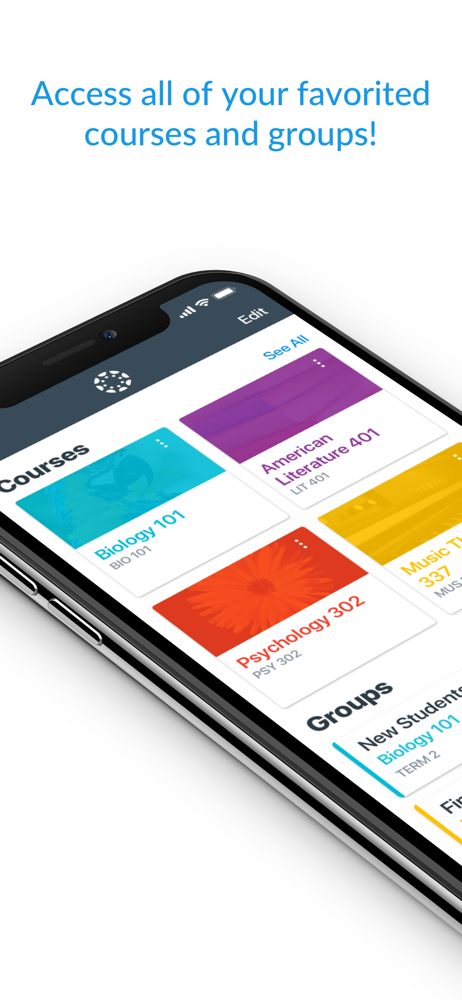
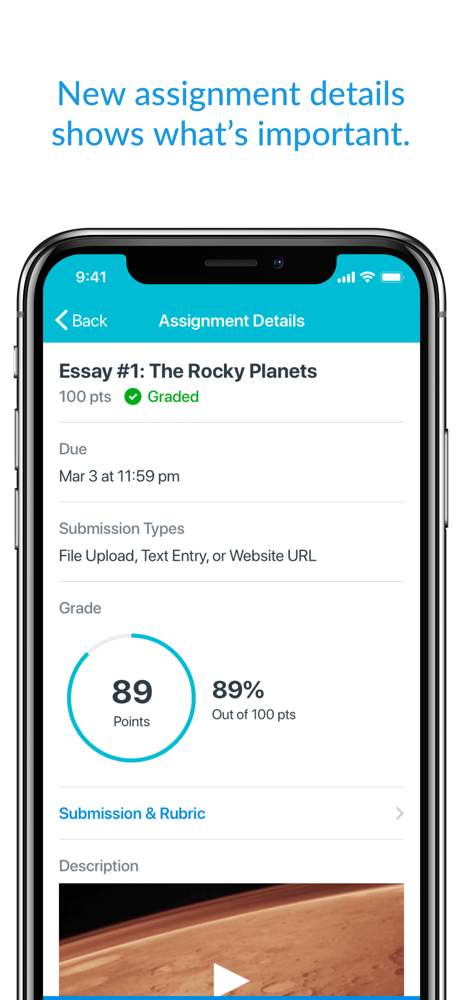
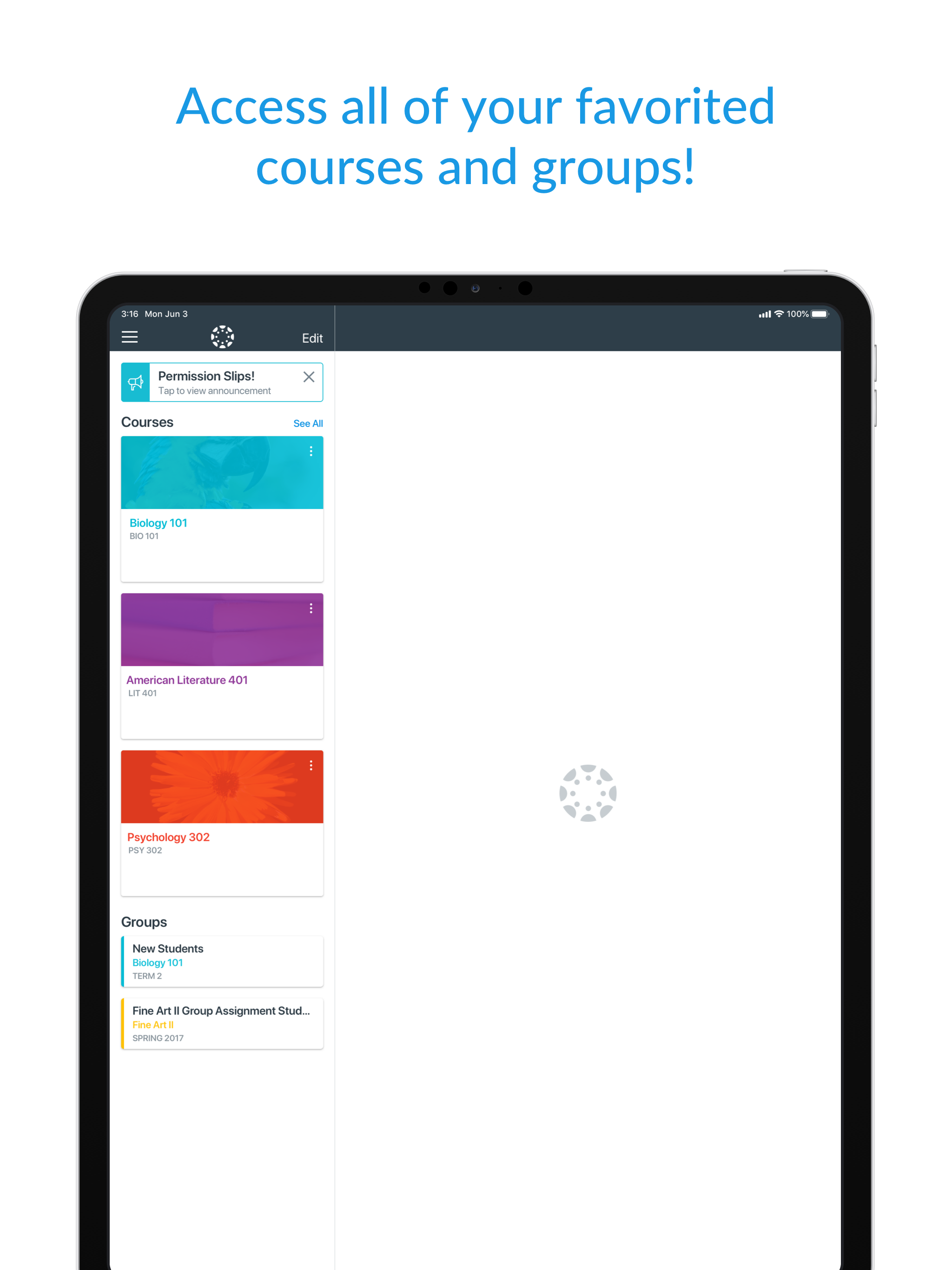
Read the store headline, screenshots and description. What problem is the app promising to solve?
Study the storefront ↗
Instructure Inc. · iOS
Explore the ad evidence, study the storefront, and build your next acquisition hypothesis.
01 / Creative research
Read the store headline, screenshots and description. What problem is the app promising to solve?
Study the storefront ↗Explore apps with direct store-link matches. Compare their hooks and formats without assuming the same approach works here.
Browse observed advertisers ↗Store rankings and revenue estimates describe market context. They do not establish ad spend, conversions or ROAS.
Review the market context ↗02 / Storefront & product
Study the product story and store experience behind the acquisition funnel.
The store evidence
GB store price
Free
GB rating
4.6 / 5
GB rating count
85,104
Current version
8.13.0
2026-10-12 · Developer notes
- Added IgniteAI Study Tools for Tier Next Institutions. - Added support for Notebook. - Added a loading indicator to the Syllabus Summary page. - Added offline sync support for Syllabus content. - Improved file list ordering. - Display assignment unlock date on Assignment List and Assignment Details. - Show an alert in more places when content isn't available offline. - Scanning documents for a file submission now creates a PDF whenever possible, instead of producing images. - Page titles are now displayed above the page content as selectable text. - A newly created announcement now opens as "Announcement Details" instead of "Discussion Deta…
Store metadata collected 2026-10-18 UTC · GB storefront · Source record. Free may include in-app purchases. Public data does not update revenue estimates.



03 / Market context
Keep revenue, downloads and store rankings separate from advertising performance.
These are genuine issues I have with the app as someone who can’t afford a laptop right now & have been doing all of my work on an iPad. If these actually reach the devs I’d be over the moon! 1. Completed assignments are not crossed out/dimmed like they are on the browser website: it is stressful to look at my calendar and think I have 5 assignments to do, when in reality, I’ve already submitted 4 of those 5 assignments. Even if I know in my mind that those assignments are done, it would be nice to not have them at the top fo my calendar page. 2. Unable to access groups on the app: on the browser Canvas, there is a section on the sidebar for groups. This is 100% simply not available on the app ANYWHERE. I did not mind this so much at first, but I have had many group projects that span the whole semester recently, and it is very inconvenient to not be able to readily access the people or announcements in those groups. 3. Cannot go directly from assignment to course: if I am looking at an assignment, it’d be really nice to be able to tap on the course name & be directed to the course page. That is not an option right now, so if I view an assignment directly from the calendar or to-do page (as opposed to going to the course, then to assignments or modules), I have to go backwards by 2 pages, scroll down to the right course, and click through pages to get to the module. I wish it was even a little bit as direct as the browser. THANK YOU DEVS!! LOVE YOU!
This app is excellent. I had never used the Canvas app before yesterday and I’ve found the app to be excellent overall (in fact, I had never used the Canvas website for school before this semester). The app is easy to navigate. It has ALMOST all the things you would need. The only thing I’ve found so far that could be improved is that I can’t find the notification INSIDE the app that showed up on my phone’s Lock Screen. My professor assigned me an anonymous “grading” of one of my classmate’s submission (I’m sure every student got assigned to grade some other student’s submission) and it showed up on my phone’s Lock Screen the first thing this morning when I woke up (keep in mind that I just downloaded this app about 15 hours ago) and I almost didn’t click on the notification. When I clicked on it, I was taken to Canvas’s website on my phone’s web browser where my fellow student’s submission showed up and I proceeded to read the student’s work before I could give my feedback but I had to stop in the middle because I started doing something else. However, later when I went back into the app to compete this feedback, I could NOT find this assignment anywhere in the app. Then, after a few minutes, I remembered it was in the browser and not in the app that I was working on it so I opened my browser and found the assignment still there so I completed it. But what if I had not clicked on the notification on my phone’s Lock Screen? It would have gone away. How would I have found it then? Hopefully, this was a “user error” on my part but I doubt it because I clicked on every single tab in the app under my course (quizzes, assignments, notifications, etc.), but it’s nowhere to be found. Any helpful suggestions would be appreciated.
I love the app, helps me find assignments quick has a tab for me to check my grades and to check if the teacher put any announcements if their is a substitute. This app has helped me better my education and when I graduate hopefully help me through college. The app has many benefits and not gonna lie almost a better platform than Google Classroom, it was great to keep in touch with my classmates but not to keep organized. Google Classroom just listed assignments by date not category, with Canvas it has modules when the teacher say what unit subject we are on it help my whole class find the assignment in less than a second. I approve this app and suggest that all schools use it, and for those who has a kid with a personal computer for their homework I suggest you sign your kid up you will see a great improvement in their grades if they struggle and helps with the syllabus if the parent has the app so they can check their child’s grades and they can help the child through the course and help study. I am rating this app as a freshman in high school and I promise it makes such a great learning experience and makes school a lot easier. I rate this app a million out of ten.
Your learning, anywhere. Stay connected to your courses with the official Canvas app for learners. Whether you’re in class, commuting, or offline, Can...