
Check the acquisition promise
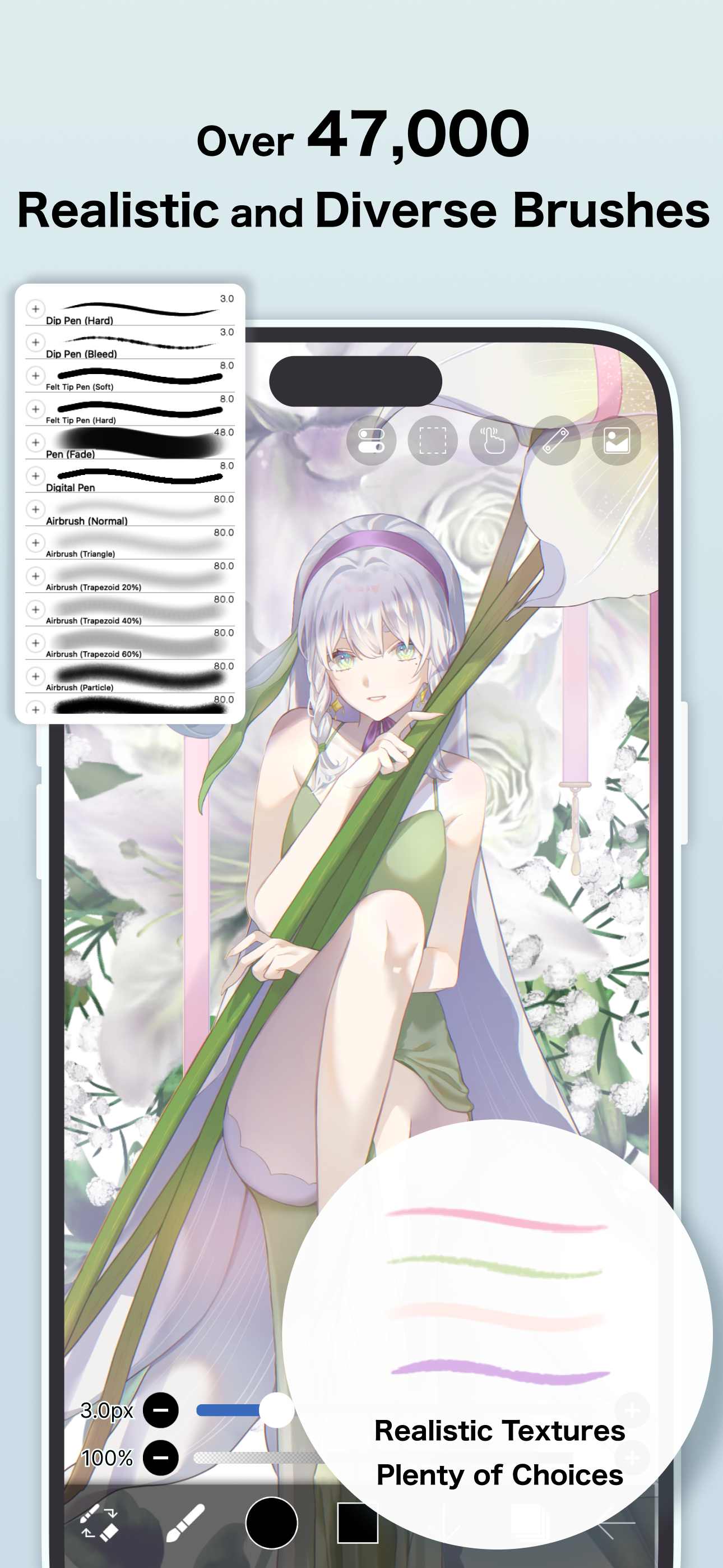
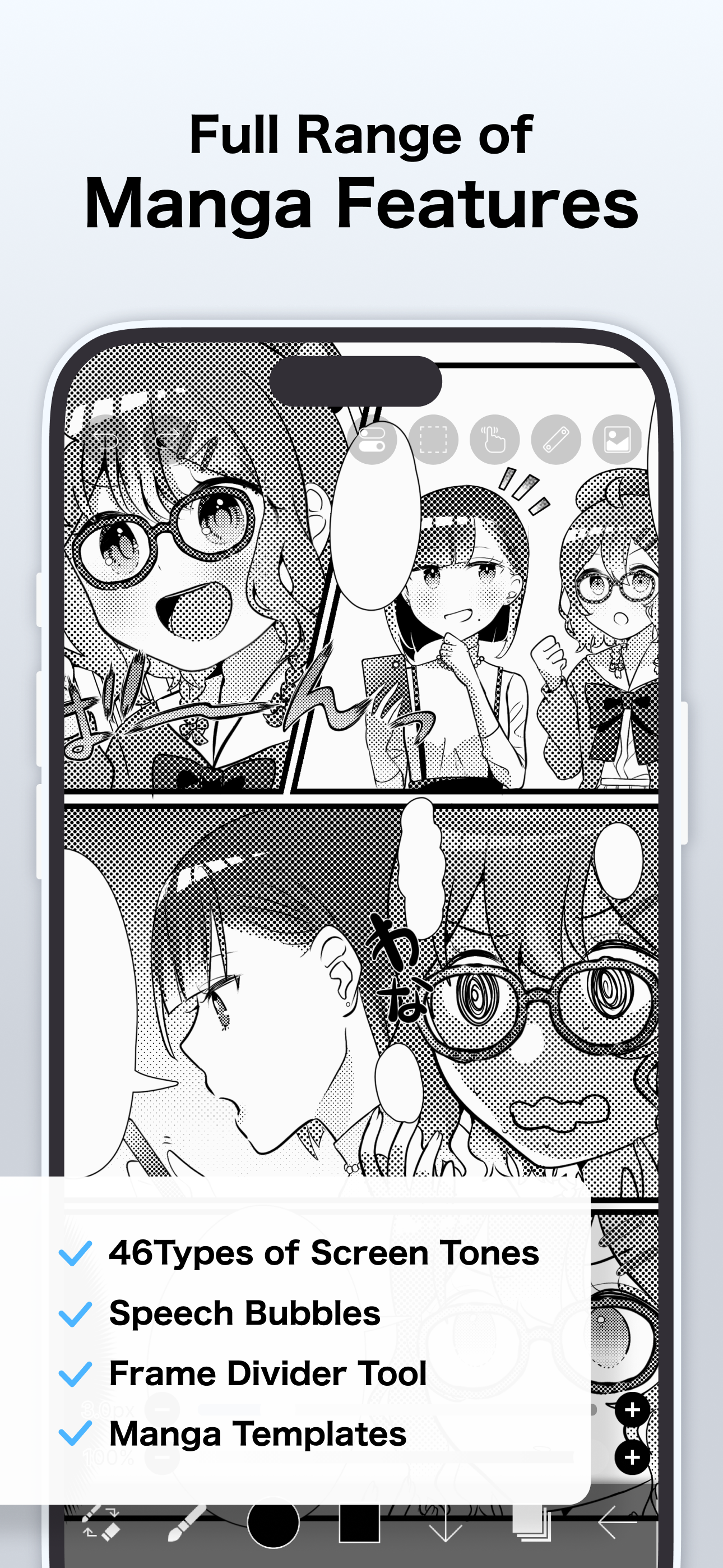
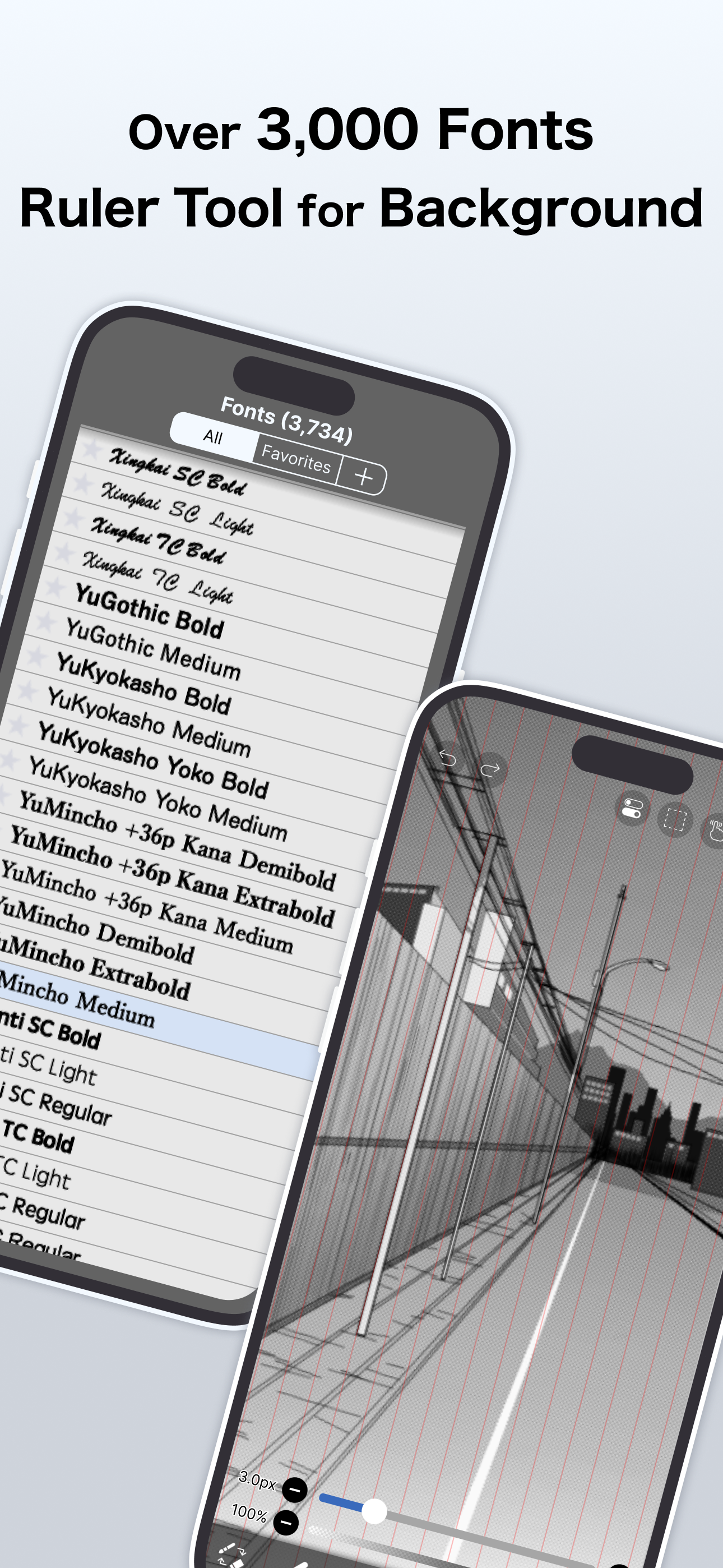
Read the store headline, screenshots and description. What problem is the app promising to solve?
Study the storefront ↗
ibis inc. · iOS
Explore the ad evidence, study the storefront, and build your next acquisition hypothesis.
01 / Creative research
Read the store headline, screenshots and description. What problem is the app promising to solve?
Study the storefront ↗Explore apps with direct store-link matches. Compare their hooks and formats without assuming the same approach works here.
Browse observed advertisers ↗Store rankings and revenue estimates describe market context. They do not establish ad spend, conversions or ROAS.
Review the market context ↗02 / Storefront & product
Study the product story and store experience behind the acquisition funnel.


03 / Market context
Keep revenue, downloads and store rankings separate from advertising performance.
The whole concept of a lot of bases and brushes are cool I started my ibis paint journey with ibis paint X thanks to my friend :) the reason I have this 3/5 stars is because you still have to pay 27 bucks per month if you buy this app for 15 bucks I feel like it’s kinda a rip off like why pay if I can play a free app version of this? But it is good for beginners and pros at drawing it’s pretty good tho maybe try ibis paint X for free and then. Decide if you want to buy this app over all it would be better if premium has more to it and maybe free if you buy ibis paint instead of ibis paint X which you would pay for not the best extra perks. I prefer ibis paint X because it’s free so yeah download it! It was made by the EXACTLY THE SAME PEOPLE who mad ibis paint so yeah… download the free app then consider buying this app it would help them make more updates to both of the apps probably, so yeah.. Overall good genre and good game love the stories posted on the online gallery but I hope this review helped you if you are a cautious money spender like how I was when I read the reviews of the game it’s not a bad game just could be cheaper? But yeah download the free app today! (You can unlock all 1000+ brushes in one ad for 18 hours before you have to watch another one in ibis paint X but definitely a must have for creative artists and sketchers and drawers you can also make stories online recommend the free one and then YOU decide what YOU want :) I hope this review helped :).
So my IbisPaint just got updated and I have a few things I have to say. Straight off the back, I feel like more and more things are becoming prime features, despite the app costing money to be bought, which I has never been a problem until the Vector Layers have been added. It’s buggy whenever I make a normal breaststroke on a normal layer. It automatically turns into a vector layer, which wouldn’t be an issue in itself is it wasn’t for the fact that vector layers do not have access to the special tool, the smudge tool, and the lasso tool requires prime, as well as an extra added feature that also requires prime. This is really annoying because once again you pay for the app there is ibisPaint X, but even that is starting to become a bit unreasonable with the constant ads every few moments I am begging you to put a feature to disable all prime options so that we don’t have to see or interact with it unless we have prime, like there’s no reason for it to be there taking up space and causing glitches like this just make it something that only appears if you have prime or put an option to disable it please. This app really is amazing but all these additional prime features on an app that all cost money is all right offputting but it’s also starting to become frustrating because some of them just are glitchy and makes the overall experience upsetting and frustrating.
I love this app for how simple it is to use and can get amazing pieces out of it with easy but versatile tools. The smudge and blur tools are one of the best ones Ive seen on iOS, doesn’t discolor or pixelate like other apps I’ve used. I use this app for my work as a comic artist, it’s easy to create nice line art even for someone with shaky hands (me). On a bad note however, my goodness do I have to scroll so much just to find a specific piece I need to edit among other art such as personal and work related drawings. If there was a folder system this would be an app I’d recommend to nearly anyone. But there is little way to sort and you have to pay monthly for it, which tbh is kind of a waste considering the other features aren’t too helpful and the filters could be found in other apps with a one time fee. I often use procreate to keep my pieces together that need touch ups and further editing (without blurring bc the tool on that app is not good at all, Ibis Paint honestly has one of the nicest blending tools and I know that’s a turning point for a lot of people.) In general, I love this app for its stabilizing and tools but find myself struggling to want to go to it after awhile due to the sorting and that small but very draining problem once you hit over 100 pieces in your gallery. Right now something like google drive or folders on your phone will be a life line to keep things neat.
This app is an ad-removed version of ibisPaint X. An additional in-app purchase for Premium Membership is required to unlock all features, in which ca...
| Name | Price | Type |
|---|---|---|
| Smart Credit 300pt | $2.99 | One-time |
| Premium Membership (Monthly plan) | $4.49 | Monthly |
| Smart Credit 900pt | $8.99 | One-time |
| Smart Credit 2,500pt | $23.99 | One-time |
| Premium Membership (Yearly plan) | $27.99 | Yearly |
| Smart Credit 5,000pt | $44.99 | One-time |
| Smart Credit 10,000pt | $79.99 | One-time |


