
Check the acquisition promise
Read the store headline, screenshots and description. What problem is the app promising to solve?
Study the storefront ↗
EuroSmartz Ltd · iOS
Explore the ad evidence, study the storefront, and build your next acquisition hypothesis.
01 / Creative research
Read the store headline, screenshots and description. What problem is the app promising to solve?
Study the storefront ↗Explore apps with direct store-link matches. Compare their hooks and formats without assuming the same approach works here.
Browse observed advertisers ↗Store rankings and revenue estimates describe market context. They do not establish ad spend, conversions or ROAS.
Review the market context ↗02 / Storefront & product
Study the product story and store experience behind the acquisition funnel.


03 / Market context
Keep revenue, downloads and store rankings separate from advertising performance.
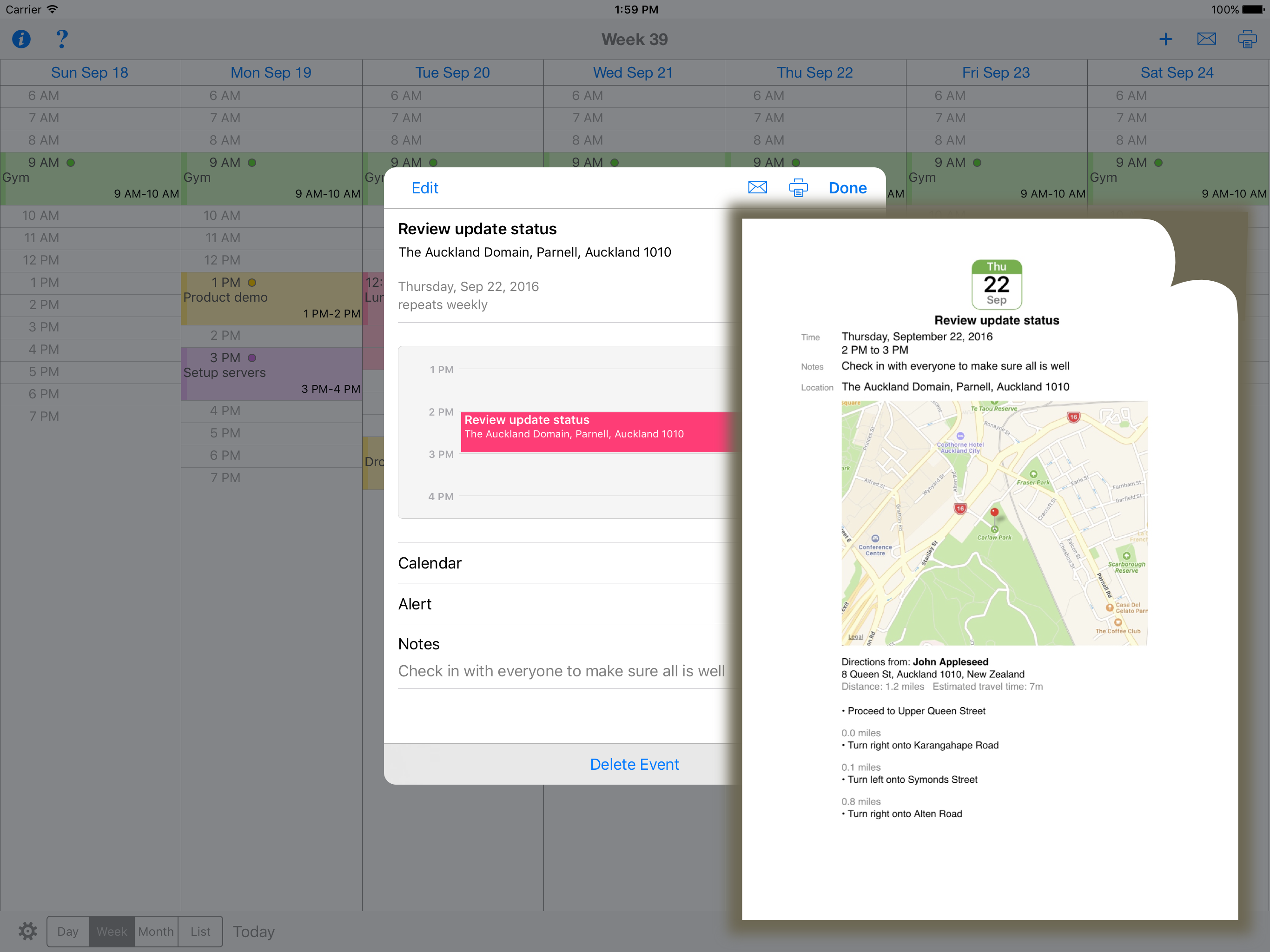
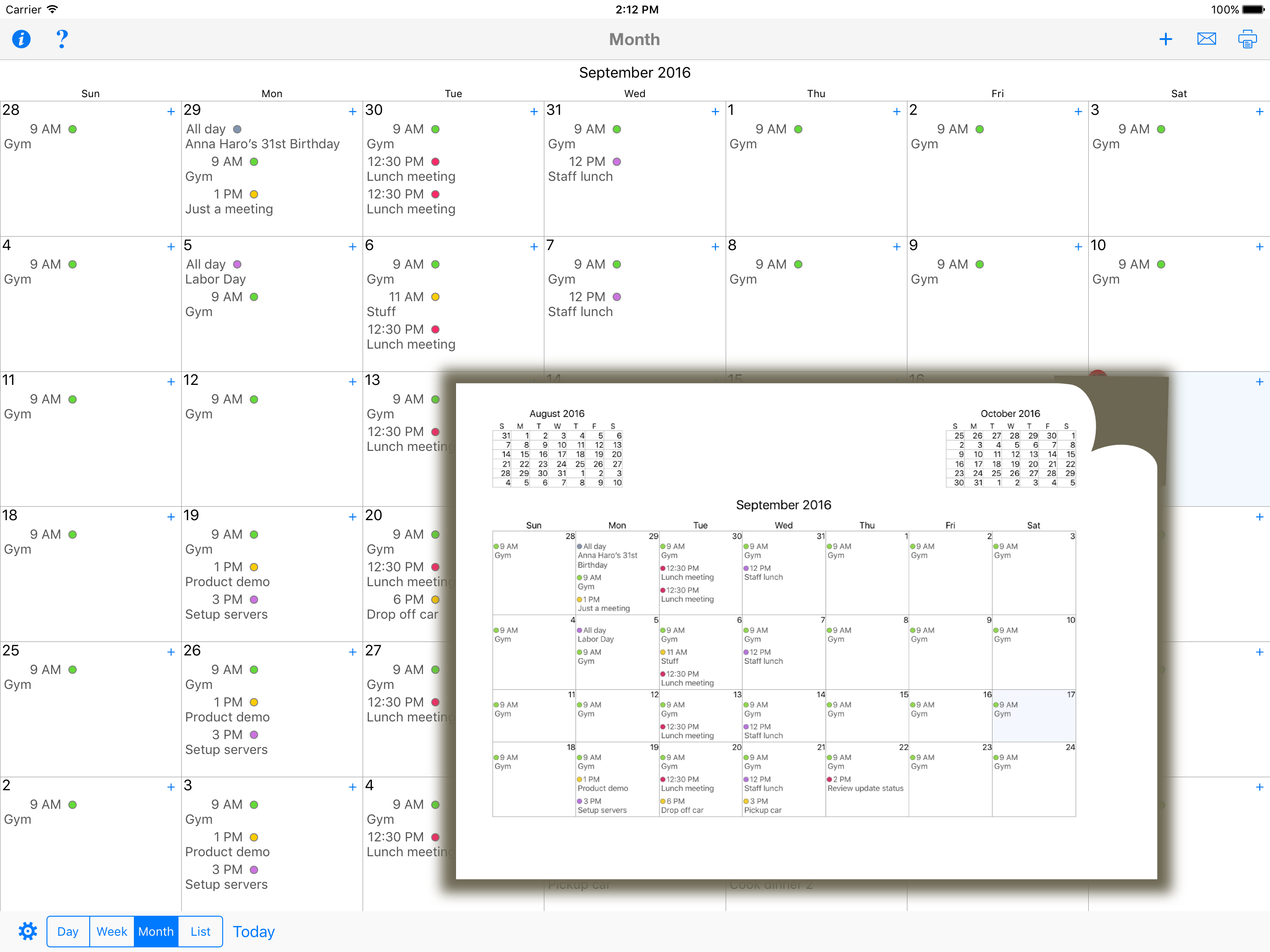
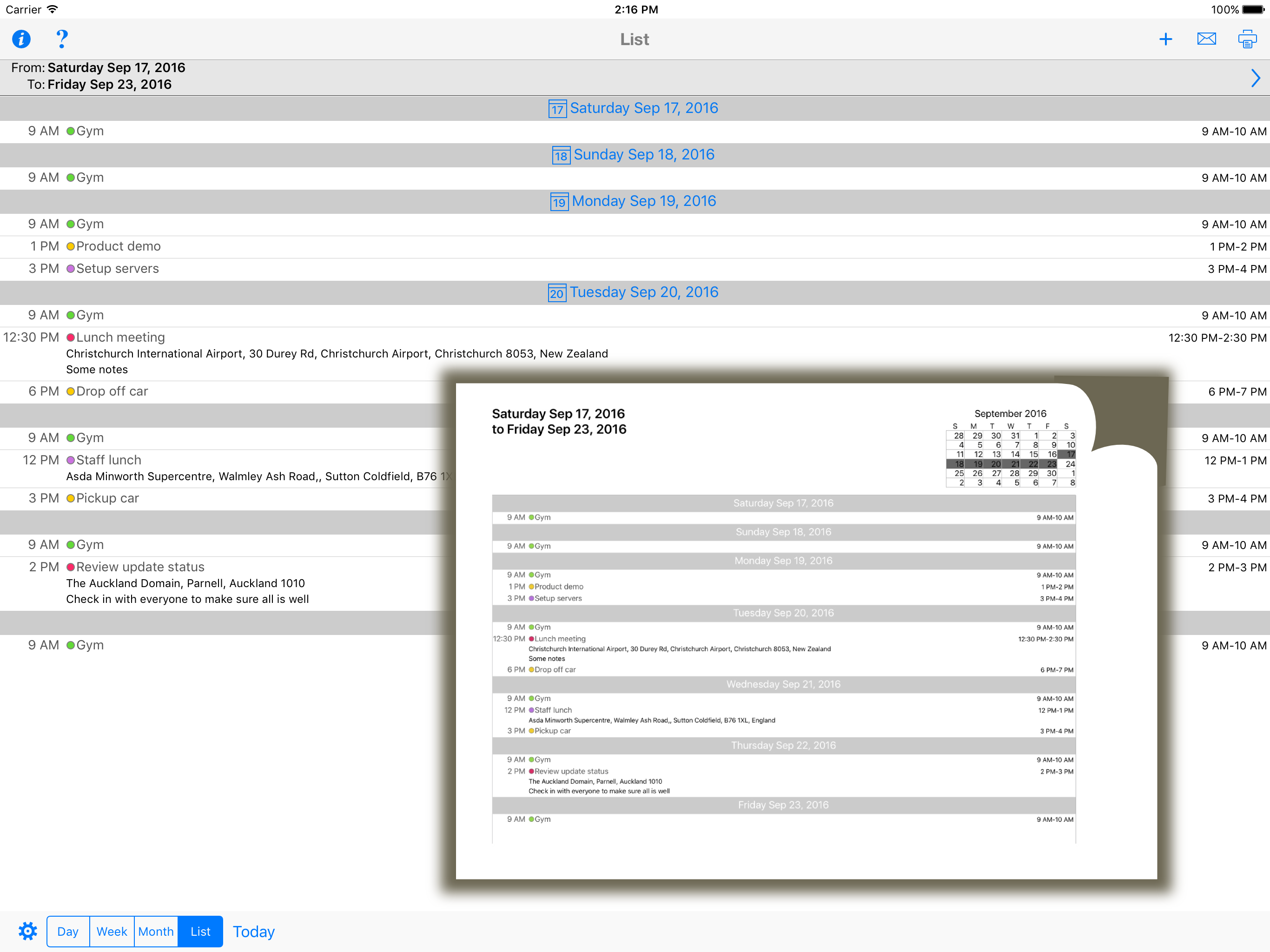
Apple’s regrettable lack of printing in Calendar had me stumped. CalPrint has solved that for me. At first, I found the print options somewhat vague, but their tech help came to the rescue almost immediately. After I spent some more time experimenting with the options, I now have a very satisfactory solution to printing almost any which way I choose.
It does exactly what I've needed other calendar apps to do for years. I can update my calendar on my device and print a useable copy for the kitchen bulletin board so my family knows what is happening. It allows you to set printing preferences for portrait or landscape, set margins and even carries over the calendar colors from my device calendar so everyone knows which appointments are theirs. Thanks for this great app.
Since updating CalPrint last week, it has been very frustrating to use the app. The calendar no longer prints as it did before. When printing a monthly calendar, individual days do not print the same amount as it did before. I set to print with the smallest font (and it is very small!), but I still cannot see as much information as before the update. A blue line lets me know there is more info, but what is the point of that? Now I have to go look at my iPhone or iPad, so why bother printing a calendar?
Print your Calendar and Reminders to any printer. You can print your Day, Week, Month and custom list calendar views to ANY printer, not just AirPrint...


