
Check the acquisition promise
Read the store headline, screenshots and description. What problem is the app promising to solve?
Study the storefront ↗
RACQ Operations Pty Ltd · iOS
Explore the ad evidence, study the storefront, and build your next acquisition hypothesis.
01 / Creative research
Read the store headline, screenshots and description. What problem is the app promising to solve?
Study the storefront ↗Explore apps with direct store-link matches. Compare their hooks and formats without assuming the same approach works here.
Browse observed advertisers ↗Store rankings and revenue estimates describe market context. They do not establish ad spend, conversions or ROAS.
Review the market context ↗02 / Storefront & product
Study the product story and store experience behind the acquisition funnel.


03 / Market context
Keep revenue, downloads and store rankings separate from advertising performance.
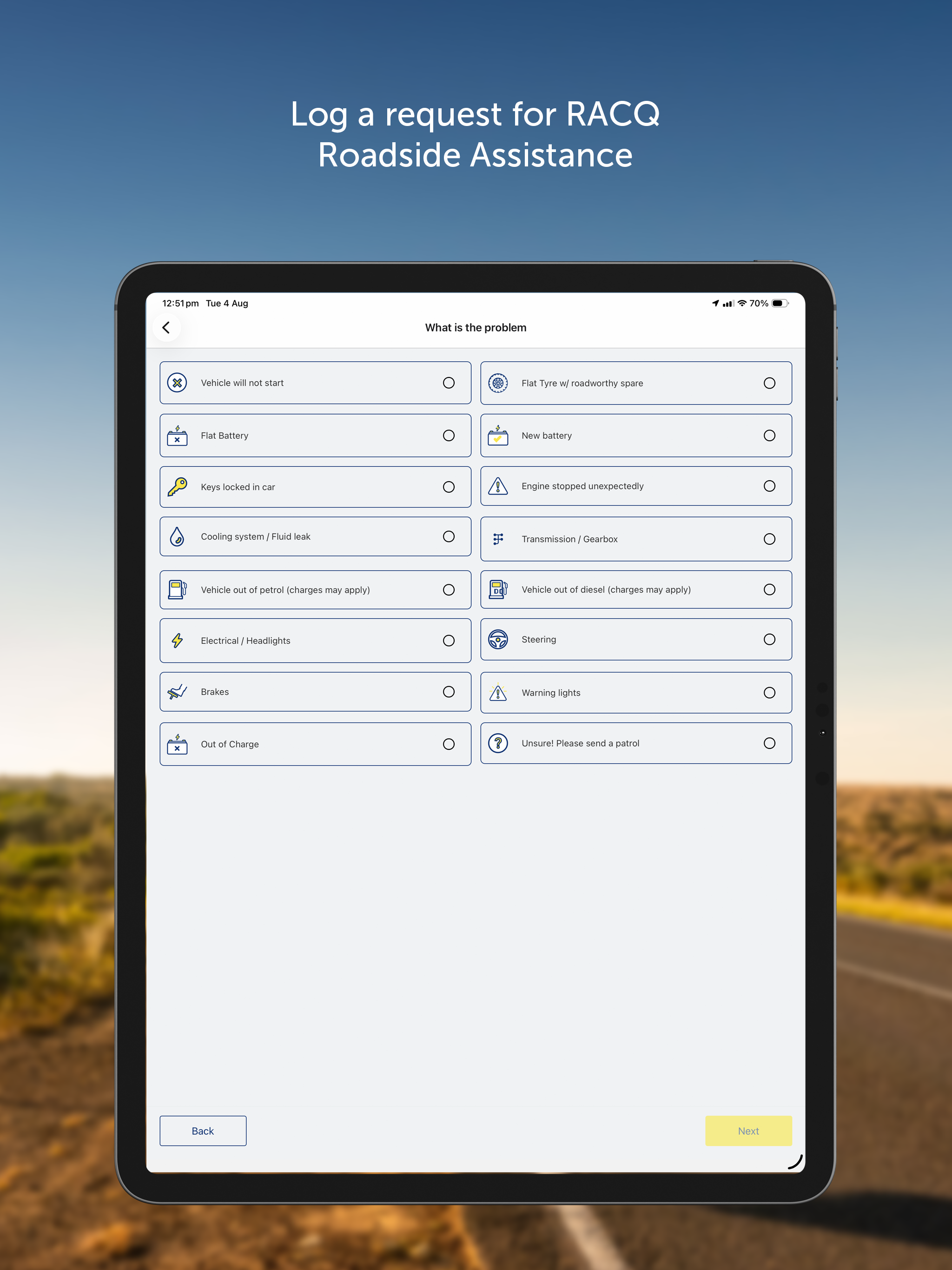
Process of booking a call out seems straightforward but don’t be fooled. After entering the email and password I was presented with form to give my card details, registration etc. there was a button suggesting that I could use my profile information to fill out the form. However, when I clicked onto the button, it went to my membership card details in the app, and there was absolutely no way of transferring this information into the form, so I had to enter it manually. As if that isn’t enough replication, I then had to enter all of my car details, even though I would have imagined that the app would have hooked up with my profile and got that information. I had to say I had to say what the brand of car I had model etc etc. What is the point of having an app that one would assume is linked to the details that RACQ already has on me? This is the second time I have had to enter all of the information manually therefore my feeling is that the app is useless.
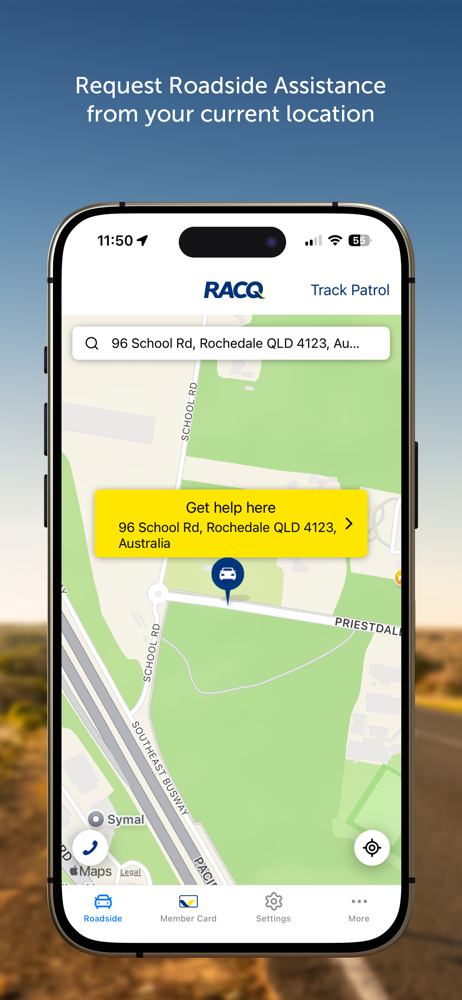
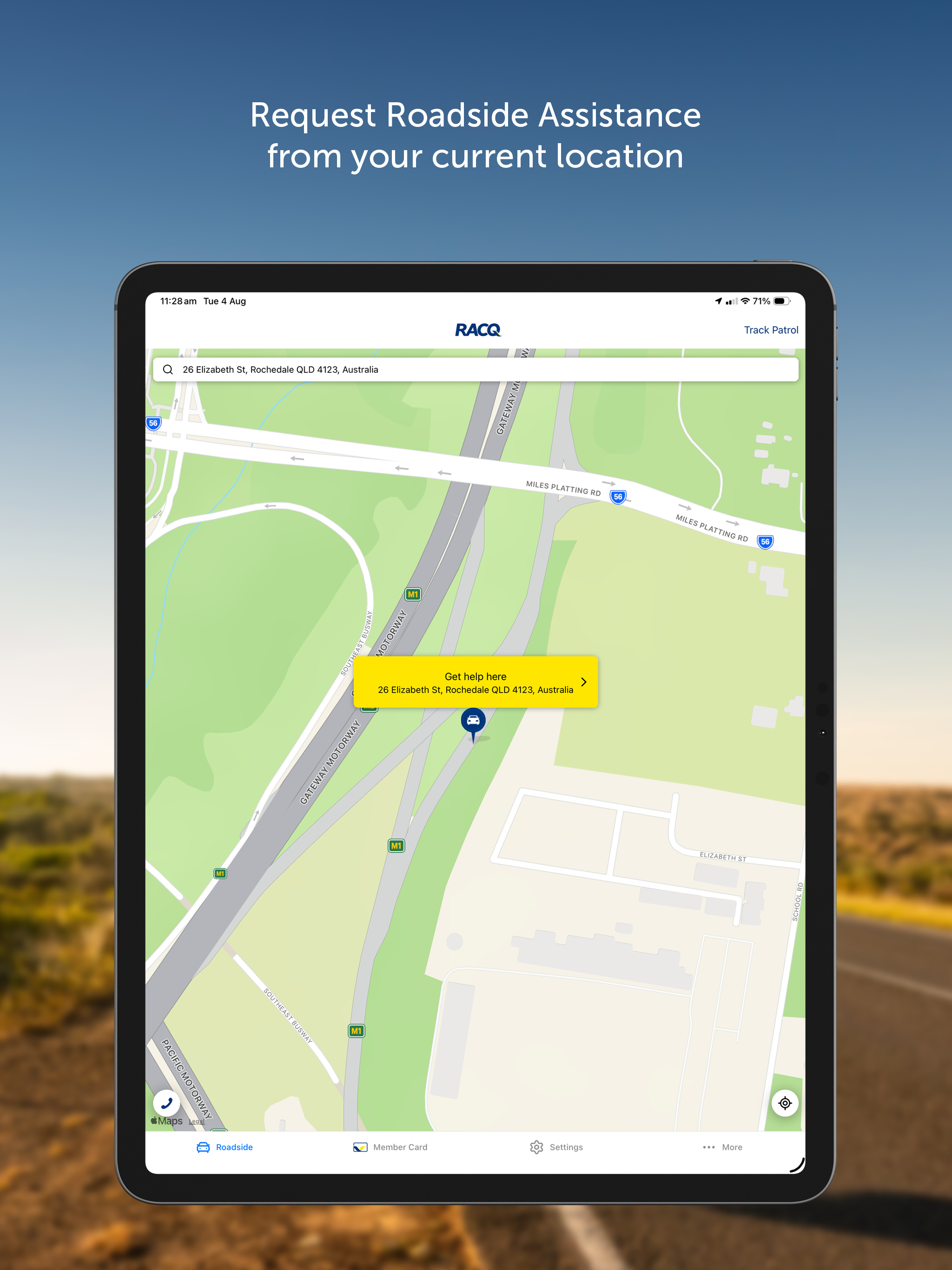
Even though you enter address, app insists on using GPS profiled address. In my case the car is at home but it shows my neighbours address. No matter how many times I tried to change the street number from 5 to 6 it reverts back to 6. I left it at 5 eventually and will keep a lookout for the tech. I don’t know how this would affect some poor soul who breaks down at night.
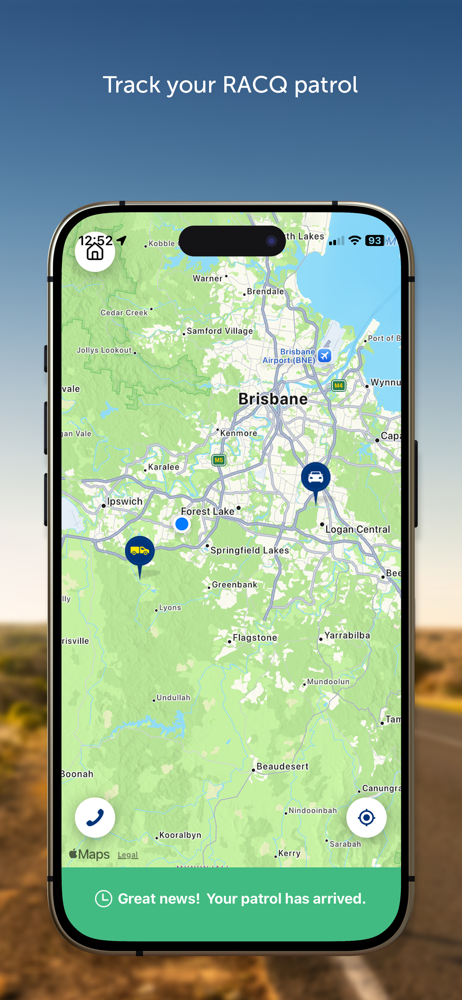
Just had a call out and got a text to download the app. It looked like I could go straight to track my job, but nothing worked. Had to speak to a lovely operator to realize that I had to register online first to make a password to get into the app. This isn’t mentioned in the txt and takes about 15 mins. Also the registration requires the same information entered about three times. It would be great if it could be done in one or two steps with steps recognized or remembered so they don’t have to be re entered each time. It feels like this process could be streamlined. Also it looks like initially people can skip the registration in the app (VIA THE SKIP BUTTON - WHY???) and it looks like new users can go straight to track my job using their membership number. This is not the case. Registration is still required. Some kind of force registration should be active here so new users are prompted to do that first. Why is the skip button there? That makes it confusing.... Some thoughts. Hope it’s constructive. Can’t comment on the use of the app more than that as no jobs come up now my call has been attended to 😁
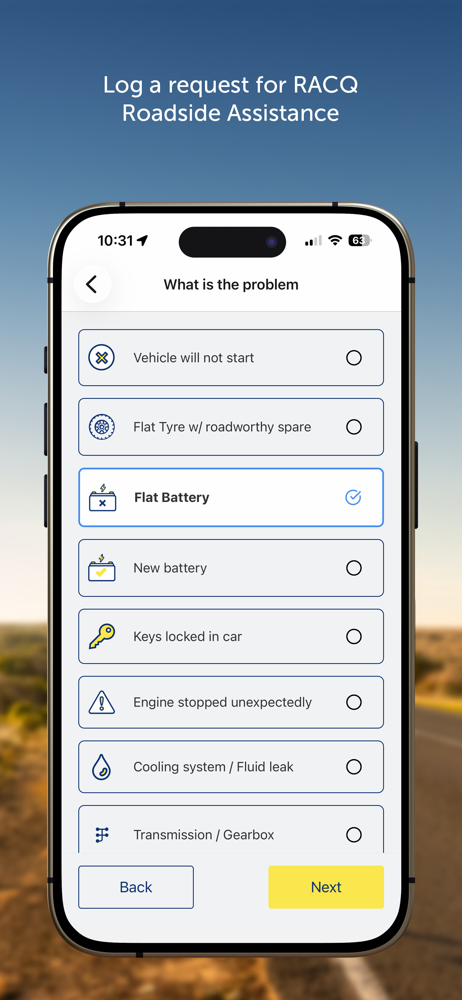
With RACQ’s Roadside Assistance app you have RACQ in your pocket, wherever you go. Request roadside assistance using your smartphone - no need to call...


