App Profile: Pdf-notes for iPad (ads)
Android / Games / Puzzles
pdf-notes for iPad (ads)
Installs:
Rating:
3.38
Total Reviews:
21
Top Countries:
US, KR, CN
< $5k
/mo
< 5k
/mo
Reviews: What People Think About pdf-notes for iPad (ads)
TapQuiz Lover 🌎
Rating: 4/5
I have had pdf-notes for six years and I can’t use anything else. It does have some major flaws, such as not very pretty design, inability to make selections and transformations, and occasional glitches. However, pdf-notes has really easy to use tools, lots of export options, and the ability to rename and organize pdfs. It is so simple and I love it. None of this Notability stuff, pdf-notes is the OG annotation app.
However, pdf-notes, if you see this, please do consider updating your interface to something that doesn’t look like it’s from 2012, and a transform/selection feature would be amazing.
p21love
Rating: 4/5
I’ve loved and used this app exclusively for years, my entire brain is on this thing. However, now 8 cannot access any of my PDFs- clicking on them doesn’t elicit any sort of response, when this is how they usually open.
Zaazoocat
Rating: 5/5
The app opens but you can't open any of the pdfs. You press on them but nothing happens. Thanks.
Long time user. Love the app. Please fix as soon as possible.
Thanks.
About pdf-notes for iPad (ads)
[notice] pdf-notes for iPad (ads) involves advertisements. Paid version is available at http://itunes.apple.com/app/id4172008446
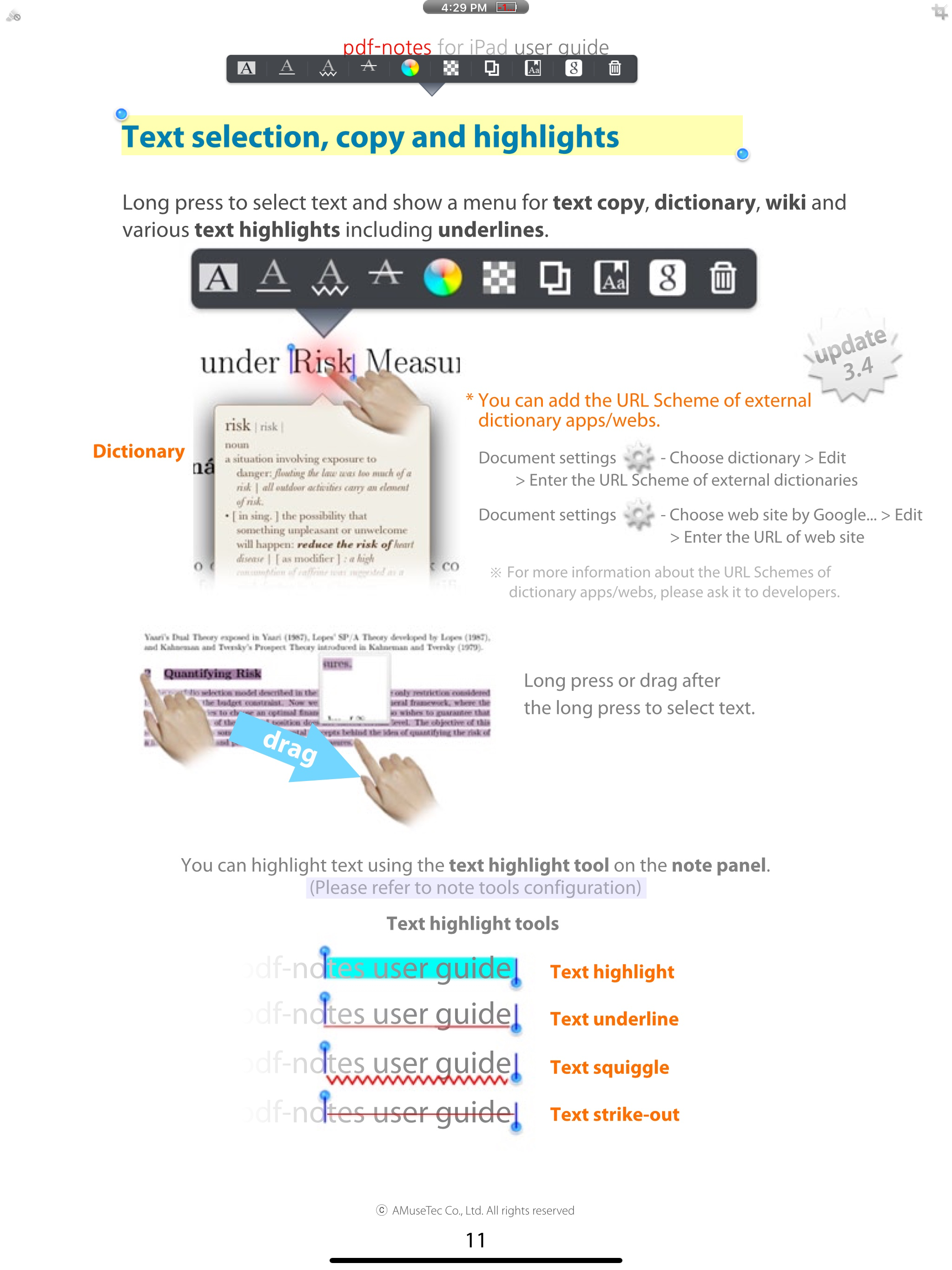
Utilize pdf-notes to manage all the pdf files on your iPad. Fast display, quick page-turning even a thousand pages, useful finger-writing and email your notes to your friends.
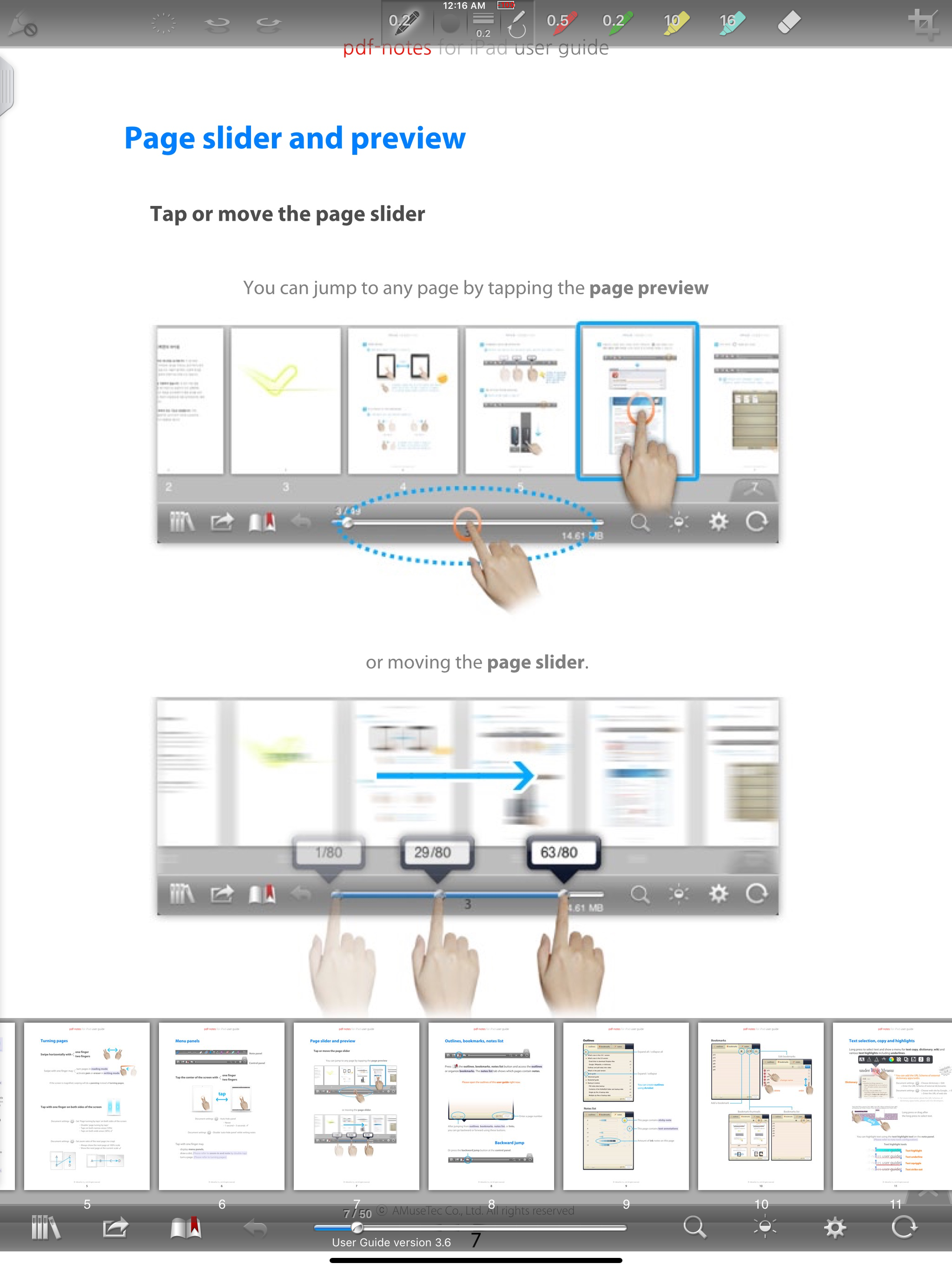
Differentiation-1. While turning pages of paperbooks fast, you can glance over the pages. While turning pages of pdf-notes fast, you can still run over the contents. Speedy page turning and scanning the contents with pdf-notes or paperbooks.
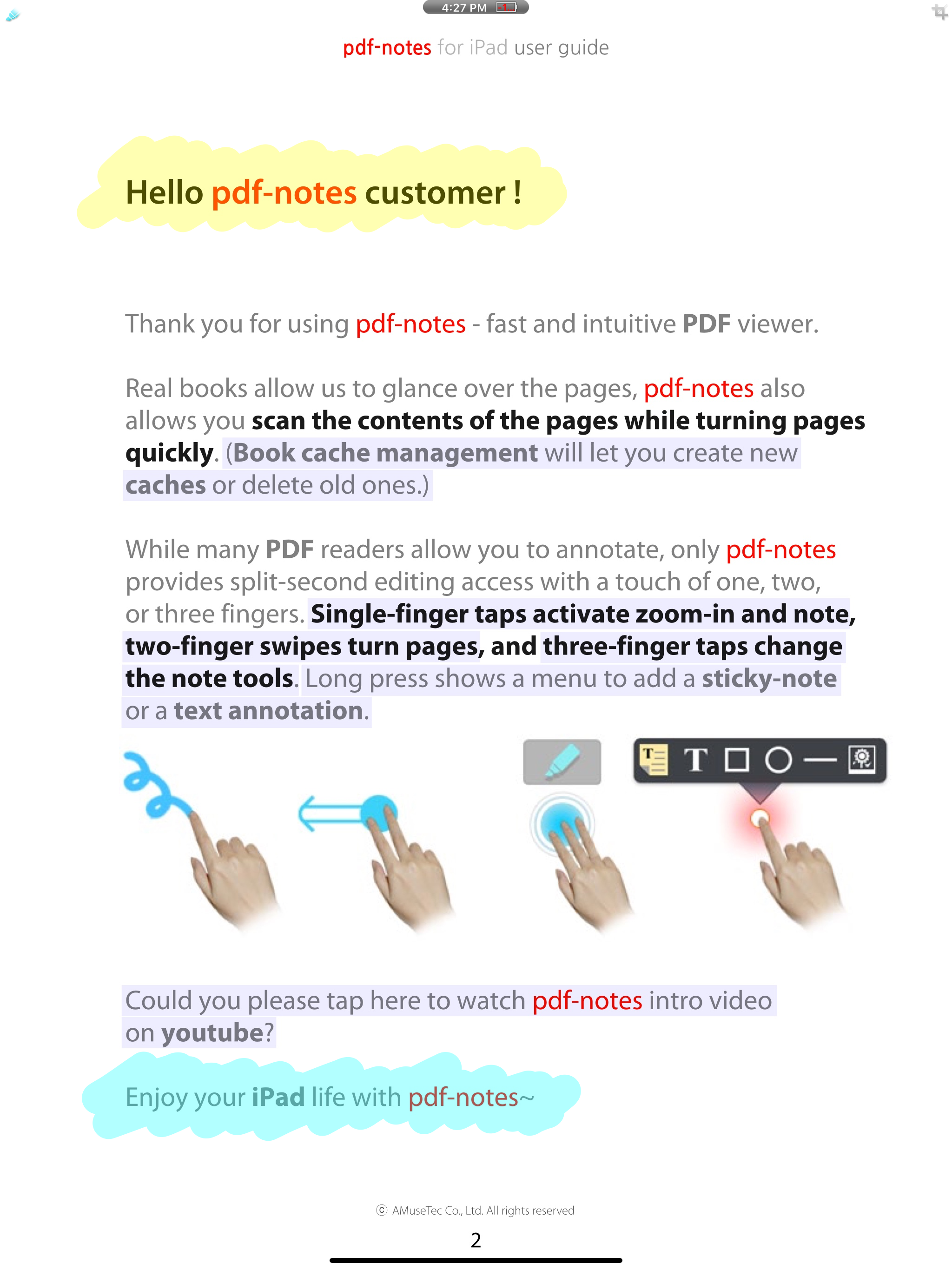
Differentiation-2. There are many pdf readers allow you to annotate; but do you know which app allows you can write any notes in a second? If you are using pdf-notes, you may experience very fast and intuitive finger-writing like: zoom-in and note by double-tap or; writing with one finger, page-turning with two fingers, pen-changing with three fingers.
- Easy importing PDF files through (DropBox, Email or Safari's) "Open In..." or iTunes
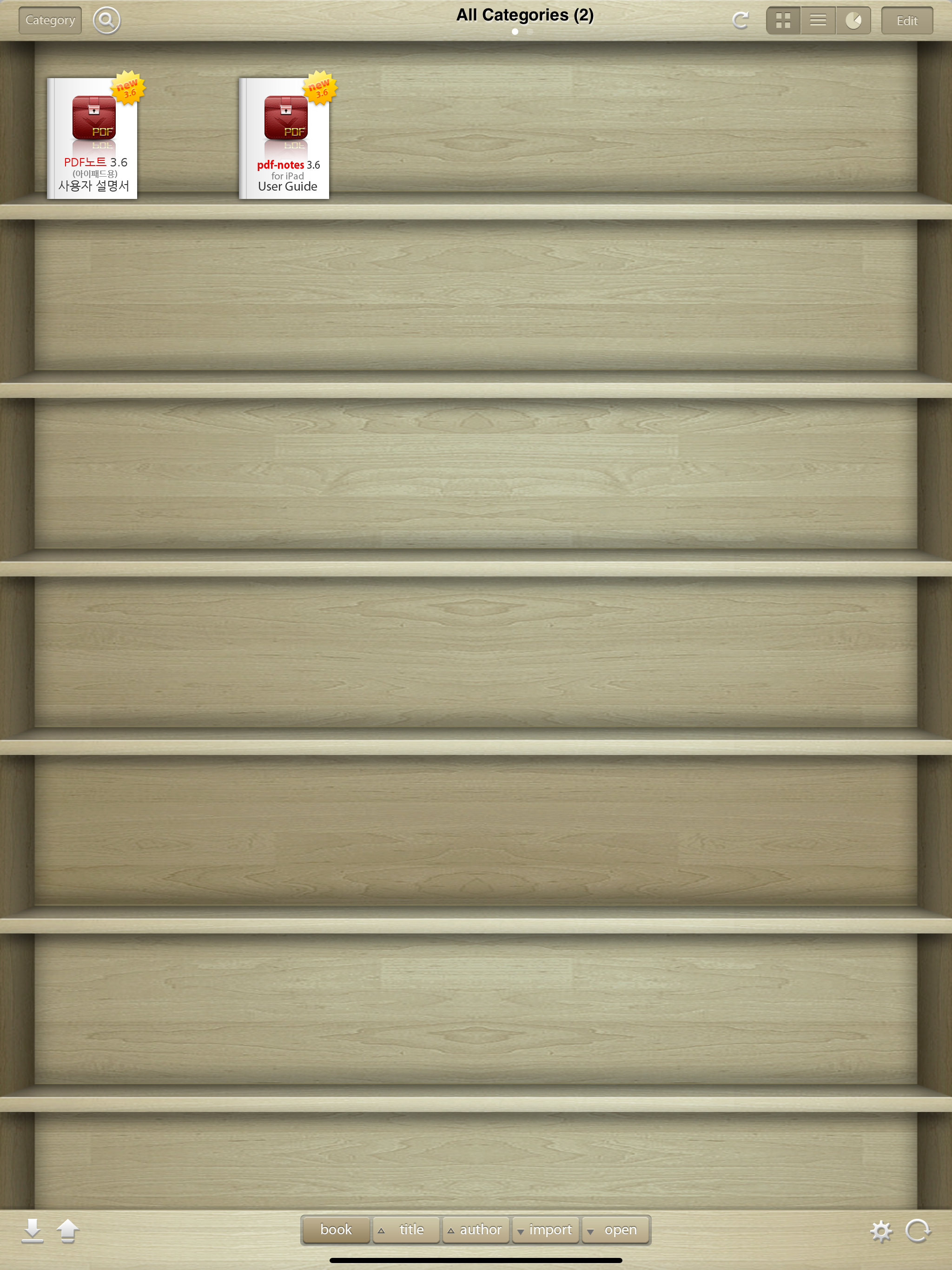
- Categorized multiple bookshelves(booklists) with powerful search
- Displaying pages as optimized size 1024x768 of iPad
- Portrait and landscape view
- Pinch zoom and crop page-margins
- Fast loading and Speedy page-turning
- Finger-writing with a variety of pens, highlighters and text notes
- Easy "zoom-in and note" on a magnified screen by a double tap
- One-step page-turning using 2 fingers on editing mode
- One-step pen-changing or undo/redo using 3 fingers on editing mode
- Exporting annotated PDF files to Email
- External display and screen brightness controls
- AirPrint and multi-tasking
Misunderstandings about pdf-notes:
- Not only pdf-notes but every app recently updated is removed from the open-in menu because iOS5 or formers currently show only 10 apps in open-in menu.
- iPad/iphone Mail/iBooks can't display PDF annotations so that please open it in the other pdf apps.
- please visit the support site for more information http://bit.ly/f6D31P
Blog http://pdf-notes.com
Email [email protected]
Twitter http://twitter.com/musebook4u
YouTube http://youtu.be/4AyRyFq9yxg
NOTE: All content contained herein is subject to change without notice.
Utilize pdf-notes to manage all the pdf files on your iPad. Fast display, quick page-turning even a thousand pages, useful finger-writing and email your notes to your friends.
Differentiation-1. While turning pages of paperbooks fast, you can glance over the pages. While turning pages of pdf-notes fast, you can still run over the contents. Speedy page turning and scanning the contents with pdf-notes or paperbooks.
Differentiation-2. There are many pdf readers allow you to annotate; but do you know which app allows you can write any notes in a second? If you are using pdf-notes, you may experience very fast and intuitive finger-writing like: zoom-in and note by double-tap or; writing with one finger, page-turning with two fingers, pen-changing with three fingers.
- Easy importing PDF files through (DropBox, Email or Safari's) "Open In..." or iTunes
- Categorized multiple bookshelves(booklists) with powerful search
- Displaying pages as optimized size 1024x768 of iPad
- Portrait and landscape view
- Pinch zoom and crop page-margins
- Fast loading and Speedy page-turning
- Finger-writing with a variety of pens, highlighters and text notes
- Easy "zoom-in and note" on a magnified screen by a double tap
- One-step page-turning using 2 fingers on editing mode
- One-step pen-changing or undo/redo using 3 fingers on editing mode
- Exporting annotated PDF files to Email
- External display and screen brightness controls
- AirPrint and multi-tasking
Misunderstandings about pdf-notes:
- Not only pdf-notes but every app recently updated is removed from the open-in menu because iOS5 or formers currently show only 10 apps in open-in menu.
- iPad/iphone Mail/iBooks can't display PDF annotations so that please open it in the other pdf apps.
- please visit the support site for more information http://bit.ly/f6D31P
Blog http://pdf-notes.com
Email [email protected]
Twitter http://twitter.com/musebook4u
YouTube http://youtu.be/4AyRyFq9yxg
NOTE: All content contained herein is subject to change without notice.
File size: 138770432
Launched countries: USAUCACNFRDEGBITJPKRRUARATBEBRBGCLCOCRHRCZDKDOECEGSVFIGRGTHKHUINIDIEILKZKEKWLBLTLUMOMGMYMXNLNZNOPKPAPEPHPLPTQAROSASGSKSIZAESLKSECHTWTHTNTRAEUYVEVNEELVNIPYMTJOMLSNUG
Minimum OS version: 13.0
Release Date: 1285186267000
Published by AMuseTec Co., Ltd.
Website url: http://musebook.com
Publisher country: South Korea