Check the acquisition promise
Read the store headline, screenshots and description. What problem is the app promising to solve?
Study the storefront ↗
AMuseTec Co., Ltd. · iOS
Explore the ad evidence, study the storefront, and build your next acquisition hypothesis.
01 / Creative research
Read the store headline, screenshots and description. What problem is the app promising to solve?
Study the storefront ↗Explore apps with direct store-link matches. Compare their hooks and formats without assuming the same approach works here.
Browse observed advertisers ↗Store rankings and revenue estimates describe market context. They do not establish ad spend, conversions or ROAS.
Review the market context ↗02 / Storefront & product
Study the product story and store experience behind the acquisition funnel.




03 / Market context
Keep revenue, downloads and store rankings separate from advertising performance.
I have been using your app for a few years now with great satisfaction. What I am missing is the night mode. Can you introduce it as soon as possible? If it is already available, Kindly let me know how to access it. Thanks, Swami
UPDATED REVIEW: I ended up trying to install the free version to see if that worked. I ran into the same issue as with the paid version so I uninstalled the free version. The very next time I launched the paid version, it worked. Perhaps an update for the paid version was stalled or something and the installation of the free version somehow cleared that. At any rate, the app now works again and upgrading to five stars because it’s not clear whether or not the issue has to do with the app itself and I’m otherwise very happy with it. Also, tech support did reach out to me fairly quickly with an alternative solution, which I ended up not being able to try. I have had the paid version for several years now and have been pretty consistently happy with the app and it’s improvements. However, since the two updates ago, I’ve been unable to launch the app at all. The launch graphic shows up on the iPad screen and then it simply shrinks to the background. It continues to run in the background, but it will not expand to full screen and is completely unusable as it is. There have been two updates since the problem arose, both for “bug fixes”, but the problem remains. What gives?
I've tried many pdf apps to read pdf files of old books I download from Google Books (usually printed before 1900) and this app is the best! Many of those old books used very small print and I enlarge the pages to make them easier to read. PDF Notes allows me to instantly move around the enlarged pages without the highly annoying lag and temporary blurriness of other apps. I can also easily download books from Dropbox and Google Drive. My only request would be to allow selection of which page to show on the shelves. Google Books all have the same first page so all my books look the same. I'd love to pick which image to use. I understand I can change the color of the icon, but I'd much rather have the actual book cover, which means selecting a different page than the first one.
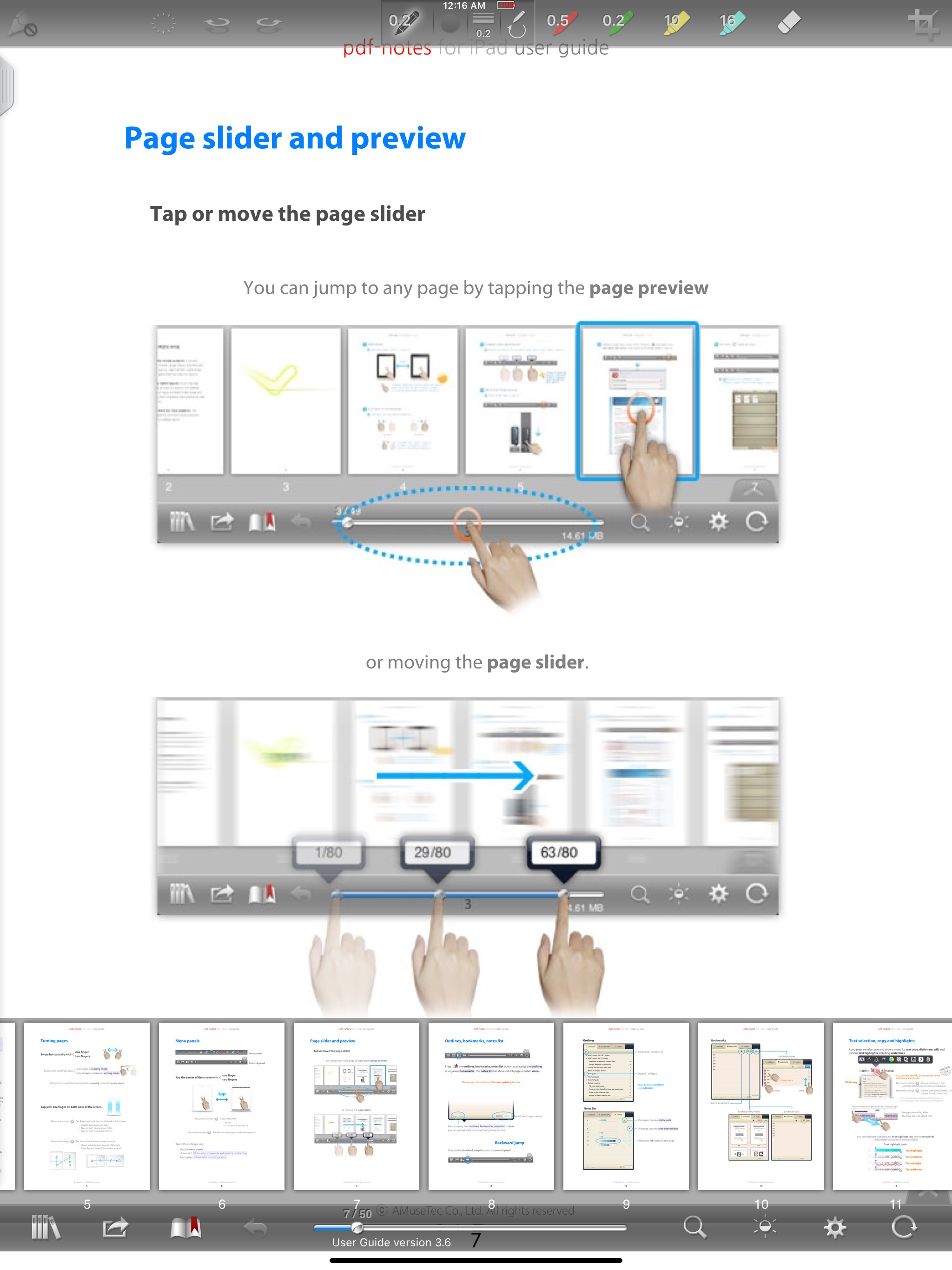
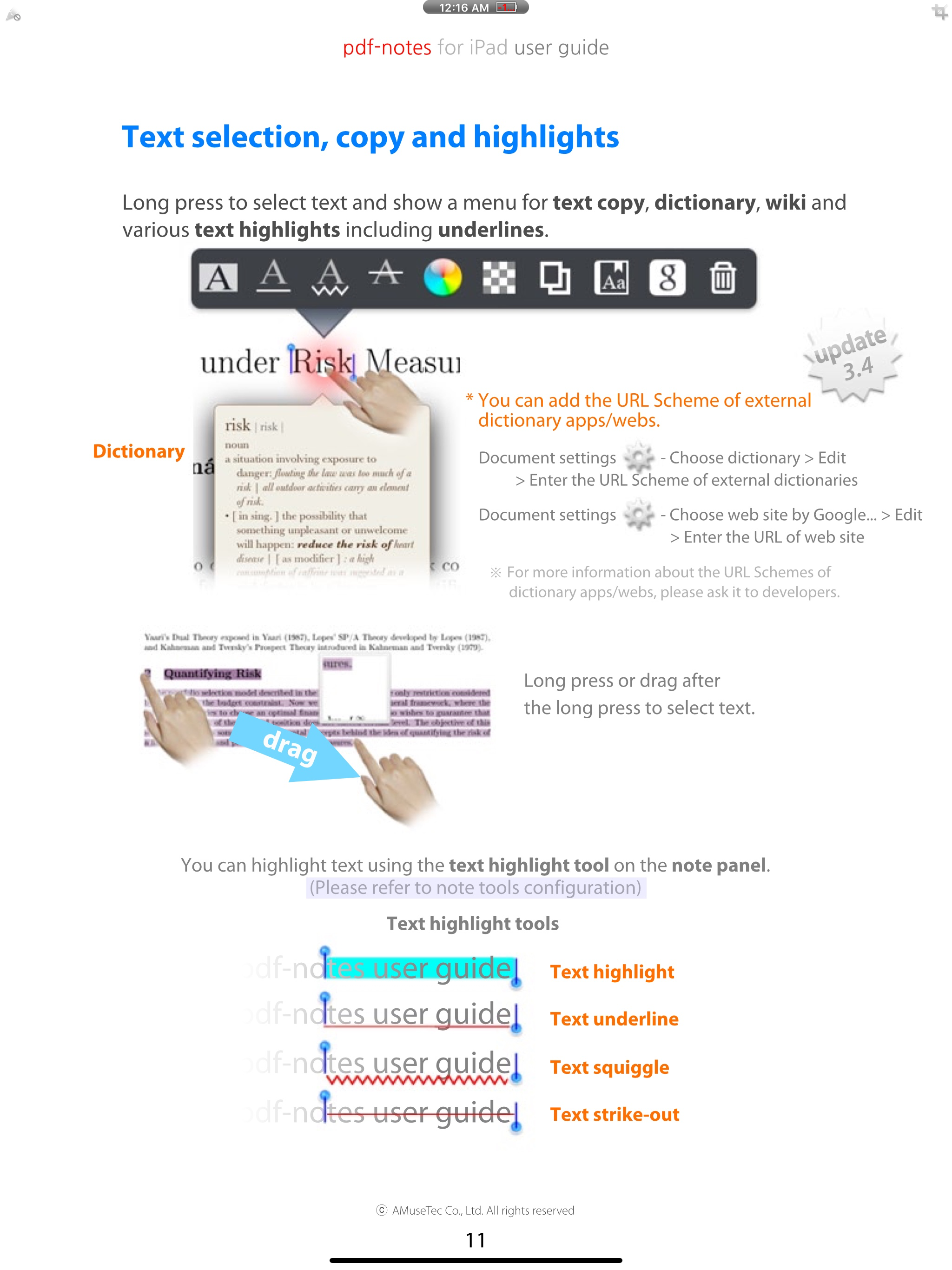
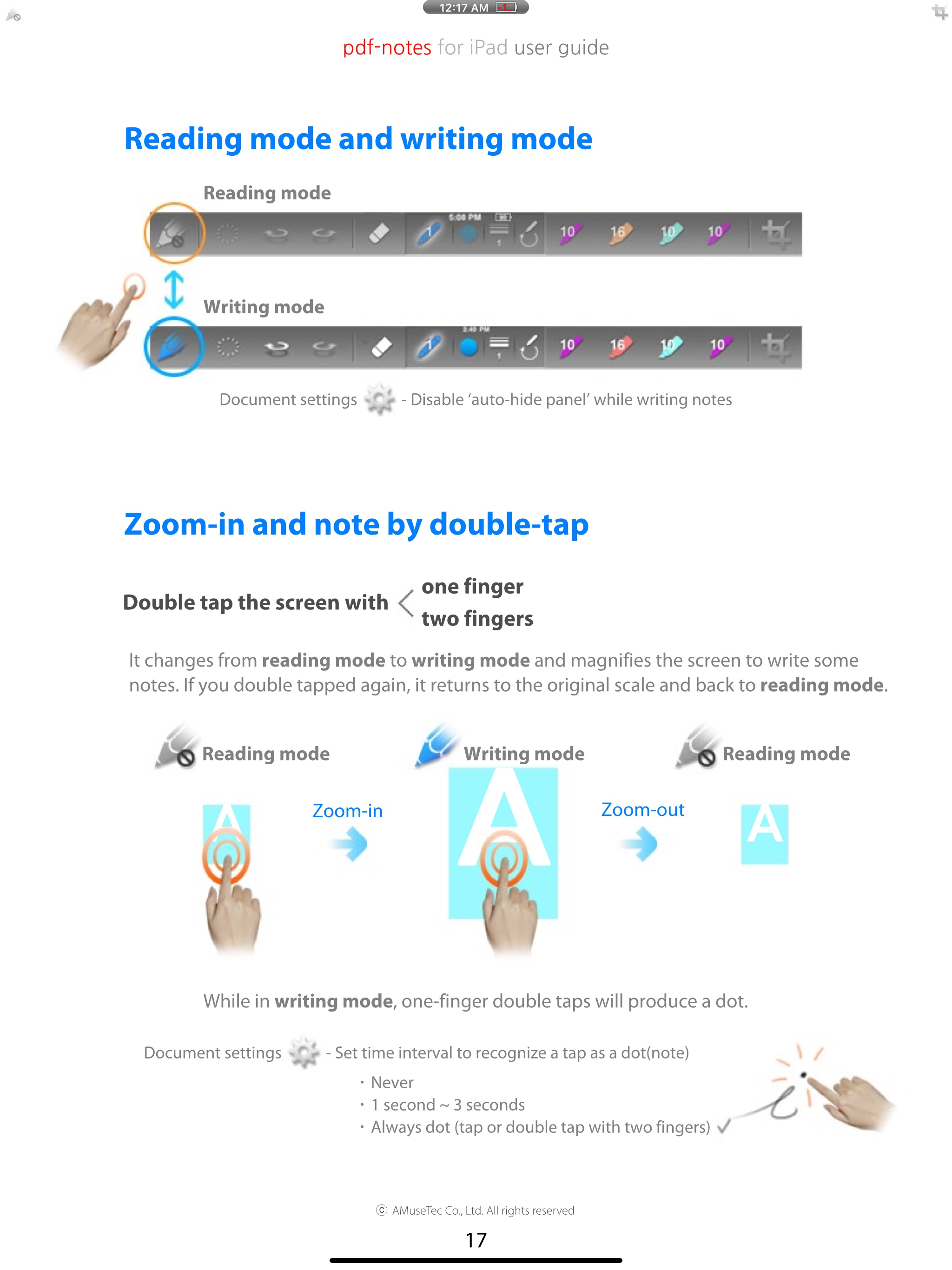
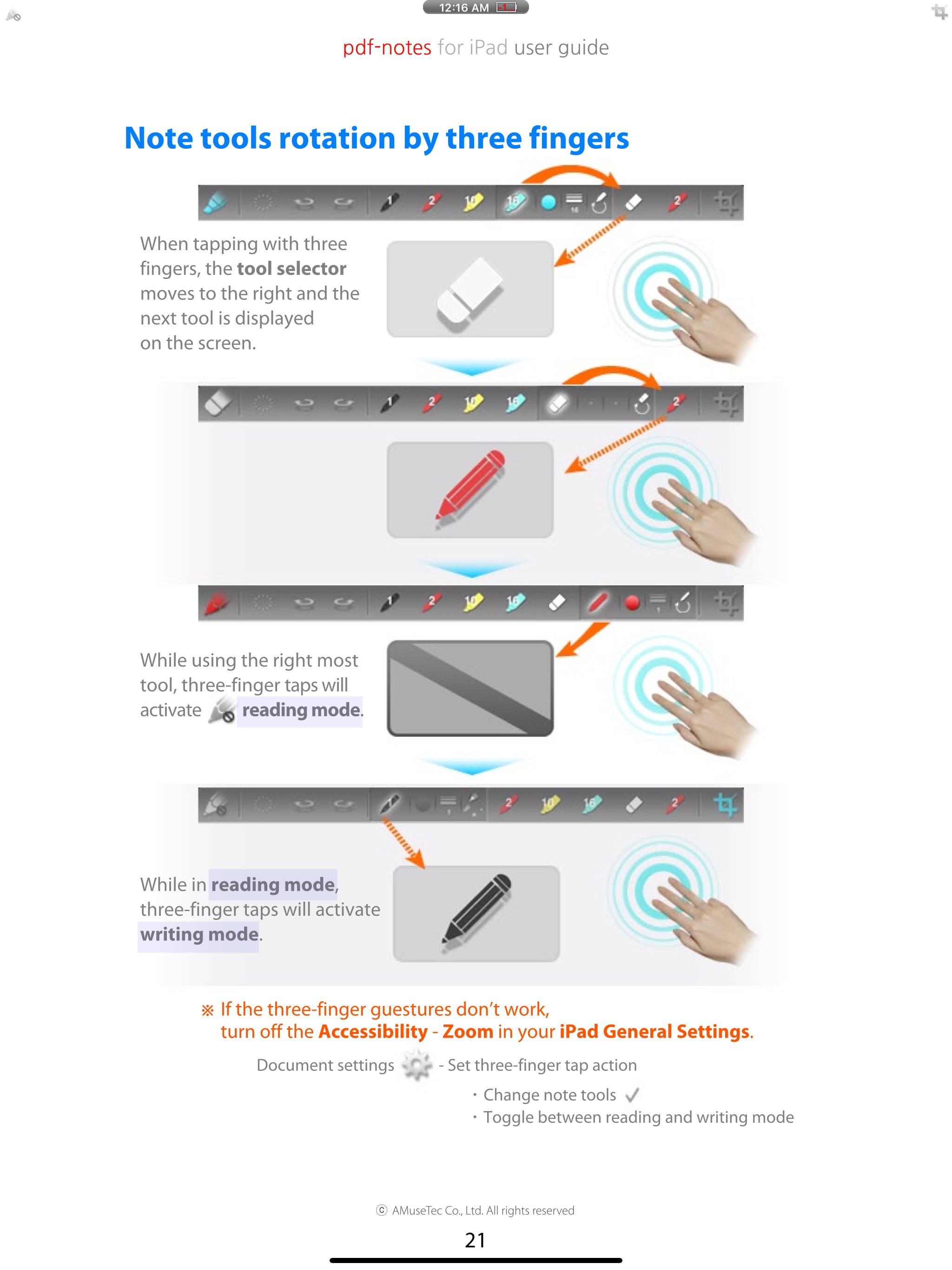
Utilize pdf-notes to manage all the pdf files on your iPad. Fast display, quick page-turning even a thousand pages, useful finger-writing and email yo...