
Check the acquisition promise
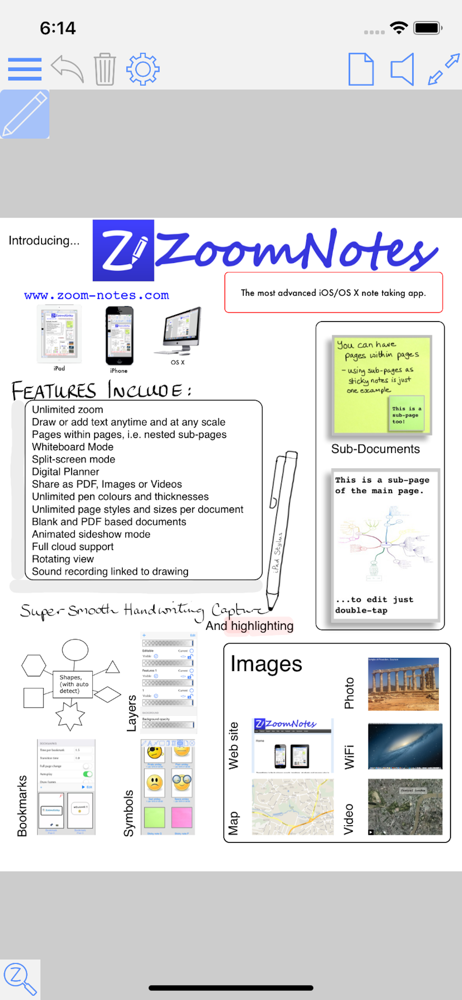
Read the store headline, screenshots and description. What problem is the app promising to solve?
Study the storefront ↗
Deliverance Software Ltd · iOS
Explore the ad evidence, study the storefront, and build your next acquisition hypothesis.
01 / Creative research
Read the store headline, screenshots and description. What problem is the app promising to solve?
Study the storefront ↗Explore apps with direct store-link matches. Compare their hooks and formats without assuming the same approach works here.
Browse observed advertisers ↗Store rankings and revenue estimates describe market context. They do not establish ad spend, conversions or ROAS.
Review the market context ↗02 / Storefront & product
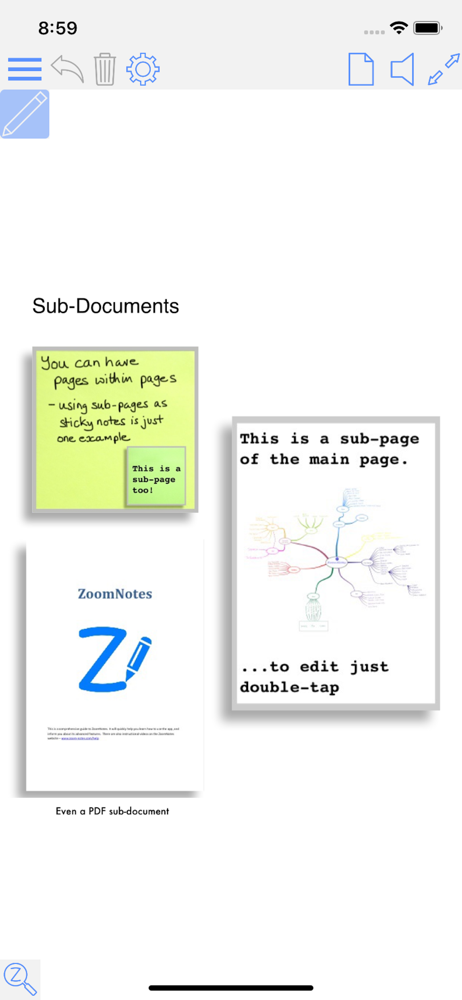
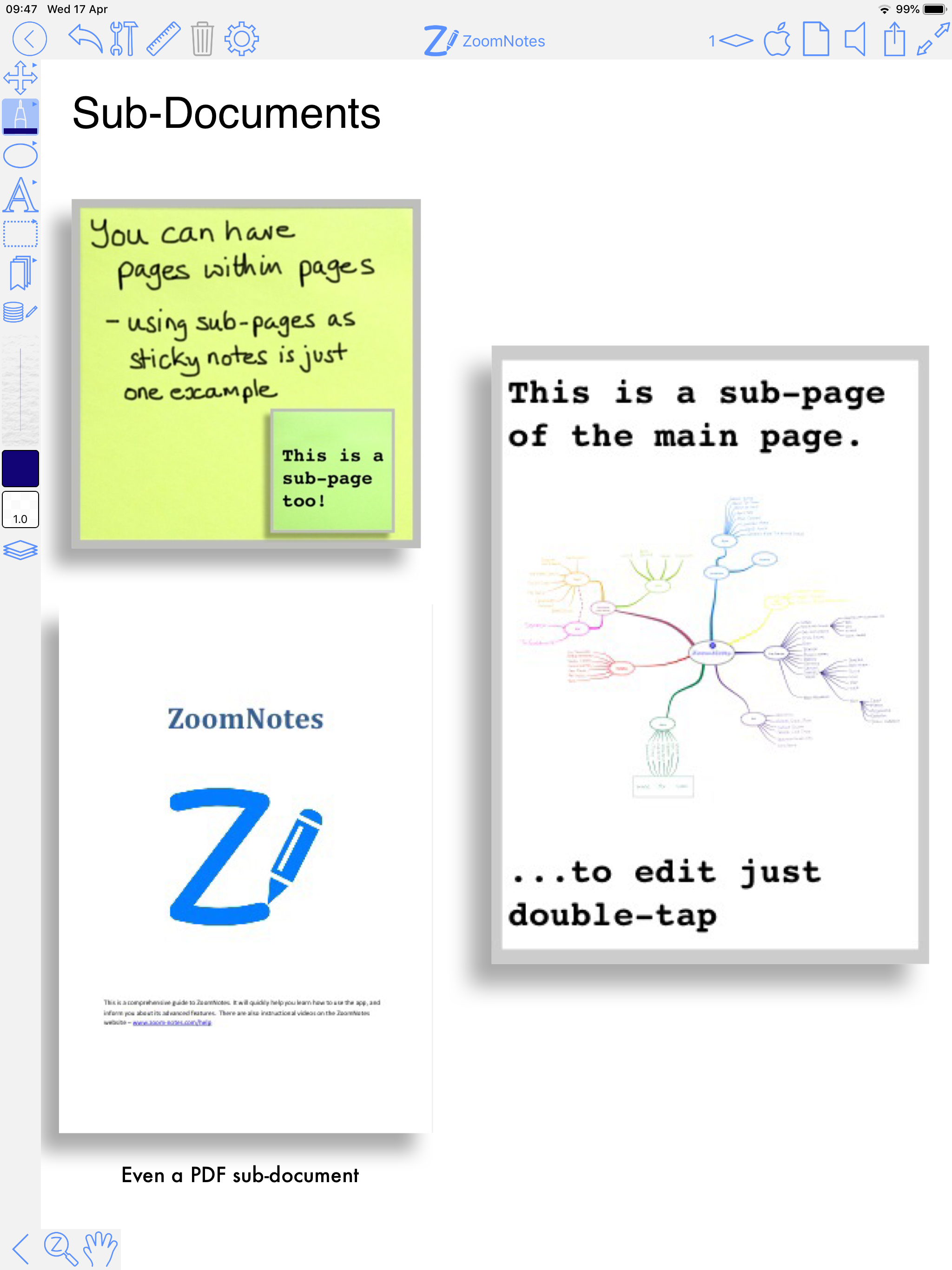
Study the product story and store experience behind the acquisition funnel.



03 / Market context
Keep revenue, downloads and store rankings separate from advertising performance.
I tried OneNote, EverNote, Google Keep but none really did the journaling planner activities I wanted to do that reminded me of my paper planner I used in high school & college. Saw all these influencers using GoodNotes and thought wow, pretty digital planners that looked like paper planners. And I tried GoodNotes for a year and it just didn’t do the digital pieces I really wanted to combine work and personal life together digitally. Then I read about ZoomNotes. I downloaded it middle of last year…Played with the ready to build templates included, worked great technically but I missed the pretty look. So I took the time to learn how to do the calendar integrations and work with layers on a purchased pretty template and now…I have the perfect digital planner on my iPad that automatically connects to my Google Calendar and Apple calendar so it shows me my reminders and my appointments in one spot, lets me cross off To Do list items, lets me add my moods and water tracking, ideas, thoughts, meal planning all in one spot digitally that syncs to my iPhone for looking at while on the go. The functionality of this app is amazing, the community is supportive, the possibilities are endless if you want to take a little effort to learn this system. Otherwise, you will just need to accept less features and use another app. Now that my digital planner is up and running, I’m looking at ways to set up a vision board where my husband and I can build our future dream home.
I really like this app for writing and drawing. I used it during the pandemic for writing lecture notes. It is pretty easy to use and versatile. I love it for annotating files. However 2 improvements could be made.... 1. The most recent update has put the writing tool bar on the left side of my iPad. I checked the setting, but it was set correctly for the right side. So this appears to be a glitch caused by the most recent update. I’m right handed, so this is very irritating. 2. I find that if a file is in infinite whiteboard mode, then converting it to finite mode corrupts the file so that all content disappears. If this cannot be fixed, then it would be helpful to have a warning to remind the user to make a backup of the file before attempting the conversion. Or have the app create a backup of the file before the conversion is attempted. If these improvements were done, I would rate the app 5 stars.
I love the range of features offered in this app! One of my favorite features is the ability to scribble out things to erase them and the ability to select something just by drawing a circle around it. I also enjoy the two-finger double-tap to undo, though I’d prefer if it was a single two-finger rap. I think if the selection ability (with the pen tool) was a smidge faster in recognizing the selection and the rendering of pages had a bit better optimization that this app would be even better! I would love to see a continuous-scrolling option. There should be know reason that this isn't doable, aside from in documents containing white board-style pages (infinite canvas). Even with pages of different size this should work (Goodnotes has done it). For an app that has SO MANY obscure features, I am a little disappointed that this simple option isn't one of them.
ZoomNotes Lite is an iPad/iPhone visual note-taking app. It lets you quickly make handwritten notes and sketches on virtual paper, on PDF files, on MS...
| Name | Price | Type |
|---|---|---|
| Tables | $0.99 | One-time |
| Sounds | $0.99 | One-time |
| Bookmarks | $0.99 | One-time |
| Highlighter pen | $0.99 | One-time |
| Images | $0.99 | One-time |
| Text | $0.99 | One-time |
| Sub-documents | $0.99 | One-time |
| Workspaces | $1.99 | One-time |
| All Pens | $2.99 | One-time |
| All features | $7.99 | One-time |


