Check the acquisition promise
Read the store headline, screenshots and description. What problem is the app promising to solve?
Study the storefront ↗
MyHeritage.com · iOS
Explore the ad evidence, study the storefront, and build your next acquisition hypothesis.
01 / Creative research
Read the store headline, screenshots and description. What problem is the app promising to solve?
Study the storefront ↗Explore apps with direct store-link matches. Compare their hooks and formats without assuming the same approach works here.
Browse observed advertisers ↗Store rankings and revenue estimates describe market context. They do not establish ad spend, conversions or ROAS.
Review the market context ↗02 / Storefront & product
Study the product story and store experience behind the acquisition funnel.





03 / Market context
Keep revenue, downloads and store rankings separate from advertising performance.
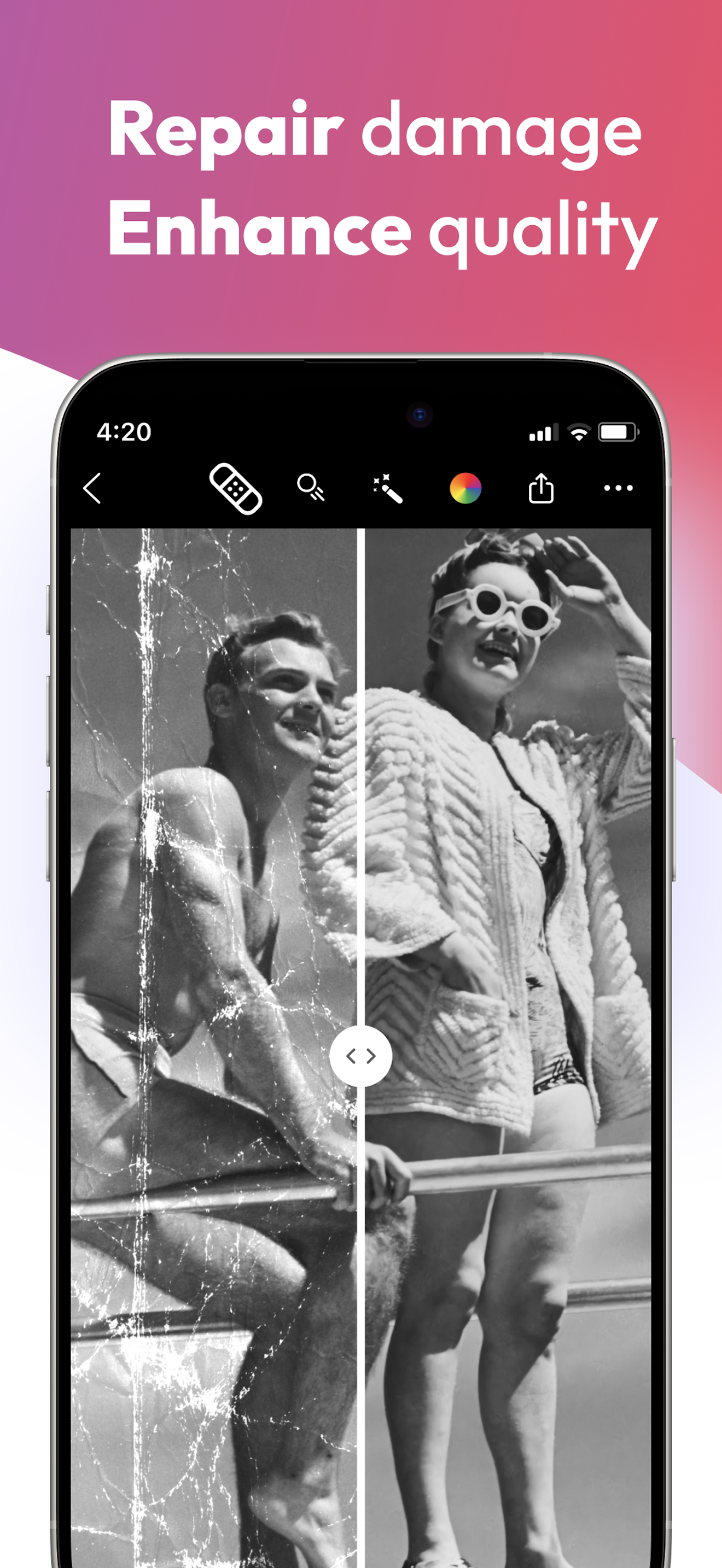
First, my photos are professional scans of slides that were taken between 1970 and 1985. Evidently before the days of digital sharpness, we were accustomed to some level of blur because these slides looked fine when projected onto a wall. But like another AI enhancer that I tried, this one seems to sharpen the faces, leaving a bizarre scene of sharp features on a blurry body and background. And sometimes the interpretation leads to grotesque features, especially on babies. If the photo is only very slightly blurry, this does a good job. But if the photo is only very slightly blurry, it’s probably acceptable as is.
It asked me to sign in with MyHeritage account. I tried to and it said I don’t have an account so I haven’t been able to use it. Help!
Entered my MyHeritage credentials and pressed the Log In button. Nothing happens, even if I press it repeatedly or hold it down. UPDATE: The Reimagine app seems to be the same as the functionality in the MyHeritage app. Once I had tried it in MyHeritage, I had no problem logging into Reimagine. It’s a simple but effective app that did wonders for old grainy black and white photos. I am sure I will get a lot of use from it. There is a problem logging in, which hopefully the developer will solve. It might have occurred because I installed both MyHeritage and Reimagine about the same time and didn’t realize that the features of Reimagine are already included in MyHeritage.
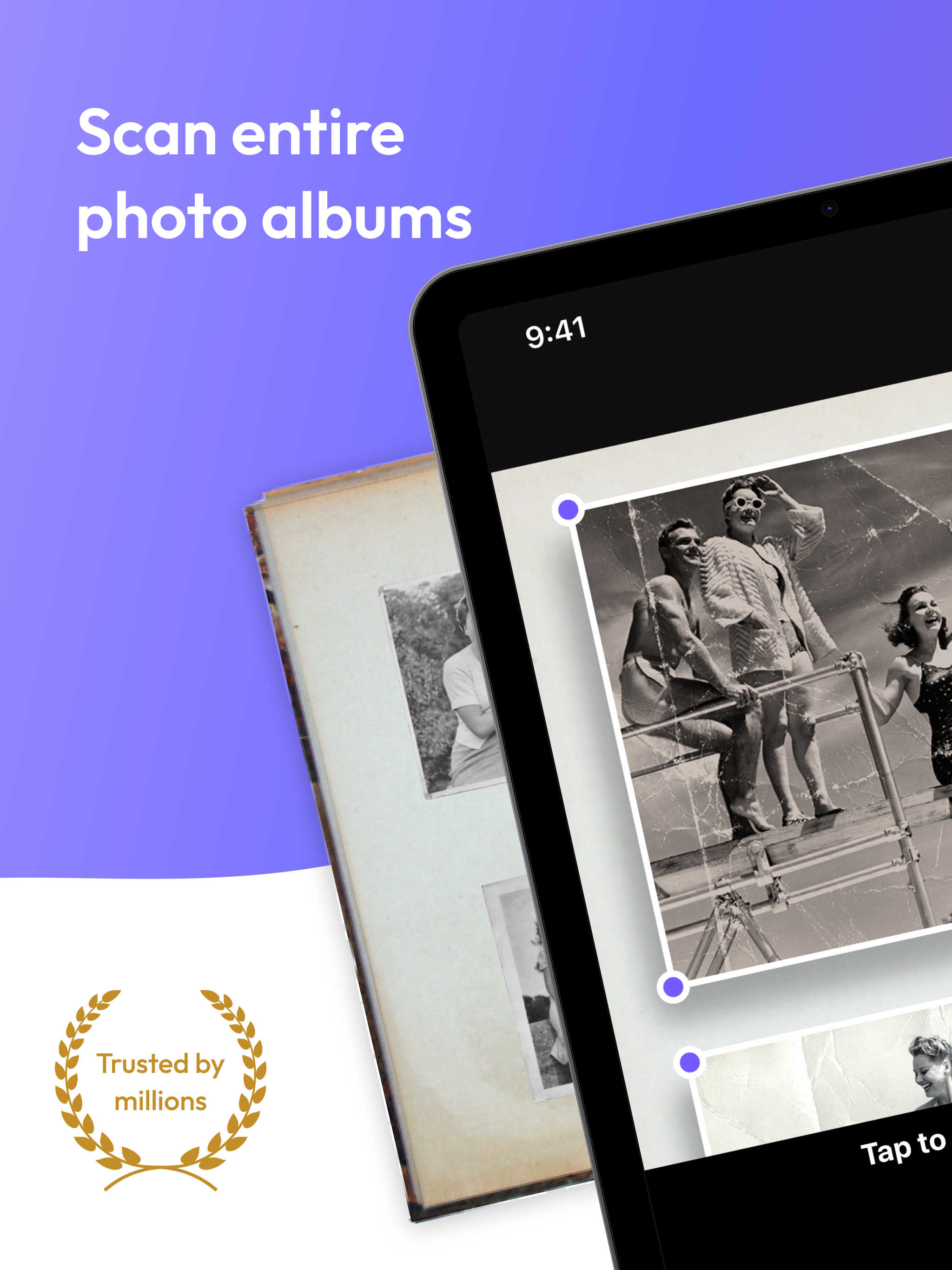
Reimagine by MyHeritage: Scan. Improve. Create. Share! Reimagine is a photo editing app designed to help you preserve and enhance the image quality o...
| Name | Price | Type |
|---|---|---|
| Monthly subscription | $7.99 | Monthly |
| Annual subscription | $37.00 | Yearly |
| Annual subscription | $37.00 | Yearly |
| Annual subscription | $49.99 | Yearly |
| Annual subscription | $49.99 | Yearly |