Check the acquisition promise
Read the store headline, screenshots and description. What problem is the app promising to solve?
Study the storefront ↗
OEC Fiber · iOS
Explore the ad evidence, study the storefront, and build your next acquisition hypothesis.
01 / Creative research
Read the store headline, screenshots and description. What problem is the app promising to solve?
Study the storefront ↗Explore apps with direct store-link matches. Compare their hooks and formats without assuming the same approach works here.
Browse observed advertisers ↗Store rankings and revenue estimates describe market context. They do not establish ad spend, conversions or ROAS.
Review the market context ↗02 / Storefront & product
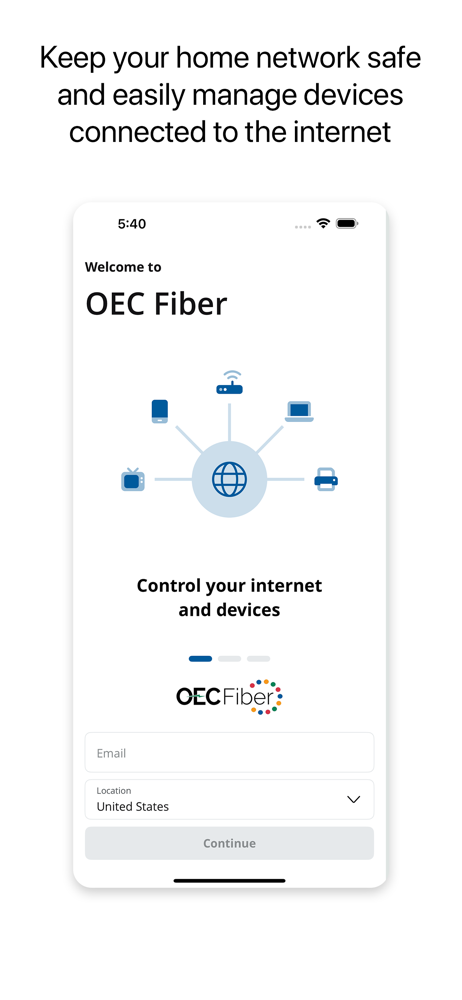
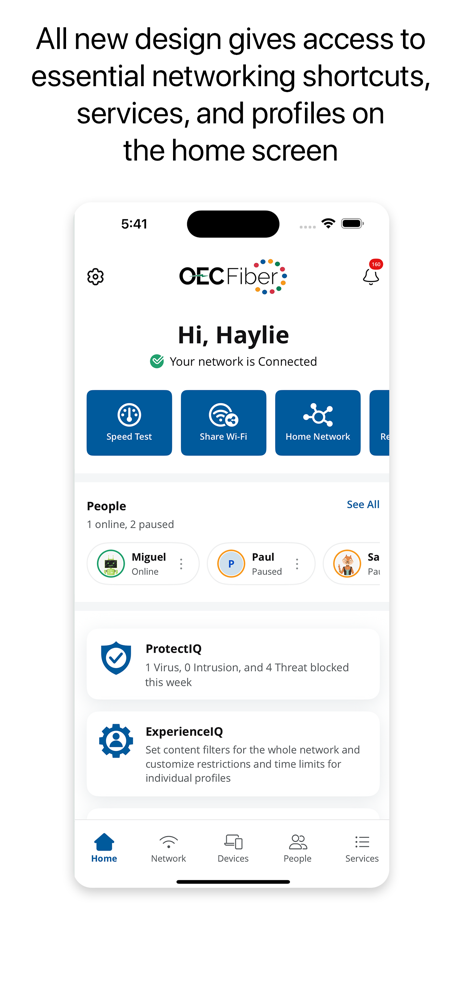
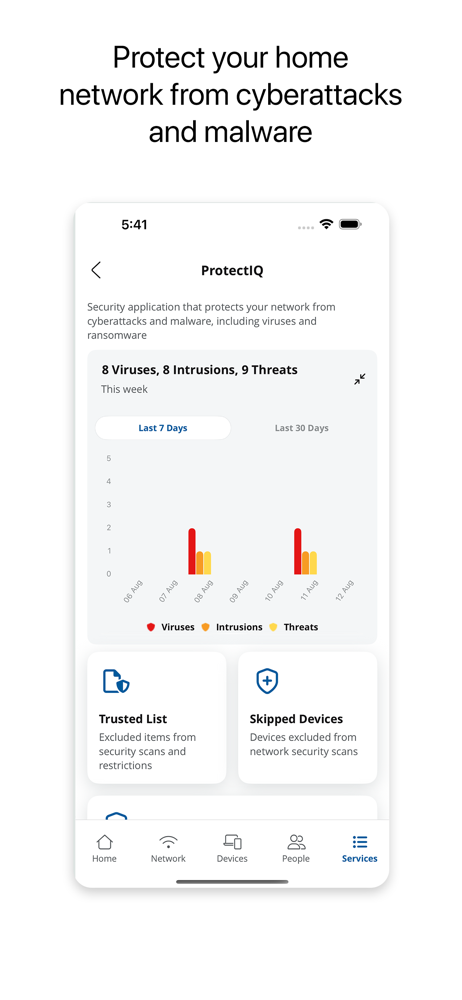
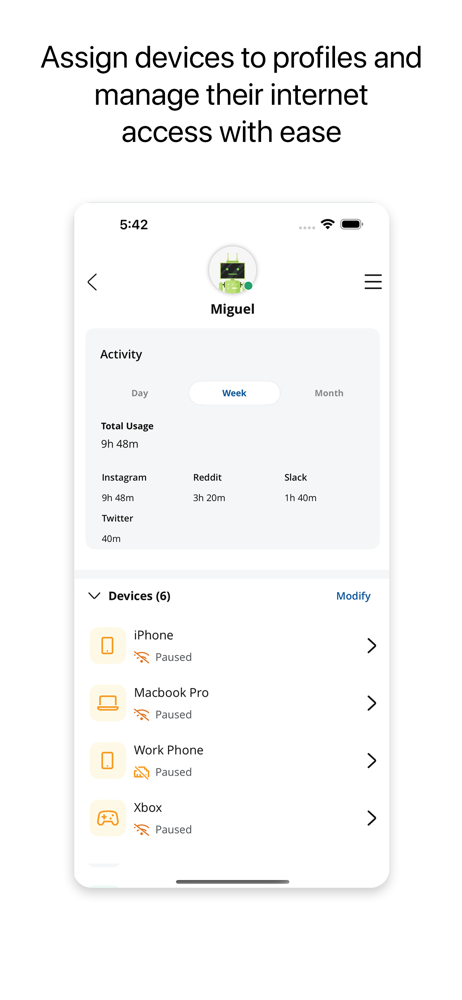
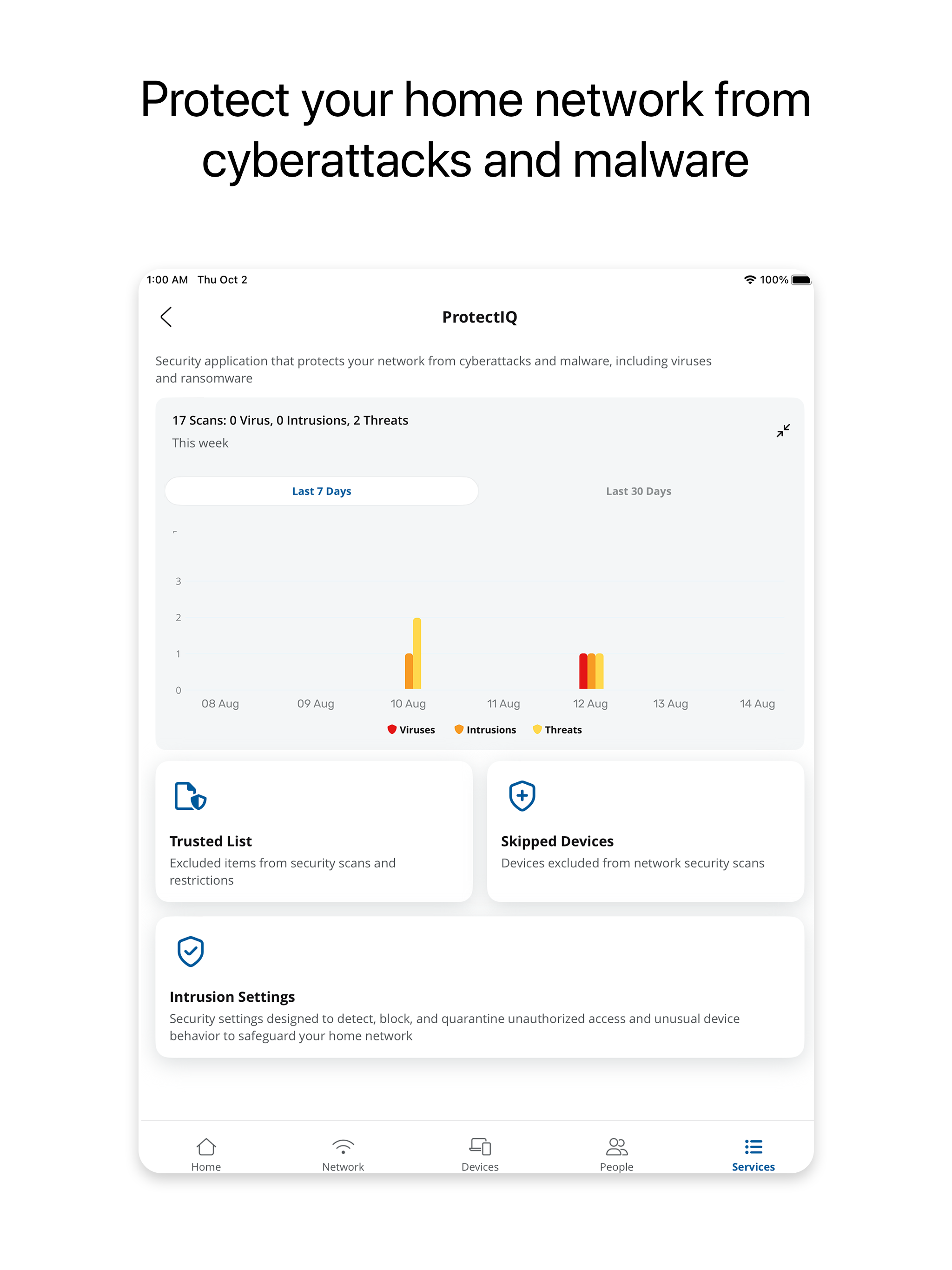
Study the product story and store experience behind the acquisition funnel.


03 / Market context
Keep revenue, downloads and store rankings separate from advertising performance.
I’ve listed the devices connected to the network. For some reason the space bar does not work when adjusting the names of the connected devices , possibly a new bug that needs to be addressed Overall a very good app
When I first started using the app it worked as intended. I didn’t have any problems and I was able to go through all the connected devices and rename them from their IP address and sort them into categories. The app now does not work. All my connected devices have started reverting back to their IP addresses so I have a hard time identifying each device. They have also reverted back from their assigned categories to default. At this point now, all my connected devices are not even listed and I can’t click on anything. I uninstalled the app and did a fresh install and rebooted my phone and I can’t even get logged back into my account.
Nice to see this kind of app be available for OEC. It was not very clear that you had to create a login. I tried first to use my OEC account but that didn’t work. After the third email from OEC about the app I finally tried to create a new account for the app which worked. I would recommend adding instruction on the home page that say the login is different from your OEC Fiber login and if it’s your first time downloading the app to create a new account. Other than that it’s great to see. Another nice feature to include would be a network speed test.
OEC Fiber allows subscribers to secure and take control of their home Wi-Fi network. Secure your home with app features such as network security, SSID...