
Check the acquisition promise
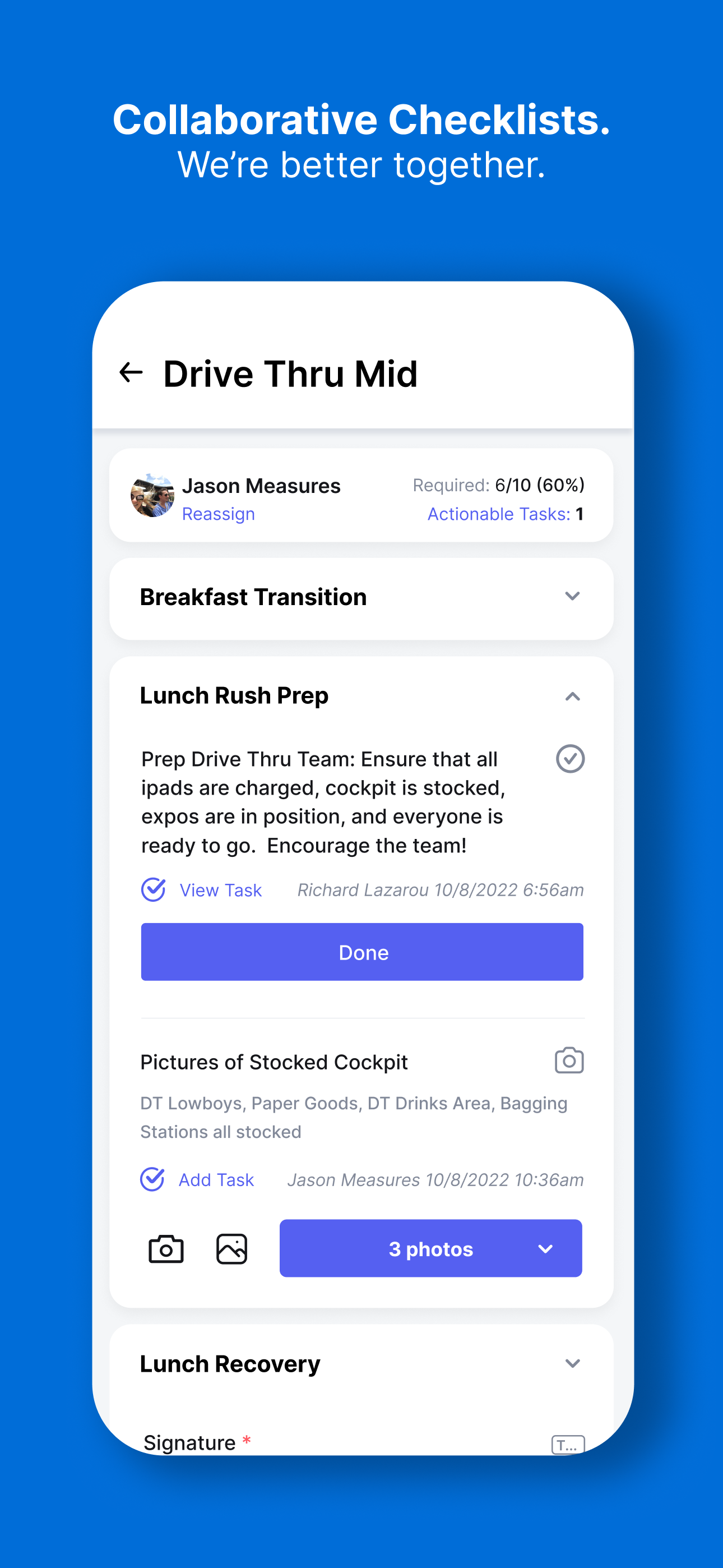
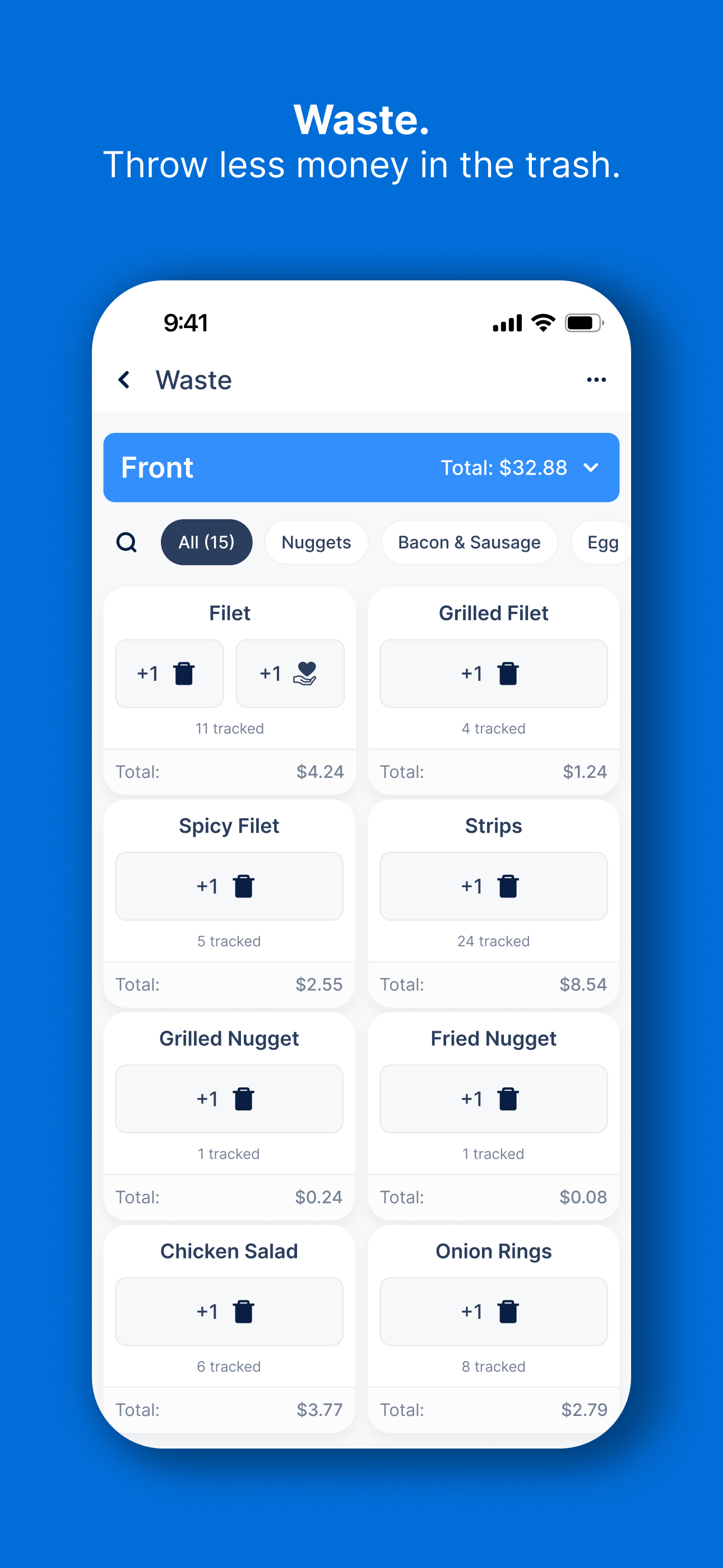
Read the store headline, screenshots and description. What problem is the app promising to solve?
Study the storefront ↗
Jaywalking, LLC · iOS
Explore the ad evidence, study the storefront, and build your next acquisition hypothesis.
01 / Creative research
Read the store headline, screenshots and description. What problem is the app promising to solve?
Study the storefront ↗Explore apps with direct store-link matches. Compare their hooks and formats without assuming the same approach works here.
Browse observed advertisers ↗Store rankings and revenue estimates describe market context. They do not establish ad spend, conversions or ROAS.
Review the market context ↗02 / Storefront & product
Study the product story and store experience behind the acquisition funnel.




03 / Market context
Keep revenue, downloads and store rankings separate from advertising performance.
In this new 3.0 update—they announced new features for checklists. What they didn’t announce was they REMOVED features that we use everyday. Like the team feed where we can see recognitions, birthdays, anniversaries that are coming up. Also, the features that we still do have don’t even work properly. I wish we could revert to the previous update so badly. No matter what area of the restaurant you’re in, you see ALL the breaks for ALL areas on your setup. Plus everyone is showing up with two breaks instead of one. We have to manually input random people as they don’t show up OR people who aren’t working that day at all will show up. When we have to manually put in times, it changes the hours. Example: we put in a 7-2 team member and it changes to 8-3 as soon as you save. And to top it off the new design is a downgrade. I feel like VSBL has this beautiful thing built that was PERFECT! And now it’s changed, and it’s way worse. To support our business we may look into new apps if these crucial things aren’t fixed in a timely manner. Just wanted to give my honest feedback.
i have been using this app since it was called “VSBL” for about 2 ish years now and it has always been great except for the most recent update. it is terrible and my store has been opting to post paper setups in our group chat rather than use this. we rotate positions throughout the shift and trying to make setups while rotating people out is a nightmare. PLEASE BRING BACK OLD SETUPS !!! also, i can no longer put the areas in the order of my liking. i usually reorder them to be iPos, drive thru, front counter, then misc due to ease of seeing the most important positions to get to but i can no longer even do that.
Revert the update I hate how you combined shifts and the feed. Safe counts and shift notes are just gone, and there’s no way to see who the top performer is? Why is any of this necessary??? I can also see chats I’m not supposed to, and all of the trainer data is just gone??? The previous shift leaders is also gone? There’s no completion per shift just the whole day, so even if I get 100% on my shift it doesn’t matter because my morning leader didn’t. Not to mention I’ve experienced crashes. For the first time , which it never has done before. You also can’t easily see where you are on the setup on your Home Screen? A really important part imo. Atp revert the update unless you’re able to put a fully functional bot buggy version out. I keep having to edit this because I find more messed up stuff. It won’t sync with hot schedules , so I cannot see who’s on shift from this, or see who has breaks. This is like the 5th time I’ve come back, but why does my setup show boh people when I’m making a foh setup? Why when I try to add someone to the setup it’s alphabetical order instead of by what time they get there??? Why does it keep signing me out? I need this app to just work and 7 seconds to sign in every time is the opposite of what I want.
KitchenIQ is a cloud-based restaurant operations management software, workforce management, and food safety system that helps food service providers s...


