
Check the acquisition promise
Read the store headline, screenshots and description. What problem is the app promising to solve?
Study the storefront ↗
HotSchedules · iOS
Explore the ad evidence, study the storefront, and build your next acquisition hypothesis.
01 / Creative research
Read the store headline, screenshots and description. What problem is the app promising to solve?
Study the storefront ↗Explore apps with direct store-link matches. Compare their hooks and formats without assuming the same approach works here.
Browse observed advertisers ↗Store rankings and revenue estimates describe market context. They do not establish ad spend, conversions or ROAS.
Review the market context ↗02 / Storefront & product
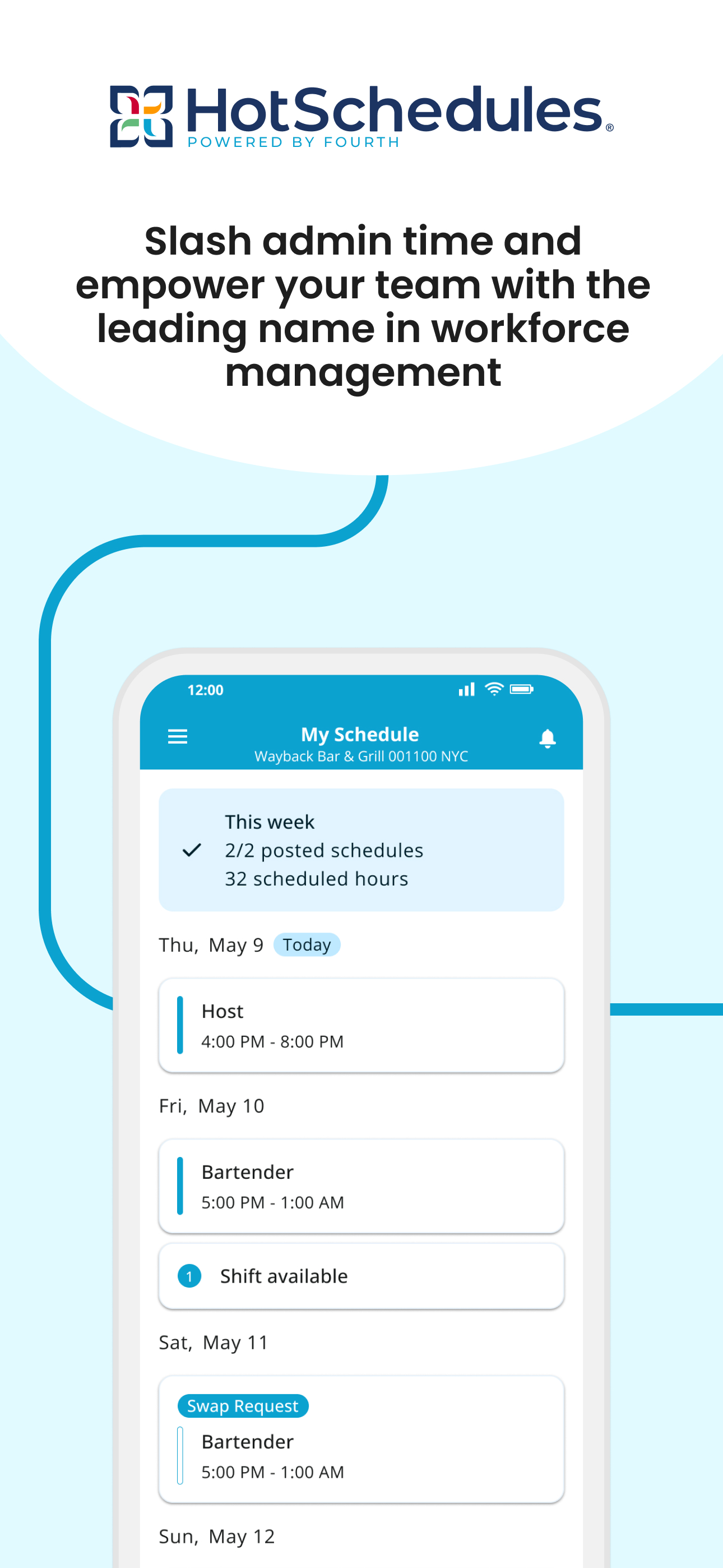
Study the product story and store experience behind the acquisition funnel.


03 / Market context
Keep revenue, downloads and store rankings separate from advertising performance.
I really do like the app and it’s been super helpful with my job. The layout is very nice and simple, which makes it extremely easy to see who I’m working with and when I’m scheduled to work. I connected my calendar app with it so it’s super convenient and easy for me. My only problem with it is that whenever I open up the app each day, it duplicates my schedule on my calendar app and makes it extremely annoying. I once saw it have 4 of the same shift. It’s a little disappointing because I want to see who I’m scheduled with each day but I try not to open up the app more than I have to due to this bug.
I’ve been using this app ever since I started working, which isn’t to long ago. I work at chick fil a and it’s been the best experience so far! This app is what I use to check my schedule and ask of time etc. this app has some problems but I didn’t think to much of it because I could easily restart the page. I’ve been trying to restart the page since idk when this morning because I need to see my schedule for this week and the next week because I might have plans. It’s honestly so annoying when it takes forever to load and I’m just waiting for something to happen. I know what time I work today tmmr and the next. I don’t now if it’s my phone or the app being slow but I’ve tried restarting my phone, turning my cellar data on n off and I’m gonna try to use wifi to see if it will work.
This app is great in the number of features it offers and the simple design. I work at Chick-fil-A and it is the scheduling app we use to manage everything. However, there are problems with its performance. Its loading times can be very long, to the point where it will time out you have to restart the app. Sometimes, even when you restart the app it won’t work and you have to wait 20-30 minutes until it comes back. Second, the messaging system is unclear whether a message is sent. I will write a message out and hit send, and the send button will go dark and it will just sit there. No confirmation, just a static page. If you wait 30 seconds, it goes away. However, it is unclear whether the message sends if you don’t wait until it vanishes automatically. Lastly, the shift pickup system is buggy. A few weeks ago, I was trying to pick up a shift for a Saturday (and it was a Monday) and it told me there was an error. I kept trying to pick it up throughout the week and it never let me pick it up. I tried to pick another one up that week too, and again, I was never able to. This app would be awesome if it were more reliable.
Check schedules and send text or email alerts to notify staff about the schedule or other important messages. Team members can swap, pick-up or releas...


