Check the acquisition promise
Read the store headline, screenshots and description. What problem is the app promising to solve?
Study the storefront ↗
Lukas Gergel · iOS
Explore the ad evidence, study the storefront, and build your next acquisition hypothesis.
01 / Creative research
Read the store headline, screenshots and description. What problem is the app promising to solve?
Study the storefront ↗Explore apps with direct store-link matches. Compare their hooks and formats without assuming the same approach works here.
Browse observed advertisers ↗Store rankings and revenue estimates describe market context. They do not establish ad spend, conversions or ROAS.
Review the market context ↗02 / Storefront & product
Study the product story and store experience behind the acquisition funnel.

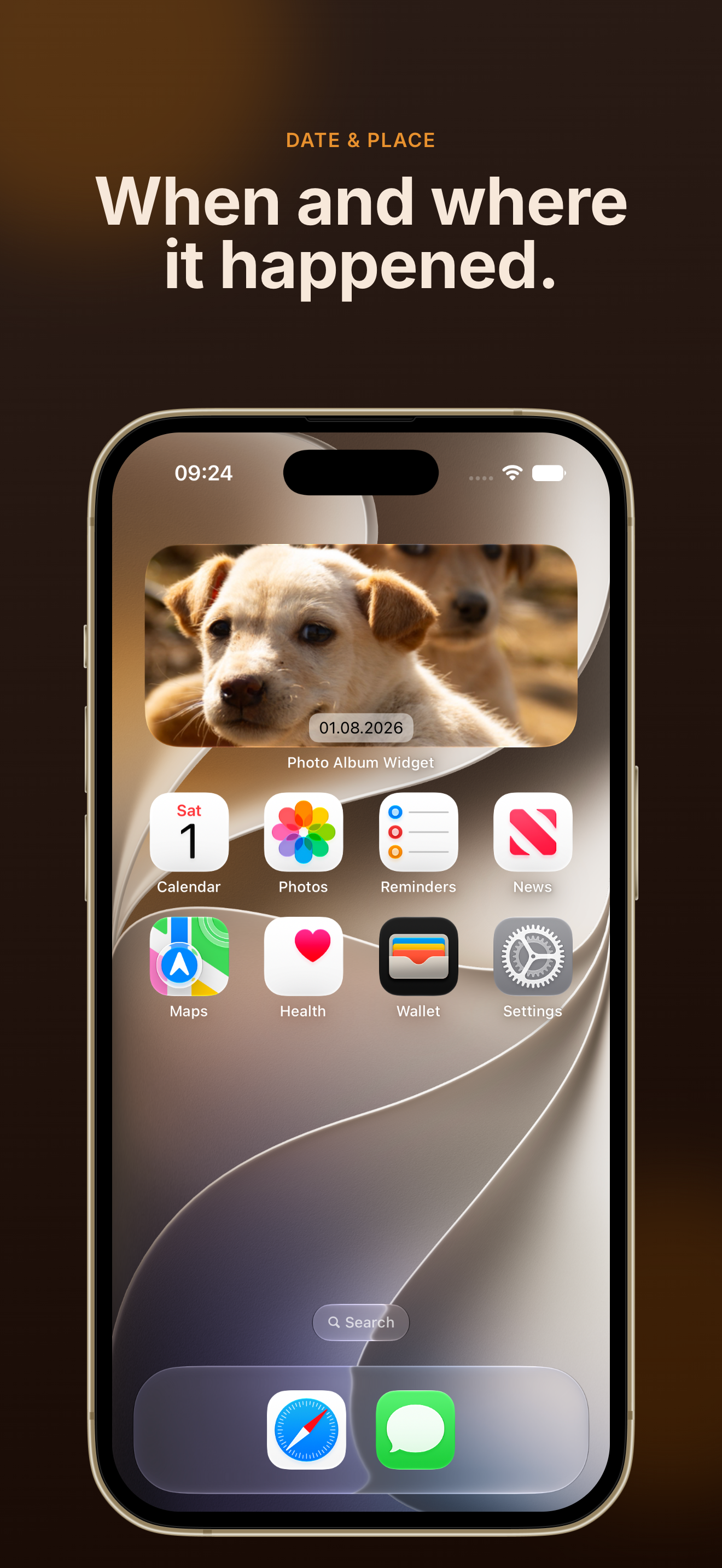


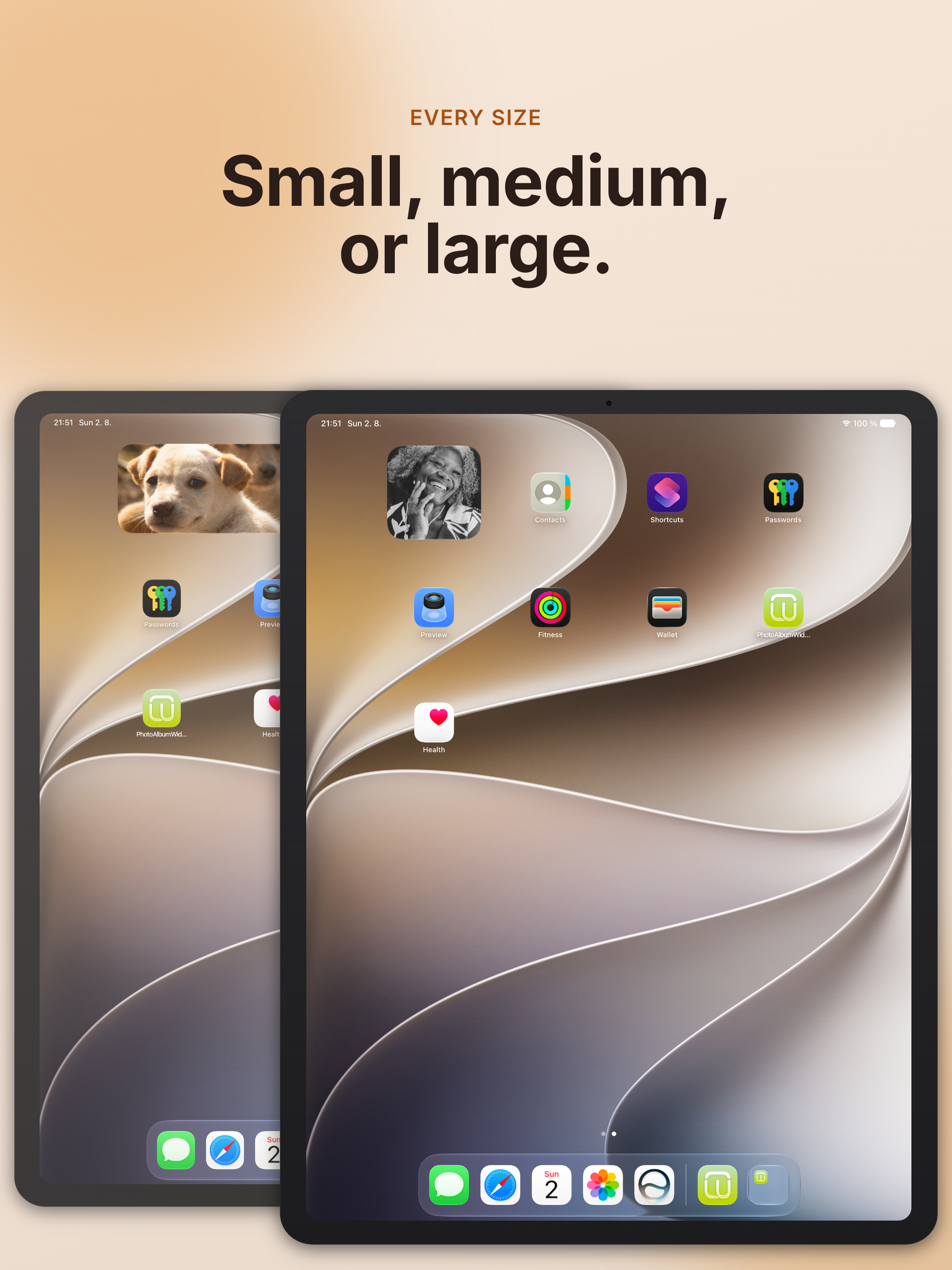
03 / Market context
Keep revenue, downloads and store rankings separate from advertising performance.
I wanted to put all my pictures of my dachshund on a widget with a controllable interval time between photos. I also wanted to be able to point the widget at an EXISTING album from my photos app. I tried everything. Tons of free apps. The stock Apple Photos widget. The Shortcuts/Automation app. Nothing gave me what I wanted. I finally found this app. I’ve had an iPhone since 2010 and haven’t bought probably 30 apps the entire time. I paid for this one and love it! It does everything I need it to. You can even set the app to change the picture each time you touch it.
I wanted a widget that would pull images from ALL of the photos on my phone without creating an album and display them randomly. I downloaded multiple widget apps, and this was the only one that had that capability! I wish it were possible to selection an option to see the displayed image amongst all of the photos in your album, but that doesn’t seem possible here, nor were any of the other widgets capable of that which seems a little odd to me, but glad this is able to do what it does.
This app is simple, and does what I want. I added photos to create an album. That album can now be displayed in four different formats on my iPad desktop. Great. However, I do not see how to edit this album that is created. Perhaps I have to delete the app, reinstall, and start over. Also, it would be good if we could change the timing of photo changes from 15 minutes to a smaller number, like 5 minutes.
The best photos you own are the ones you never look at. They sit in an album you last opened months ago. Photo Album Widget brings them back out, onto...