Check the acquisition promise
Read the store headline, screenshots and description. What problem is the app promising to solve?
Study the storefront ↗
Weave Chat, LLC · iOS
Explore the ad evidence, study the storefront, and build your next acquisition hypothesis.
01 / Creative research
Read the store headline, screenshots and description. What problem is the app promising to solve?
Study the storefront ↗Explore apps with direct store-link matches. Compare their hooks and formats without assuming the same approach works here.
Browse observed advertisers ↗Store rankings and revenue estimates describe market context. They do not establish ad spend, conversions or ROAS.
Review the market context ↗02 / Storefront & product
Study the product story and store experience behind the acquisition funnel.


03 / Market context
Keep revenue, downloads and store rankings separate from advertising performance.
Hello, Weave Chat AAC! I’m looking for the best app for my sister who has verbal shut-downs and this has made it into our ranks for the best one ever! I’ll say the good stuff, and the bad stuff. (Only… there’s no bad stuff..) It’s super accessible and easy to use, there’s plenty of buttons, you can change the voices rate, pitch, and emotion. You can edit it to make it easier for the user who is using it. It has a drawing option, and the EASIEST KEYBOARD EVER, and it pronounces the words correctly! It’s completely free, too. The drawing option is also great in case she can’t find the button, or if she’s just board. Overall, I’d recommend it for older users. I have absolutely NO complaints whatsoever! I’d highly, highly, highly, HIGHLY recommend it!!
HI, I’m Gretchen and I downloaded literally every free AAC app that IOS offers, over ten options that I messed around with, went through all the settings, and did my best to see how they would work for my brother-in-law, a 32 y/o who has never used an app like this and never wanted to interact with a communication board when he was younger. I can honestly say that Weave Chat is the absolute best app of its kind available. I work as a direct support professional with my BIL and others and have already recommended the app to every client I work closely with and have let my client try it on my BIL’s talker to show their guardians how easy it is to use and how customizable. There are so many words available that I ended up hiding most of them to start so that it wasn’t overwhelming, but with how easy it is to use and customize, my BIL is now communicating for himself for the first time in his life and it is absolutely amazing to see. Thank you for making this app and updating it regularly, and thank you for giving Sam a voice.
I downloaded this app when it first came out, a couple of years ago now. Then, it was a bit clunky, clearly earning the name “beta”. Since then it has massively improved, become sleeker, and the AAC features more robust. I have come to expect updates regularly as well as near continuous adding of vocabulary. Recently, vocabulary has been aimed at adult users and, as an adult user, I very much appreciate this. Recently they added the ability to add your own category (not just an icon) and this was a much needed feature. I can now organize my added icons in a way that works better for me. Something else I really like it that I can text my friends with icons using the messaging feature. I have never seen this in another AAC app. As a part-time AAC user, this feature allows me to continue to communicate when my regular communication methods are not ideal.
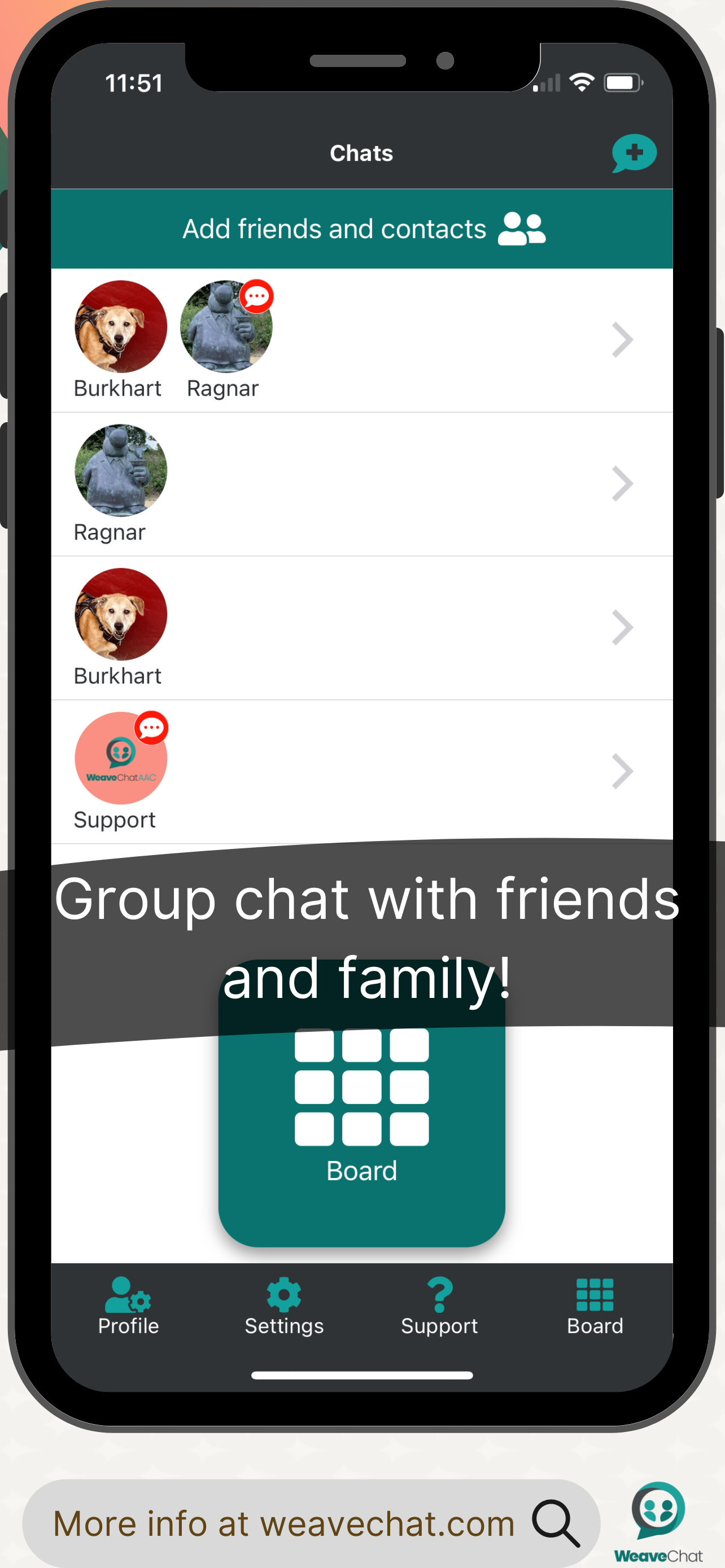
Weave Chat AAC is a free, dynamic, and completely customizable AAC app that is available to a variety of devices. Weave Chat AAC offers a large varie...