
Check the acquisition promise
Read the store headline, screenshots and description. What problem is the app promising to solve?
Study the storefront ↗
Truist Financial Corporation · iOS
Explore the ad evidence, study the storefront, and build your next acquisition hypothesis.
01 / Creative research
Read the store headline, screenshots and description. What problem is the app promising to solve?
Study the storefront ↗Explore apps with direct store-link matches. Compare their hooks and formats without assuming the same approach works here.
Browse observed advertisers ↗Store rankings and revenue estimates describe market context. They do not establish ad spend, conversions or ROAS.
Review the market context ↗02 / Storefront & product
Study the product story and store experience behind the acquisition funnel.
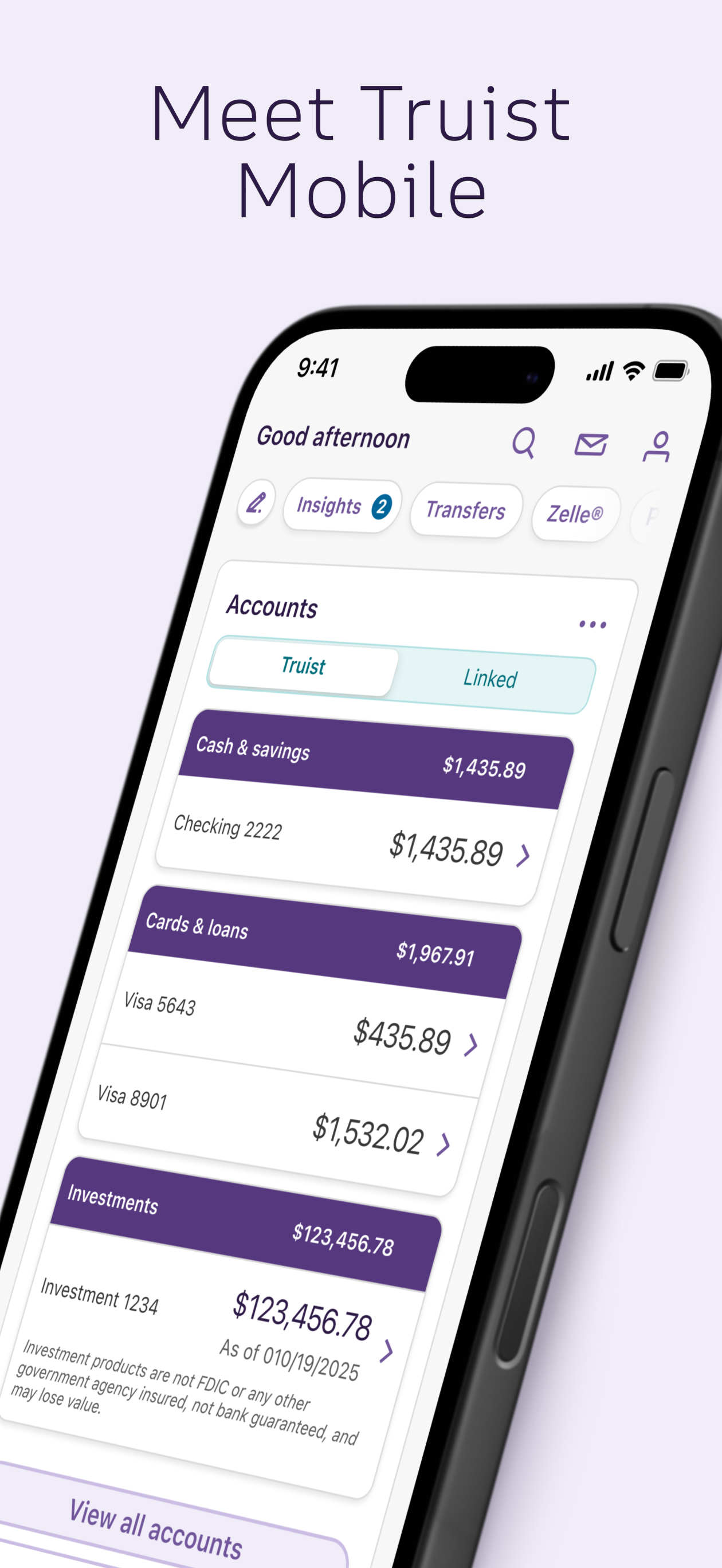


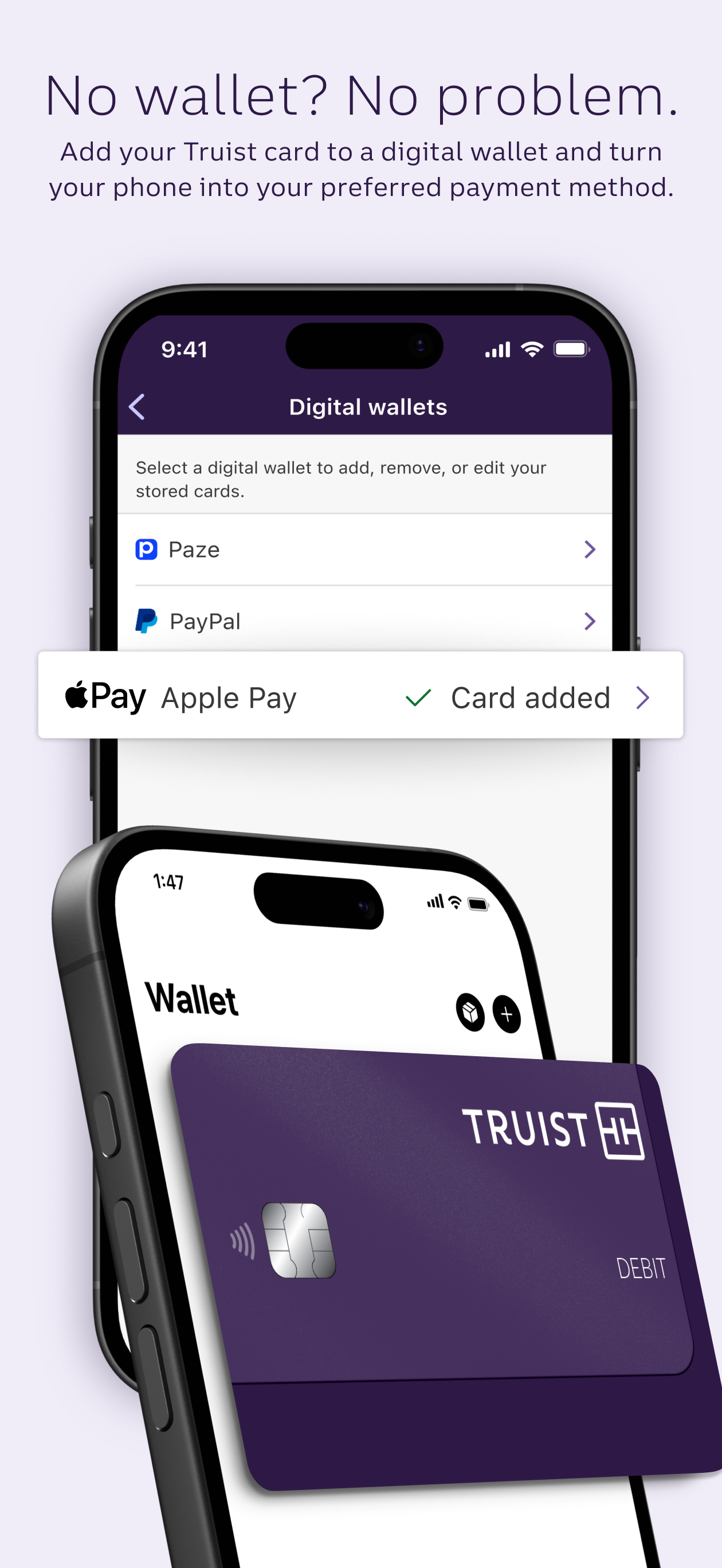
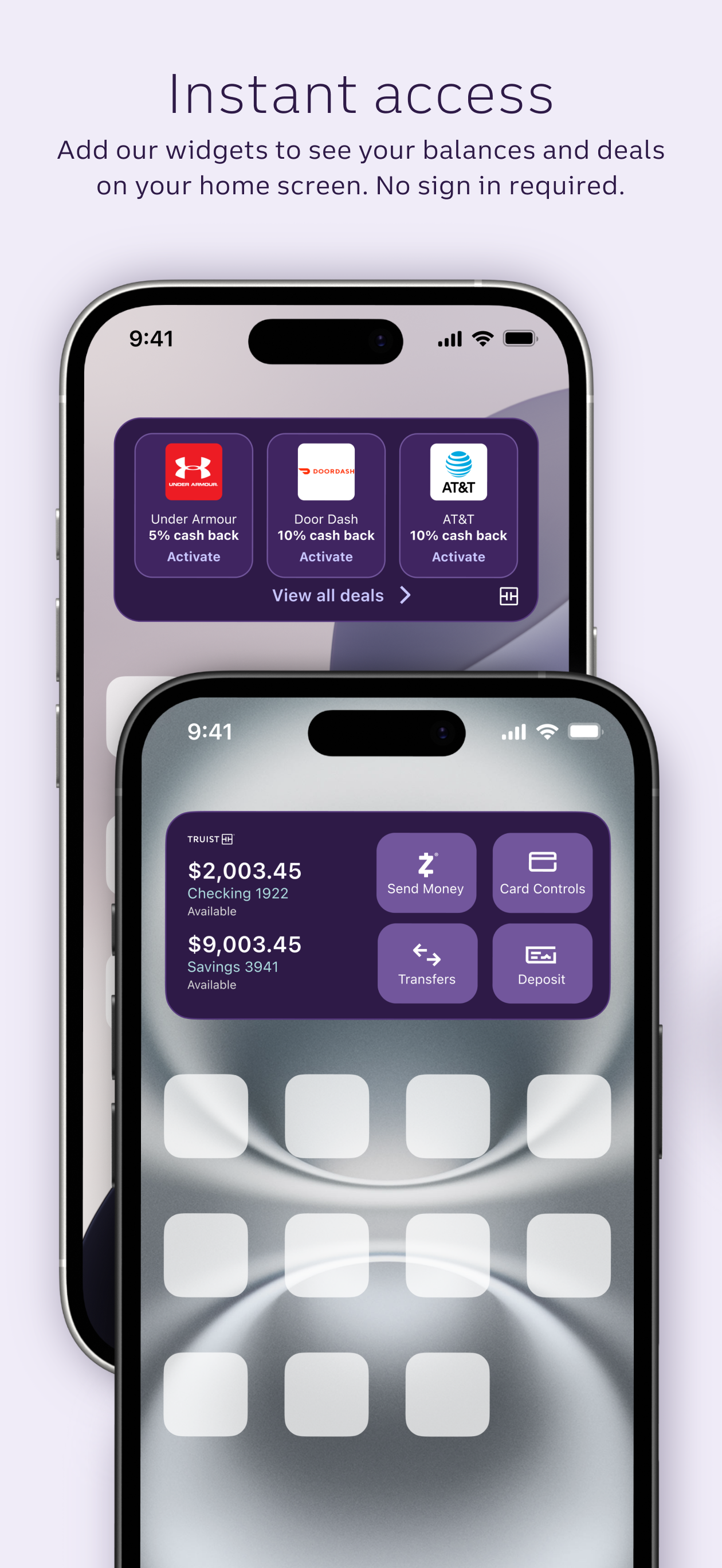
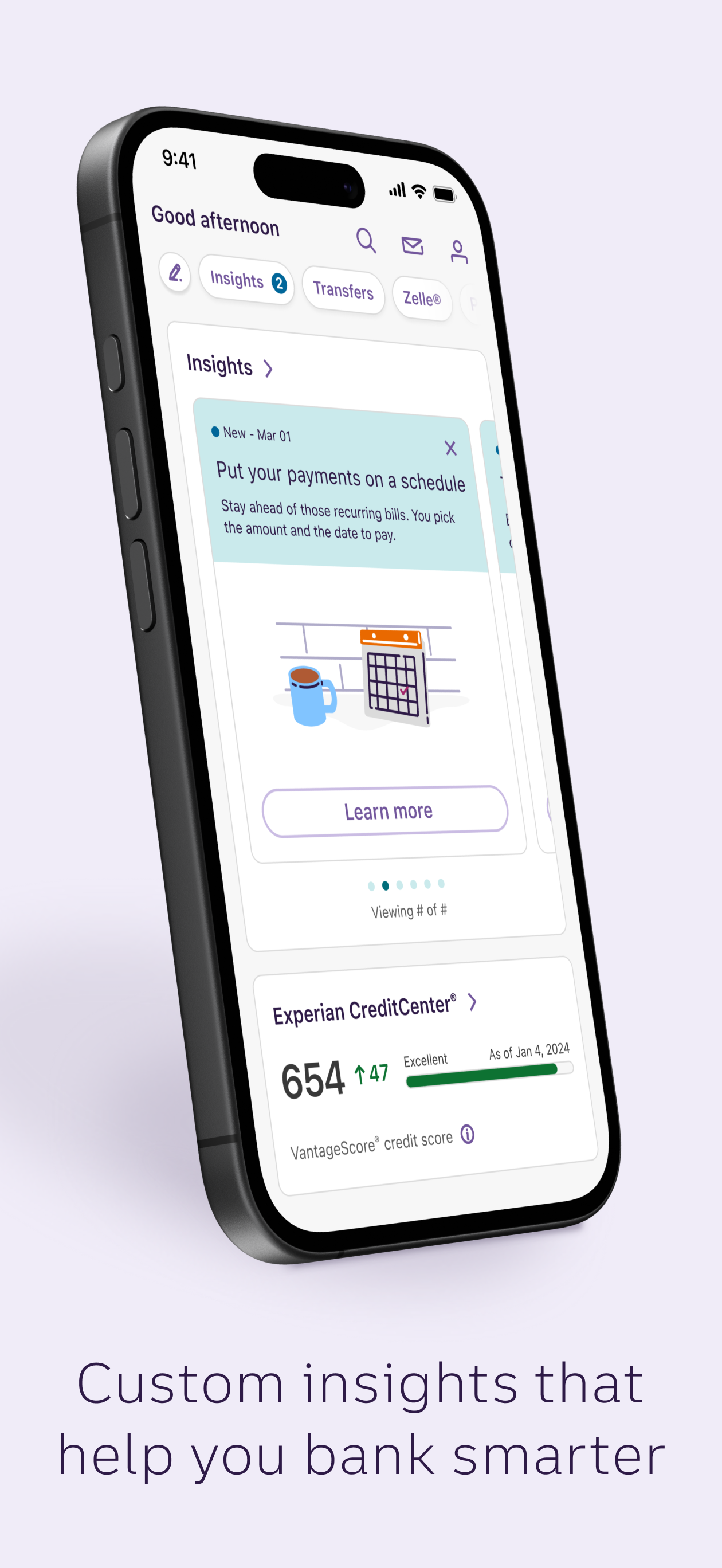

03 / Market context
Keep revenue, downloads and store rankings separate from advertising performance.
I used to use the Suntrust app with great success and did ALL my banking on it . The new Truist app is IMPOSSIBLE .. When I needed no help to set up the Suntrust app, I’ve had to go into my branch manager 4 times to help me figure out the Truist app .. The fact that it’s all the same color ( or varying shades of purple) makes it hard to differentiate between one section and another .. All of the names of my payees were changed. Verizon became SVR mobile. If I put in Verizon nothing comes up. Many of the accounts for our summer home became, for example, “MV house “ .. the app is simply not intuitive . It’s difficult and a total pain to rename my payees to my previous, easily understood names . It’s hard to see what bills I’ve already paid and find I double pay some accounts . The app is so unpleasant to use, I’m seriously thinking of changing my bank after 41 years . I could go on and on but I’m sure you get the point . Susan van Roijen Dear Truist ….. I wrote this review 3 years ago and am very happy to say that the Truist mobile App has been totally transformed since those days .. today I am able to do all my banking and bill paying on my phone thanks to the App .. as I previously mentioned I worked with your Truist Edgewater Drive branch manager and he listened and responded . So now I can happily leave a 5 Star review for your mobile app which works perfectly and makes my banking extremely easy .. Thank you for a job well done . Susan van Roijen May 14, 2024
Everything about dealing with your people has been pleasant and comfortable. Several things will never follow through one of them being when I go into my online checking I would like to be able to use my finger print and I went to a great deal of trouble talking to someone on the phone in order to get this to happen however, I still have the tedious nonsense of writing in my password every time I want to use my online banking. Another serious change that was not for the better, leaving Wells Fargo. If I wrote a check for more than I had the money in my checking account…savings did not automatically transferred over. It never occurred to me that that does not happen with TRUIST and I had a horrible experience were six different situations exploded in my face because the money was used up in the checking account and yet my rent was taken out automatically. That would never have been a problem at Wells Fargo. It should not be a problem with you since I have $700,000 sitting in the next room which belongs to me and yet I didn’t even get a phone call or an email telling me that I was going over and I went over in six different areas the same day. If you can change my account in such a way to make it as comfortable for me as it was at Wells Fargo, I would like to have you do that. I would be pleased to come into a branch if I have to be thereto make those changes. Arlene Charest
I won’t lie, I was very worried changing from SunTrust to this new Truist App. Though having its flaws, the SunTrust App was intuitive and easy to use, not to mention I was extremely familiar with it. Initially, like 8-10 months ago, and as recent as 4-5 months ago; the Truist App was awful. The flow was terrible and they had no cohesiveness in it with account nicknames not showing on transfers and it was slow and looked terrible. Enter today, I can happily report that they took the best features of SunTrust and the BBT Apps and integrated them into this new upgraded version of the Truist App. Everything is easy to read,except some of the smallest writing and numbers, however this is true for almost all Apps. The color scheme is decent, and the account screen is easy to manage and make changes to how and which accounts are viewed and in what order. Now the flow makes sense and nicknames show up now for bills and for accounts on all screens. They have made the transition from both SunTrust and BBT easy with relatively minor life disruptions. I have had a high level SunTrust account for about 21 years and my Wife has had a BBT account for about the same amount of time, so it was with great anxiety and trepidation we watched the merger proceed. But it has been a real pleasant surprise overall and I have to say things have gone very very well. So Overall it is probably a 4.7-4.8 star out of 5 App, but since that isn’t an option, a 5 Star will do.
Your better banking experience is here. Check balances, make payments, get personalized insights, and move money at your convenience. Enjoy smarter t...


