
Check the acquisition promise
Read the store headline, screenshots and description. What problem is the app promising to solve?
Study the storefront ↗
Suzuki Motorcycle India Private Limited · iOS
Explore the ad evidence, study the storefront, and build your next acquisition hypothesis.
01 / Creative research
Read the store headline, screenshots and description. What problem is the app promising to solve?
Study the storefront ↗Explore apps with direct store-link matches. Compare their hooks and formats without assuming the same approach works here.
Browse observed advertisers ↗Store rankings and revenue estimates describe market context. They do not establish ad spend, conversions or ROAS.
Review the market context ↗02 / Storefront & product
Study the product story and store experience behind the acquisition funnel.
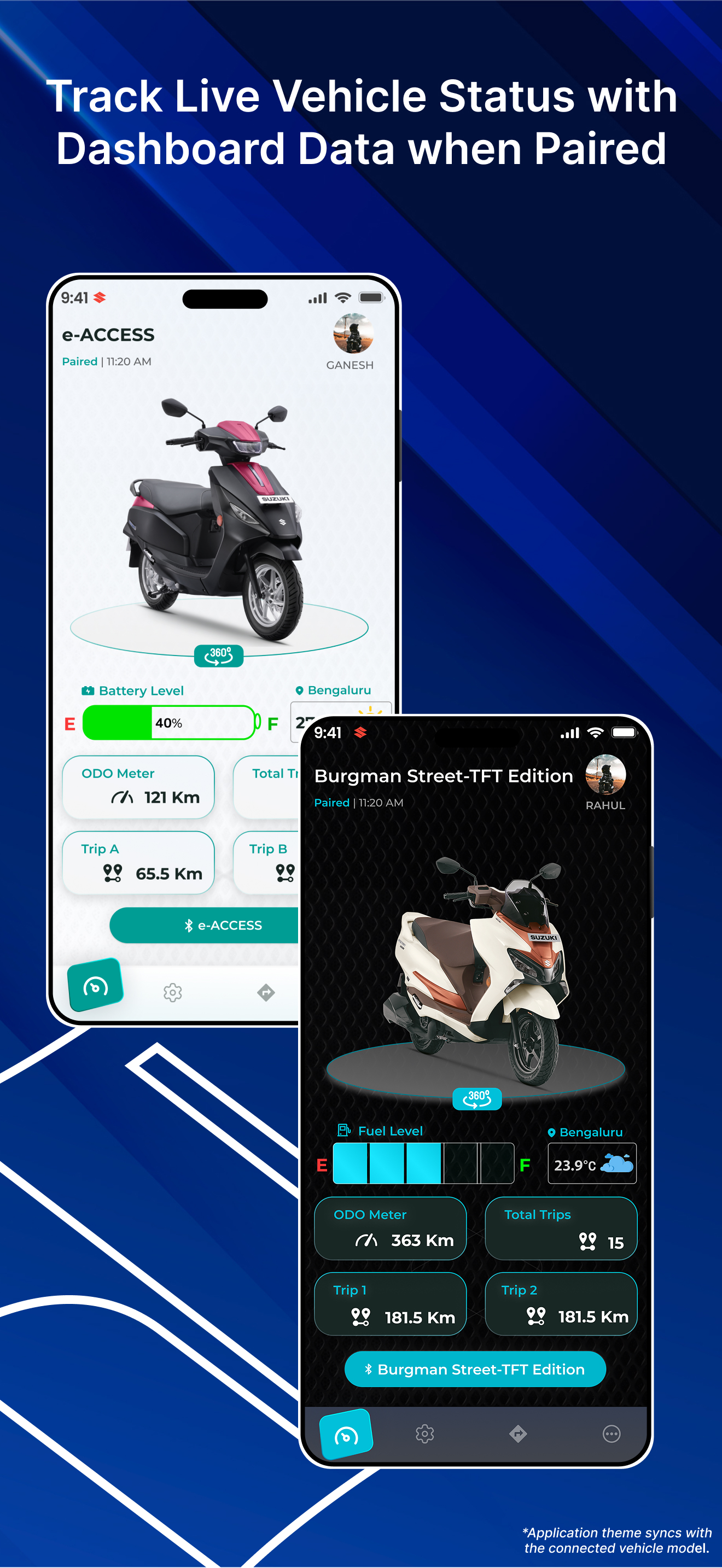

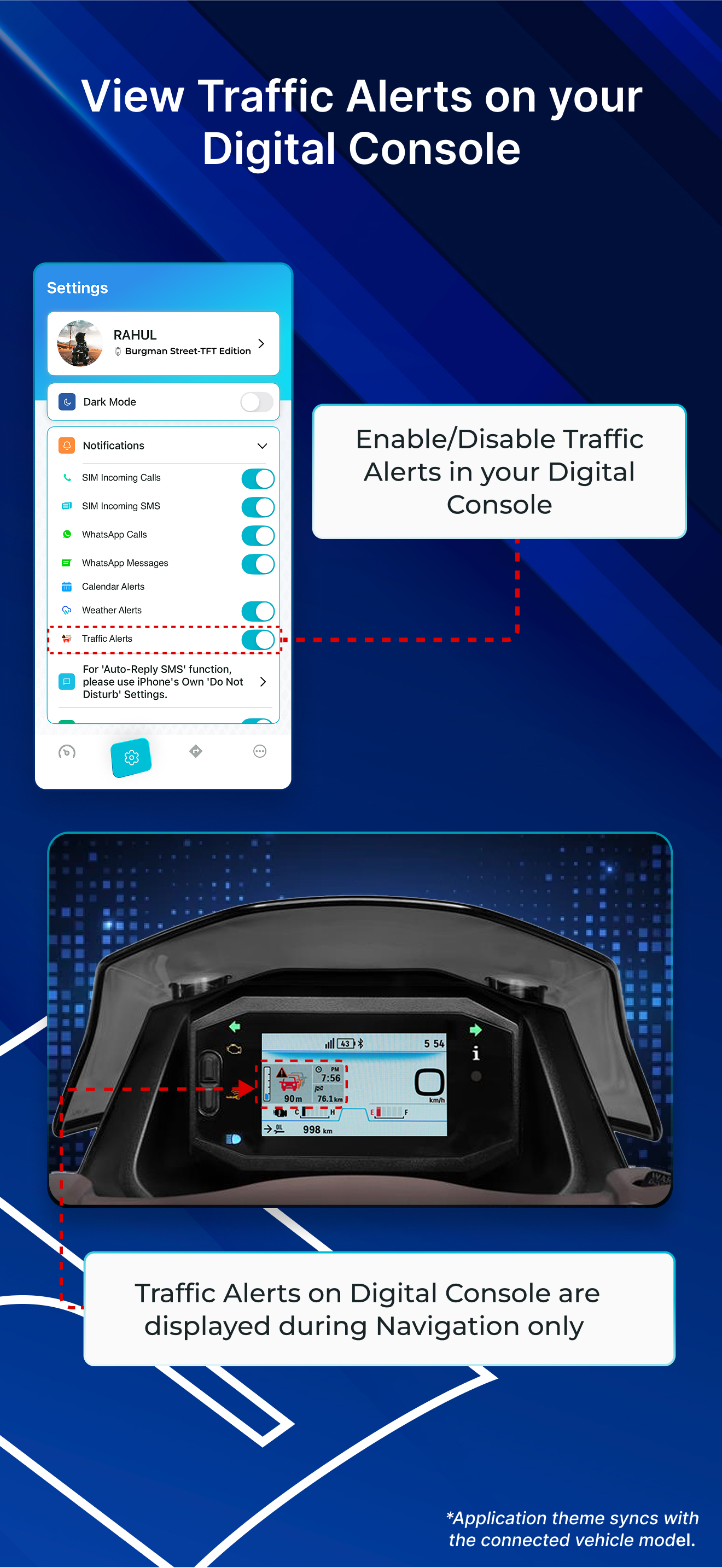
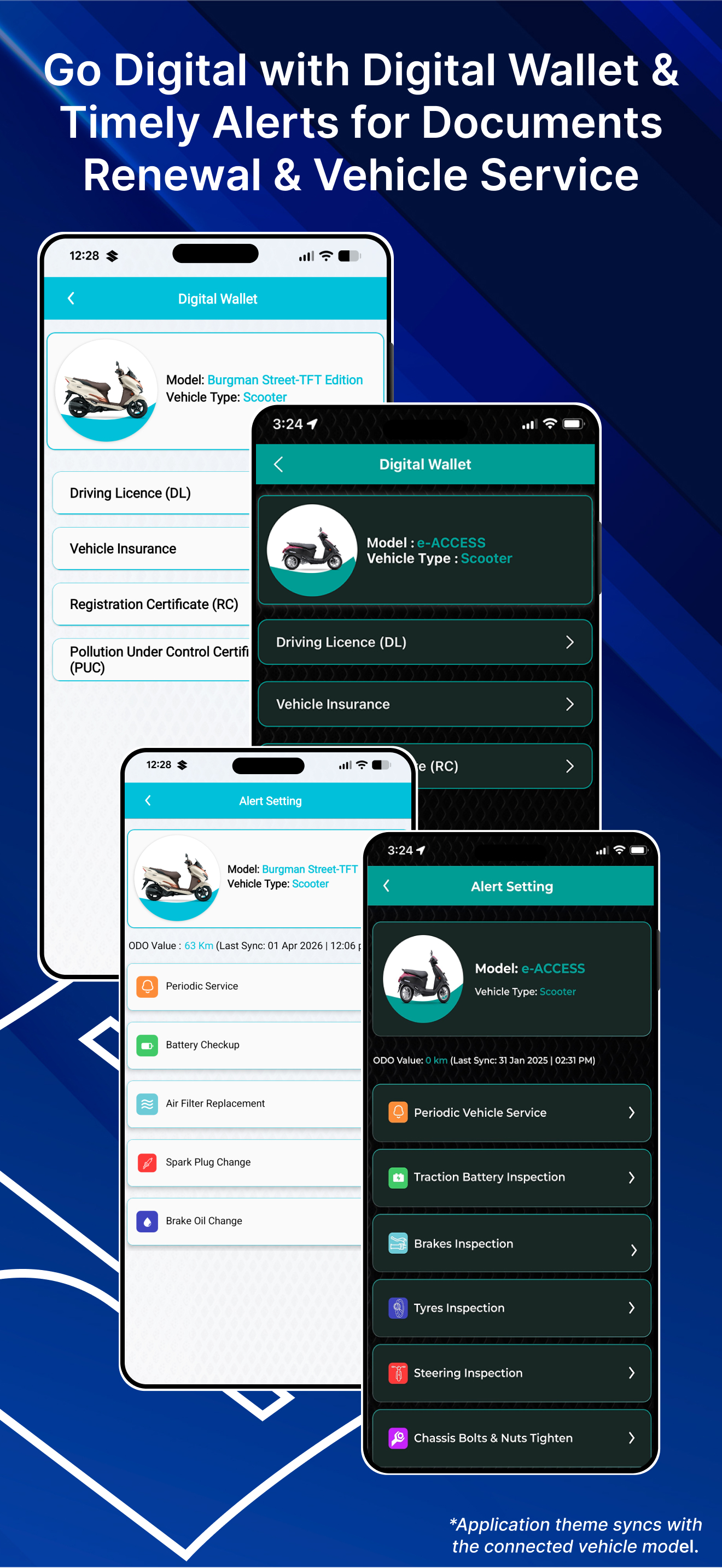
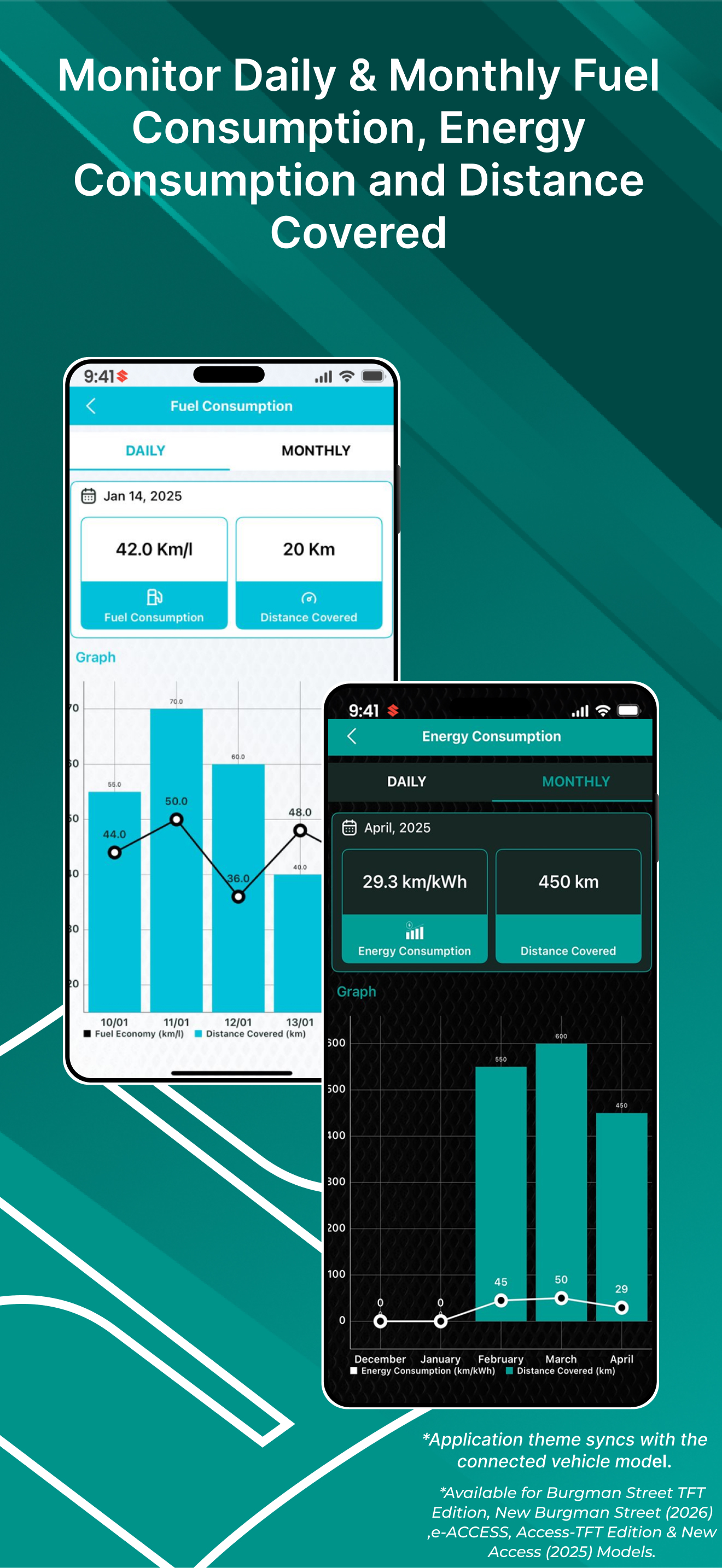
03 / Market context
Keep revenue, downloads and store rankings separate from advertising performance.
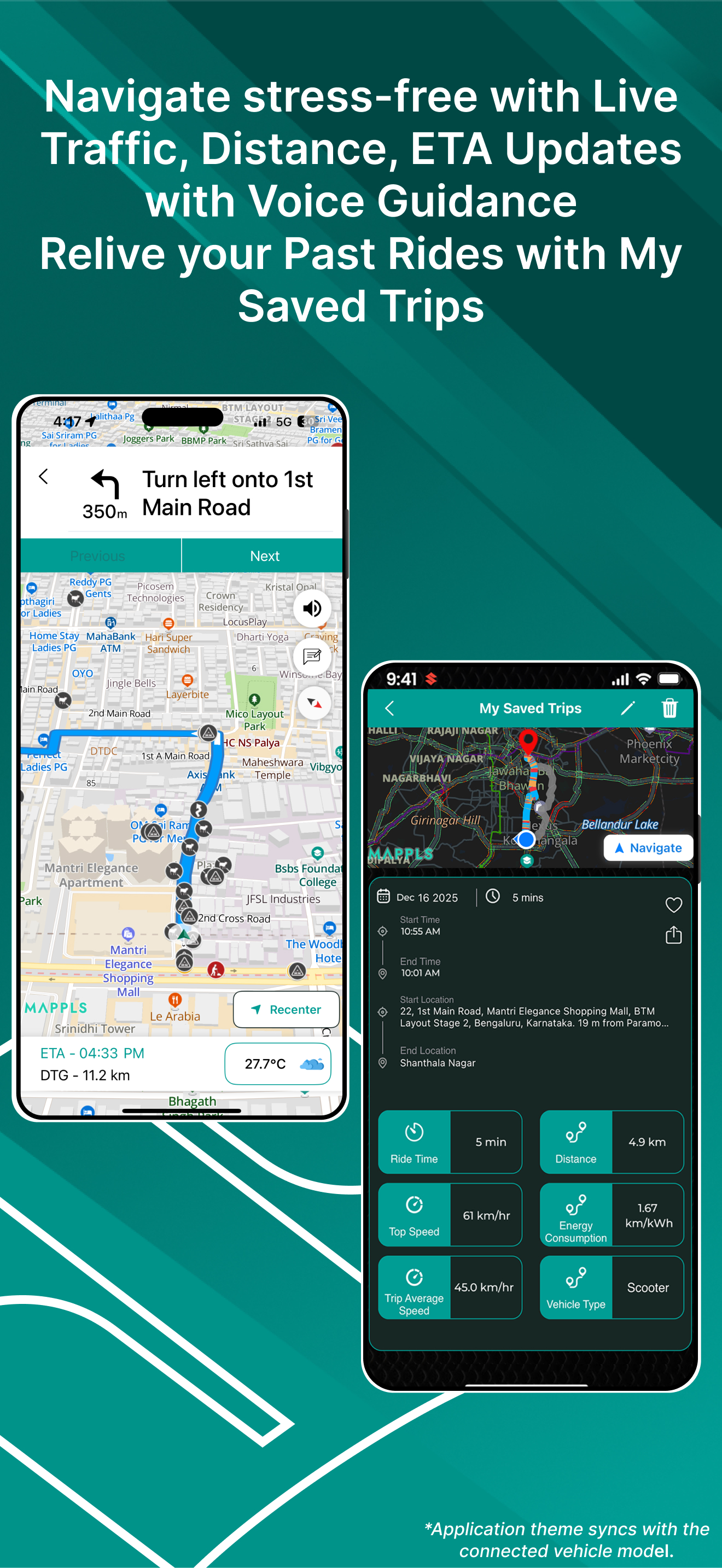
The app is currently not efficient enough to provide seamless navigation. The synchronization between the app’s navigation data and the e-access scooter display is inaccurate and does not provide a clear indication of the route to be followed. Additionally, the navigation icon within the app does not move consistently with the rider’s real-time location, which can mislead riders and create confusion about the correct direction. Recommendation: The team should consider integrating Google Maps directly into the app, or enable navigation through Google Maps itself with real-time directions mirrored on the scooter display. This would improve navigation accuracy, reliability, and the overall riding experience.
When I first bought my Suzuki Avenis bike, the Ride Connect app worked perfectly. As long as my phone’s Bluetooth was on and the app was running in the background, it would automatically connect to my bike as soon as I turned the ignition on. However, recently it has become a bit of a headache. Now, every time I turn off my bike, I have to manually reconnect it by going into my phone’s Bluetooth settings—first disconnecting the Suzuki connection and then reconnecting it through the app. Additionally, even while riding, the connection sometimes drops automatically, and I have to repeat the same manual reconnection process to get it working again. Please fix these issues as soon as possible. The automatic connection feature was very convenient and made the overall experience smooth and enjoyable.
Paid extra 8-9k for the RIDE CONNECT BT variant and ended up regretting it. At first the connectivity was seamless and all was fine. Then suddenly the mode button wasn’t showing the pairing option. I was not able to connect my iPhone with the scooter since the scooter itself was not allowing the bluetooth to work. I went to the service center and they too were puzzled with this issue. They said that this kind of problem does not come often and that we have to look at it. They took more than 2 hours to figure things out. First they blamed that the app is having problems with Apple Devices and when i connected my iPhone with a brand new Burgman (in their showroom) they were convinced it was the console issue. They changed my console within 15 days. After changing the console it was working fine but only for a few hours. The same original problem again came to life. I am really disheartened to have spent a premium and not able to enjoy it to the fullest , plus it is also causing me stress and agony as i have to visit the service center again.
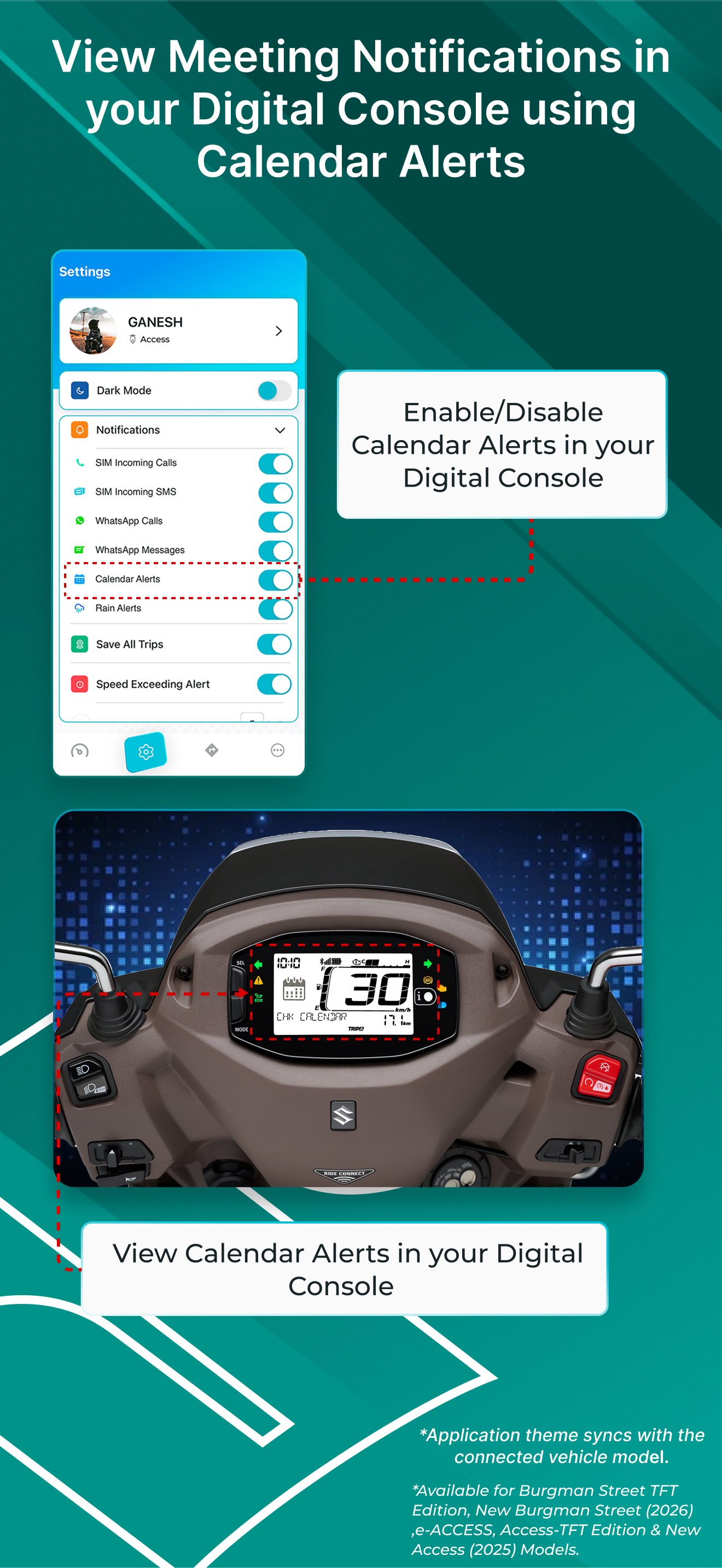
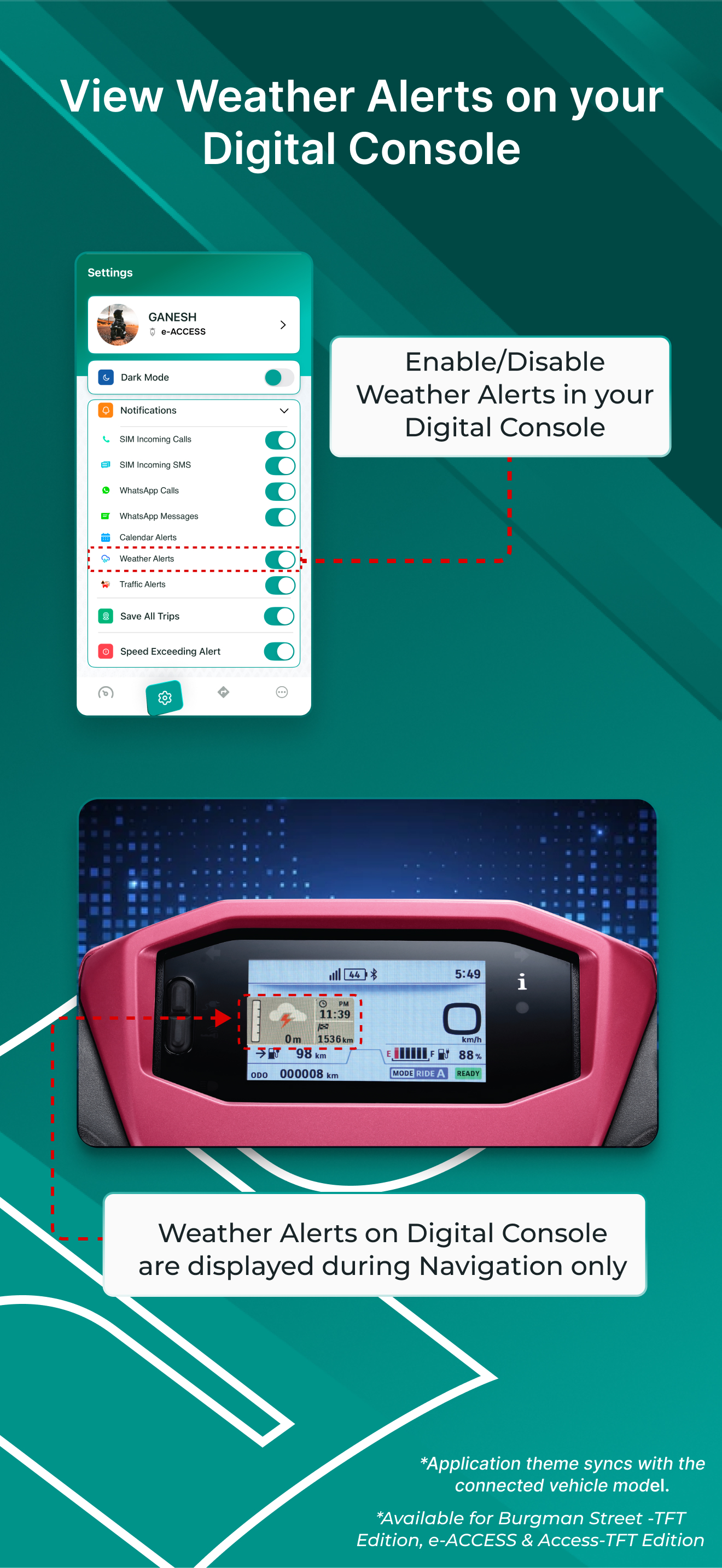
Suzuki Ride Connect allows you to connect your smartphone with Suzuki 2-Wheeler's Connected Digital Console using Bluetooth® Wireless Technology. Suz...


