Check the acquisition promise
Read the store headline, screenshots and description. What problem is the app promising to solve?
Study the storefront ↗
Burlington Pediatrics, PA · iOS
Explore the ad evidence, study the storefront, and build your next acquisition hypothesis.
01 / Creative research
Read the store headline, screenshots and description. What problem is the app promising to solve?
Study the storefront ↗Explore apps with direct store-link matches. Compare their hooks and formats without assuming the same approach works here.
Browse observed advertisers ↗Store rankings and revenue estimates describe market context. They do not establish ad spend, conversions or ROAS.
Review the market context ↗02 / Storefront & product
Study the product story and store experience behind the acquisition funnel.



03 / Market context
Keep revenue, downloads and store rankings separate from advertising performance.
I have been searching for an easy to use peds resource for months and I’m pretty sure this is it. The calculators are so simple, fast and easy to use. This app is worth it. I’d pay for updates!
I like the app except for one thing. When calculating a liquid dose for a child it doesn’t take into effect the max dose. For example an 80 lbs child getting amoxicillin it says to give 18.1ml (1451mg) if the concentration is 400mg/5ml. However the app says the max dose is 875mg/dose. There is no way to find how many ml is 875mg by using the app. I have to resort to old school pen and paper for that. So for this reason which happens more than not it is a complete waste of money. Why can’t y’all have the option to show how many ml for the max dose?
I mostly use for quick medication dosing. I used to use for bilirubin risk graph but that is no longer the standard. I hope they change to the 2022 bilirubin guidelines soon.
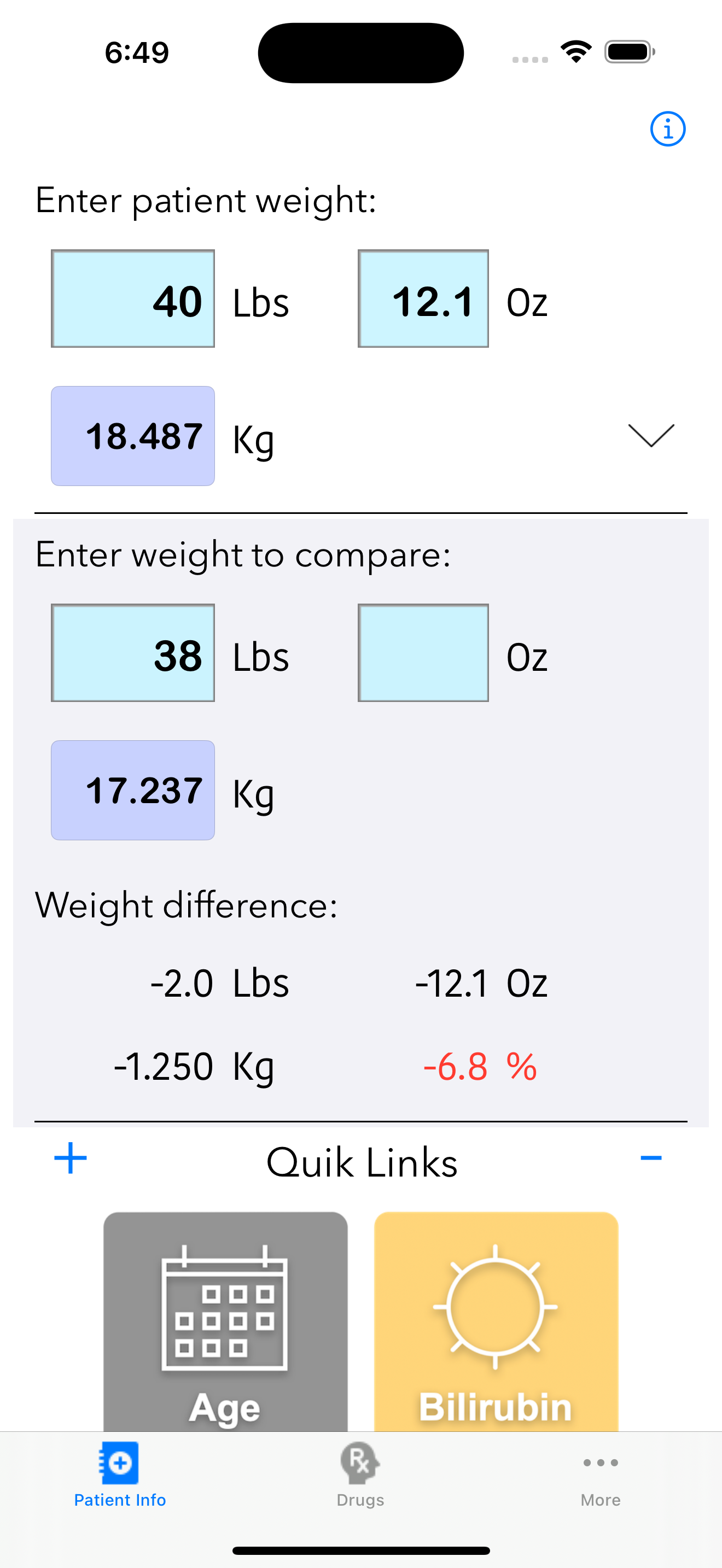
Pedi QuikCalc 5 is the latest version of the highly rated and reviewed Pedi QuikCalc, giving you instant access to weight-based drug dosing, IV fluid...