Check the acquisition promise
Read the store headline, screenshots and description. What problem is the app promising to solve?
Study the storefront ↗
Digital Legal Tech · iOS
Explore the ad evidence, study the storefront, and build your next acquisition hypothesis.
01 / Creative research
Read the store headline, screenshots and description. What problem is the app promising to solve?
Study the storefront ↗Explore apps with direct store-link matches. Compare their hooks and formats without assuming the same approach works here.
Browse observed advertisers ↗Store rankings and revenue estimates describe market context. They do not establish ad spend, conversions or ROAS.
Review the market context ↗02 / Storefront & product
Study the product story and store experience behind the acquisition funnel.


03 / Market context
Keep revenue, downloads and store rankings separate from advertising performance.
I was shopping online for a pocket calendar but none worked…& I wasn’t sure what I was getting. I ended up not buying anything but coming to the App Store instead. I did a quick search and found this app. About 15 minutes later, I went ahead and purchased the pro version (really appreciate that it isn’t a subscription)!! It’s customizable and nothing extra to lug around (& lose). Thanks for such a nifty app!
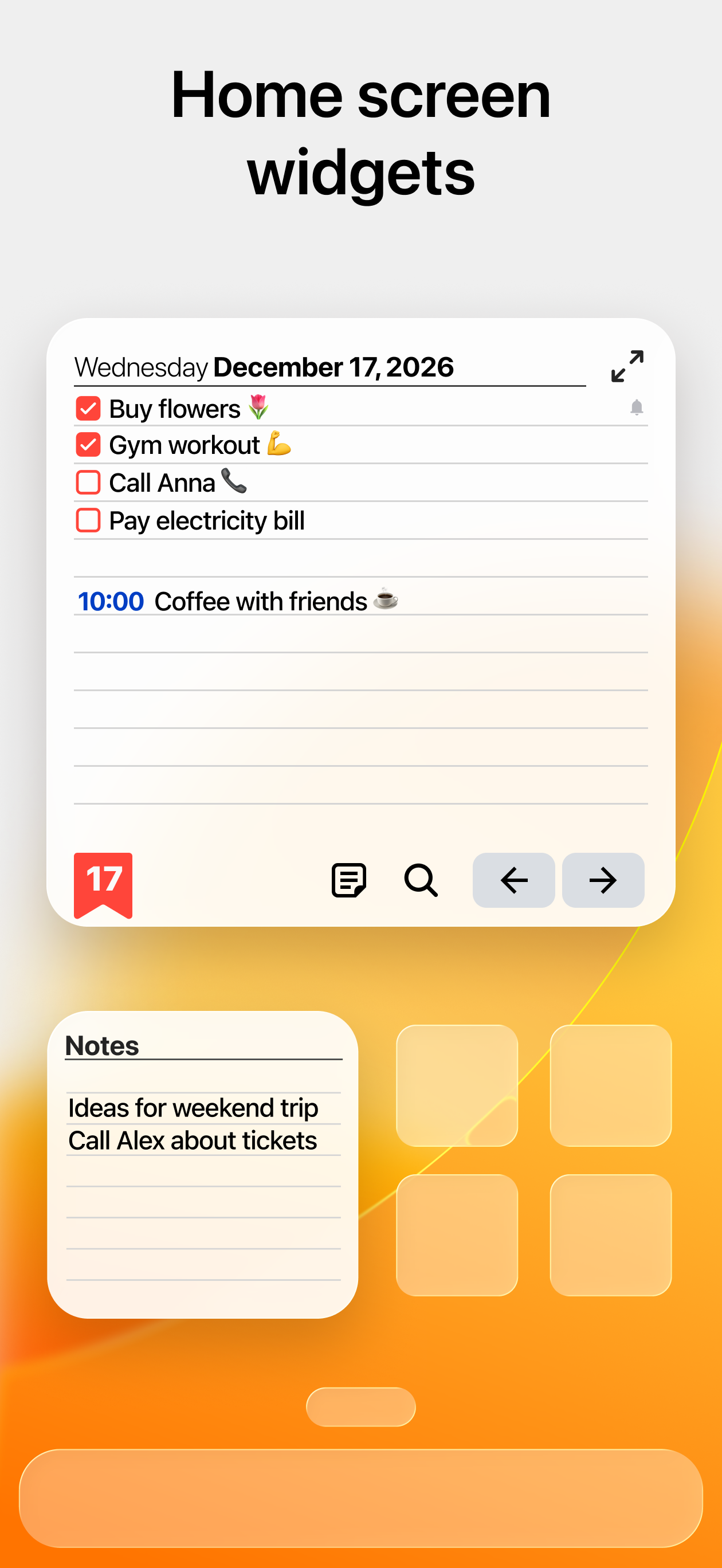
Finally an app that looks just like the planner I use on my side table in my room, very realistic to what I actually use and need in real life. Perfect weak view and I like the customization options as well. I feel so much more organized and less forgetful since I started using this app. The only thing that would make it better is a matching widget to put this on my Home Screen. The only widget I saw was just for note taking.
I like to use my planner for to do list and I need them to be separated with a bulle and to make it easier to read: example should look like this: 🔲groceries ▫️bread ▫️butter ▫️avocado 🔲read chapter 3 🔲Study for exam 🔲call mom Currently it looks like this: Groceries read chapter 3 study for exam call mom In order to make it easier to read I have to go in and add, boxes or a dash, and it’s too much clicking and going back and forth. I have to click 3 times just to add a dash and make it easier to see but if I have a long list, the clicking can get extremely annoying causing me to not use the app as much as I would like to. Your current app and what I’m having to do is add a dash. It would be great if you can please add either a bullet, dash or box or some form of bullet to be added to the shortcut next to the B, I, U, highlighter, ☑️, _____? It should look something like this: -groceries: bread, butter, avocado -call mom -study for exam -read chapter 3 etc… Please consider it. I like the app for its simplicity but it’s too limiting for my needs. I am currently testing out other apps for this reason alone. Until I find y perfect app. This is not the one. My original post and email to your team was two year and currently no change has been made so I am a little disappointed.
Keep Your Tasks and Schedule Organized — Easy and Quick! This is a full digital equivalent of a classic pocket paper planner with a weekly view and t...
| Name | Price | Type |
|---|---|---|
| 3D Shapes (lifetime) | $1.99 | One-time |
| Art Lines (lifetime) | $1.99 | One-time |
| Textures (lifetime) | $1.99 | One-time |
| Holiday designs (lifetime) | $1.99 | One-time |
| PREMIUM 1 month | $1.99 | Monthly |
| Gradients (lifetime) | $1.99 | One-time |
| Pocket Planner PRO (lifetime) | $6.99 | One-time |
| PREMIUM 1 year | $11.99 | Yearly |
| PREMIUM for PRO (lifetime) | $11.99 | One-time |
| PREMIUM (lifetime) | $23.99 | One-time |