Check the acquisition promise
Read the store headline, screenshots and description. What problem is the app promising to solve?
Study the storefront ↗
Digital Legal Tech · iOS
Explore the ad evidence, study the storefront, and build your next acquisition hypothesis.
01 / Creative research
Read the store headline, screenshots and description. What problem is the app promising to solve?
Study the storefront ↗Explore apps with direct store-link matches. Compare their hooks and formats without assuming the same approach works here.
Browse observed advertisers ↗Store rankings and revenue estimates describe market context. They do not establish ad spend, conversions or ROAS.
Review the market context ↗02 / Storefront & product
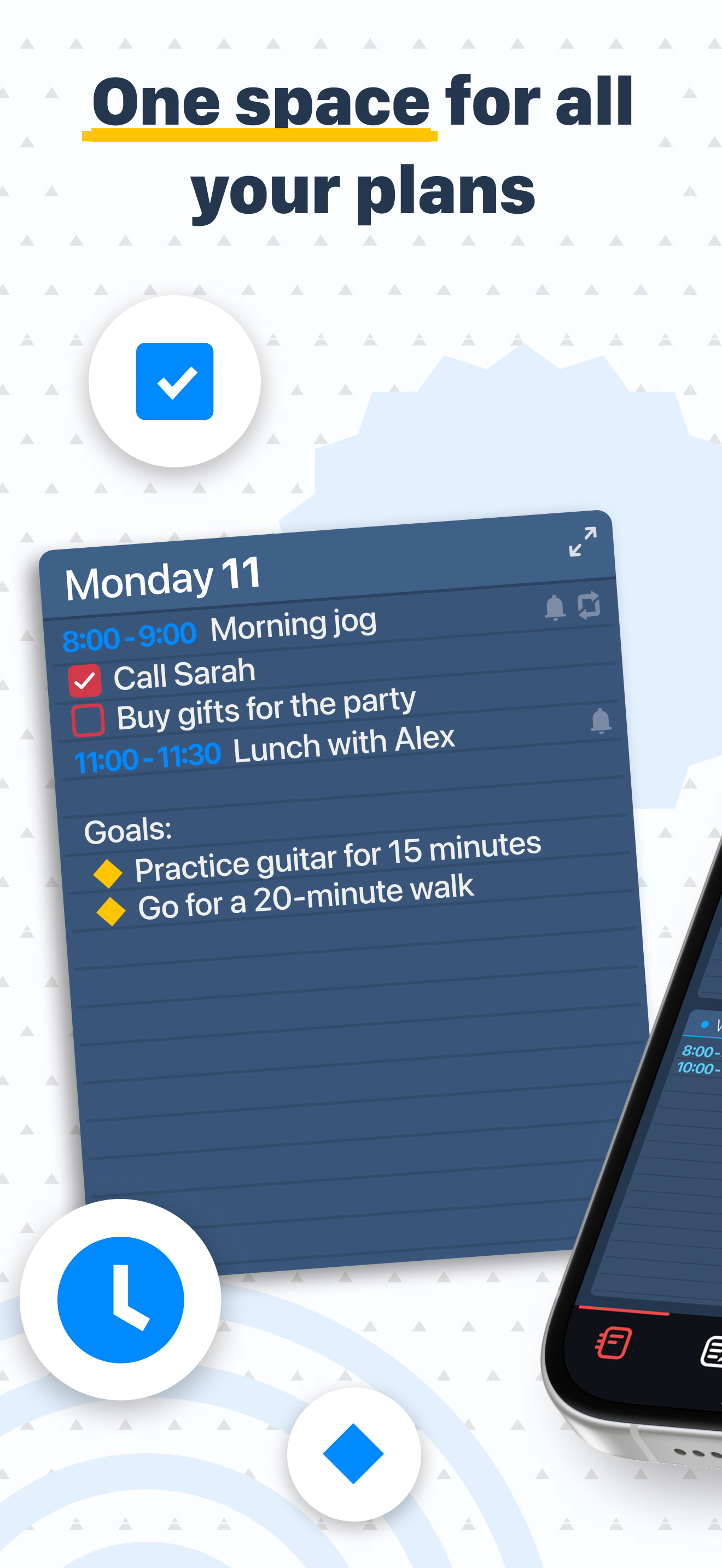
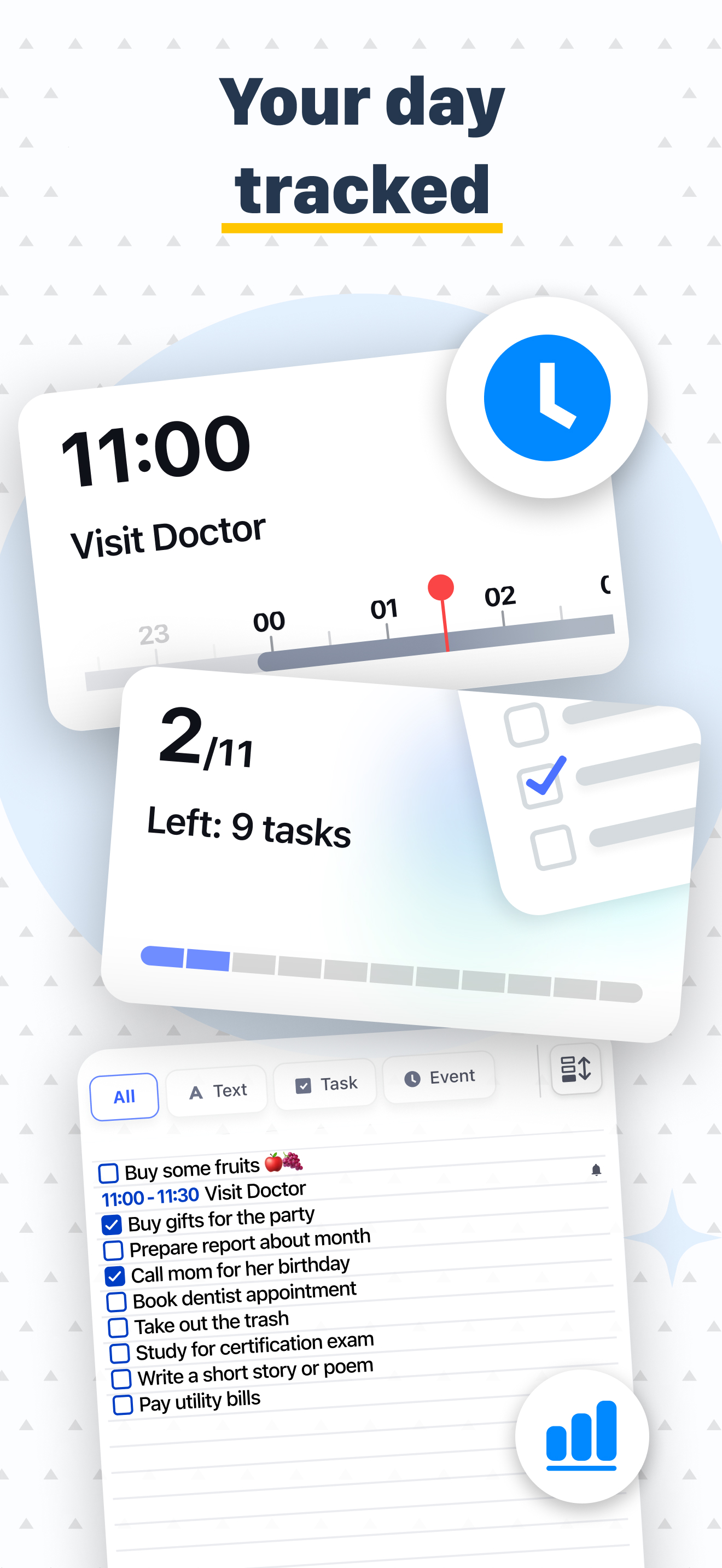
Study the product story and store experience behind the acquisition funnel.




03 / Market context
Keep revenue, downloads and store rankings separate from advertising performance.
I’ve been playing Egg Merge for a few months now and I gotta say I’m really enjoying it. It’s an unexpectedly addictive strategy game that makes merging eggs incredibly satisfying. The gameplay is simple to pick up but offers plenty of depth as you figure out the best ways to combine eggs and maximize your score. Watching tiny eggs grow into massive ones is fun on its own, but the real highlight is when the two largest eggs merge and hatch into a dragon. It’s a thrilling moment every time. My only gripe is the lack of a pause feature. You can’t leave a game and come back later, which can be frustrating if you get interrupted and are going for a new high score. Aside from that, it’s a clever game that’s hard to put down. The schedule book is also a pretty handy feature and adds a nice touch to the app.
I love this planner more than any other I’ve owned. It’s simple to use, and absolutely beautiful. Now with all the updates, I’m looking forward to putting it to good use for 2024 to keep track of my appointments. I love it so so that I actually have a few. I keep one for task and list, one for birthdays, and one for everything else. Thank you for the work you’ve put into improving the planner and listening to your supporters Happy Holidays and Best wishes for a prosperous New Year!
I love the interface — it’s absolutely outstanding! What would make this a game changer for the world would be if you enabled it to sync data with the iPhone calendar app (which in turn syncs with Outlook, Google Calendar, etc.) Almost all of us have our business calendars with our appointments managed on our business enterprise accounts such as Microsoft 365 and Google Workspace. Any chance you are working on such a feature enhancement? (And I do mean a feature which would “sync” with iPhone calendar, not import/export which has do be done again and again.) Thanks!
Diary, Calendar, Organizer, Planner combines a notepad, planner, reminder, calendar, habit tracker, and to-do list into one easy-to-use app for both y...
| Name | Price | Type |
|---|---|---|
| Art Lines (lifetime) | $1.99 | One-time |
| Holiday designs (lifetime) | $1.99 | One-time |
| 3D Shapes (lifetime) | $1.99 | One-time |
| Textures (lifetime) | $1.99 | One-time |
| PREMIUM 1 month | $1.99 | Monthly |
| Holiday designs (lifetime) | $1.99 | One-time |
| Daily Planner PRO (lifetime) | $6.99 | One-time |
| PREMIUM 1 year | $11.99 | Yearly |
| PREMIUM for PRO (lifetime) | $11.99 | One-time |
| PREMIUM (lifetime) | $23.99 | One-time |