Check the acquisition promise
Read the store headline, screenshots and description. What problem is the app promising to solve?
Study the storefront ↗
Digital Legal Tech · iOS
Explore the ad evidence, study the storefront, and build your next acquisition hypothesis.
01 / Creative research
Read the store headline, screenshots and description. What problem is the app promising to solve?
Study the storefront ↗Explore apps with direct store-link matches. Compare their hooks and formats without assuming the same approach works here.
Browse observed advertisers ↗Store rankings and revenue estimates describe market context. They do not establish ad spend, conversions or ROAS.
Review the market context ↗02 / Storefront & product
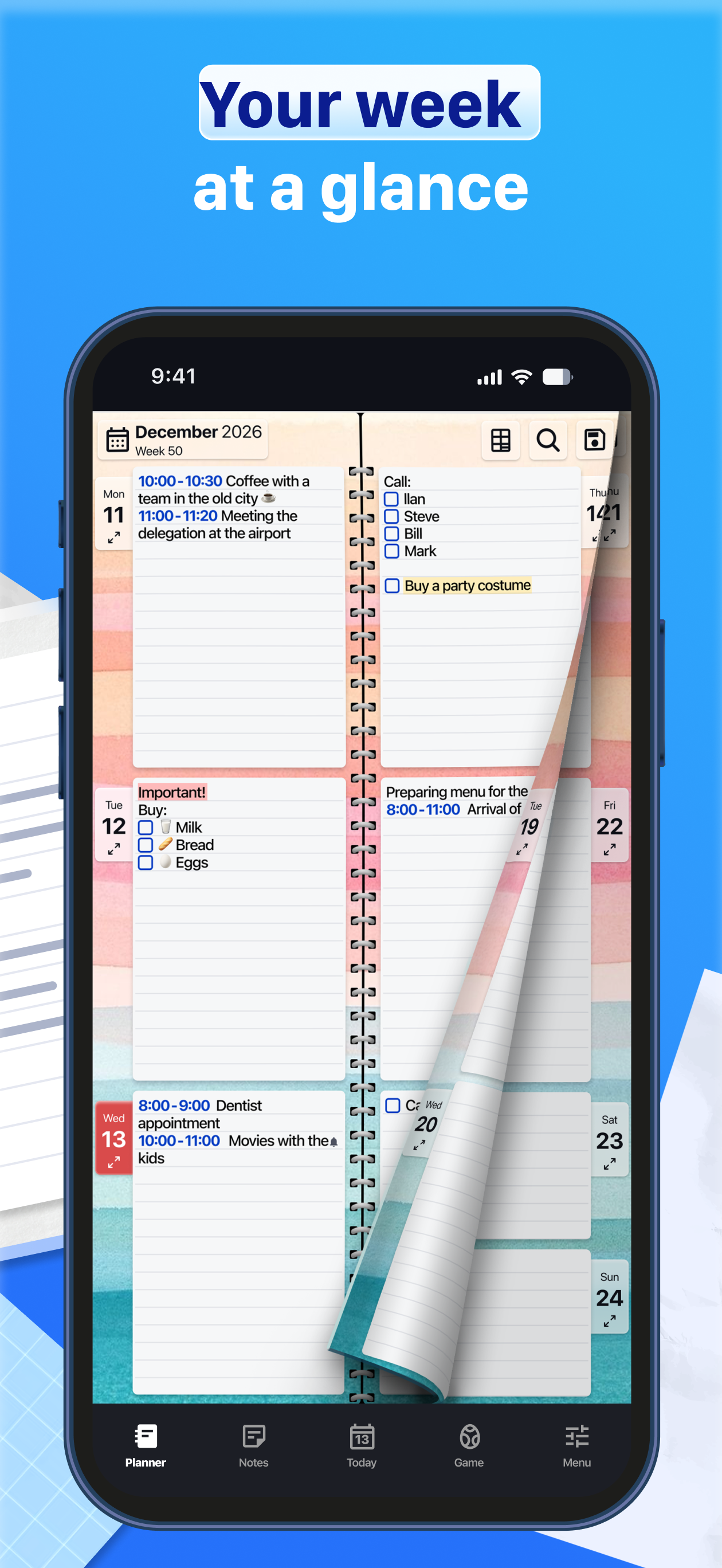
Study the product story and store experience behind the acquisition funnel.




03 / Market context
Keep revenue, downloads and store rankings separate from advertising performance.
Great journal/ planner I only have the free version right now but I plan on getting the whole thing. I love just the planner alone with out all the extras but how can you beat paying 7$ for a life time . Just a great price. Looking at all the xtra in the paid version they all seem like great options I can read small print but I did see the page get bigger when I downloaded the app . I’d like to see what that’s all about . I’ve only used for just over a week and I love it I’m gonna start my free trial soon as I get some time to really check it out. 5 stars for the planner alone. So super easy to flip to the day and jot down anything that needs remembering or maybe some you did that day you don’t wanna forgot.I’d love to be able to start buying some apps but Apple keeps over charging my credit card on everything I buy at least twice then some foreign charges no one knows where there coming from
I thoroughly enjoy the app’s font size and paper appearance options. I like that I can detail events with, if necessary, copious notes and then refer to said same from my regular monthly calendar. What I can NOT do is go to any page directly. I have to “page flick” forward or backwards to get anywhere. The FAQ section mentions icons at the top of the page — NO ICONS except the one that displays today’s date. No response when pressed or held. So, flick, flick, flicking dictates the 3-star rating. ===FLASH UPDATE=== Went back to FAQ and released I had not properly pressed the Month-Year labeling in the left corner... I subsequently was able to go forward or back in time to desired location(s). This development has caused a reevaluation...5 STARS. Thanx.
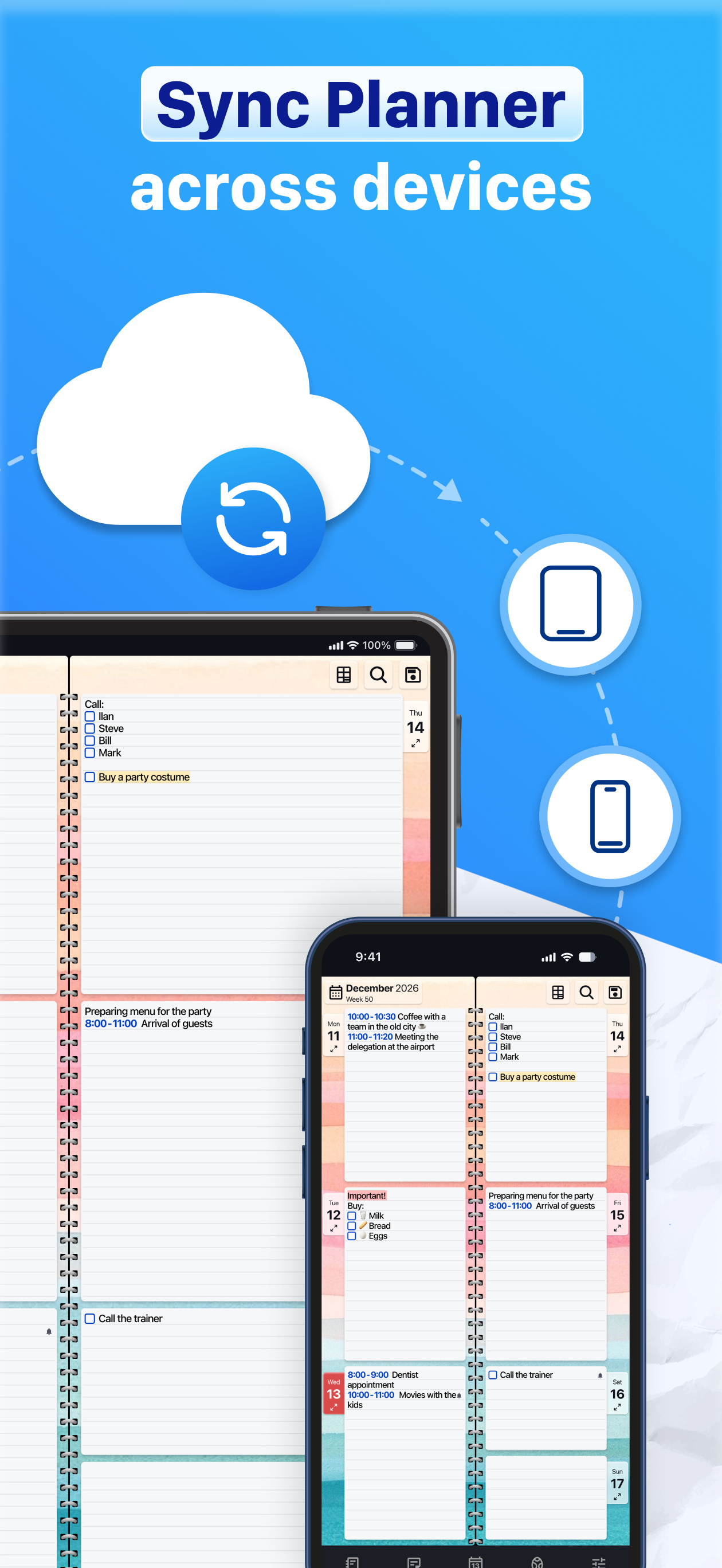
RELIABLE. sometimes I use an old iPad to take notes...there is no delay. ever. except for the quick sync to my other device, usually at the start. other apps either need to reload or I move to fast for them to process my last entry. this app takes everything I give it and as long as I hit 'DONE' I know it's there. I trust the simplicity. (others I don't use any more because their fancy updates messed up my entries or deleted them) (waaagh)...and Pages is so bloated and self important it barely opens. but that's not all. I've found that the format of the daily expandable entries, the whole week displayed as an open book, and the flipping turning pages, make it so engaging and easy to find relevant entries. I enjoy this app and am happy to have the opportunity to rate it as thank you to the developers.
Get your perfect daily planner today! Join millions of users worldwide. Looking for a reliable partner to keep your life and work organized? Our digi...
| Name | Price | Type |
|---|---|---|
| Gradients (lifetime) | $1.99 | One-time |
| Textures (lifetime) | $1.99 | One-time |
| Extra design pack - Textures | $1.99 | One-time |
| Holiday designs (lifetime) | $1.99 | One-time |
| PREMIUM 1 month | $1.99 | Monthly |
| 3D Shapes (lifetime) | $1.99 | One-time |
| Paper Planner PRO (lifetime) | $6.99 | One-time |
| PREMIUM for PRO (lifetime) | $11.99 | One-time |
| PREMIUM 1 year | $11.99 | Yearly |
| PREMIUM (lifetime) | $23.99 | One-time |