
Check the acquisition promise
Read the store headline, screenshots and description. What problem is the app promising to solve?
Study the storefront ↗
VU HO NGOC · iOS
Explore the ad evidence, study the storefront, and build your next acquisition hypothesis.
01 / Creative research
Read the store headline, screenshots and description. What problem is the app promising to solve?
Study the storefront ↗Explore apps with direct store-link matches. Compare their hooks and formats without assuming the same approach works here.
Browse observed advertisers ↗Store rankings and revenue estimates describe market context. They do not establish ad spend, conversions or ROAS.
Review the market context ↗02 / Storefront & product
Study the product story and store experience behind the acquisition funnel.




03 / Market context
Keep revenue, downloads and store rankings separate from advertising performance.
This app Is really good you can add all your information and it has cute stickers to add to your every day lists this app is definitely my favorite by far but one thing that really bugs me is that when you want to add or get more stickers you have to get coins?! And even watch ads or use money but you first start off with 20 and then you only get to watch 5 ads in a day and within all the 5 ads you watch you only get 20 more which is actually pretty decent but then you have to wait a whole day to watch 5 more again and it takes you almost 3 days to get one sticker pack (because each sticker pack is 50 coins)I really like this app and will be continuing to use it but just I hope the sticker packs can be lowered prices? even though I know in a pack you get like around 12-15 stickers which is good but for 12 stickers it’s 50 coins and for 15 stickers it’s also 50 coins so I hope they can lower the price for the less amount of stickers in a pack (: thank you for your time!!
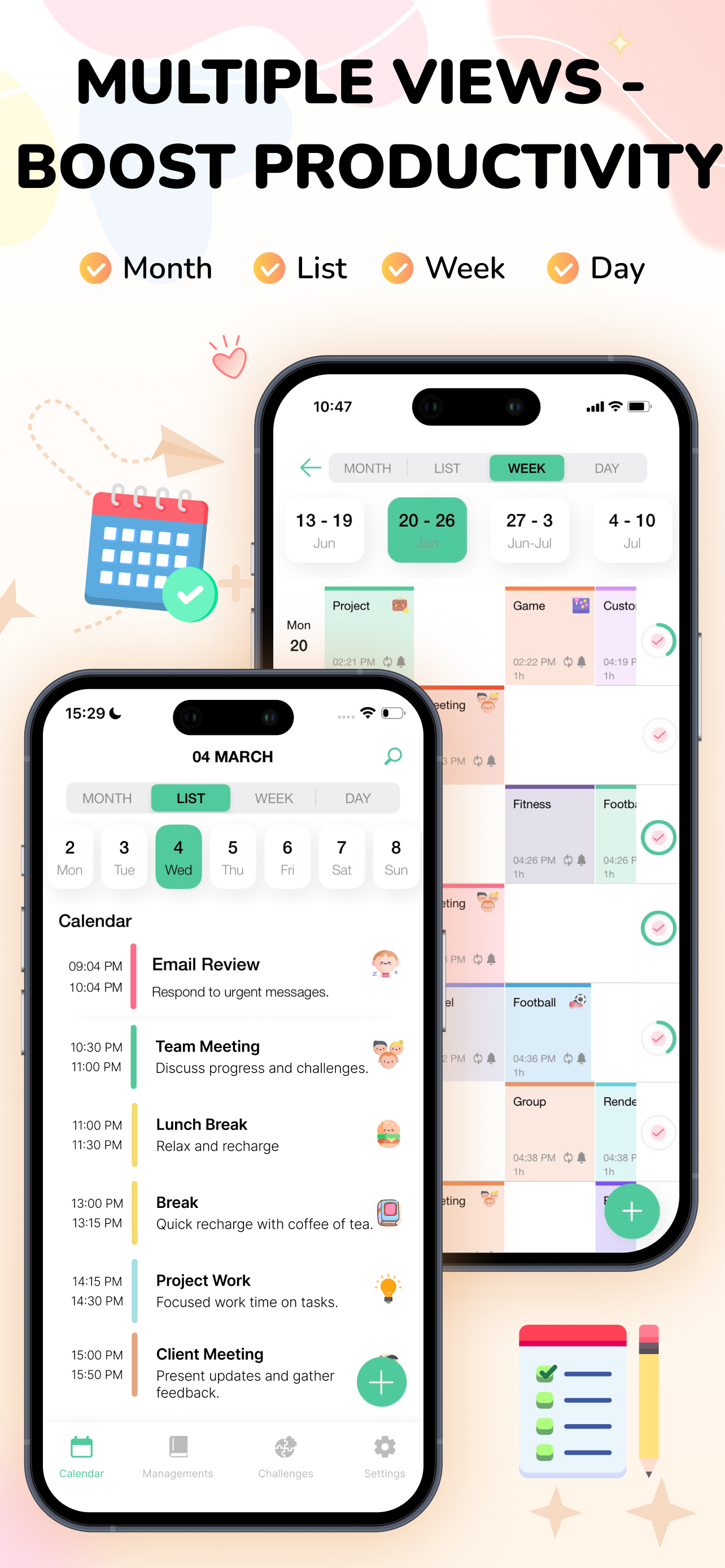
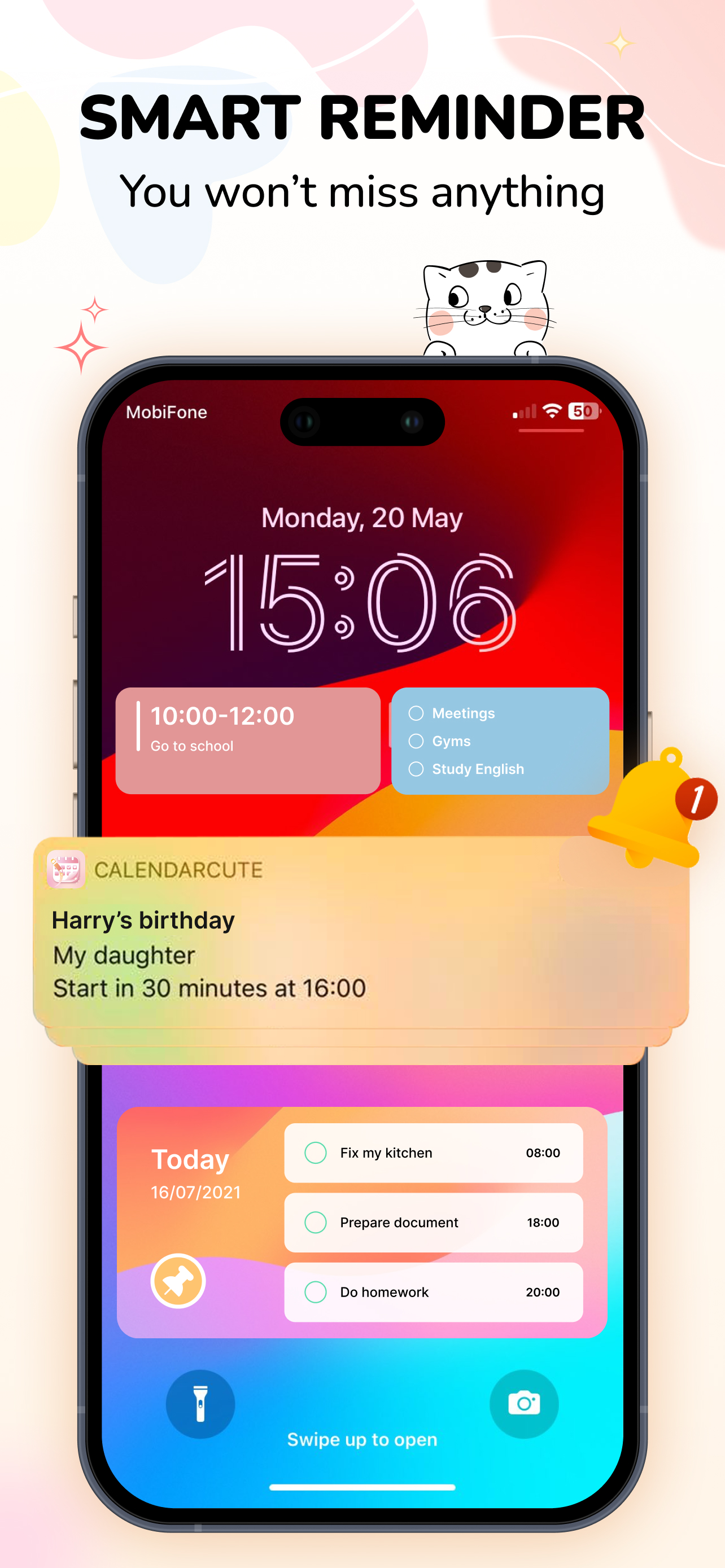
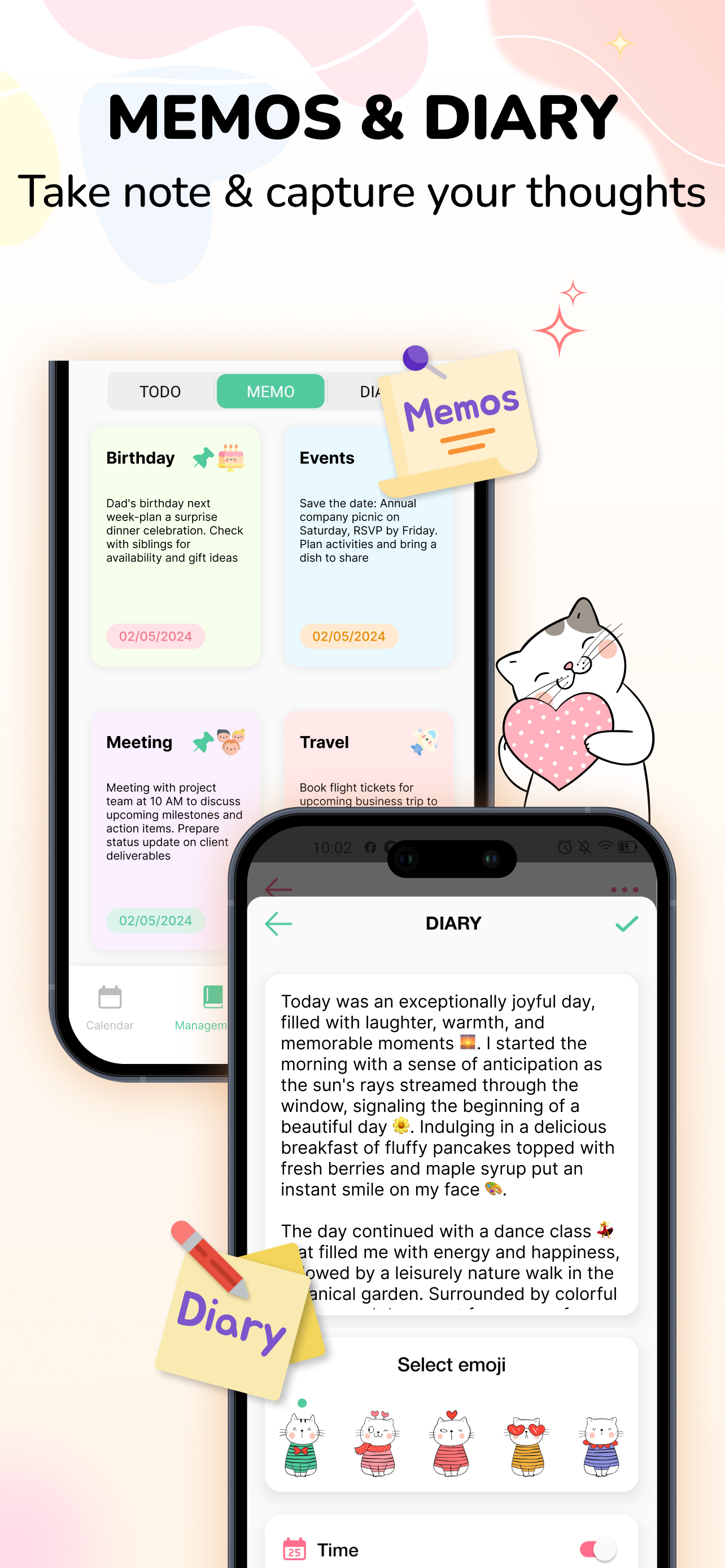
I have been look for a virtual replacement for my paper agenda planner for about a month now. Unfortunately all the ones I have found are either very expensive, or not what I am looking for. So, far this is the best of the affordable options I have found. I don’t mind paying for the full version of an app, but not more than I would pay for an actual planner. Pros: I love that it has a day, week, and month view just like a typical calendar/agenda. I love the cat theme, so cute. I use my planner mostly for work, so I love the diary/notebook option as well because I often need a place to jot notes pertaining to my work that I can look back on later. I love the widget, which is customizable, and it shows me a brief overview of my day at a quick glance. I also like the reminders 15 mins before an appointment. Overall I could totally see myself using this in place of a traditional planner/agenda. I also really like the goals/ challenges option to help keep my on track with my workouts and other habits. Cons: it could definitely use some bug fixes. I only used the reminder feature once, but I keep getting notifications that I have incomplete tasks- which I do not. I have another reminder app on my phone, so I probably won’t be using the reminder feature, but it’s a little annoying. I would really love for there to be more ways to customize the color, themes, fonts, and more stickers/emoji’s. One of the appeals of a traditional planner is to pick out the color, patterns, and put stickers on it, etc. The themes on here are cute, but slightly useless because you really can’t see them as it is only able to go behind the calendar, so it is so dimmed you really can’t see it. I would love a way to have more bold, obvious themes, or a background that is outside of the calendar. More stickers/ emoji’s would be great too. Lastly, on the day view, I wish I could choose they lay out of the tasks. They default from least recent to most recent on the month and day view- which is the opposite of how I want them. I also with the week view could be later our vertically rather than horizontally. Otherwise great app for the price. I would be much happier with my subscription if these things were fixed though.
I wanted a prettier monthly calendar app than what is out now and one that offers 1) to dos that you can categorize and make reoccur, 2) events, and 3) notes that have a separate folder to scroll through easily. This app does all of this. I recommend to try a month out to really see the specifics. For me it’s almost everything I was looking for. Is it possible for these features to be added: - Can the to dos appear on the monthly calendar page like the events? It works better for me if I can see everything in monthly format than daily. Plus it makes the app more useful in that phone calendars do not have that feature. (Honestly, I don’t need daily as I have a physical planner at home. I like the mobile calendars as my “catch all”) This is my biggest desire. - Can the color blue be added to categorize the events/to dos? It stands out from the current line up. Also, if possible non-pastel colors would be nice for those that don’t like the pastel color palette. - My last suggestion. Can reoccurring to dos be customized where you can pick 2 weeks or 4 months for example? A number scroll to pick from then choose days, weeks, months, years. Thanks so much for the unique app.
CUTE CALENDAR APP - 4.0 DIGITAL PLANNER 2026 For You The app will solve the problems and troubles that you face in managing your time and working effe...
| Name | Price | Type |
|---|---|---|
| Sticker Coin Pack 1 | $0.99 | One-time |
| Sticker Coin Pack 2 | $2.99 | One-time |
| Sticker Coin Pack 3 | $4.99 | One-time |
| Calendar VIP 1 Month | $6.99 | Monthly |
| Sticker Coin Pack 4 | $9.99 | One-time |
| Calendar VIP 1 Year Discount | $19.99 | Yearly |
| Calendar VIP 1 Year | $22.99 | Yearly |
| Calendar VIP 1 Year | $24.99 | Yearly |
| Calendar VIP Lifetime | $25.99 | One-time |
| Calendar VIP Lifetime | $34.99 | One-time |


