Check the acquisition promise
Read the store headline, screenshots and description. What problem is the app promising to solve?
Study the storefront ↗
Newkline Co., Ltd. · iOS
Explore the ad evidence, study the storefront, and build your next acquisition hypothesis.
01 / Creative research
Read the store headline, screenshots and description. What problem is the app promising to solve?
Study the storefront ↗Explore apps with direct store-link matches. Compare their hooks and formats without assuming the same approach works here.
Browse observed advertisers ↗Store rankings and revenue estimates describe market context. They do not establish ad spend, conversions or ROAS.
Review the market context ↗02 / Storefront & product
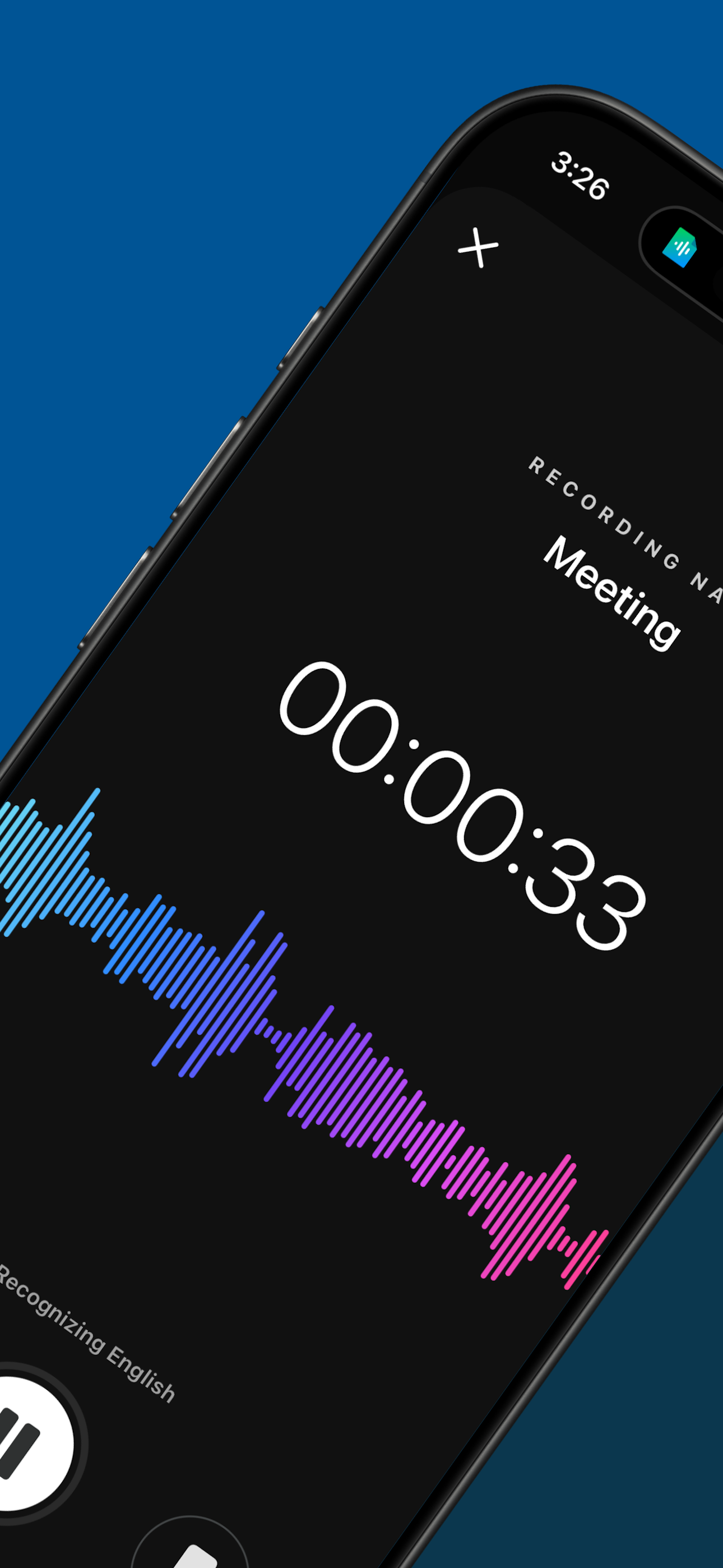
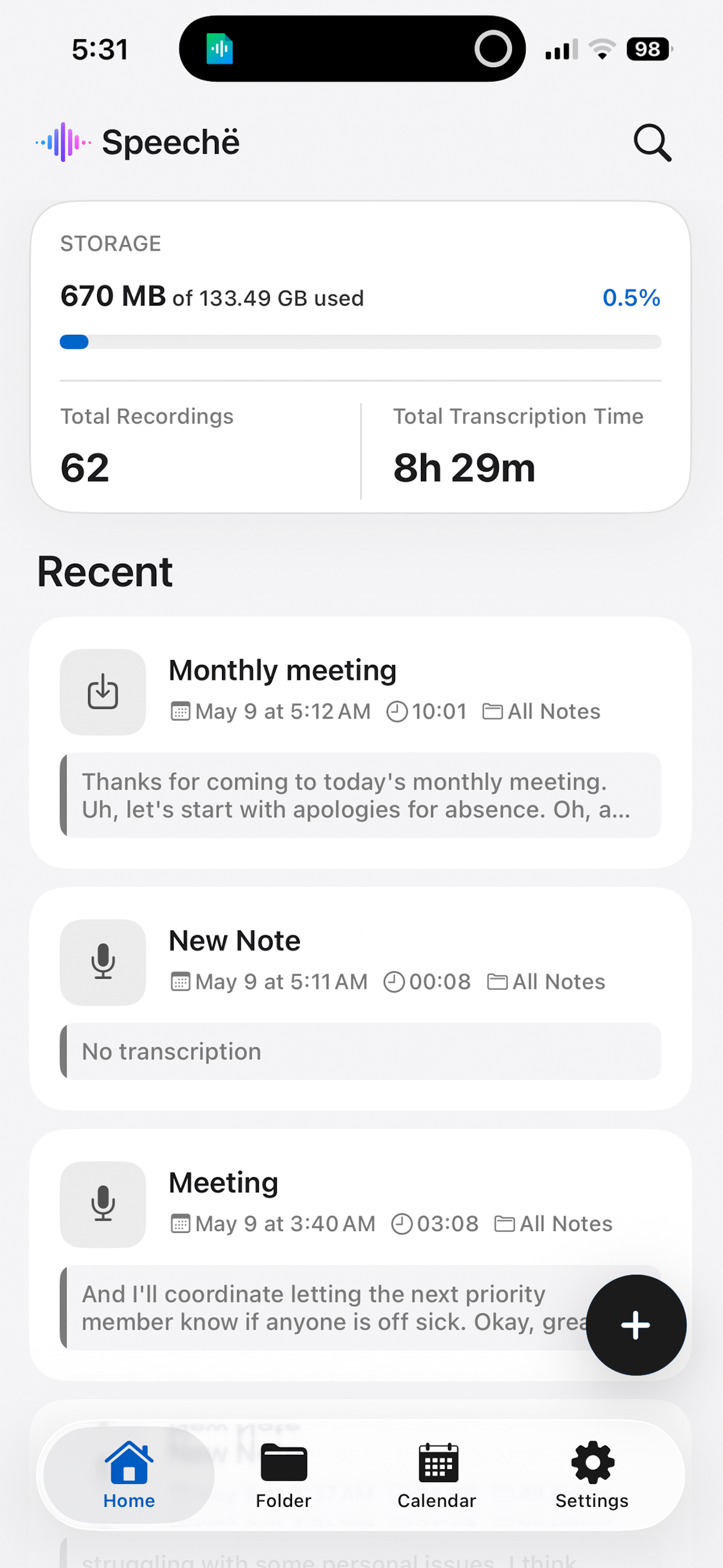
Study the product story and store experience behind the acquisition funnel.





03 / Market context
Keep revenue, downloads and store rankings separate from advertising performance.
Excellent
I tried a bunch of speech to text apps and came upon this one. It is remarkably accurate and fast. I wish it had the capability of replacing the built-in iOS speech to text feature. However, it's relatively easy to bring up with an iOS shortcut, especially on an iPad. I almost always get close to 100% dictation accuracy and it keeps up with my talking speed. From there, it's a simple copy and paste. This app also supports slide over and split screen on an iPad. I get frustrated with the built-in iOS dictation feature. Sometimes it decides not to work. Other times it does a poor job speech of recognition. And this is on a iPad Pro 11", plenty of horsepower. I'm using the latest Speeche app version on iOS 17 and I've had no problems with Speeche saving the transcribed files. It crashed once on me, but has worked fine since. I have been using it for years. You can find the text files in the "on my iPad/on my iPhone" local storage in the iOS "Files" app. The folder will be called "Speeche". The app also has an internal file management tool, including the ability of speaking the saved text. iOS 18 is supposed to include AI for certain Apple devices. I'm sure that will dramatically improve the speech to text capability. However, you need to have an iPhone 15 or newer iPad to use Apple AI. 😕. If you don't have one of these, check out Speeche. There is also a paid version that I'm sure removes the ads, but they are not intrusive in the free version. Great stuff!
The other reviews are nitpicking small details. Try the app yourself, it’s far better than the other, higher-rated apps I tried, and is making it much easier for me to communicate with my father who has significant hearing loss
Focus on the conversation, not on taking notes. Speeche turns speech and audio files into text, so you can find what matters faster. Meetings, lectur...
| Name | Price | Type |
|---|---|---|
| Premium Monthly Membership | $3.99 | Monthly |
| Premium Yearly Membership | $39.99 | Yearly |