
Check the acquisition promise
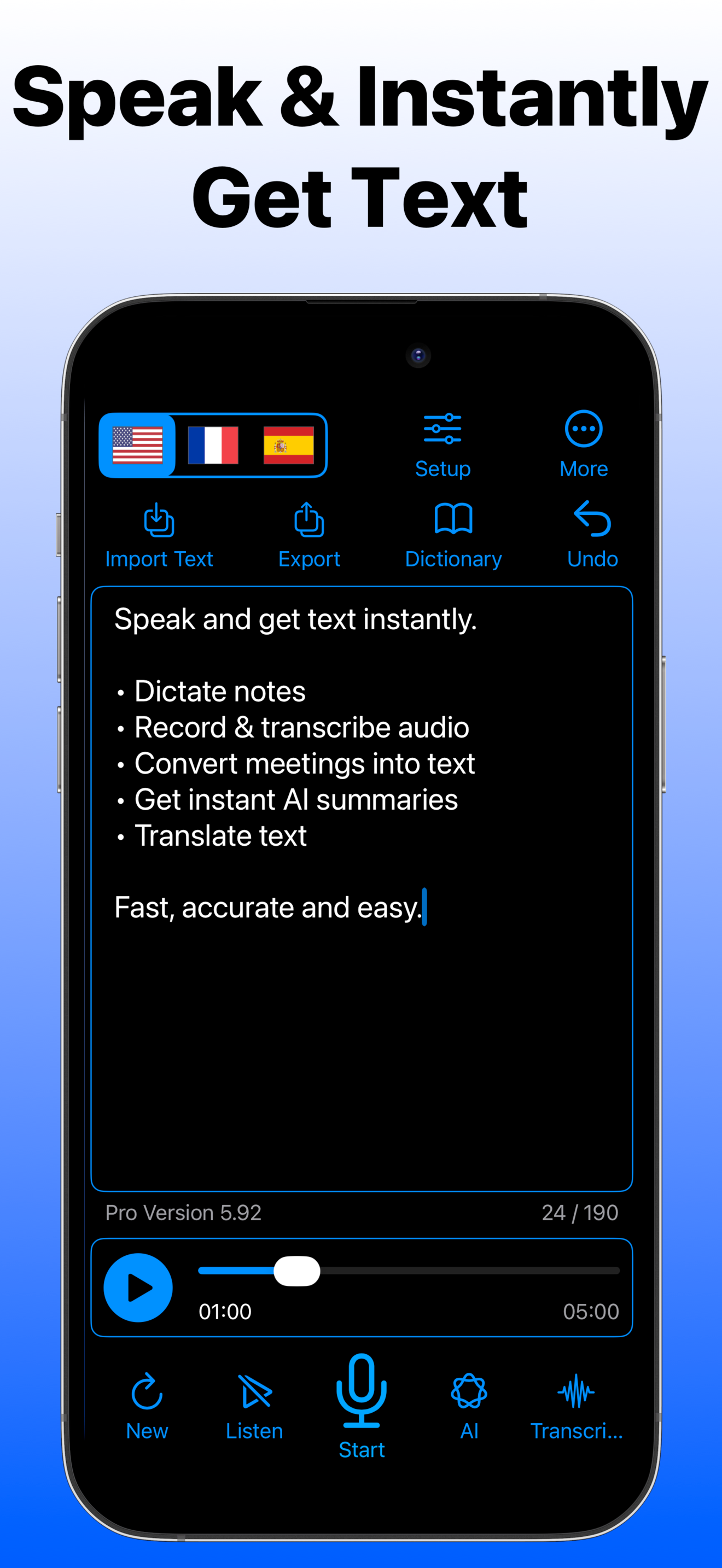
Read the store headline, screenshots and description. What problem is the app promising to solve?
Study the storefront ↗
IBN Software GmbH · iOS
Explore the ad evidence, study the storefront, and build your next acquisition hypothesis.
01 / Creative research
Read the store headline, screenshots and description. What problem is the app promising to solve?
Study the storefront ↗Explore apps with direct store-link matches. Compare their hooks and formats without assuming the same approach works here.
Browse observed advertisers ↗Store rankings and revenue estimates describe market context. They do not establish ad spend, conversions or ROAS.
Review the market context ↗02 / Storefront & product
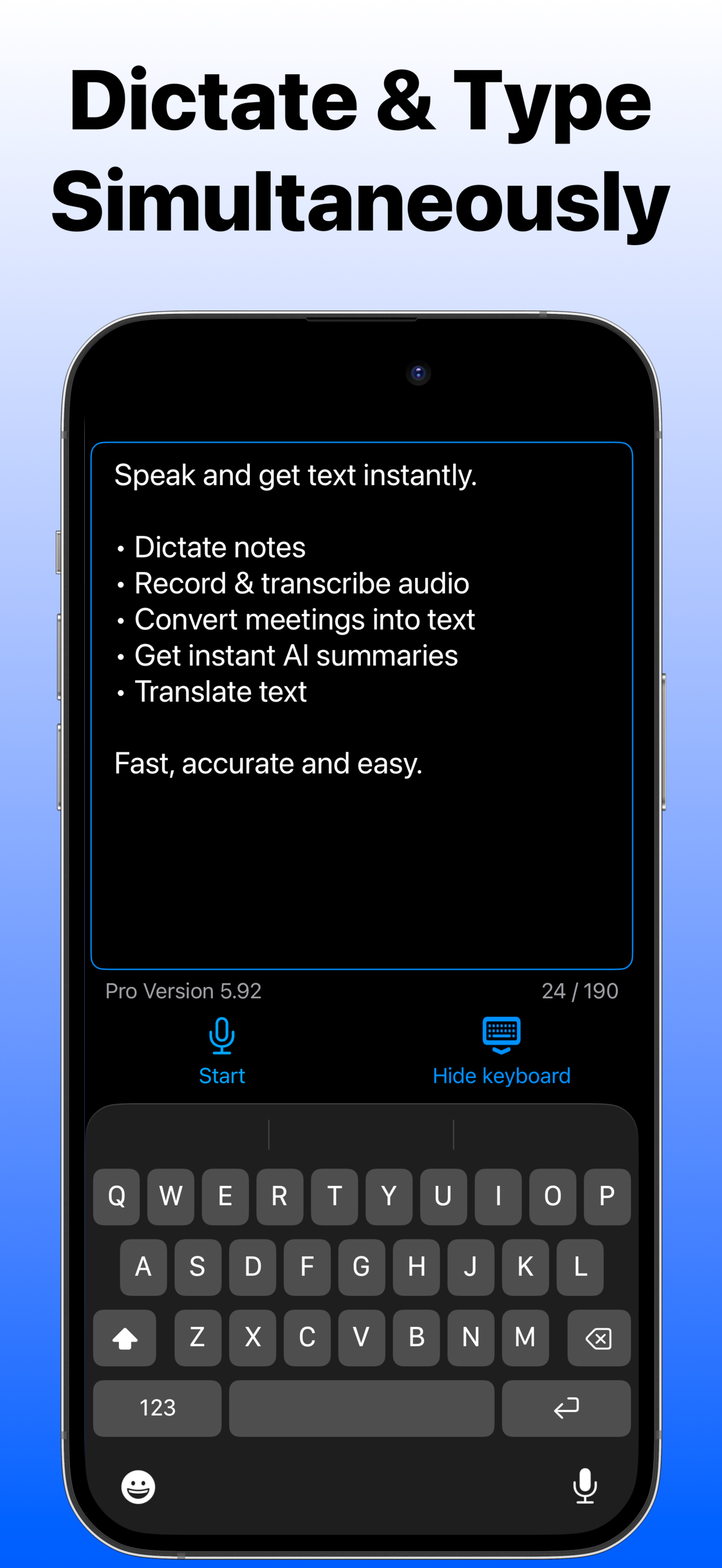
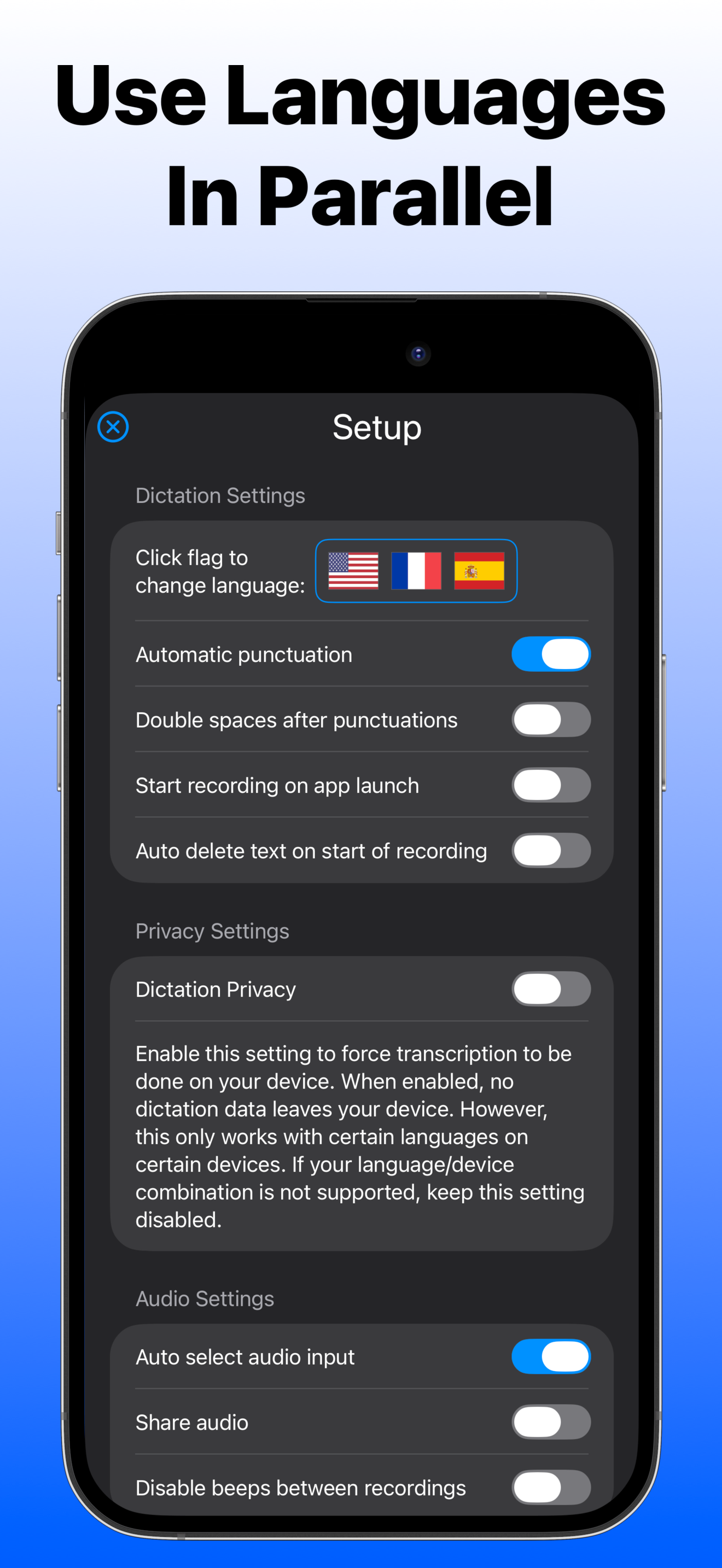
Study the product story and store experience behind the acquisition funnel.





03 / Market context
Keep revenue, downloads and store rankings separate from advertising performance.
I’ve been using this app to transcribe a large number of letters, some typed and some handwritten. The error rate is good, generally less than 5%. With a couple of OCR programs I was getting error rates on the order of 20% on typed copy, and somewhat higher on longhand items. There are some recurring, and now predictable, errors such substituting “the” for “a” about half the time, and rarely recognizing “of” as a word— “if” can be a problem, too. Must have difficulty with labial fricatives! And there are some others that tend to recur, such as not recognizing “Open parentheses, Parenthesis, or Close parentheses” as valid punctuation commands…but it does a good job of recognizing the words, and spelling them correctly! As an annoyance, it’s relatively minor… Overall, I’m happy with its performance, but there’s still room for improvement. It appears to use an AI engine for next-word prediction, but the engine is not as intelligent as it should be…not yet ready to take over the world!
I’m disabled and bought this app because I have limited use of my hands and had high hopes. As of right now it’s doing the exact same thing that it does if I were to not use the app. Every 60 seconds or so it just stops. I paid for the upgrade for the year and I don’t know what I paid for. If you click on the contact button it does nothing. It’s broken. You go nowhere. So so far I am unable to contact anyone to get help and it’s not working. I would like somebody to just contact me so I can get help. The reviews seem to state that this is a good app, so I’m guessing something is just going wrong for me. And I don’t know why the contact link leads nowhere. I need help.
I previously wrote a negative (2*) preview because after i purchased the Pro Version, I tried to set the app to do the voice-to-text in the language i selected but did not see any button or a box to confirm the selected language beside the “Dismiss” option. But after a few tries, I realized that after I selected “Setup” to choose the speech recognition language, I just needed to select “Dismiss” to go back to the interface where I can start the voice-to-text process by tapping on the red button at the bottom of the screen and just said a few words in the previously set language and saw that the speech is being transcribed in that set language. I wish there were some instructions guiding the user on how to set up the app to do the v-to-t in that language. Thus, the 4 stars instead of 5 ones.
Speak. Transcribe. Translate — instantly. Turn your voice into text, transcribe audio and video (even YouTube!), and translate speech in real time —...
| Name | Price | Type |
|---|---|---|
| Dictate Pro (1 month, iOS) | $4.99 | Monthly |
| Dictate Pro (1 week iOS/macOS) | $4.99 | Weekly |
| Dictate Pro (1 month, iOS/Mac) | $7.99 | Monthly |
| Dictate Pro (1 year, iOS) | $17.99 | Yearly |
| Dictate Pro (1 year iOS/macOS) | $22.99 | Yearly |
| Dictate (not available) | $69.99 | One-time |


