Check the acquisition promise
Read the store headline, screenshots and description. What problem is the app promising to solve?
Study the storefront ↗
Dongwook Cho · iOS
Explore the ad evidence, study the storefront, and build your next acquisition hypothesis.
01 / Creative research
Read the store headline, screenshots and description. What problem is the app promising to solve?
Study the storefront ↗Explore apps with direct store-link matches. Compare their hooks and formats without assuming the same approach works here.
Browse observed advertisers ↗Store rankings and revenue estimates describe market context. They do not establish ad spend, conversions or ROAS.
Review the market context ↗02 / Storefront & product
Study the product story and store experience behind the acquisition funnel.


03 / Market context
Keep revenue, downloads and store rankings separate from advertising performance.
Don’t delete the old video until you use some sort of frame exporter (not screenshots!) to compare the exact frame of the converted video to the original. I’ve noticed a severe drop in quality with conversion to HEVC (265) even though resolution was set to the preserve original. Otherwise great app. And without subscription, which is super rare these days. Everything is garbage subscriptions now.
I’ve used another of Dongwook Cho’s apps, HEIC2JPG, to convert HEIC picture files to jpgs. Like that app, this one is very easy and intuitive to use and works extremely well. This guy writes great apps and doesn’t gobble your privacy data. The apps just get the job done! You can’t beat the price; especially if you have a Family Sharing setup.
This works great to convert videos to/from H.264 and H.265, but unfortunately if you have a series of videos, as I did, the new files simply get new sequential filenames, so you can’t tell which files are H.264 and which are H.265. Worse, the sequential filenames are in the reverse order of the original filenames. I had a series of 20 videos in chronological order; the converted files are in reverse chronological order by filename. I would like it to convert files in the correct order and indicate in the filename whether 264 or 265. Also the option to replace the original files would be nice. It’s a real pain to manually match up which files are which and rename them properly.
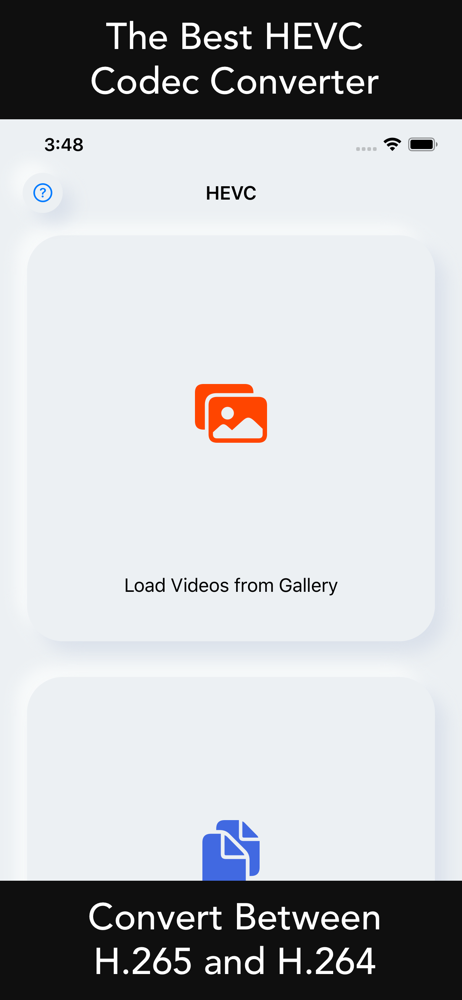
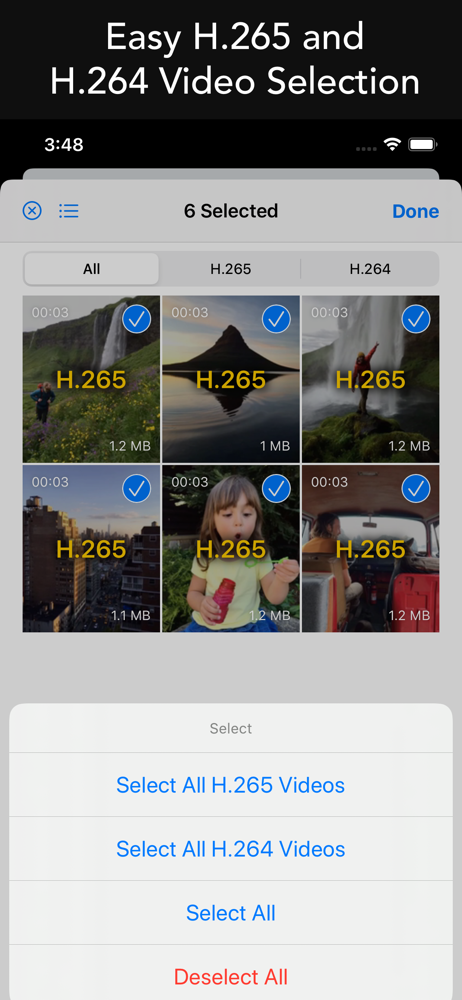
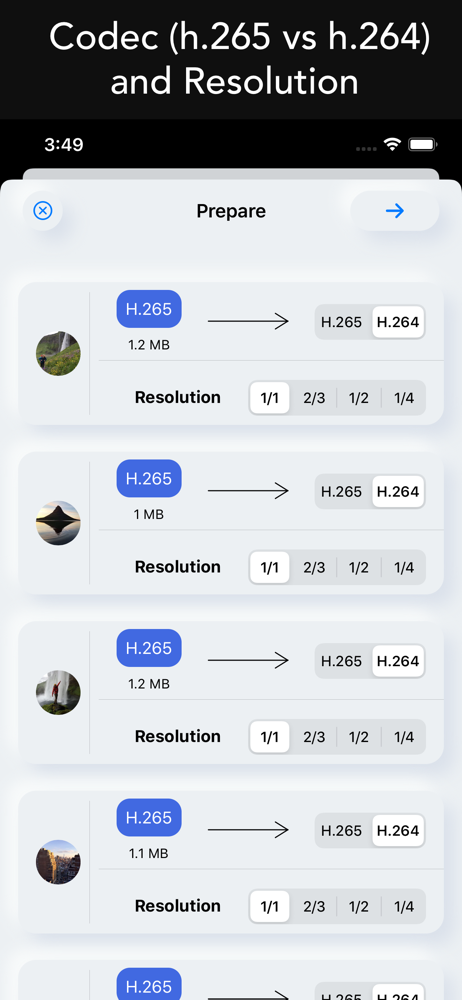
[HEVC] enables you to cross convert codec of H.265 and H.264 video files. You can convert H.265 videos to H.264 videos for better compatability. You...