Check the acquisition promise
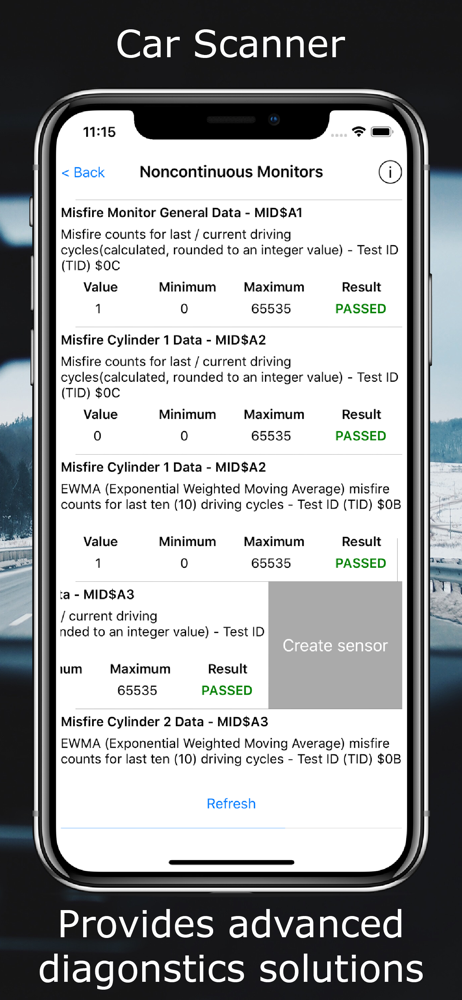
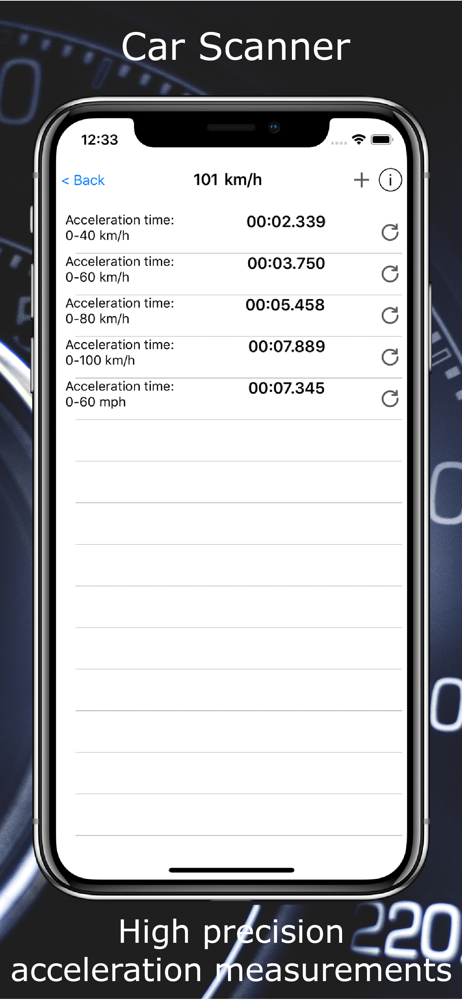
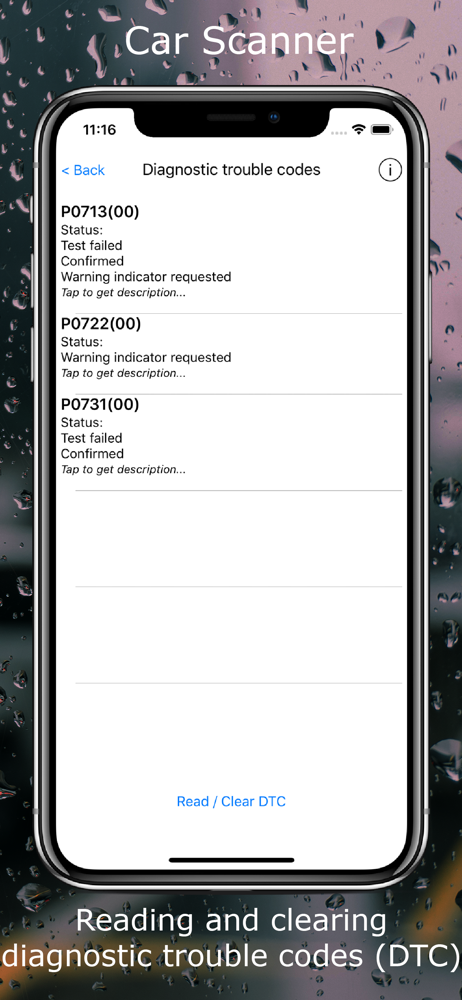
Read the store headline, screenshots and description. What problem is the app promising to solve?
Study the storefront ↗
Stanislav Svistunov · iOS
Explore the ad evidence, study the storefront, and build your next acquisition hypothesis.
01 / Creative research
Read the store headline, screenshots and description. What problem is the app promising to solve?
Study the storefront ↗Explore apps with direct store-link matches. Compare their hooks and formats without assuming the same approach works here.
Browse observed advertisers ↗Store rankings and revenue estimates describe market context. They do not establish ad spend, conversions or ROAS.
Review the market context ↗02 / Storefront & product
Study the product story and store experience behind the acquisition funnel.

03 / Market context
Keep revenue, downloads and store rankings separate from advertising performance.
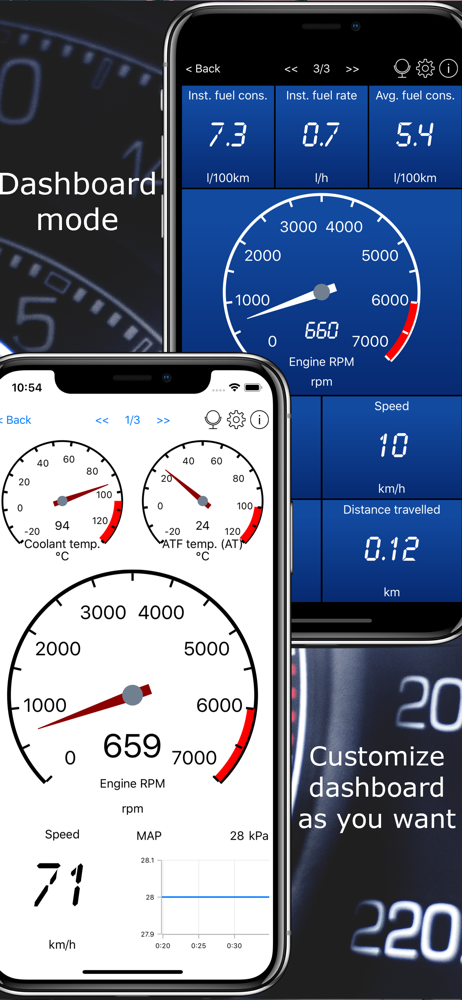
Extremely easy setup and extremely user friendly GUI display builder. Has many default display builds but the best is the user defined display builder. Allows placing and sizing and it doesn’t need to be connected to build, just run the demo and build from there. Also has numerous gauge types including digital, bar, graph and gauge. Set your own yellow and red limits, data ranges, colors and warning tones. Record the data and view post-recording graphically on a single plot for data comparison or separate plots. Or plot multiple parameters while viewing the position data on Map. Then export the data in CSV for detailed review. Finally, collect statistics for your recorded data. Oh, and you can have multiple configurations for multiple cars, and it remembers the settings for each. There really isn’t anything like this other than what I use at work for real time monitoring of flight test data. Totally recommend purchasing and opening up the full capability of this software. The only recommendations I would request to be added, 1) The ability to define a default set of plots to view post-recording and setting default scale values for each plot. 2) Allowing multiple parameters of similar values on a single gauge display. For example, instant and total MPG on one gauge with 2 separate needles of different color, or both Cat Temp sensors similarly.
i have used for a year now and i have to say YES!!!! i am using the Micro Mechanic bluetooth device and i drive a 2005 Chevrolet Equinox Gen 1. i get super useful info and customizations options for meta info i want to see and when and how in want to see it. this app is a must have if you plan on taking your car to the next level of dependability. many great features and scanning service options. maybe this is not the app for everyone but its the ONLY app that not only has the Acey McGee seal of approval but i also personally purchased the app after about a month of demo. i was not disappointed. as always try it out first and see if it works for your car. on my setup i usually have to turn the key to the on position open the app and hit connect the i hit disconnect and unplug the Micro Mechanic and plug back in then click connect and its ready to take me to the heart of the Car. 100% recommend the premium version. tell them Acey McGee sent you. it may not get you anything special but it will give you and them piece of mind. i am the type to leave honest reviews and nothing before 81 hrs of continuous use. this app got a year of paid tryouts and it is the most guilt free purchase i ever made after. keep it running and keep it healthy. this app is the tool for the diagnostic job so to speak. you friend Acey McGee saying this is my Goto every step of the way. on every trip. temp speed fuel use. it has it all. give it a try and tell everyone what you honestly think.
I’ve always worked on my own vehicles since my very first car, a 1982 Mazda RX7...if there’s one thing that I’ve learned from my experience, using proper tools always made any repair that much easier. This includes having access to a Chilton or Haynes repair manual, IF you happen to enjoy getting your hands dirty! But, owning a car can be mighty stressful when those check engine lights begins flashing and you’re dreading that trip to the car dealership. Well, thanks to the EPA and SAE standards for OBD-II, you can get the same information that your certified mechanics use to access from your vehicles onboard computer/s. You may not do you own repairs, BUT being informed why your check engine lights are on can save you hundreds if not thousands of dollars by being educated ahead of time! This inexpensive WiFi OBD-II reader is the second one I’ve owned. My 1st (Different Brand) cost me several hundred dollars and doesn’t provide me the ease of use that this unit can! I can toss this in my glove box and have access to it in seconds flat...paired with your smartphone, you can access engine codes, see potential problems and solutions for less than the cost of an oil change. So what are you waiting for???
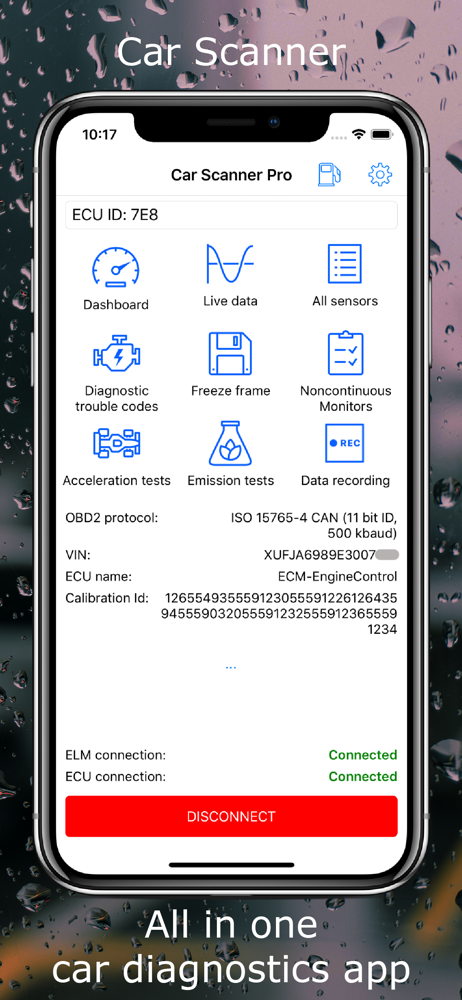
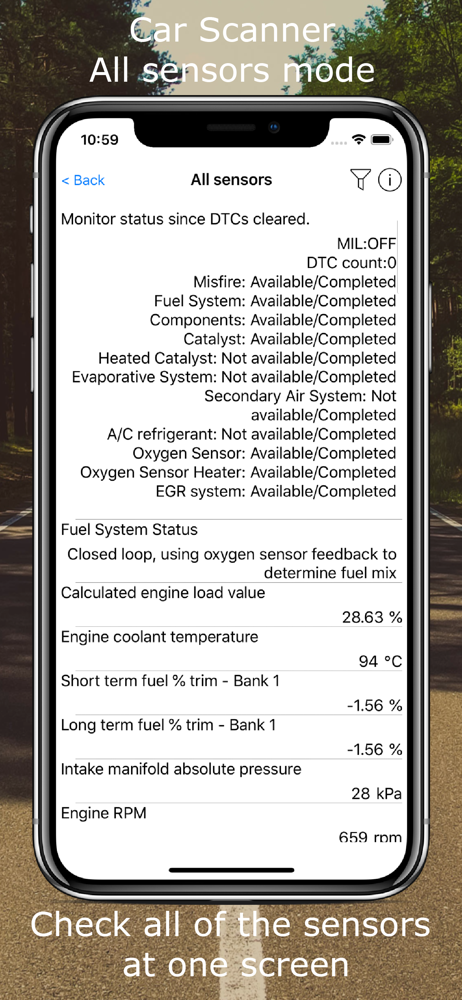
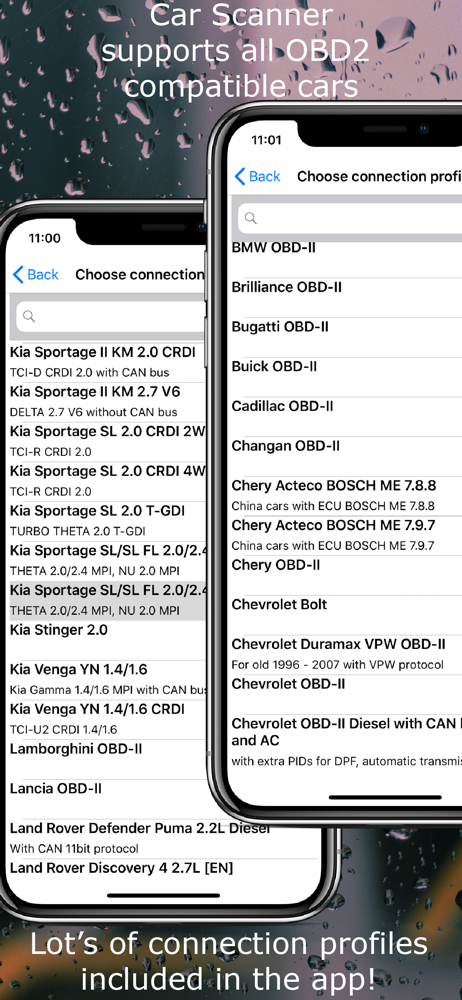
Check what your car is doing in realtime, get OBD fault codes, car performance, sensor data and more! Car Scanner is a vehicle / car performance / tri...
| Name | Price | Type |
|---|---|---|
| Car Scanner Pro (6 months) | $3.99 | Semi-Annual |
| Car Scanner Pro (1 year) | $4.99 | Yearly |
| Car Scanner Pro (mid price) | $6.99 | One-time |
| Car Scanner Pro (low price) | $6.99 | One-time |
| Car Scanner Pro (forever) | $7.99 | One-time |