
Check the acquisition promise
Read the store headline, screenshots and description. What problem is the app promising to solve?
Study the storefront ↗
Paul Boyce · iOS
Explore the ad evidence, study the storefront, and build your next acquisition hypothesis.
01 / Creative research
Read the store headline, screenshots and description. What problem is the app promising to solve?
Study the storefront ↗Explore apps with direct store-link matches. Compare their hooks and formats without assuming the same approach works here.
Browse observed advertisers ↗Store rankings and revenue estimates describe market context. They do not establish ad spend, conversions or ROAS.
Review the market context ↗02 / Storefront & product
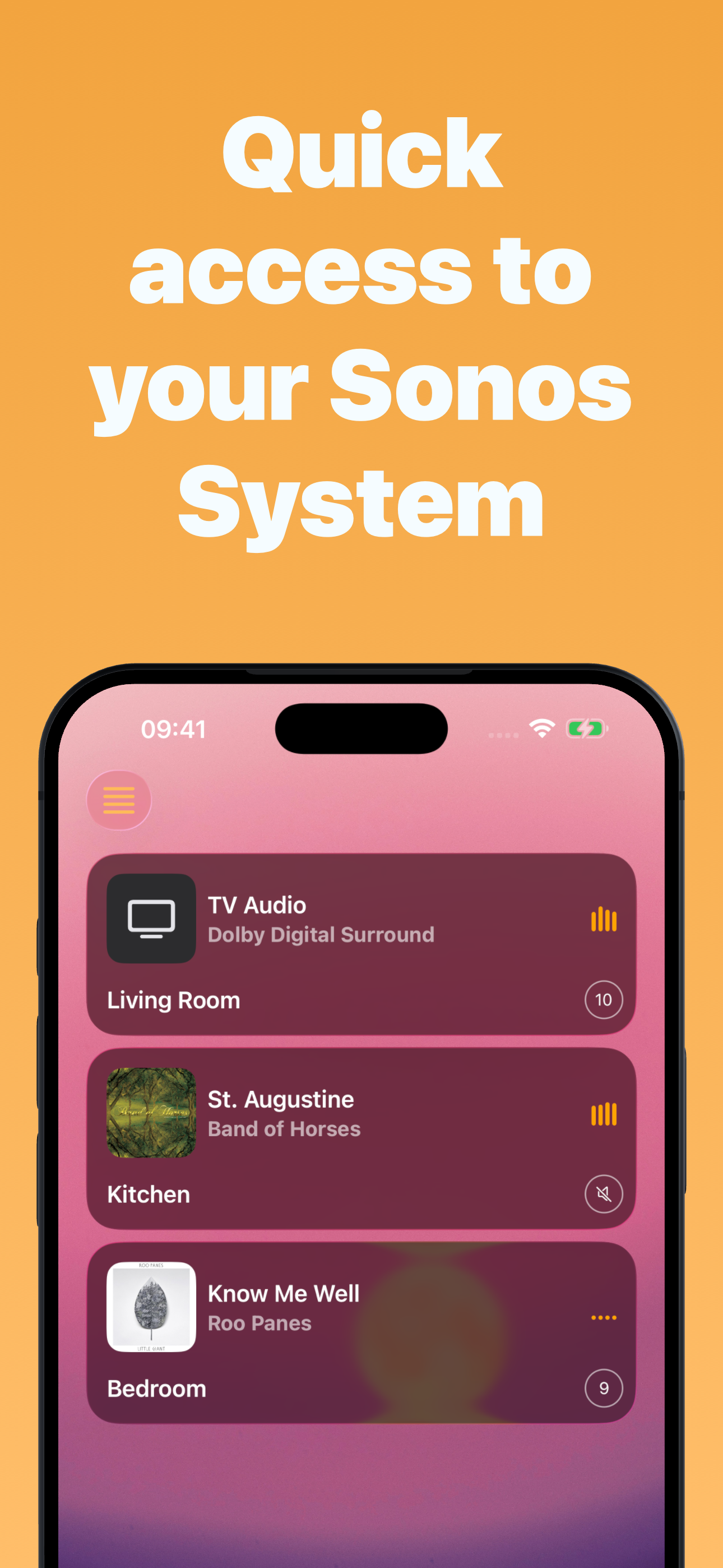
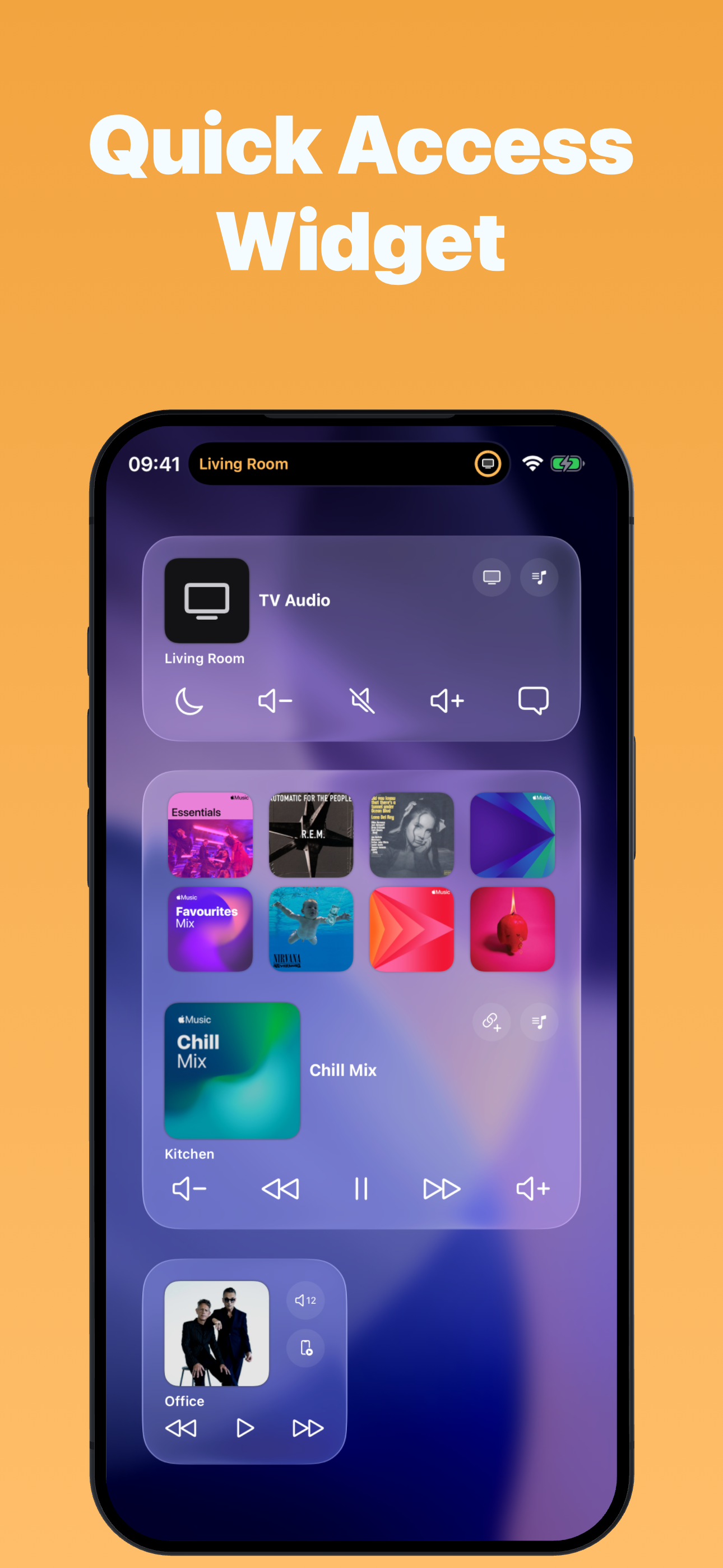
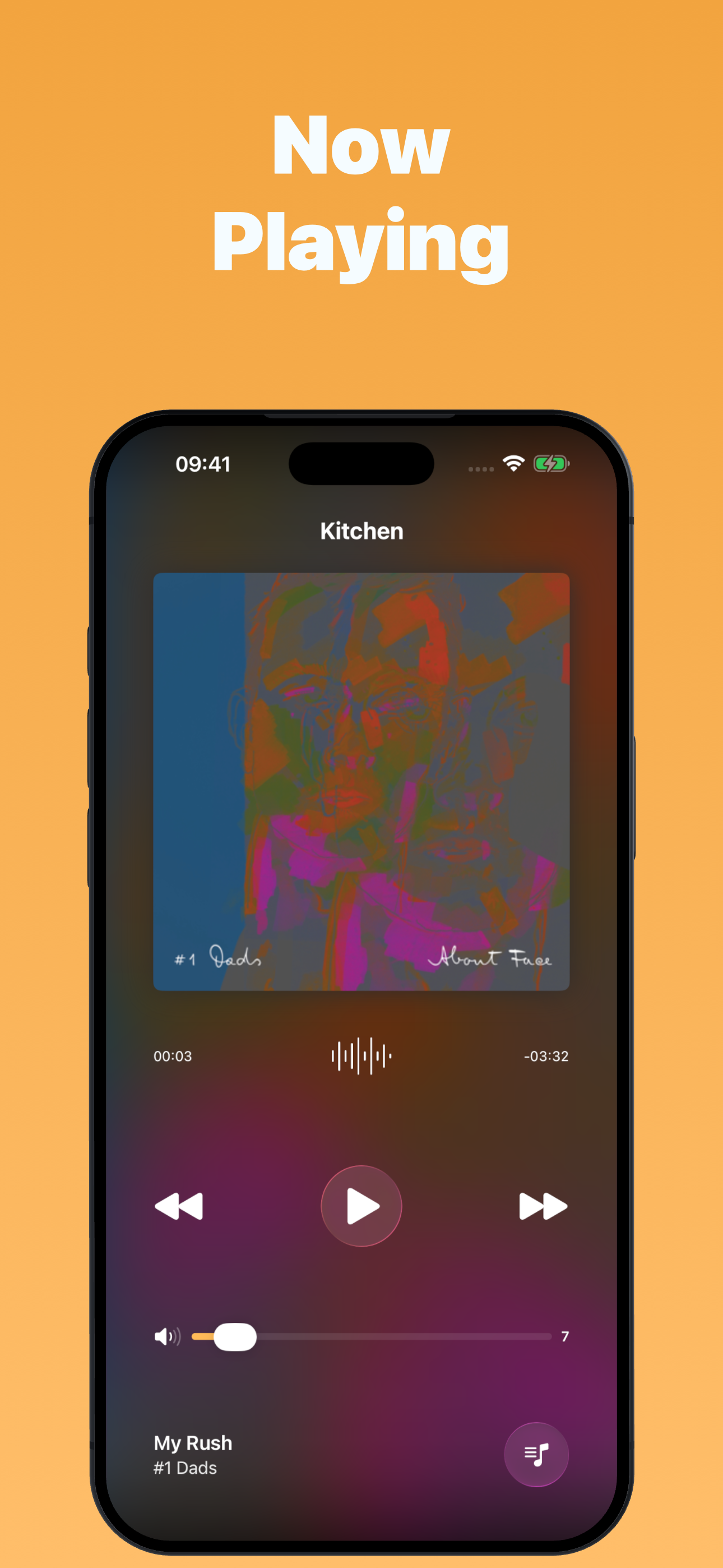
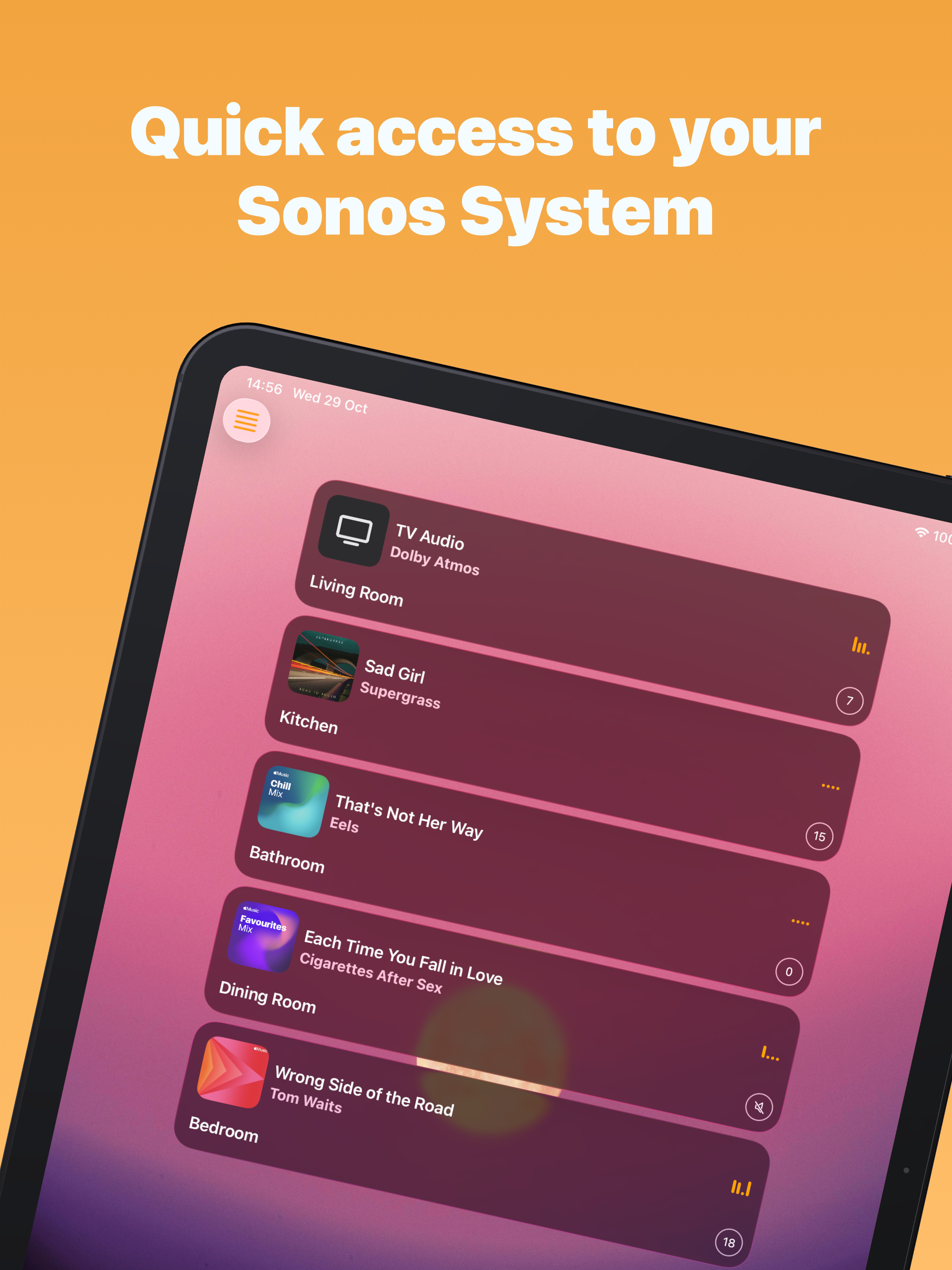
Study the product story and store experience behind the acquisition funnel.




03 / Market context
Keep revenue, downloads and store rankings separate from advertising performance.
I bought this for one feature: control of already playing music from home and lock screen. The new 2.0 release replaced the useful old style widget with a new style widget that only launches favorites, AND did not update the help or announce this so I spent a bunch of time scratching my head and playing with settings trying to figure out why the documented thing that used to work does not work. Bring back the old widget please. Update: old widget is still there after device reboot. This is the case documented in the help, but the help didn’t make it clear to me that “unable to load” meant the widget is entirely and silently missing from the list of widgets to add, as opposed to the widget is added but doesn’t show up on the today screen or shows up with an error. Even after reading the help carefully I had no idea this was describing the state I was in. The iOS widget configuration isn’t really the dev’s fault but it’s still a really clunky experience.
Seems like a good app and definitely should fill a need for sonos but I could never get iOS14 to recognize app in today widgets. I understood that it would not be on the Home Screen but I understood from the description that it could be added to the swipe right today widgets. This may be possible but I couldn’t seem to get it to work even with restarting the phone several times. Okay finally figured it out. In iOS 14 after hitting the edit button on the bottom of the widgets you must again scroll all the way down to the book of the widgets and hit the customize button. Got it to work and am updating rating
I wanted to update my previous 2 star review and change it to 4 stars. After reading a poor review where the developer reminded that reviewer to tap on the name of the room to select the room, and only tap on the button to group the rooms. I realized this was my issue. Once I saw that and tested it, the app worked as advertised. It’s quite nice. If I have one quibble it’s that it wasn’t that clear to me that this was my problem.
Take control of your Sonos system with powerful widgets, live activities, and shortcuts—right from your iPhone or iPad. Instant playback and volume co...
| Name | Price | Type |
|---|---|---|
| Monthly | $0.99 | Monthly |
| Yearly | $2.99 | Yearly |
| Buy Once | $9.99 | One-time |


