Check the acquisition promise
Read the store headline, screenshots and description. What problem is the app promising to solve?
Study the storefront ↗
Sena Technologies · iOS
Explore the ad evidence, study the storefront, and build your next acquisition hypothesis.
01 / Creative research
Read the store headline, screenshots and description. What problem is the app promising to solve?
Study the storefront ↗Explore apps with direct store-link matches. Compare their hooks and formats without assuming the same approach works here.
Browse observed advertisers ↗Store rankings and revenue estimates describe market context. They do not establish ad spend, conversions or ROAS.
Review the market context ↗02 / Storefront & product
Study the product story and store experience behind the acquisition funnel.


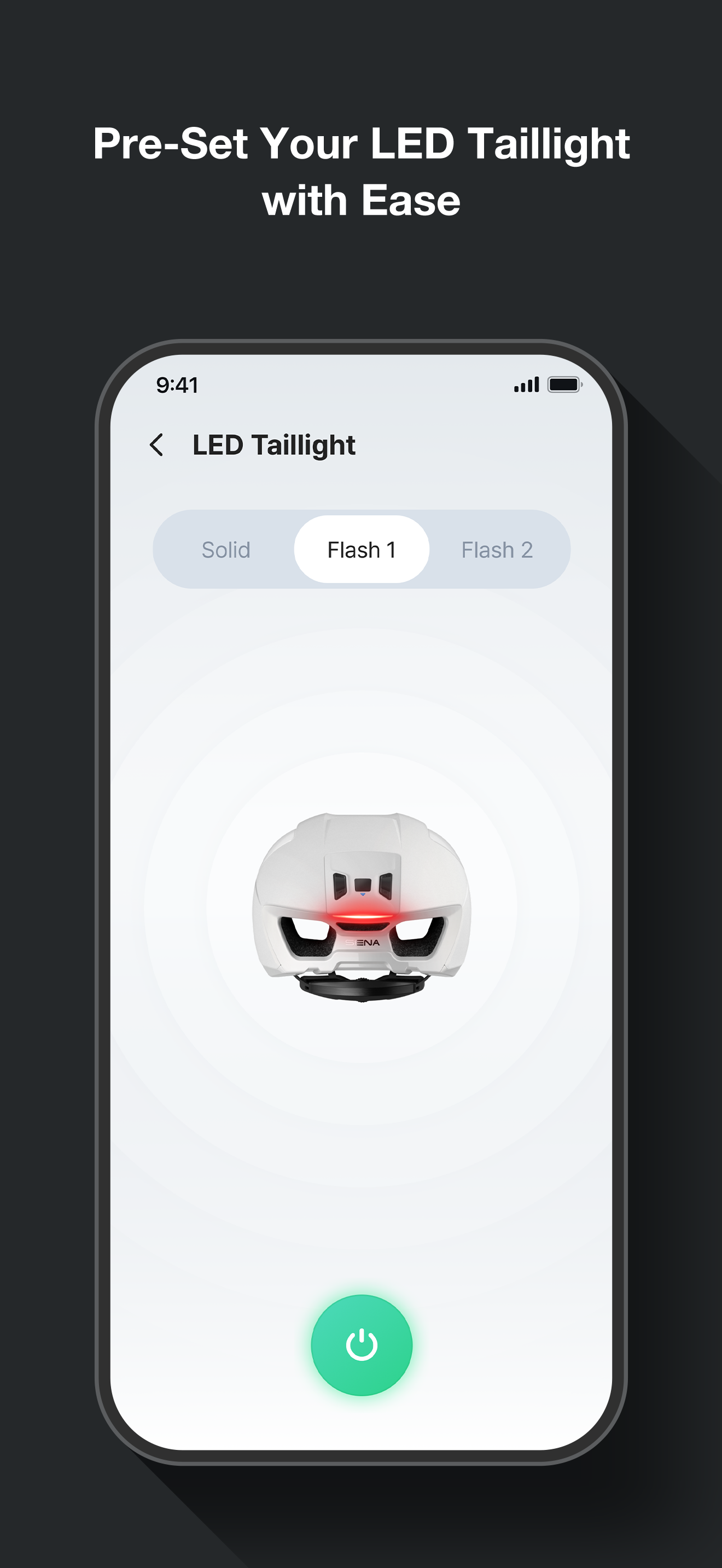
03 / Market context
Keep revenue, downloads and store rankings separate from advertising performance.
This app actually makes the functionality of the headsets worse. You kinda get led down the path of believing that you can have all the functionality of the connection to your phone (listen to GPS, music, take calls etc.), and still use the intercom. This isn’t the case. If I start listening to music, I’m effectively turning off the mesh network for my device and can no longer receive audio from the other user, nor send audio. It actually makes it kind of dangerous. The devices work well on their own as an intercom system, but by pairing them to your phone it complicates the use of them and makes them worse. I’d only pair with the device to do a firmware update if absolutely necessary, then go back into the iOS settings and click the “forget device” option to ensure you don’t end up in a situation where you might miss out on critical information from other riders.
Two stars for this with my R2 EVO for one reason: out of the box, the helmet app would not set up the helmet. How I resolved this? My helmet shipped with firmware 2.0.2 and it would just "spin" in the app when setting up, despite it being connected. I updated the helmet firmware to 2.0.7 using a computer and retried - that did not resolve it. I unpaired the helmet from my phone and re-paired it. The helmet version then showed up as 2.0.7 in the Bluetooth name. That didn't resolve it. I deleted and reinstalled this application after doing (in this order): 1. Update the helmet firmware on a computer. 2. Install this app. 3. Run setup in this app. After that point, the app found my helmet and was able to successfully pair. It seems that the current version of this app has problems connecting to helmets with older firmware. If this happens to you - try these steps. The application is working fine for me now.
We just got our helmets and when trying to connect the intercom, received a message to upgrade software on our device. The menu has no further information or way to do it on the app. We had to search out instructions online (not immediately easy) and then update via a computer. It would be good if you had easy instructions on the app menu how to do this. Also no way to remove a device for intercoms once it’s been added. I presume you can replace it when the time comes but the app is not intuitive or easy with certain things. Very frustrating to keep receiving pop up messages about update with no information how to do it. I don’t carry a computer when I’m biking so this all had to wait until we returned home.
"*Note: The Sena Cycling App is compatible with Sena's bicycle helmets and communications systems for bicyclists. Enjoy your experience with Sena Cyc...