Check the acquisition promise
Read the store headline, screenshots and description. What problem is the app promising to solve?
Study the storefront ↗
振峰 皮 · iOS
Explore the ad evidence, study the storefront, and build your next acquisition hypothesis.
01 / Creative research
Read the store headline, screenshots and description. What problem is the app promising to solve?
Study the storefront ↗Explore apps with direct store-link matches. Compare their hooks and formats without assuming the same approach works here.
Browse observed advertisers ↗Store rankings and revenue estimates describe market context. They do not establish ad spend, conversions or ROAS.
Review the market context ↗02 / Storefront & product
Study the product story and store experience behind the acquisition funnel.




03 / Market context
Keep revenue, downloads and store rankings separate from advertising performance.
This app was unreliable and temperamental when using it with my iPhone 14 Pro. I use it to view pics/vids from a Bushnell trail camera. I upgraded to an iPhone 15 Pro and the app doesn’t seem to work at all. The iPhone 15 used a USB-C which appears to have some contribution to this issue. However, the app itself has issues opening files to view despite that change. Not cool!
I’ve been through 4 SD cards now for my trail cameras, using this app to view them. After about the 2nd or 3rd time I view the images and delete from the card using the app, each card then registers “SDCard ERROR” in my cameras and no longer works. I’m not sure if somehow the way the app is deleting images is corrupting the cards, or if it’s something else. That’s my only complaint. That, and I have not seen a tab to “eject” the cards from the app before unplugging them, which I do have on my computer. Otherwise it’s nice and works well.
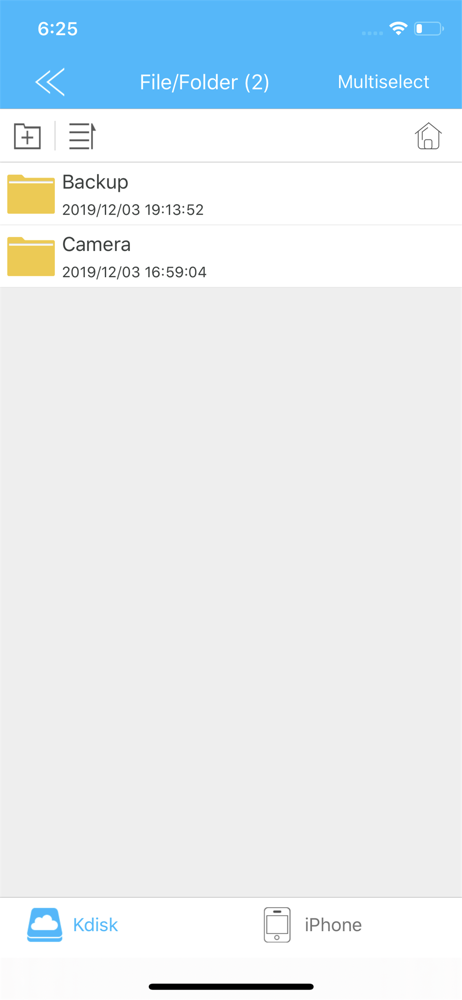
Lots of bad reviews on this app. It works perfectly fine on my iPhone. I did not read the instructions for the HME 4-1 card reader for game camera’s. I looked at all my game camera photos. I deleted the ones I didn’t want. I do a lot of moving one sd card to another so I tried it. I copied all the photos make sure you go all the way to the bottom to load all of them off the original sims that was in the camera you took out. Then put select all, copy into iPhone document folder make a folder name. Then pull the sd card out. Close app out then go put your other sims in the Kdisk I added a folder same name as iPhone folder on this sd card in documents In Kdisk then go in iPhone documents then copy all to move them to Kdisk document folders to move on the other sd card. I think it’s very complicated and probably is a lot of user error. I’m happy it’s faster than my old one I have so I hope it keeps on working.
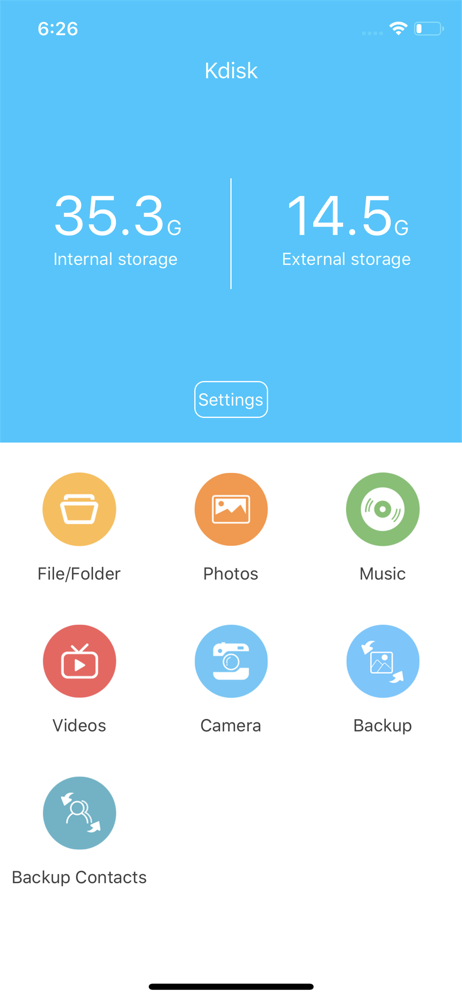
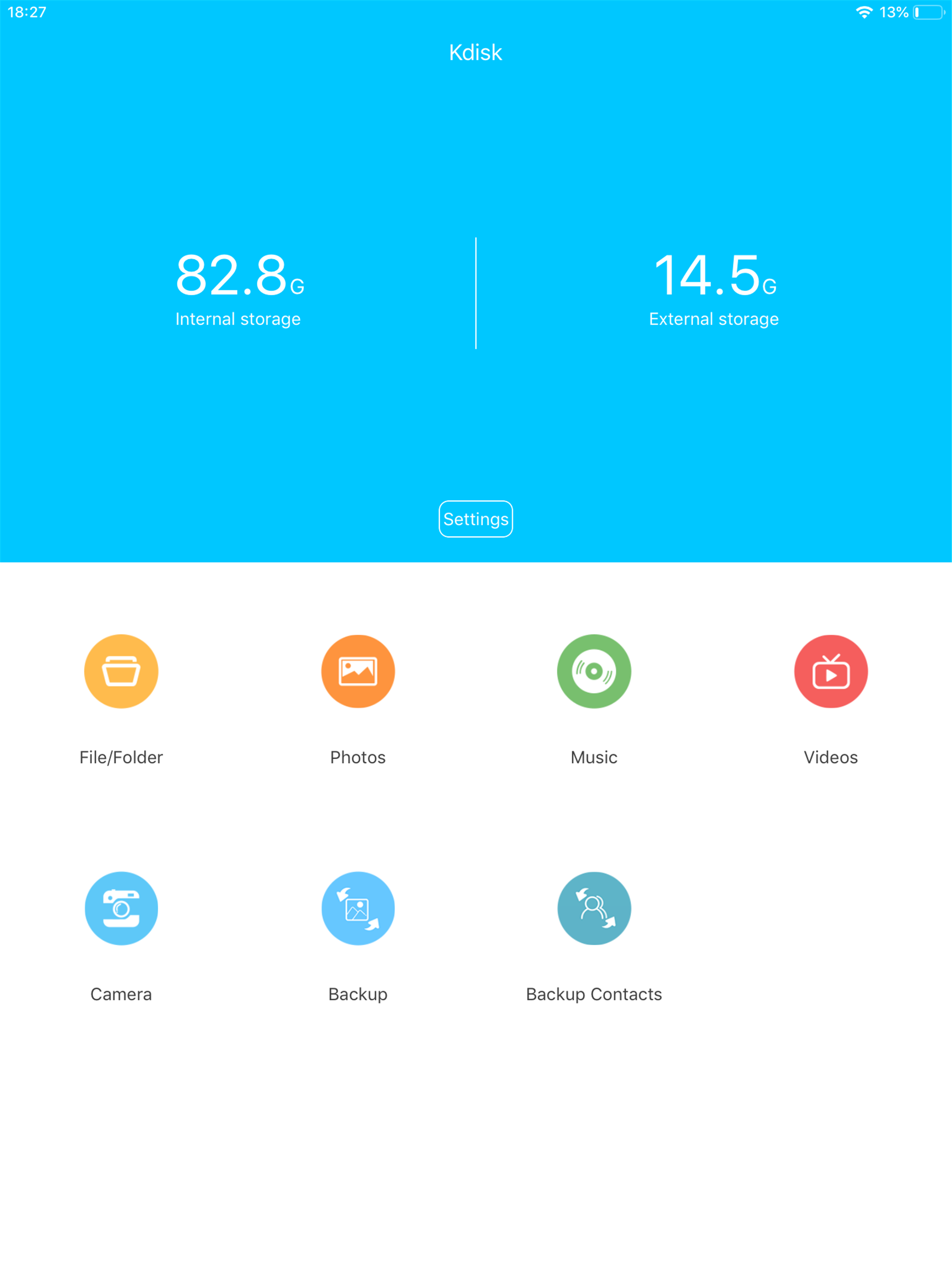
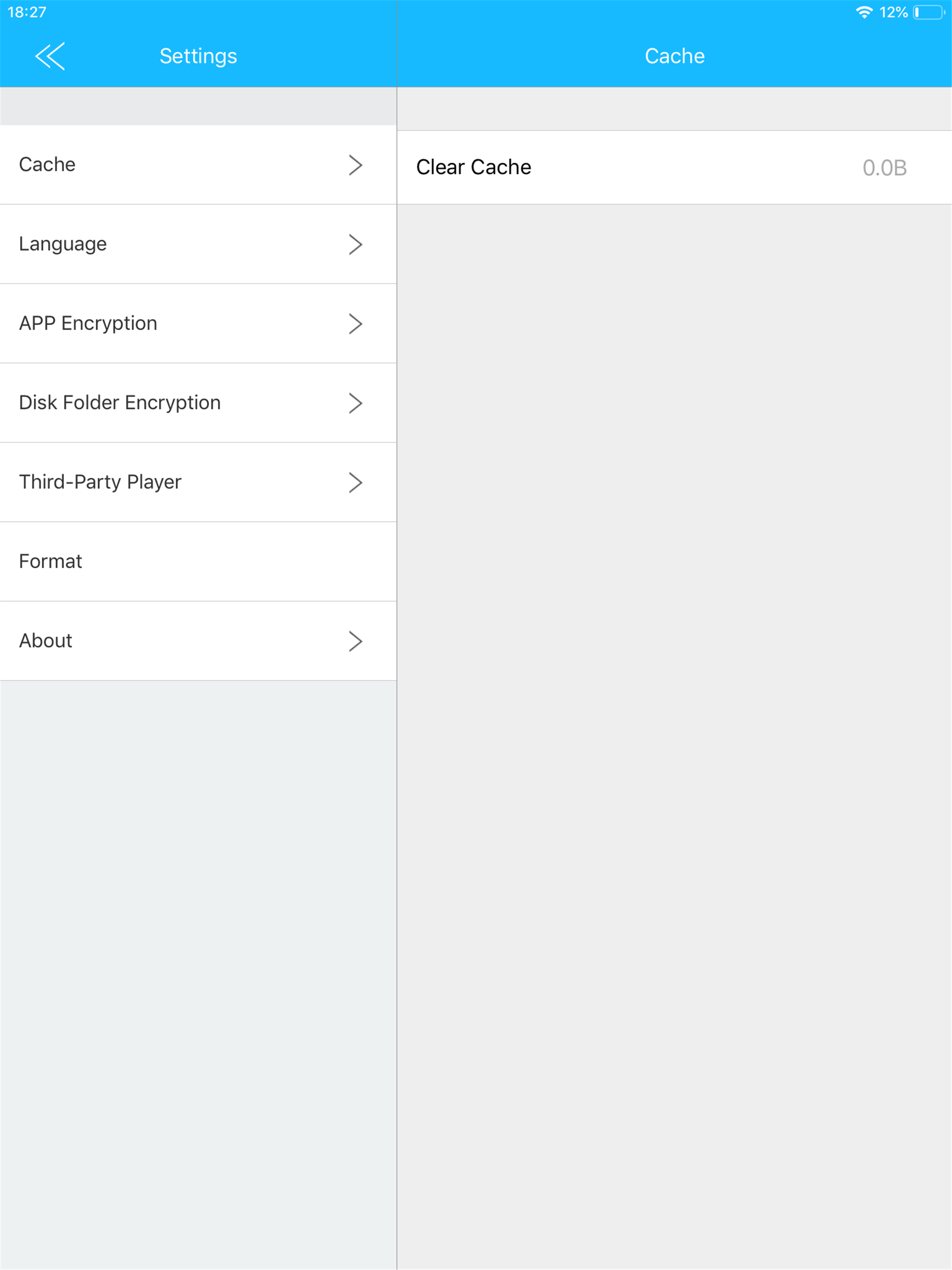
“Kdisk” is an application software for iStorage device. •The main interface displays Media thumbnails :video, photo, music • Supports l...