Check the acquisition promise
Read the store headline, screenshots and description. What problem is the app promising to solve?
Study the storefront ↗
振峰 皮 · iOS
Explore the ad evidence, study the storefront, and build your next acquisition hypothesis.
01 / Creative research
Read the store headline, screenshots and description. What problem is the app promising to solve?
Study the storefront ↗Explore apps with direct store-link matches. Compare their hooks and formats without assuming the same approach works here.
Browse observed advertisers ↗Store rankings and revenue estimates describe market context. They do not establish ad spend, conversions or ROAS.
Review the market context ↗02 / Storefront & product
Study the product story and store experience behind the acquisition funnel.
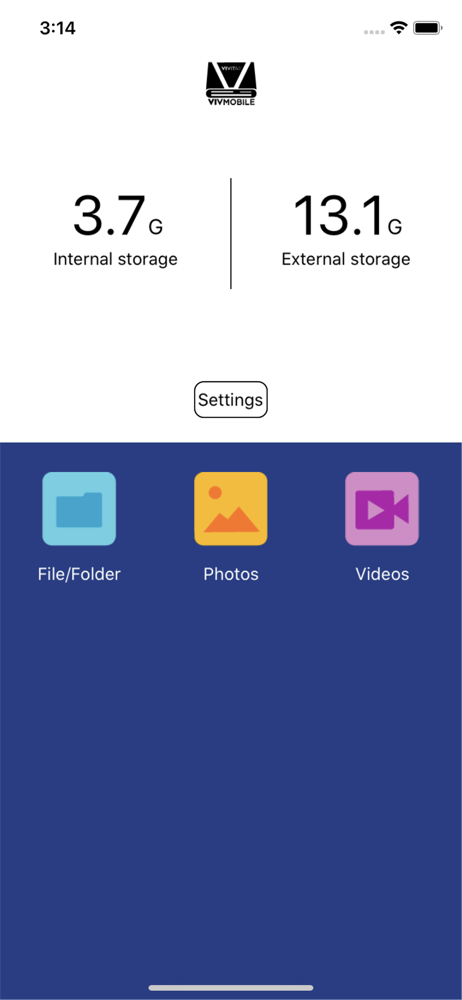

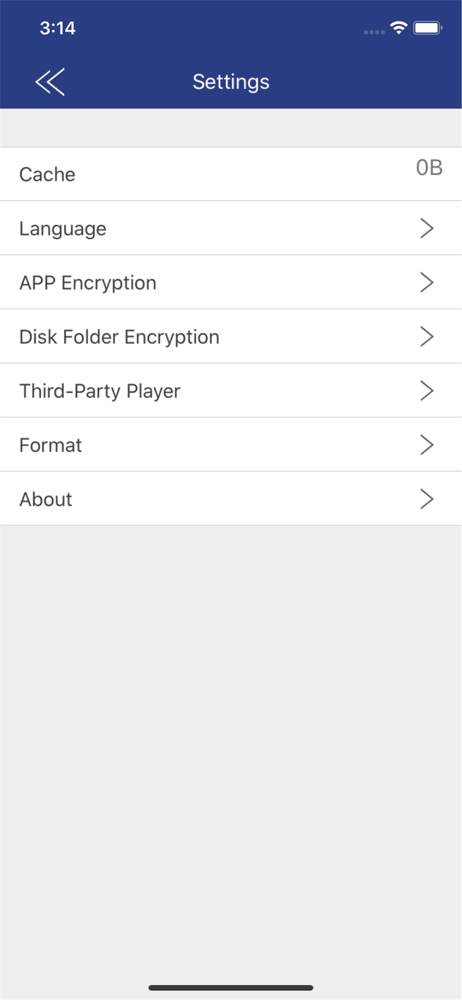

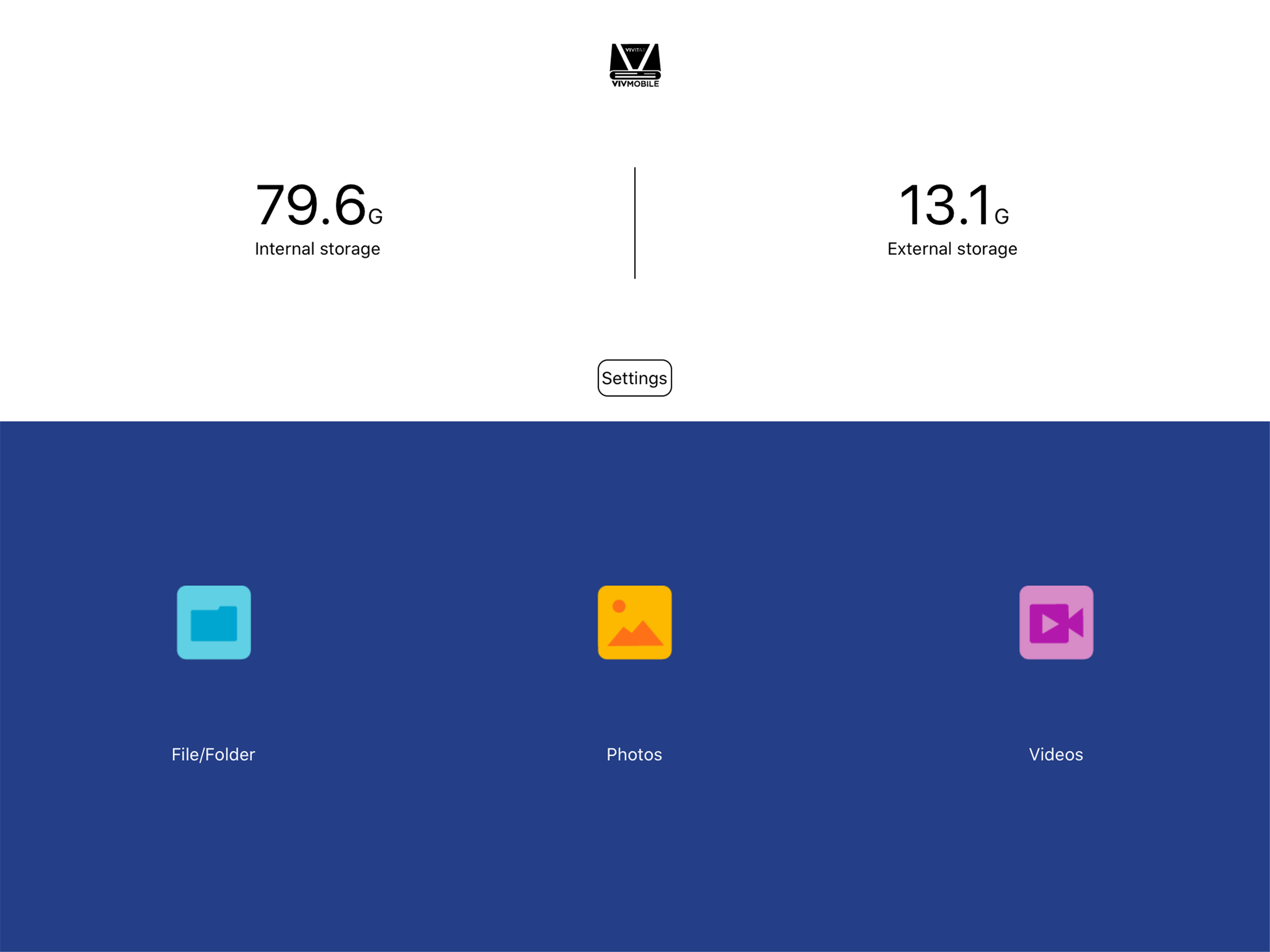
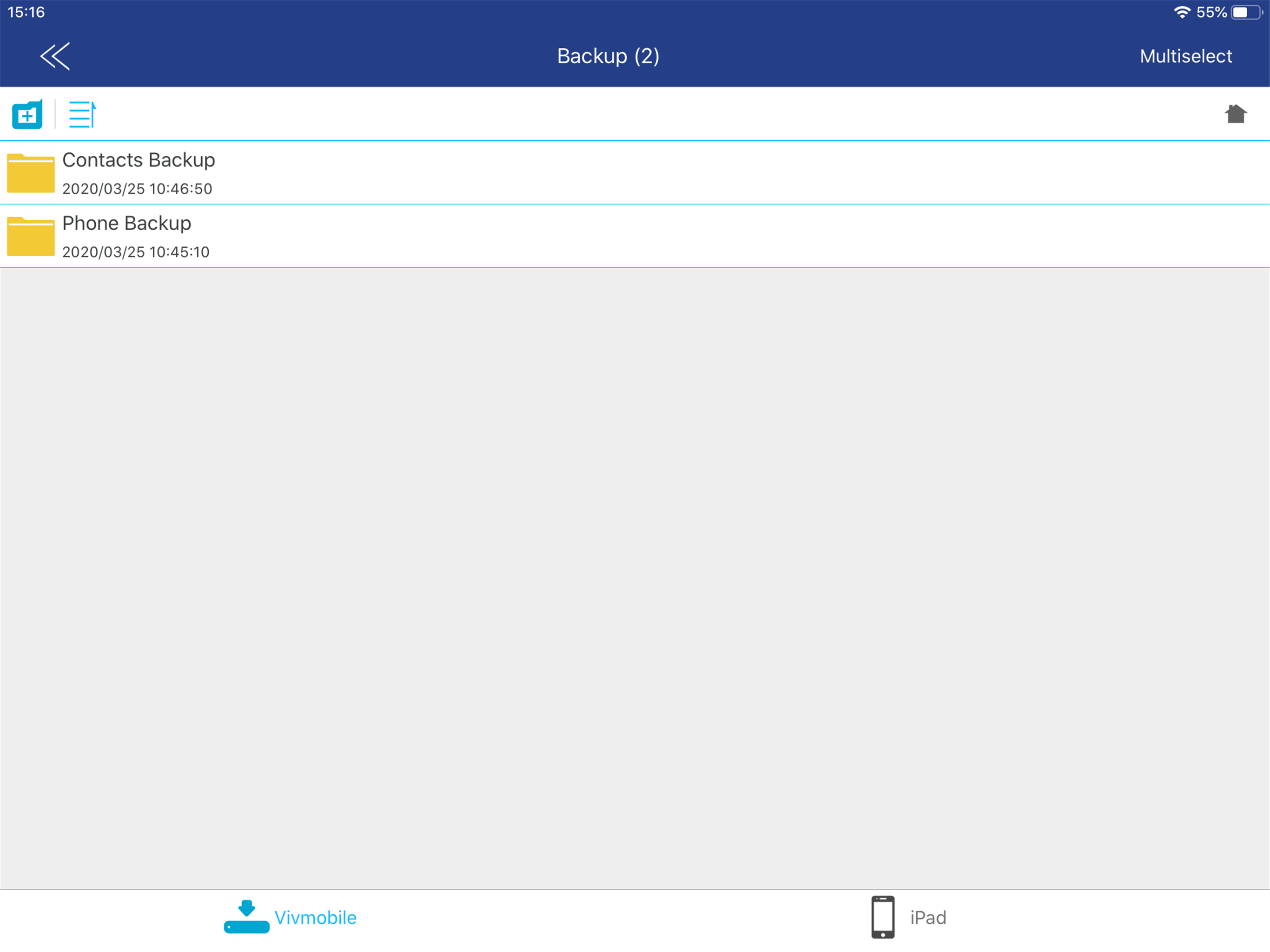


03 / Market context
Keep revenue, downloads and store rankings separate from advertising performance.
For me to write a review I must be furious because usually product failure does not bother me enough to make a rant online. However this app and this product is so awful that it enrages me that it’s even on the market and accessible for purchase. I have bought multiple Vivitar card readers that have broken without any damage by myself. They just gave out on me. The app itself has so many bugs it’s impossible to retrieve any content on it. This go around I can’t even see my pictures let alone download them. God forbid you want to download multiple at once, the app panics and shuts down like an eighty pound middle school quarterback with any sort of pressure. That last sentence probably took away any professionalism and legitimacy this review has from a prospective buyer’s eyes. However, what I am saying is spot on. If you can’t see it from my review I’m sure the other few hundred poor reviews will point you to a happier direction of spending your money elsewhere. Take care and save your money.
The app and device is ok overall… but it definitely needs improvement… if you select an image or whatever from ur camera roll, you have the option to send to ur reader,like you’d do if you were gonna send an image in a message… but yet you can’t… if you try. Selecting images and videos is tedious since you have to individually select each image… this app needs updated so that you can drag and select multiple images/videos/files at once… also with that being said, if you happen to set ur finger/stylus down too long on the screen while selecting images… you lose all of ur selections, and gotta start over this needs updated or improved as well… maybe by a prompt screen asking if you wanna cancel all ur selections… Please make these improvements. They’re definitely necessary in streamlining the app.
I bought this card reader after losing two other ones and assumed it’d work like any other: you plug it in, iOS sees it and allows you to import photos and you go on your merry way. Not so with the Vivitar! You have to install this extremely poorly-made app to even access the contents of your card. However, heaven help you if your photos are anything other than jpegs (i.e. raw files). The app won’t let you save any raw files to the camera roll, claiming that iOS only supports jpeg, png, and a couple video formats. The app doesn’t even let you preview the images. You CAN save the files to the “documents” section of the app (again, without previewing them), and you could theoretically save them to iOS’s files app from there, BUT, dear reader, Vivitar’s crack developers have disabled the “share” button if more than one photo is selected making you have to individually select each file and save it to iOS’s Files app. I would give this less than one star if I could. I’ll be returning the card reader and ordering something that works. A real bummer that it doesn’t just use the native iOS import functionality.
“Vivitar Mobile Reader” is an application software for Vivitar Mobile Reader device. •The main interface displays Media thumbnails :video, p...