
Check the acquisition promise
Read the store headline, screenshots and description. What problem is the app promising to solve?
Study the storefront ↗
Shenzhen H.D. Technology Co., Ltd. · iOS
Explore the ad evidence, study the storefront, and build your next acquisition hypothesis.
01 / Creative research
Read the store headline, screenshots and description. What problem is the app promising to solve?
Study the storefront ↗Explore apps with direct store-link matches. Compare their hooks and formats without assuming the same approach works here.
Browse observed advertisers ↗Store rankings and revenue estimates describe market context. They do not establish ad spend, conversions or ROAS.
Review the market context ↗02 / Storefront & product
Study the product story and store experience behind the acquisition funnel.


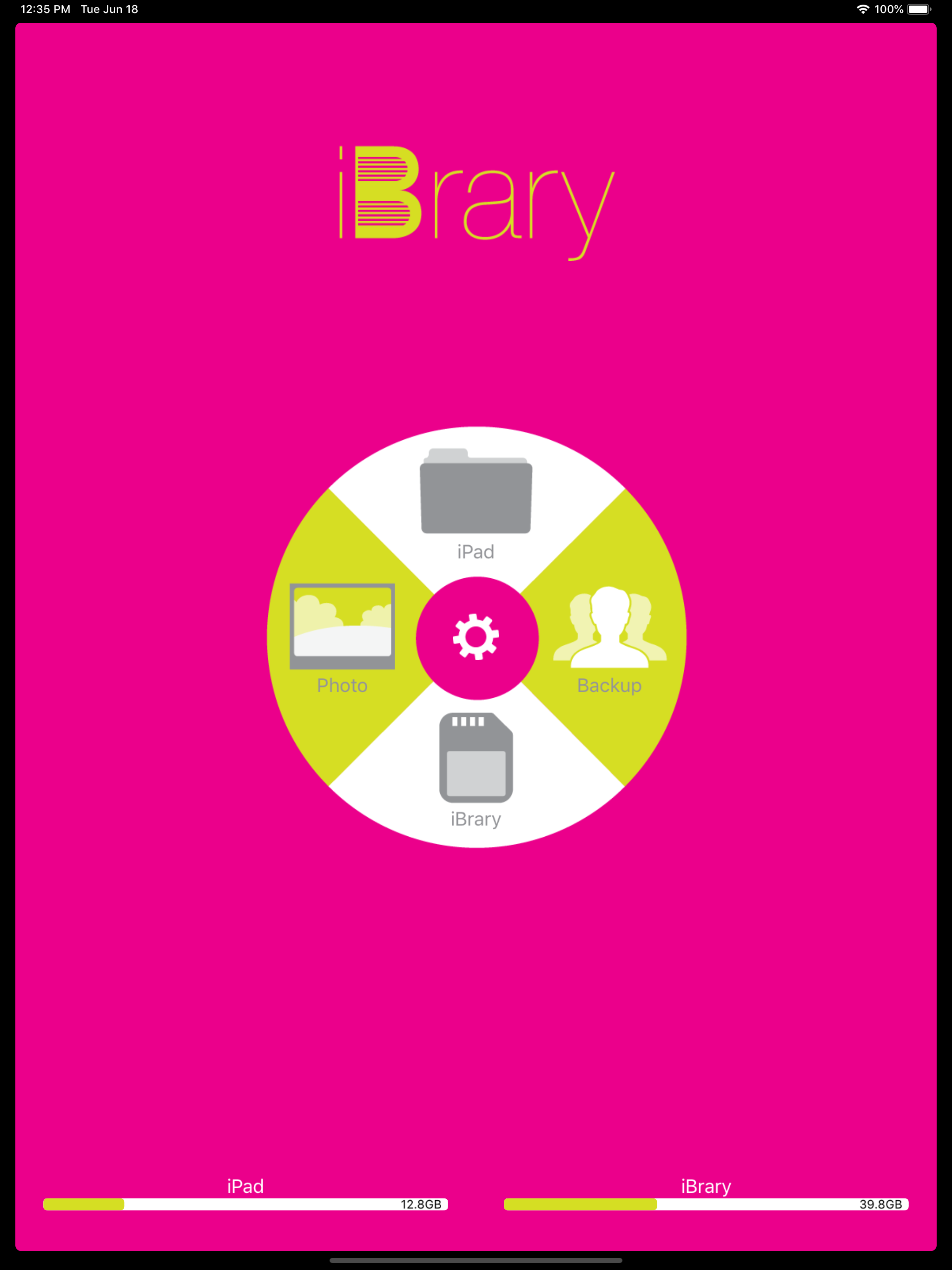
03 / Market context
Keep revenue, downloads and store rankings separate from advertising performance.
I bought this SD card reader today, 2nd December 2021, because my old one was broke or something and I didn’t remember where I got it from. So I found this little item that looked pretty neat, judging it could be used with all sorts of devices, and could view pictures off my SD cards, and then delete them, and transfer and stuff…wrong! I buy for $30 which might’ve been reasonable for for that actually worked properly! At first, when you read the instructions, it states that I can just turn my phone on, plug it in with an SD card in it, and it will pop up sayin to accept it and it’ll open the app for me to view the pictures. So I do, nothing ever comes up on the screen. I do it several times till make it work by opening my photos app on my iPhone first, then it pops up. So I click it. It opens the app. Then at first it acts like there is no SD card in it. And after a minute of fooling with it, it says I have one in there. So Vicki know on it. IT IS VERY LAGGY! Works very slowly, I’d say you have to wait a good 30 seconds before you can tell it to do something else for you…but anyways, I then locate the photos on the card, I open them to look at them, I figure out it doesn’t show you a preview or anything so in order to actually see what might be in the video, you have to manually click it, but once I did, it would play the first video just fine for me, but after that it would just decide it was done with playin videos and would freeze up, and sometimes if I waited long enough, it would kick me out of the app! Listen to me when I say this “SD card reader” is literally just a useless piece of plastic…and is no where near worth the money you pay for it to me!
I used this for a couple years now and this app just does not work correctly I bought new SDcards for my camera cuz I thought they went bad and a new card reader and still nothing. I read online about it having an update so I updated it and it worked for two day and it’s back to not being able to read all pictures and I can’t delete all pictures. I am very disappointed in this app can’t see my trail can pics
I came across this at a store since I do photography it would be a easy transfer method to my phone it only gets two stars for the fact it’s laggy at times and well it’s designed for basic jpeg transfer I can transfer my RAW files but you can’t see what your transferring so if I shoot a thousand images and only want 200 of the best I have to transfer them all then delete what I don’t want what a pain I suggest buying a different transfer device designed to work with all types of cameras and formats or just using a computer sdcard reader to transfer files
The iBrary is the ultimate solution for memory expansion on iOS device. It's provides two-way storage between iOS and MAC/PC without Wi-Fi, network...


