Check the acquisition promise
Read the store headline, screenshots and description. What problem is the app promising to solve?
Study the storefront ↗
Half Tab Inc. · iOS
Explore the ad evidence, study the storefront, and build your next acquisition hypothesis.
01 / Creative research
Read the store headline, screenshots and description. What problem is the app promising to solve?
Study the storefront ↗Explore apps with direct store-link matches. Compare their hooks and formats without assuming the same approach works here.
Browse observed advertisers ↗Store rankings and revenue estimates describe market context. They do not establish ad spend, conversions or ROAS.
Review the market context ↗02 / Storefront & product
Study the product story and store experience behind the acquisition funnel.

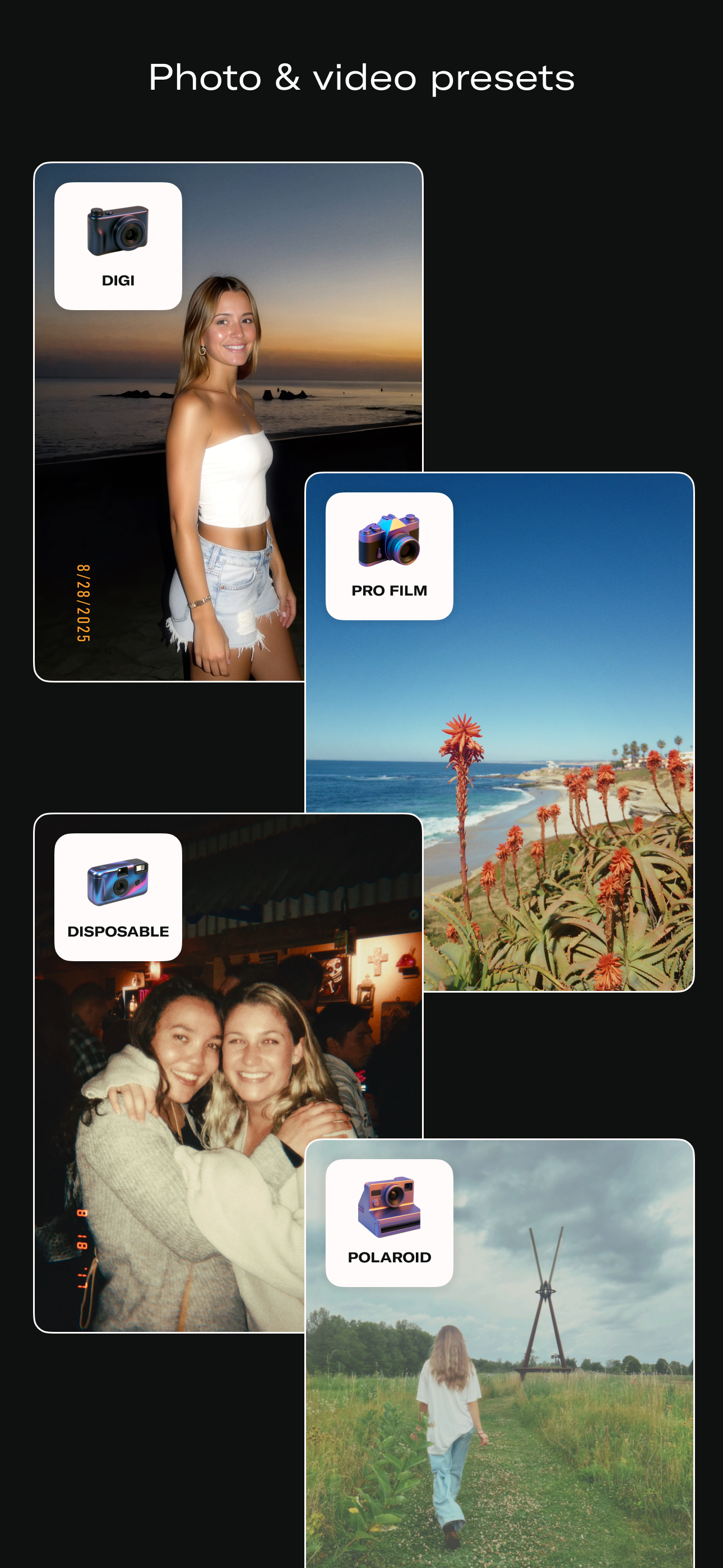


03 / Market context
Keep revenue, downloads and store rankings separate from advertising performance.
I use apple raw to take pics first, then I do the color grading on iphone album, then I let it go through this app, but I noticed that sometimes(not all the time) after the film look, it has color cut-offs, and I tried to make a PNG with PS first, then let the PNG go through this app, the color cut-offs were gone or less, but still not 100% fixed, I think the key to solve this problem is u need to let the whole raw depth go through this app, not just JPG or PNG, so the coding guys of this app need to update the next version - let this app access the whole raw depth no matter we do the color grading or not, no need to consider if the app takes more time to process the pic, we don’t care about waiting, we care about the quality of our pics
I guess I’ve become something of a Daze Cam power user. I’ve used the app to process many thousands of photos to prepare them for printing. Digital photos of almost any era look terrible in print in their original form. I use Daze to apply grain, saturation, and a little bit of blur which makes them much more pleasing to the eye, especially in printed for. For earlier, very low res digital photos I may apply a larger grain, a chroma effect, and more blue to mask the noise and artifacting (after I upscale such photos to 300dpi). This the best solution I’ve found for making low-res photos suitable for printing. For my purposes, it would be super helpful to have more bulk processing options. Clearly, I’m not using the app in the way that it was intended, but it would be super helpful to have folder organization, “select all” features, batch processing, etc. A desktop app for Mac or a Photoshop plugin would be amazing. Thanks to the devs!
I didnt know this app was paywalled; had no idea the develops were limited. I think it makes sense however, since the app has no ads. I ended up paying for the unlimited develops, as i really liked the style of edits that i can make with my photos. For just about 6 dollars, it gets the job done of adding film effect to your photos but it is in no way a full photo edittor, just a film effect customizer. I am reviewing 4 stars because I wish the undeveloped section of the app was.. well, more developed. A navigator for different albums like recents/favorites/other albums would be useful. Seems like this app isnt new though, as the last bug fix was 2 years ago. As film effect in photos is trending right now, i hope there is more to come with this app and isnt a forgotten project, because i do think it has a ton of potential.
DAZE CAM is a camera and editor that gives you the power to create images & videos that look indistinguishable from those taken with real vintage digi...
| Name | Price | Type |
|---|---|---|
| Premium (Monthly) | $3.99 | Monthly |
| Premium Monthly | $3.99 | Monthly |
| Premium | $5.99 | One-time |
| Premium Monthly | $5.99 | Monthly |
| Premium Yearly | $19.99 | Yearly |
| Premium (Annual) | $19.99 | Yearly |
| Premium Yearly | $34.99 | Yearly |