
Check the acquisition promise
Read the store headline, screenshots and description. What problem is the app promising to solve?
Study the storefront ↗
Karbon Inc · iOS
Explore the ad evidence, study the storefront, and build your next acquisition hypothesis.
01 / Creative research
Read the store headline, screenshots and description. What problem is the app promising to solve?
Study the storefront ↗Explore apps with direct store-link matches. Compare their hooks and formats without assuming the same approach works here.
Browse observed advertisers ↗Store rankings and revenue estimates describe market context. They do not establish ad spend, conversions or ROAS.
Review the market context ↗02 / Storefront & product
Study the product story and store experience behind the acquisition funnel.


03 / Market context
Keep revenue, downloads and store rankings separate from advertising performance.
The app doesn’t have any features except triage. You can’t view your contacts, check on work statuses, or view your week. I’m deleting this app. It’s easier for me to just go to the website on my phone to view everything. It’s not mobile friendly, but you can see all of the features on the website.
I don’t understand how I can continuously get notifications when I get emails, but when I click on the notification to view the email, it takes me to the login screen every single time! Even if I JUST logged in that day (didn’t close the app or anything). Why can’t it keep me logged in?! This is the most frustrating app. The login process isn’t easy either, it takes several steps to login. Also, the app acts like it was just downloaded each time you open it because it gives you tutorials. Do better, Karbon.
A lot of the cases I click on from the app just bring up a blank screen. I eventually have to force close the app. Happens especially in the Mentions drop down.
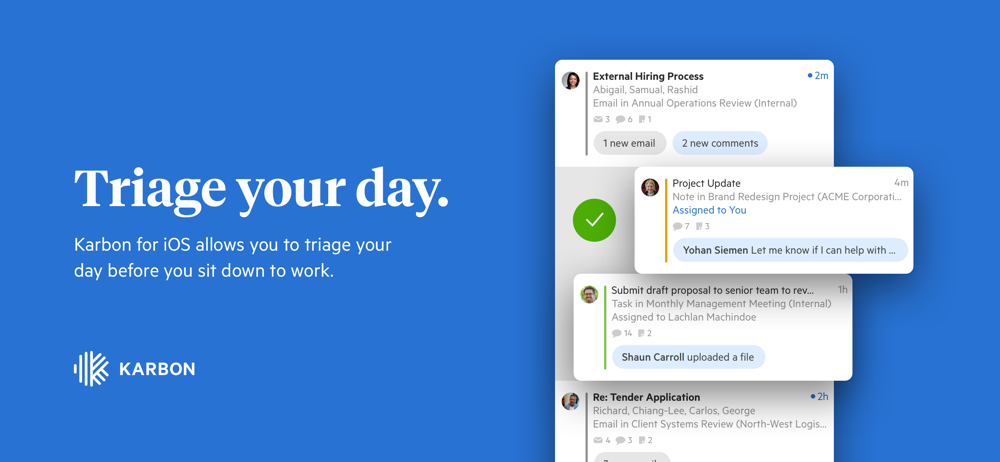
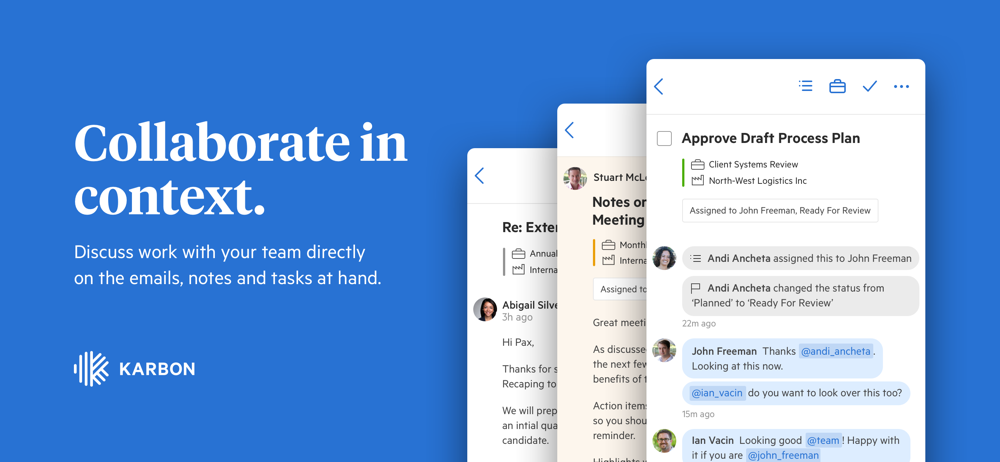
Karbon for iOS allows you to triage your day before you sit down to work. Capabilities include: - Discuss work with your team directly on the emails,...


